Why Fourth-Graders Need Creative Tech Guidance
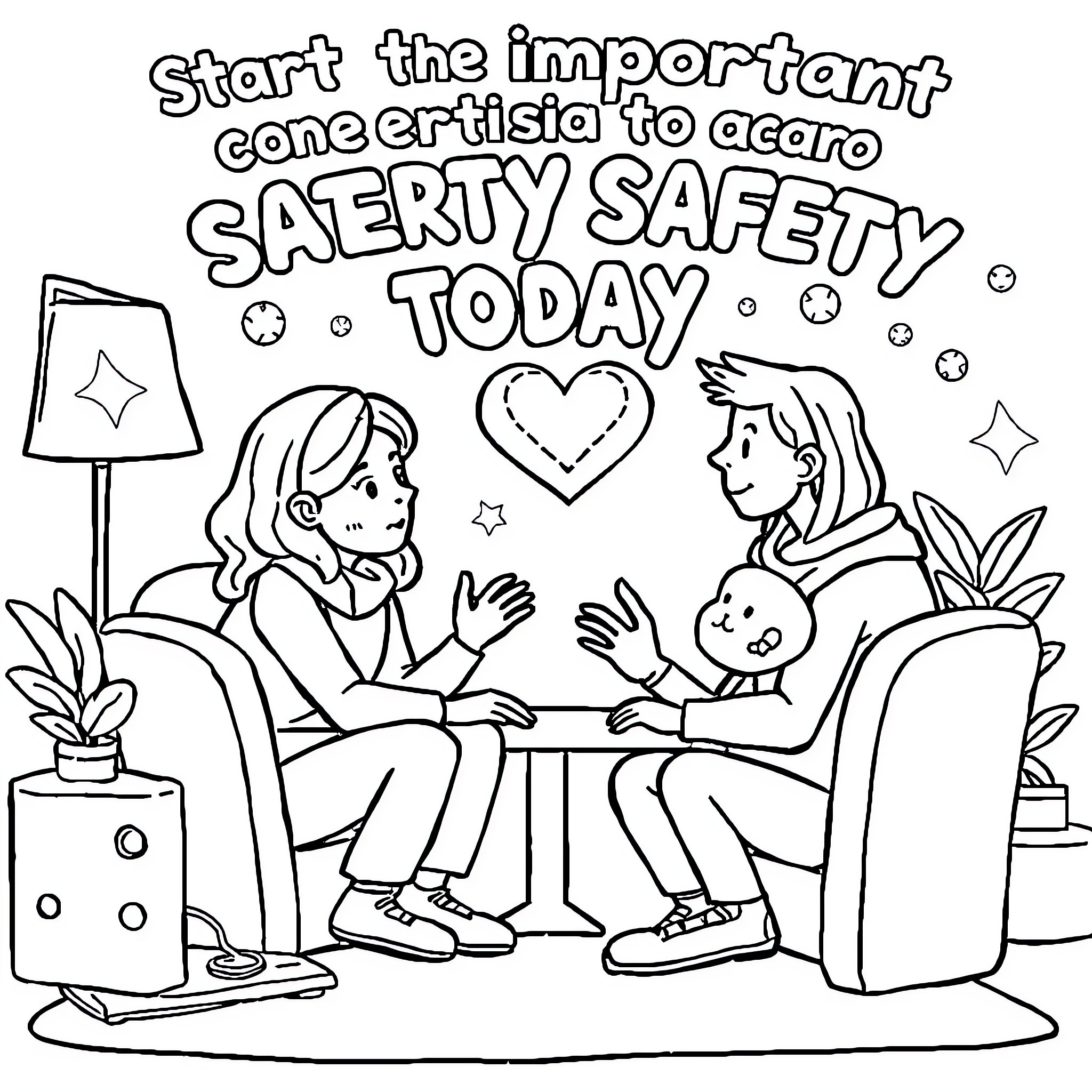
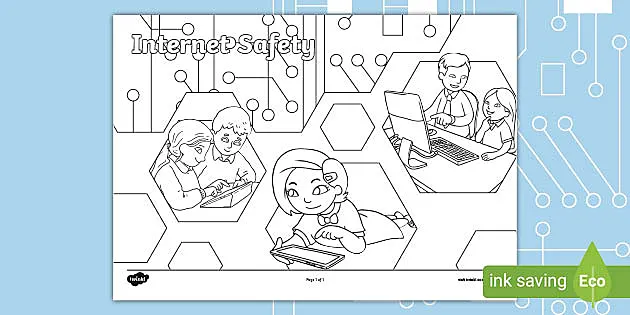
At nine and ten years old, fourth-grade students are navigating a pivotal transition in how they use technology. Between school-issued Chromebooks, multiplayer video games, and family tablets, children at this age encounter digital choices daily. Organizations like ConnectSafely and the Cybersecurity and Infrastructure Security Agency emphasize that early education must be engaging, non-punitive, and easy to digest. Integrating an online safety coloring page grade 4 activity into your routine bridges the gap between abstract internet rules and tangible concepts. By pairing creative coloring sessions with guided discussions about privacy and passwords, educators and parents can help students anchor positive digital citizenship habits early. Related guide: Two Factor Authentication Coloring Page Kids.
💡 Activity Key Takeaways:
- Core Focus: Printable Online Safety Coloring Page Grade 4 designed for creative expression and fine-motor coordination.
- Target Scope: Ideal for toddlers, preschool, kindergarten, and classroom art activities.
- Best Recommendation: Use standard heavy printer paper (24–28 lb) or cardstock for vibrant results with crayons, colored pencils, or washable markers.
Recognizing Risk Signals and Building Preventive Guardrails
Fourth graders often explore new chat rooms, games, and browsing platforms without fully understanding the permanence of digital footprints or the risks of sharing personal details. Adults must look out for behavioral cues—such as a child quickly closing browser tabs when someone walks by—alongside ensuring technical safety filters are robust. Aligning home and school environments keeps kids safe from inappropriate content and predatory interactions.
| Setting / Context | Common Vulnerability | Practical Safeguard |
|---|---|---|
| Home Devices | Unsupervised browsing and accidental in-app purchases on tablets. | Enable strict app store password prompts and review kids’ media alongside Online and Digital Safety strategies. |
| School Chromebooks | Bypassing web filters or sharing login credentials with classmates. | Reinforce strong password habits and verify that school district filtering tools are active. |
| Social and Chat Habits | Sharing real names, schools, or hometowns in multiplayer game lobbies. | Teach children to use anonymous usernames and practice what to do when strangers message them. |
Establishing Daily Digital Rules and Creative Habits
Effective digital citizenship is built on consistent, calm communication rather than fear-based lectures. Schools and families can work together by introducing structured activities from our Coloring Pages collection during homeroom or quiet afternoon hours. Use these coloring sessions to discuss what makes a secure password or why personal details should never be posted online. Additionally, establish physical boundaries by setting up a centralized family charging station in a common living area, keeping screens out of bedrooms overnight to promote healthy sleep and safe nighttime browsing habits.
Overcoming Pushback and Managing Workarounds
Children in fourth grade are becoming increasingly tech-savvy, and overly restrictive technical filters can sometimes drive them to seek out workarounds, such as using proxy sites or deleting browser history. Instead of relying solely on heavy-handed blocks, adults should focus on digital literacy and open dialogue. If a child attempts to bypass a filter, use it as a teachable moment rather than an immediate punishment. Pair technical safeguards with printable Worksheets that prompt students to think critically about online kindness, cyberbullying, and who to trust in digital spaces.
Common Questions from Parents and Educators
How do I introduce internet safety concepts to a nine-year-old without causing anxiety?
Keep conversations light, positive, and focused on empowerment rather than danger. Using creative exercises allows children to process rules visually and naturally ask questions at their own pace.
Are coloring pages effective for fourth graders or are they too young?
While fourth graders are growing up fast, creative visual activities still provide an effective tactile break from screens. Detailed safety-themed illustrations help reinforce core concepts through active participation and discussion.
What is the best way to handle a situation where a student encounters inappropriate content?
Reassure the child immediately that they are not in trouble for stumbling upon something unexpected. Teach them to close the lid, turn off the screen, and report the incident to a trusted adult right away.
Explore More Digital Citizenship Resources
Helping children navigate the digital world safely requires ongoing collaboration between home and school. Discover more practical advice, downloadable guides, and safety strategies by visiting SafeWiredSchools.org to support your students every step of the way.
Printable Coloring Page Previews