Why Creative Offline Tools Help Prevent Online Harassment
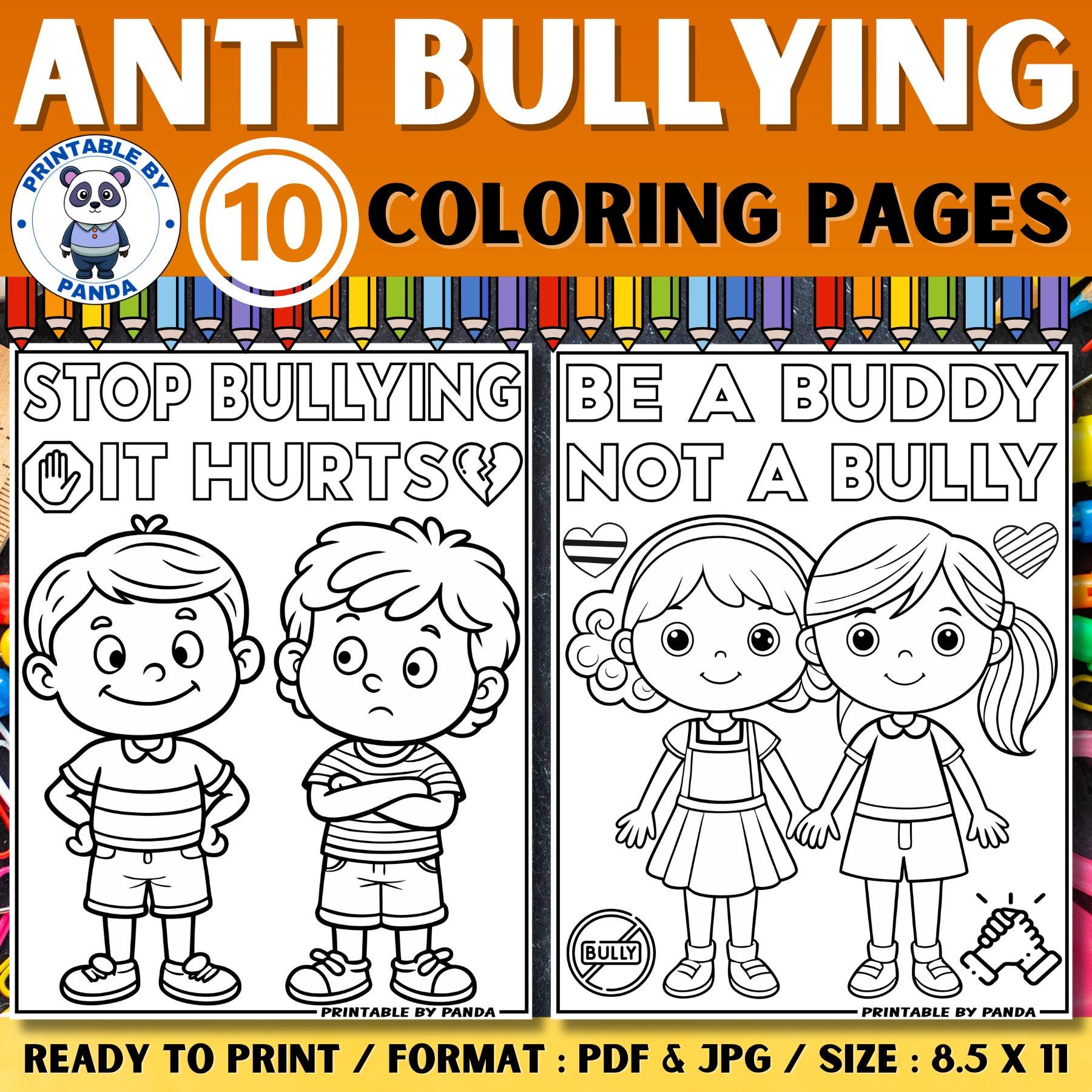
When teaching young children about online interactions, traditional lectures often fall flat. Educators and parents frequently look for engaging ways to introduce complex digital concepts without overwhelming developing minds. Utilizing a cyberbullying coloring activity for students provides a tactile, non-threatening entry point into crucial discussions about empathy, digital citizenship, and safe online behavior. Aligned with guidance from organizations like ConnectSafely and the Family Online Safety Institute, blending creative arts with digital literacy helps elementary and middle school students process feelings of inclusion and exclusion before they encounter harmful situations on screens. Related guide: Safe Websites Meaning For Kids.
💡 Activity Key Takeaways:
- Core Focus: Printable Cyberbullying Coloring Activity For Students designed for creative expression and fine-motor coordination.
- Target Scope: Ideal for toddlers, preschool, kindergarten, and classroom art activities.
- Best Recommendation: Use standard heavy printer paper (24–28 lb) or cardstock for vibrant results with crayons, colored pencils, or washable markers.
Technical Risk Signals and Classroom Safety Guardrails
While creative activities build emotional intelligence, adults must still maintain proper technical boundaries across home and school devices. Understanding where risks occur helps educators and parents apply the right level of supervision without invading student privacy unnecessarily. The breakdown below highlights common vulnerabilities across different environments and outlines the corresponding safeguards recommended by safety standards.
| Setting / Context | Common Vulnerability | Practical Safeguard |
|---|---|---|
| Home Mobile Devices | Unmonitored evening messaging apps and hidden photo-sharing folders. | Establish centralized family charging stations outside bedrooms and enable age-appropriate parental controls. |
| School Chromebooks | Unfiltered peer-to-peer chat windows hidden inside document-sharing tools. | Collaborate with IT teams to restrict chat functions and audit extensions via Internet and Digital Safety guidelines. |
| Gaming Platforms | In-game text boxes and voice chat features used by anonymous third parties. | Turn off voice chat completely for younger children and encourage cooperative play exclusively with verified school friends. |
Establishing Daily Digital Habits and Calm Communication Routines
Effective child online safety relies on consistent, predictable routines rather than reactive panic. When introducing resources like a cyberbullying coloring activity for students, teachers and parents should pair the art project with guided conversations. Ask open-ended questions while coloring, such as how a specific character might feel if left out of a digital group chat. Pair these creative lessons with practical routines at home, such as reviewing Online and Digital Safety steps together. Ensure children know that if they experience cyberbullying, reporting it to an adult will never result in losing their device access as a punishment. This openness encourages kids to speak up early before minor peer conflicts escalate into severe online harassment.
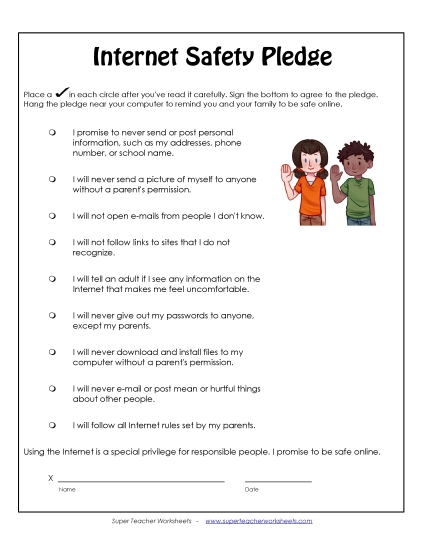
Children are remarkably resourceful when it comes to bypassing digital rules, whether through hidden browser tabs, secondary accounts, or deleted message histories. Overly aggressive bans or snooping through private chats without warning often backfire, driving kids to hide their online behavior entirely. Instead of total device prohibition, combine technical content filters with transparent check-ins. If a student tries to work around school or home filtering tools, use the moment to discuss why those guardrails exist. Integrating interactive tools, such as printable exercises found in Worksheets collections, helps reinforce accountability by allowing students to problem-solve realistic digital scenarios collaboratively.
Frequently Asked Questions for Parents and Educators
What age group benefits most from a cyberbullying coloring activity for students?
Children in kindergarten through fourth grade benefit immensely because coloring engages fine motor skills while helping them process abstract social concepts like kindness and exclusion.
How can teachers incorporate creative safety lessons into a tight academic schedule?
Educators can seamlessly blend these creative exercises into morning meeting sessions, art class modules, or dedicated digital citizenship weeks without taking time away from core subjects.
What should I do if a child discloses an active cyberbullying incident during a coloring session?
Stay calm, validate their feelings immediately, save digital evidence by taking screenshots, and follow your school or organization’s formal reporting protocol right away.
Explore More Digital Citizenship Resources
Building a safer digital culture for children requires continuous education, collaboration between home and school, and practical tools tailored to every grade level. Discover more expert guides, lesson plans, and safety frameworks by visiting SafeWiredSchools.org.
Printable Coloring Page Previews