Introduction
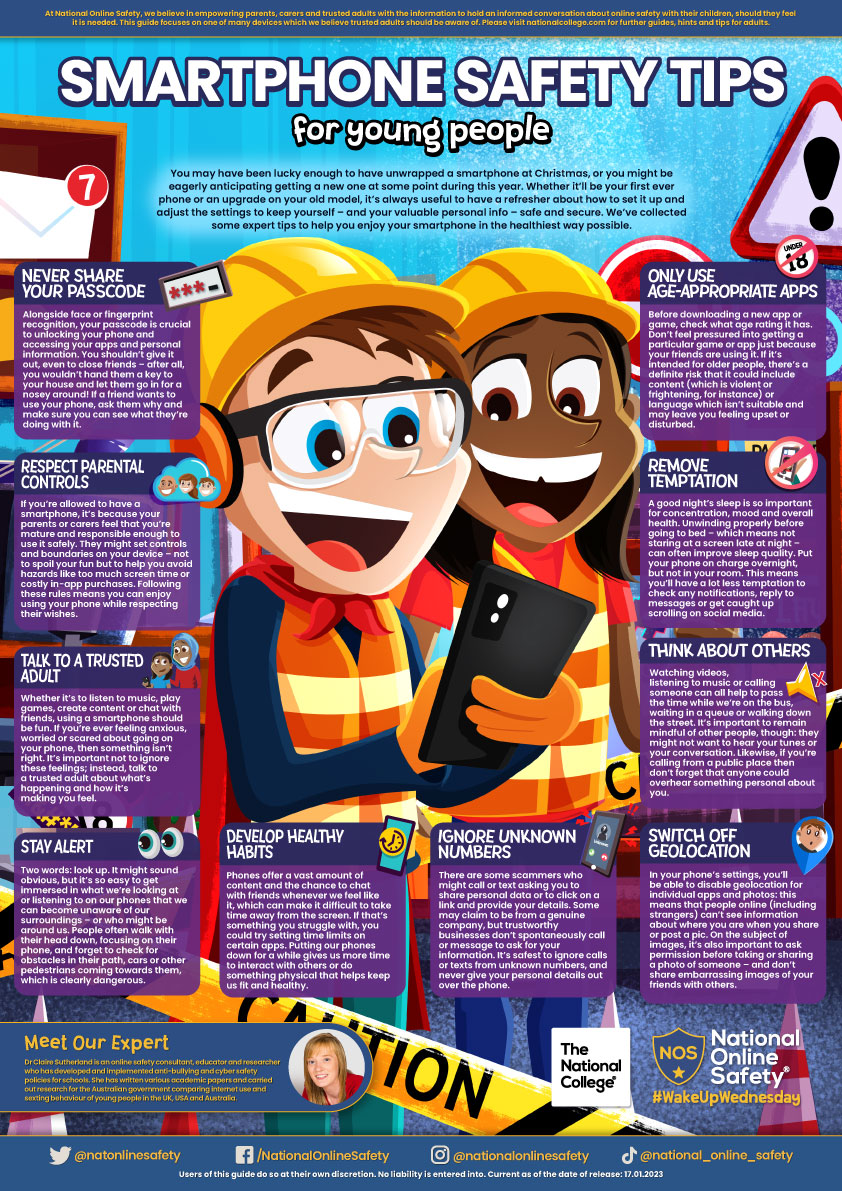
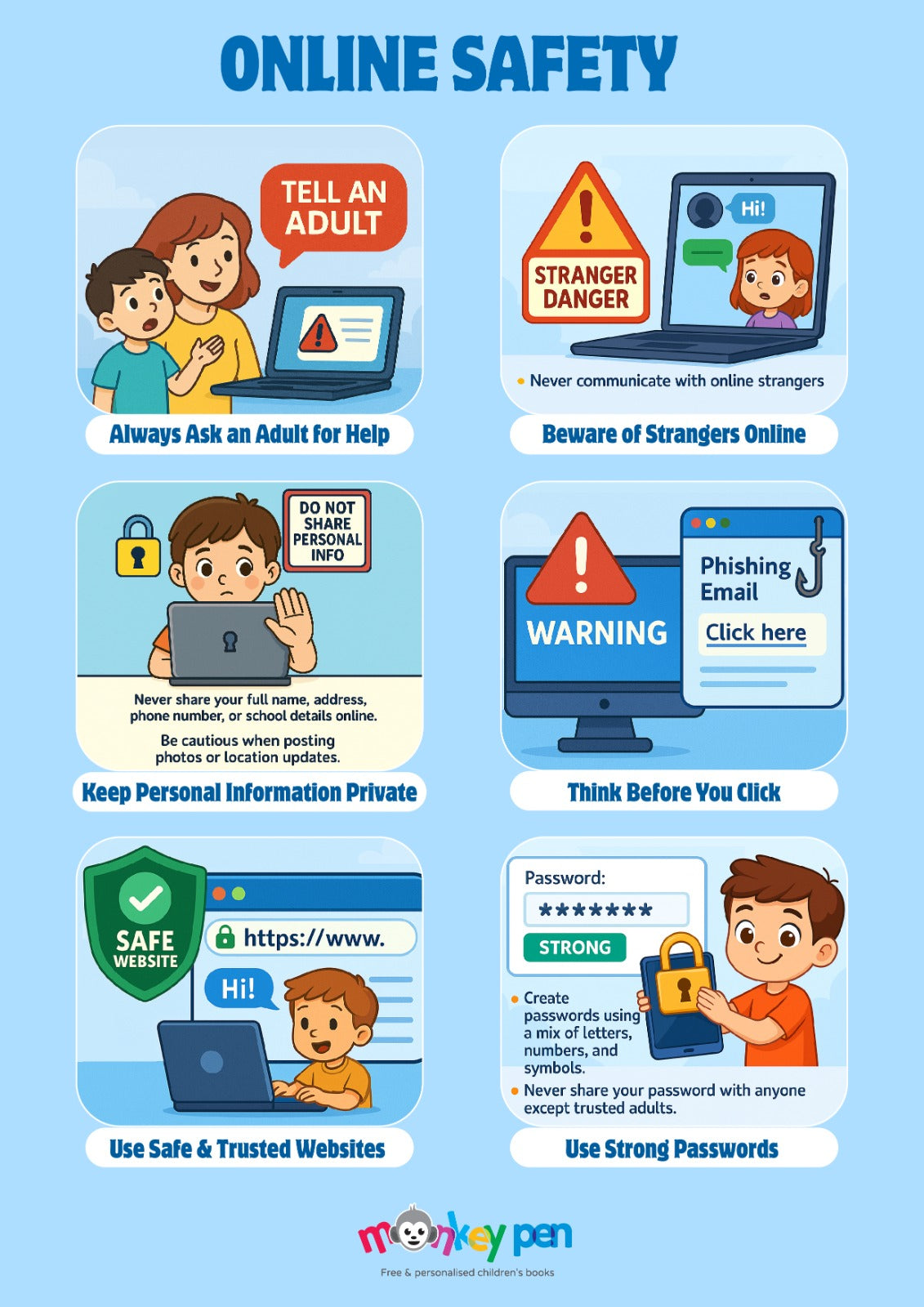
Direct instruction on what to say to 4th grade students about phone safety establishes foundational digital citizenship before independent device ownership escalates. According to ConnectSafely, children benefit immensely when adults provide clear, non-punitive guidance regarding online communication, privacy boundaries, and screen time management. Educators, parents, and school administrators must collaborate to deliver consistent messages that transform abstract security concepts into concrete, everyday habits for nine-year-old learners navigating digital environments. Exploring structured educational modules available through resources focused on Internet and Digital Safety assists adults in structuring these critical age-appropriate conversations effectively.
Digital Safety Snapshot:
- Core Focus: Direct instruction on what to say to 4th grade students about phone safety regarding privacy, messaging, and balance.
- Target Scope: Fourth-grade classrooms, home environments, and school-wide device management policies.
- Key Recommendation: Establish open-communication rules where children immediately report uncomfortable digital encounters without fear of losing device access.
Core Principles and Detailed Overview
Comprehensive digital safety education for nine-year-olds requires breaking complex technological risks down into manageable ethical principles. Direct conversations must cover permanent digital footprints, the difference between public and private communication channels, and the recognition of cyberbullying warning signs. Fourth-grade students absorb information best when adults utilize concrete analogies, such as treating online messages like permanent ink written on school bulletin boards. Utilizing engaging tools such as printable Worksheets reinforces these vital digital citizenship lessons in both classroom settings and home environments.
Key Specifications and Breakdown
| Safety Pillar | Digital Risk Factor | Actionable Protective Habit |
|---|---|---|
| Digital Footprint | Permanent storage of inappropriate photos or text | Pause and think before posting any content online. |
| Cyberbullying | Hurtful exclusion or mean messages in group chats | Screenshot the evidence and report incidents to a trusted adult. |
| Device Hygiene | Excessive screen time and unsafe app downloads | Store devices in common areas and ask permission before installing apps. |
Open communication remains the single most effective deterrent against online harm, ensuring children seek adult intervention when encountering inappropriate digital content. — ConnectSafely Research
Step-by-Step Practical Application and Guidelines
Effective communication sessions with nine-year-old students begin by setting clear boundaries regarding device usage inside educational and residential facilities. Adults should explain that whatever enters the internet stays indefinitely, making careful message selection an essential daily practice. Establishing device-free zones during meals and bedtime promotes healthy psychological separation from constant notifications. Educators can further support this foundational learning by incorporating creative exercises like Coloring Pages that visually reinforce balanced screen habits and responsible device ownership.
Common Challenges and How to Avoid Them
Children frequently hide digital mistakes out of fear that adults will confiscate their devices permanently. To prevent this defensive secrecy, authorities must frame rule violations as learning opportunities rather than immediate grounds for punitive measures. Another common obstacle involves peer pressure regarding messaging apps; adults must empower fourth graders with specific phrases to exit uncomfortable group chats safely. Maintaining transparent dialogue ensures that minor online missteps do not escalate into severe safety hazards or undetected cyber harassment.
💬 Frequently Asked Questions
Explore More Kids Safety and Digital Citizenship Guides on SafeWiredSchools
Empowering elementary students with robust digital literacy requires ongoing access to authoritative pedagogical resources and structured safety frameworks. School administrators, educators, and families can discover extensive strategies, safety lesson plans, and protective guidelines by visiting the complete hub at Safe Wired Schools.
Visual Reference Gallery