Introduction
The digital landscape requires robust educational tools to guide young learners toward safe and responsible online behaviors. The “weekly screen time checklist printable free” resource offers a foundational approach to digital well-being, particularly relevant for Elementary grades 3-5 and extending effectively into Middle School grades 6-8. This hands-on worksheet reinforces critical internet safety concepts by engaging children in self-monitoring and reflection regarding their digital habits. Printable educational materials are widely trusted by educators and parents for their tangible nature and direct applicability. They serve as reliable instruments for building essential digital awareness and fostering responsible online conduct, providing a concrete framework for abstract concepts in digital citizenship.
💡 Educational Key Takeaways:
- Core Skill: Structured Weekly Screen Time Checklist Printable Free focused on developing pencil grip, stroke control, and early literacy/math confidence.
- Target Scope: Suited for homeschoolers, preschool, kindergarten, and elementary learners.
- Best Recommendation: Practice 10–15 minutes daily with ergonomic writing tools to reinforce muscle memory without hand fatigue.
What This Worksheet Covers
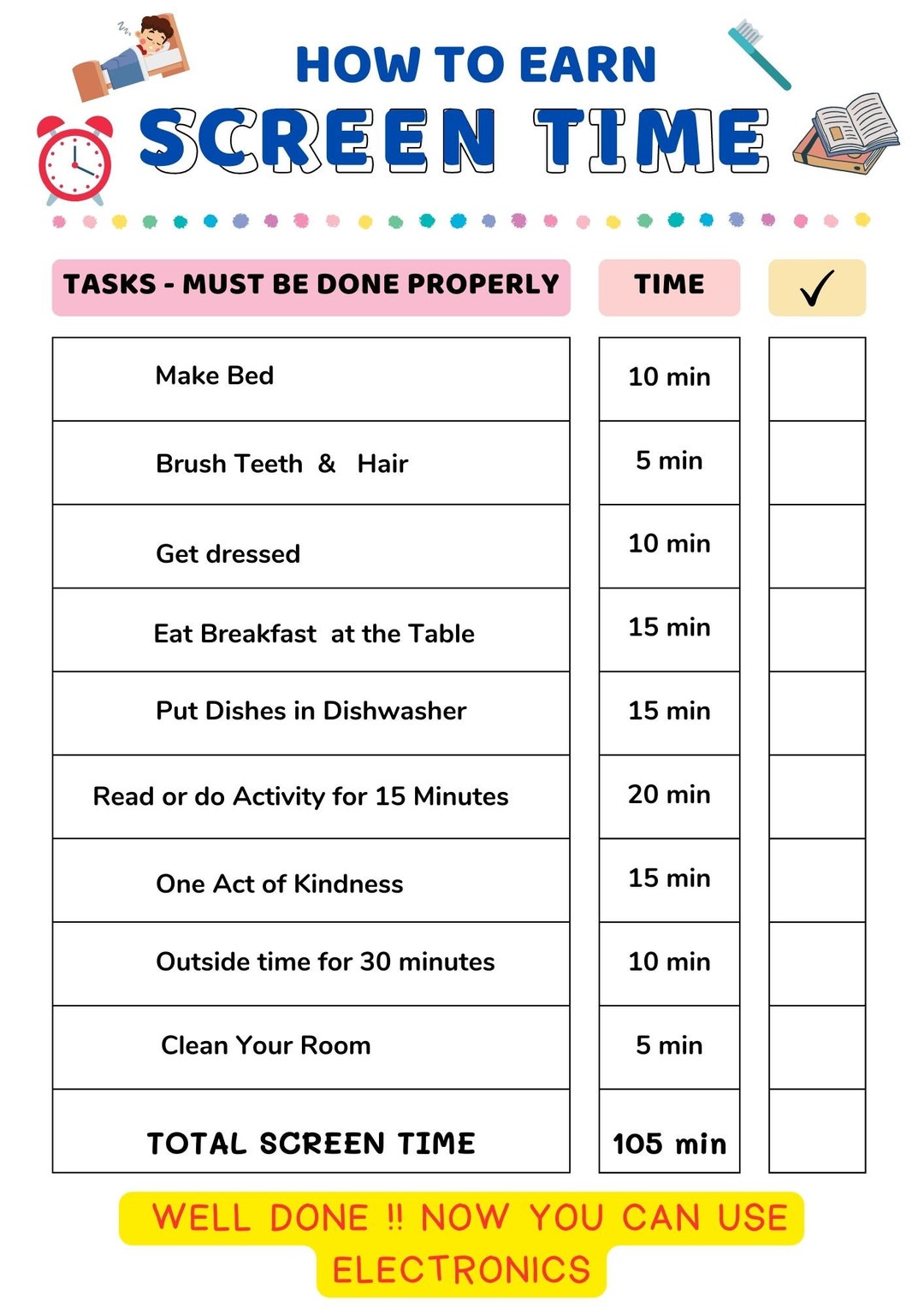
This essential “weekly screen time checklist printable free” resource specifically addresses the vital topic of responsible screen time management and the cultivation of balanced digital habits. The worksheet guides users through concepts such as self-regulation, time allocation, and mindful content selection. It encourages the identification of appropriate digital usage patterns and emphasizes the importance of balancing online activities with essential offline engagement. The content directly aligns with recognized digital citizenship standards, particularly those focusing on media literacy, digital well-being, and personal responsibility in the online environment. Its structure facilitates a practical understanding of how daily choices impact overall digital health.
Key Learning Outcomes
Completion of the “weekly screen time checklist printable free” yields several significant developmental and educational benefits:
- Development of self-awareness regarding individual screen usage patterns and habits.
- Cultivation of consistent habits that promote a healthy balance between digital and offline activities.
- Strengthening of decision-making skills related to appropriate and beneficial content selection.
- Improvement in communication about screen time expectations and boundaries within family units.
- Fostering of a proactive sense of responsibility for one’s personal digital well-being.
How to Use This Worksheet
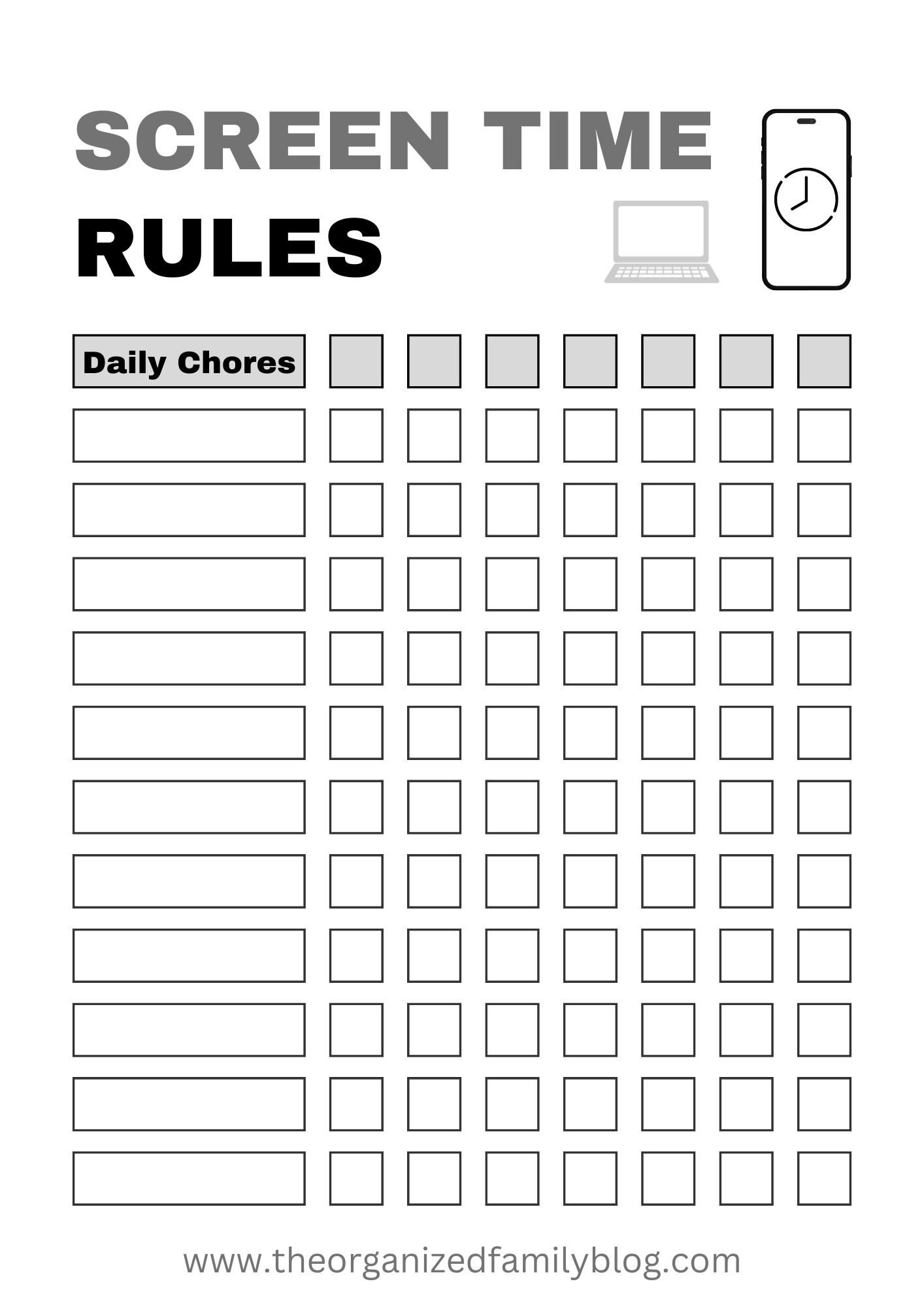
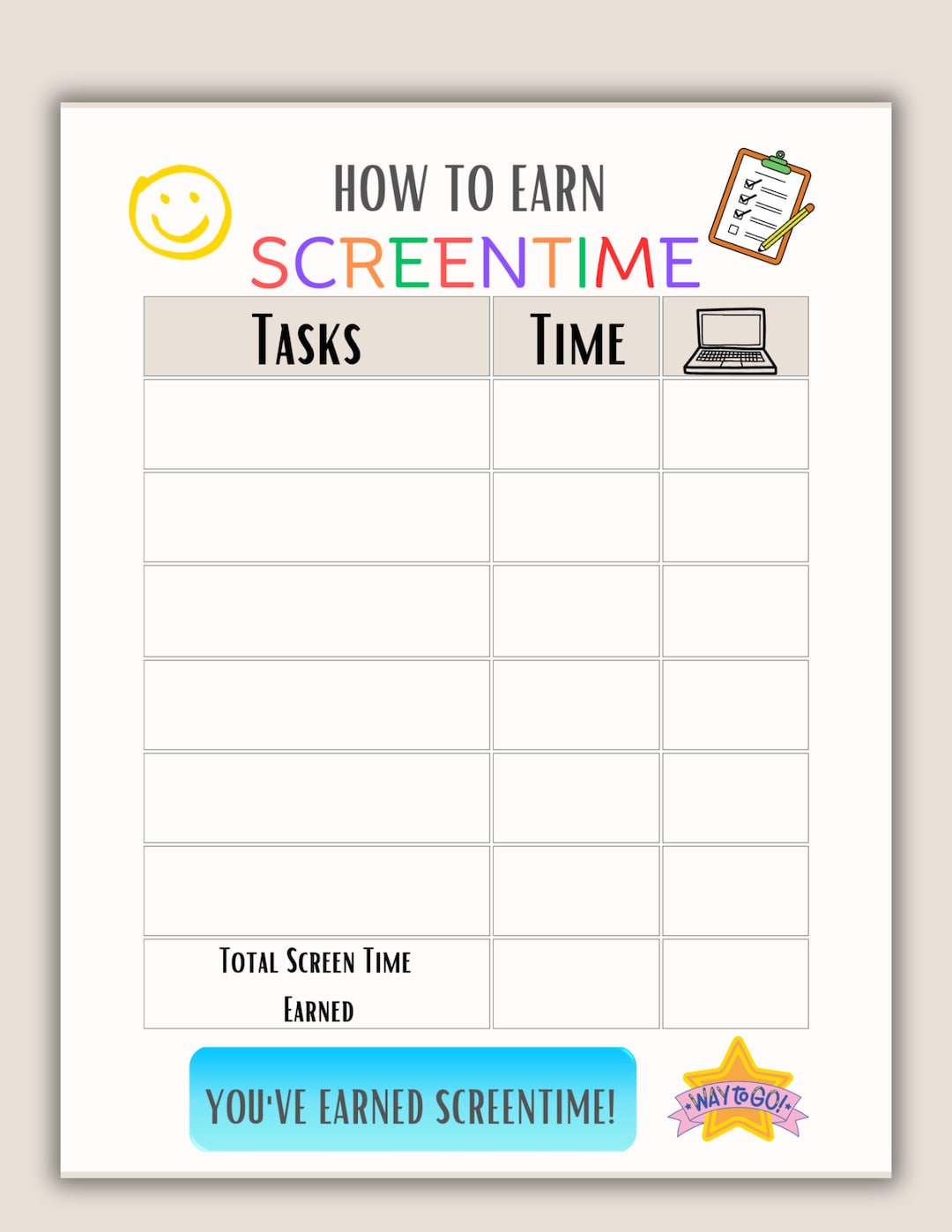
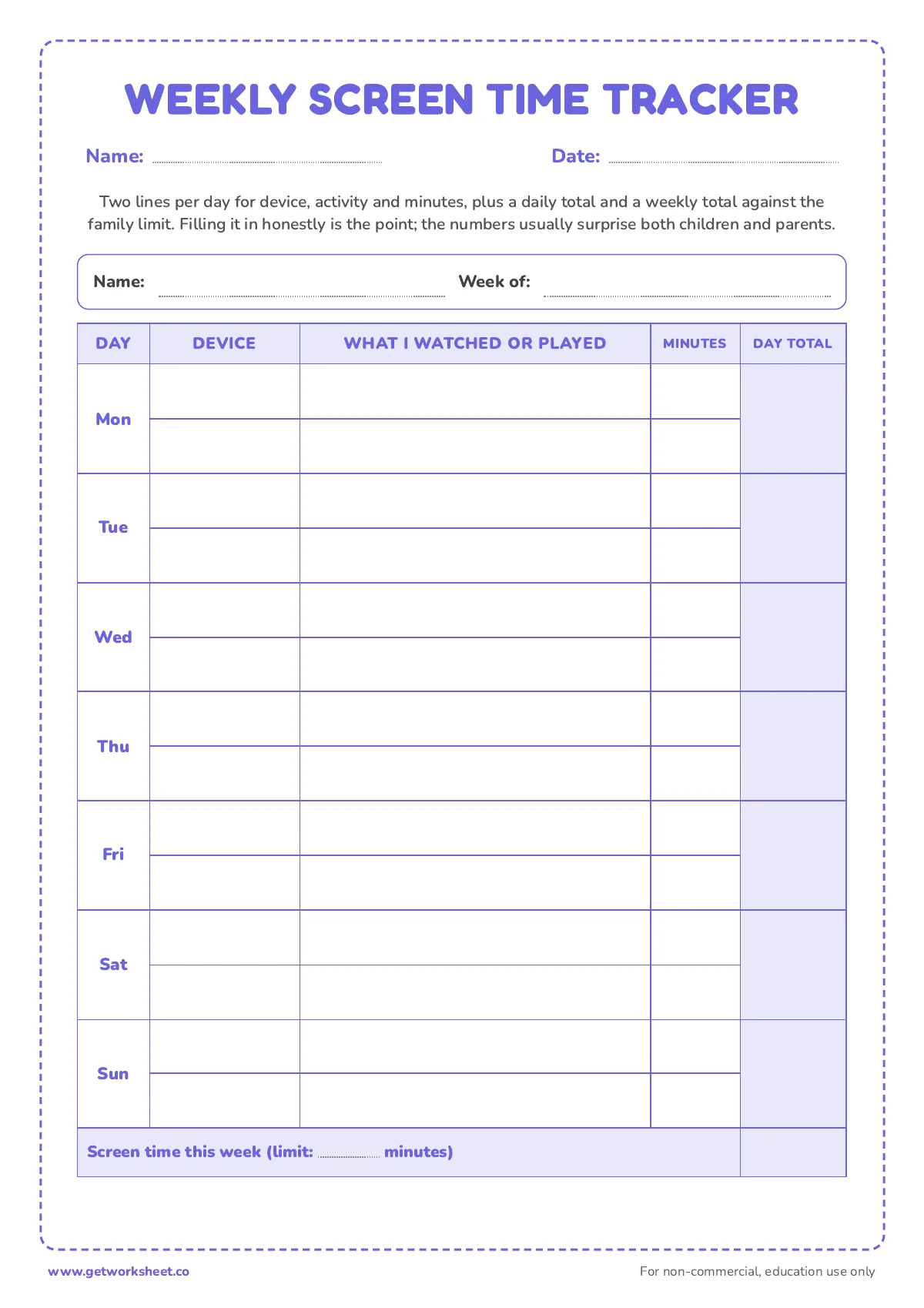
The “weekly screen time checklist printable free” is a versatile tool for both classroom instruction and home-based learning. The worksheet typically features sections for daily or activity-based logging of screen time, coupled with prompts for reflection on content choices and engagement in offline activities. Its difficulty level is designed for accessibility, with instructions that scaffold learning progressively, allowing users to track their habits and set personal goals. This resource functions effectively as a standalone activity to initiate discussions on digital balance, integrates seamlessly into broader digital citizenship lesson plans, or can be assigned as a reflective homework exercise to reinforce lessons learned throughout the week. Its simple, repetitive format encourages consistent engagement and habit formation. Browse more guides on Safe Wired Schools.
Practical Tips for Parents and Teachers
Maximizing the impact of the “weekly screen time checklist printable free” involves thoughtful preparation and ongoing engagement:
- Prepare the worksheet by printing enough copies for consistent use over several weeks; introducing it with a clear discussion about its purpose helps establish expectations.
- Facilitate its use by establishing a regular time each day or week for completion, perhaps during family dinner or as part of a classroom check-in, ensuring consistent tracking.
- Initiate reflective discussions after completion, exploring what insights were gained, identifying challenges encountered, and celebrating successes in managing screen time effectively.
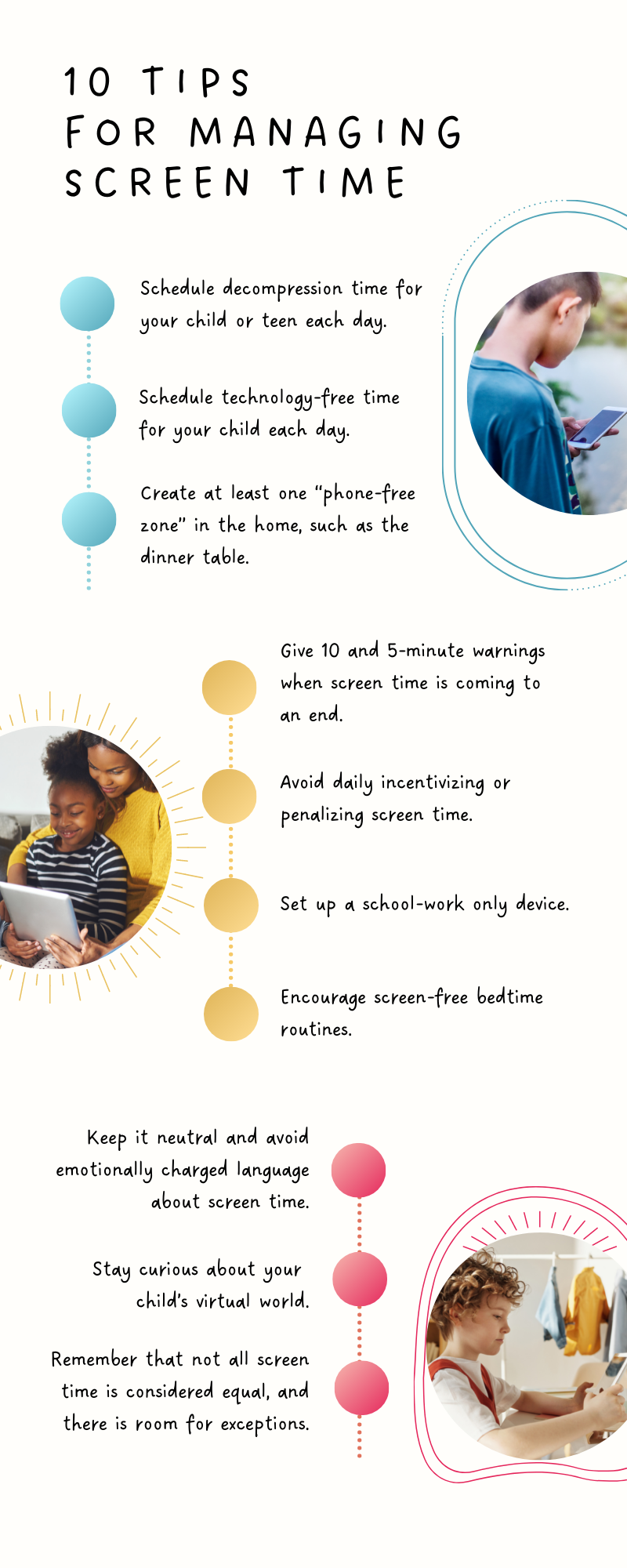
- Extend the learning beyond the checklist by linking observations to established family rules or classroom guidelines, collaboratively creating new strategies, or introducing non-digital reward systems for balanced engagement.
- Model responsible screen time habits as adults, demonstrating the importance of the principles the checklist promotes.
Age-Appropriate Recommendations
Implementing the “weekly screen time checklist printable free” effectively requires tailoring its application to the developmental stage of the learner. For children aged 5-8 (Early Elementary), the focus remains on simple, parent-guided tracking. Visual cues, such as drawing pictures of activities or using stickers, can enhance engagement, with discussions centered on basic concepts like “too much” and “just right” screen time. Parental involvement is crucial for explaining vocabulary and assisting with recording. For ages 9-12 (Late Elementary/Early Middle School), learners can undertake more self-directed tracking, utilizing the reflection prompts to consider their content choices and the impact of screen time on other activities. Discussions at this stage can delve into the “why” behind balanced media consumption, exploring concepts of productivity versus passive entertainment. Activity pacing should allow for individual completion with guidance. With ages 13-18 (Middle/High School), the checklist transitions into a tool for deeper self-assessment and critical thinking about digital well-being. Discussions can incorporate topics such as peer influence, the role of social media, and long-term habit formation for a healthy digital life. Learners in this age band can complete the checklist with greater independence, using it as a foundation for personal digital goal setting and self-advocacy.
Frequently Asked Questions
Q: What is the primary benefit of using a screen time checklist? A: The primary benefit lies in fostering self-awareness and encouraging the development of balanced digital habits. It provides a tangible way to track usage, promoting self-regulation and thoughtful engagement with digital devices.
Q: How often should the weekly screen time checklist be used? A: The checklist is most effective when used consistently on a weekly basis. Regular tracking helps identify patterns, allows for timely adjustments, and supports the formation of lasting, healthy digital habits over time.
Q: Where can this free printable checklist be accessed? A: This valuable “weekly screen time checklist printable free” resource is available for immediate download directly from the SafeWiredSchools.org website. Navigate to the resources section to find and print your copies.
Explore More Free Printable Worksheets
While the “weekly screen time checklist printable free” offers significant value for promoting digital well-being, its impact is amplified when integrated into a comprehensive digital safety learning routine. A single worksheet serves as an excellent starting point but functions best as part of a broader collection of accessible resources. Educators and parents are invited to explore the full collection of free printable internet safety worksheets, activity sheets, checklists, quizzes, and more at SafeWiredSchools.org Worksheets. This extensive library covers every essential internet safety topic and is meticulously designed for every grade level and diverse learning environment, ensuring continuous reinforcement of crucial digital literacy skills.
Developmental Milestone & Activity Table
| Development Stage | Recommended Daily Duration | Primary Learning Objective |
|---|---|---|
| Preschool & Pre-K | 10 – 15 Minutes | Pencil grip development & basic pre-stroke lines |
| Kindergarten | 15 – 20 Minutes | Letter/number formation & spatial line awareness |
| Early Elementary (Grade 1–2) | 20 – 30 Minutes | Fluency, sentence construction & neatness |
Images References