Introduction
The “weekly screen time checklist for families” serves as a foundational resource, primarily designed for Elementary grades 15 and Middle School grades 68, offering adaptable applications for a broader age range. This printable tool plays a crucial role in reinforcing essential internet safety concepts through practical, hands-on learning experiences. Educators and parents consistently trust printable worksheets for their efficacy in building digital awareness and fostering responsible online behavior. These tangible resources provide a structured framework for discussions and goal-setting, transforming abstract digital safety principles into concrete, manageable tasks. The act of physically engaging with a checklist empowers learners to take ownership of their digital habits, a critical step in developing media literacy and self-regulation skills from an early age. Printed materials offer a unique advantage by allowing for a pause from screens, encouraging reflection and direct engagement with the learning process.
💡 Educational Key Takeaways:
- Core Skill: Structured Weekly Screen Time Checklist For Families focused on developing pencil grip, stroke control, and early literacy/math confidence.
- Target Scope: Suited for homeschoolers, preschool, kindergarten, and elementary learners.
- Best Recommendation: Practice 10–15 minutes daily with ergonomic writing tools to reinforce muscle memory without hand fatigue.
What This Worksheet Covers
The “weekly screen time checklist for families” directly addresses the vital topic of balanced digital engagement and healthy screen time habits. It guides families through the process of monitoring, evaluating, and adjusting daily screen use across various devices and activities. The worksheet covers fundamental concepts such as identifying different types of screen activities (e.g., educational, social, entertainment), understanding the importance of breaks, and recognizing the value of offline pursuits. It helps establish clear boundaries and expectations regarding screen use, aligning with recognized digital citizenship standards that advocate for responsible technology use, digital wellness, and thoughtful media consumption. This resource encourages a proactive approach to managing technology, moving beyond simple restrictions to cultivate mindful interaction with digital tools and content.
Key Learning Outcomes
By utilizing the “weekly screen time checklist for families,” children and families will develop several crucial skills and knowledge areas. Browse more guides on Safe Wired Schools.
- Enhanced Self-Regulation: Learners gain the ability to monitor their own screen use, fostering a sense of personal responsibility for their digital habits.
- Improved Communication: The checklist facilitates open discussions within families about screen time expectations, rules, and the balance between online and offline activities.
- Understanding of Digital Wellness: Participants learn to identify healthy screen time practices and recognize potential impacts of excessive use on well-being and academic performance.
- Goal Setting and Planning: Families collaboratively establish realistic screen time goals and develop strategies for achieving them, promoting proactive digital planning.
- Recognition of Balanced Living: The resource highlights the importance of integrating non-screen activities into daily routines, promoting a holistic approach to leisure and learning.
How to Use This Worksheet
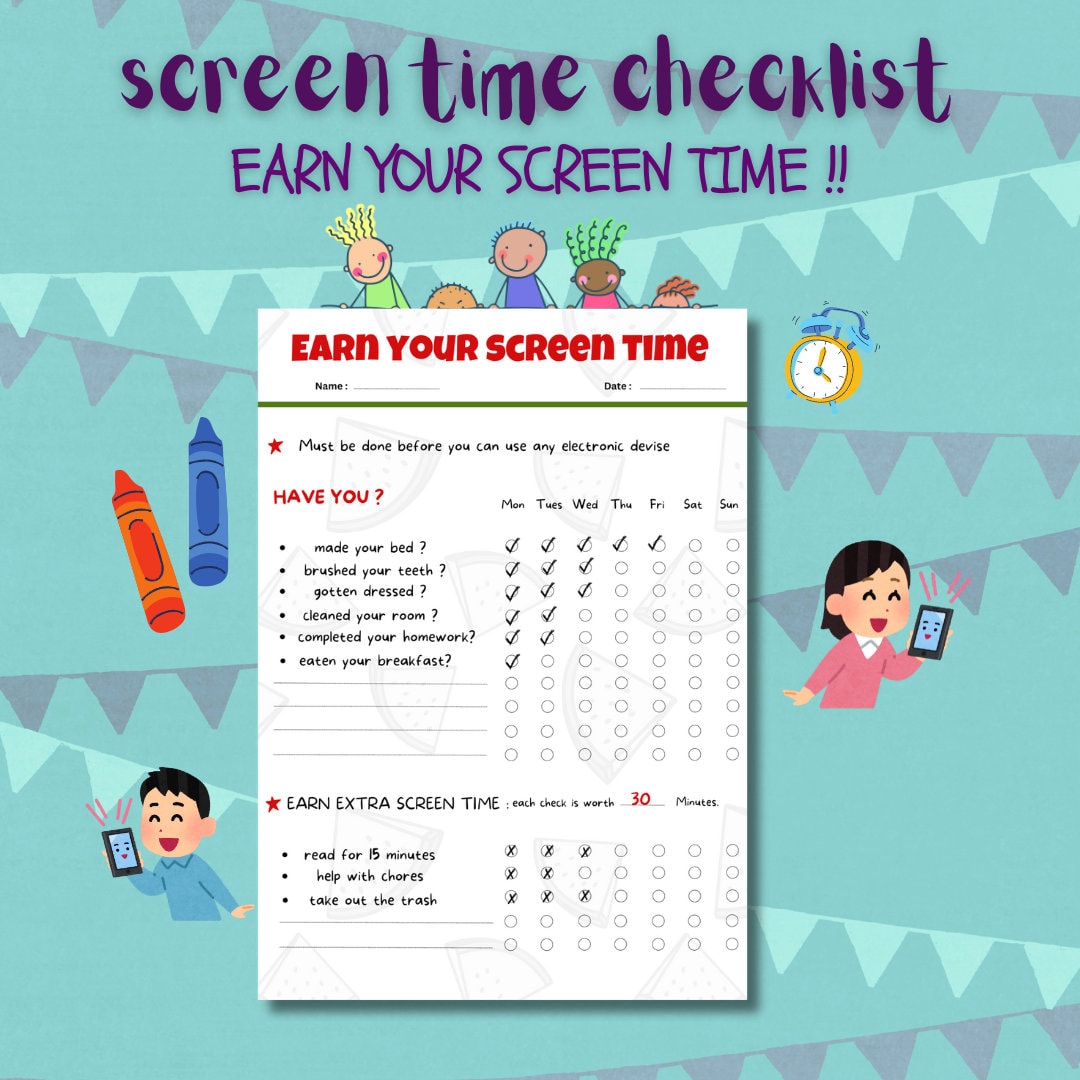
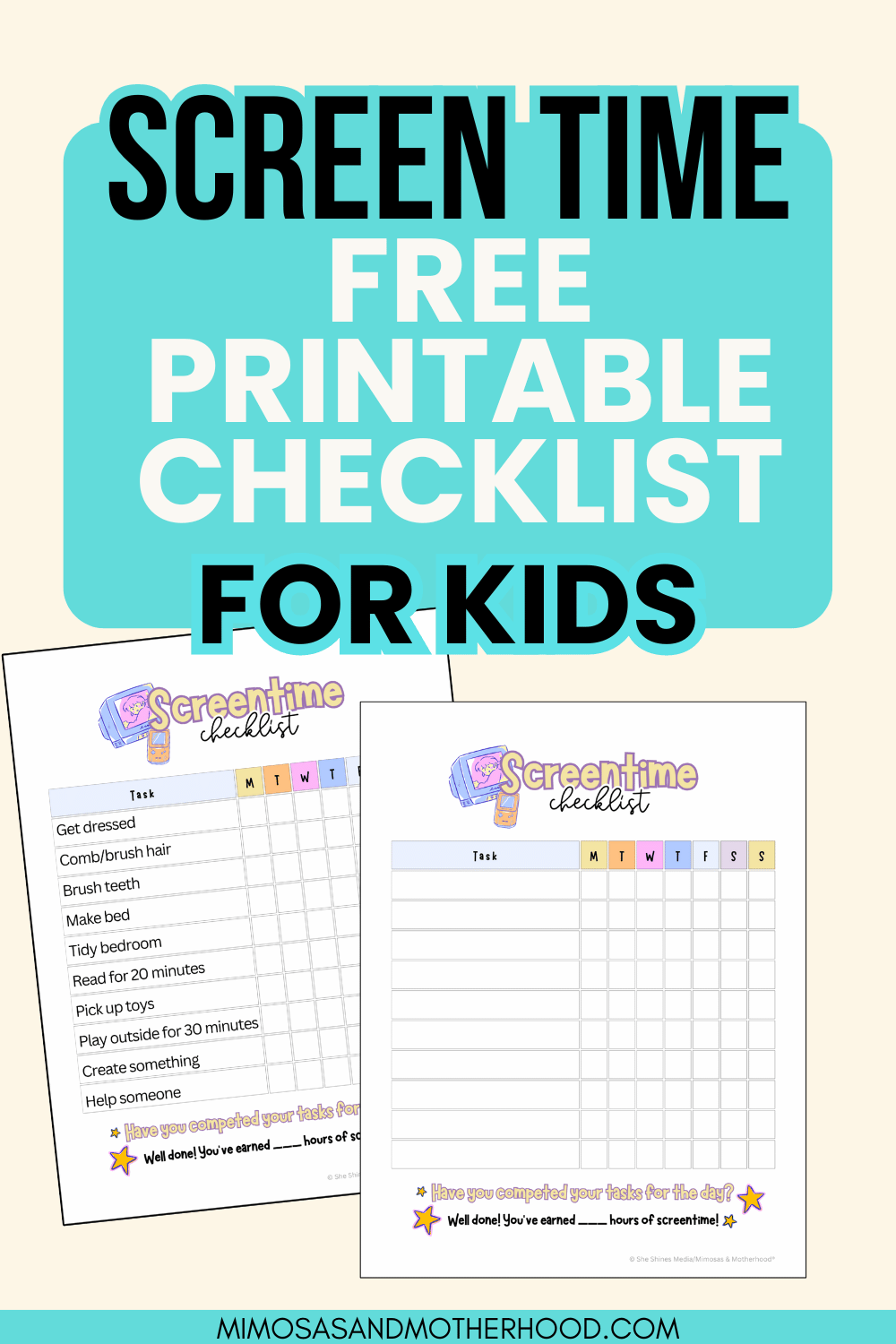
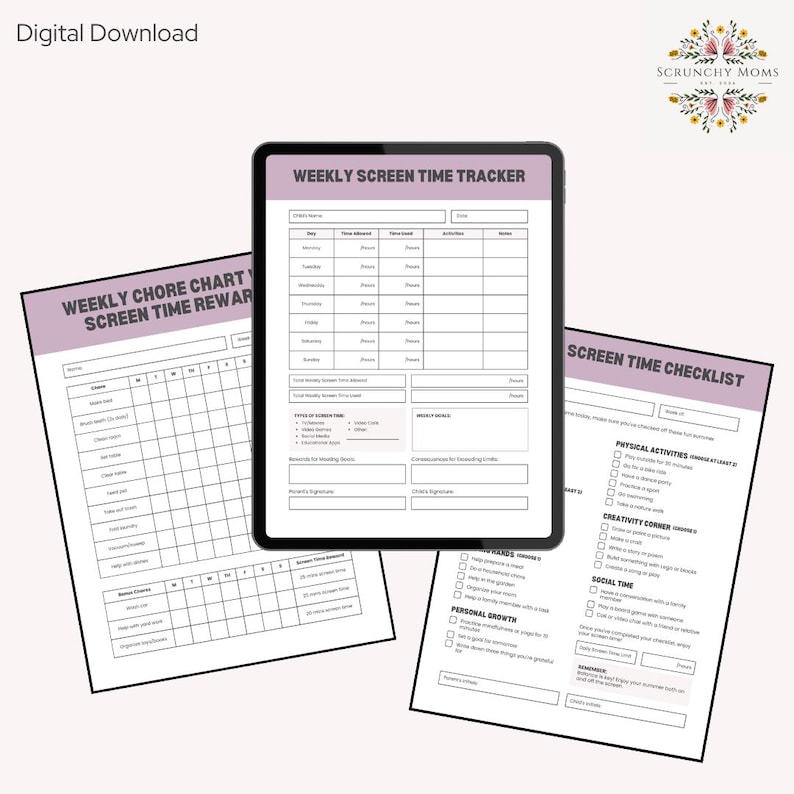
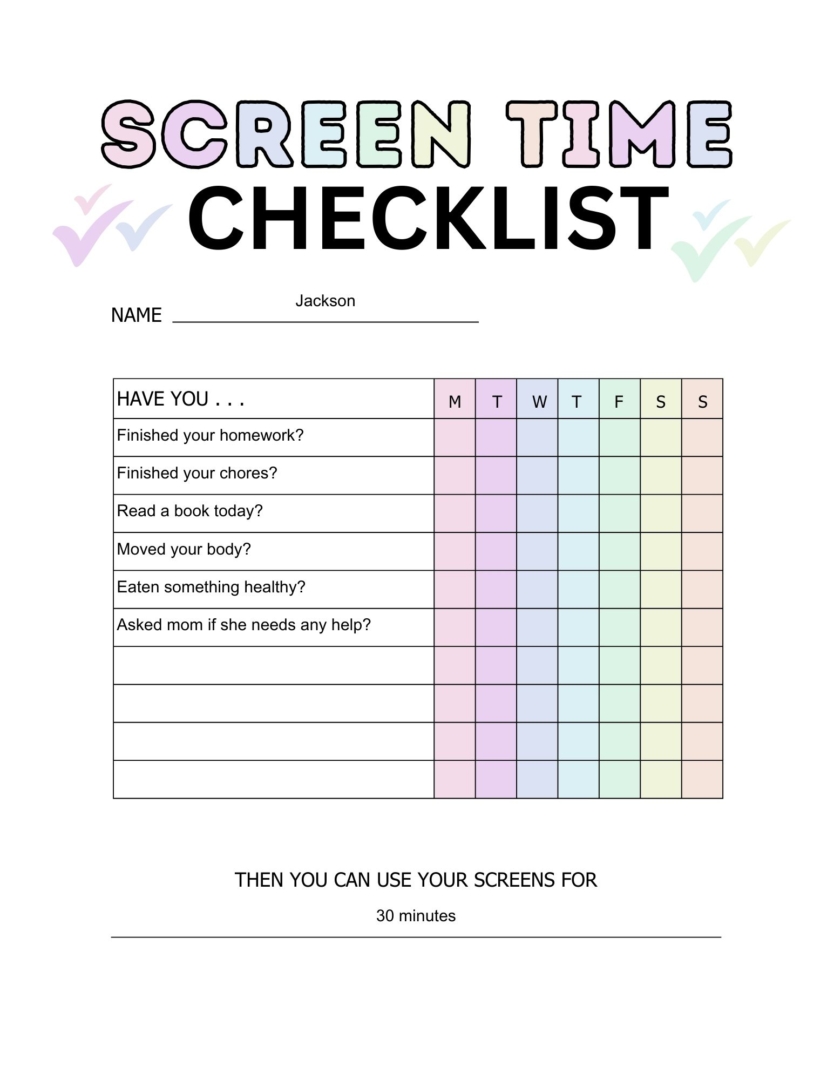
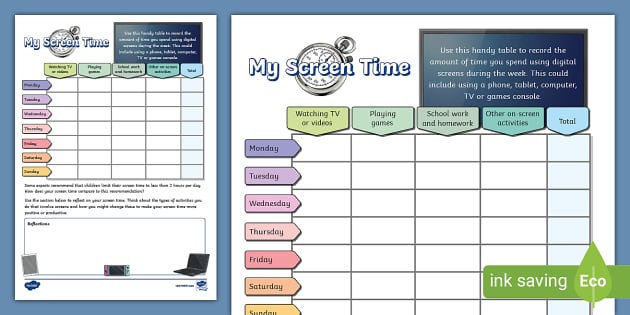
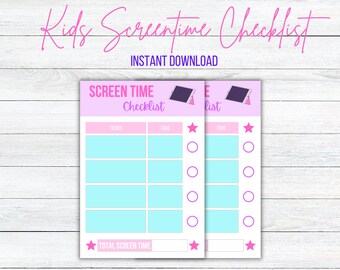
Educators and parents can effectively integrate the “weekly screen time checklist for families” into various learning environments. The worksheet typically features straightforward activity types, such as daily tracking boxes for different screen activities, spaces for noting total screen time, and prompts for reflecting on feelings or alternative activities. Its difficulty level is accessible, designed to scaffold learning progressively; initial use might involve adult guidance, gradually transitioning to independent tracking as proficiency grows. This resource functions excellently as a standalone activity to initiate conversations about screen habits. It can also be incorporated as a recurring component of a broader digital citizenship lesson plan or assigned as a weekly homework task to encourage consistent practice at home, reinforcing concepts learned in the classroom. Its simple, repetitive structure makes it an ideal tool for habit formation.
Practical Tips for Parents and Teachers
- Establish Clear Definitions: Before starting, define “screen time” and specific categories (e.g., educational apps vs. gaming) to ensure consistent tracking.
- Involve Children in Goal Setting: Collaborate with children to set realistic weekly screen time goals; shared ownership increases compliance and engagement.
- Model Healthy Habits: Demonstrate responsible screen use by adhering to personal screen time boundaries and prioritizing offline activities.
- Regularly Review and Discuss: Dedicate a specific time each week to review the completed checklist, discussing successes, challenges, and making adjustments.
- Connect to Positive Reinforcement: Acknowledge efforts and achievements in managing screen time, linking consistent positive habits to privileges or family activities.
Age-Appropriate Recommendations
Implementing the “weekly screen time checklist for families” requires tailored approaches based on a child’s developmental stage.
For Ages 58 (Early Elementary), direct parental or teacher involvement is crucial. The checklist can be simplified, focusing on tracking broad categories like “educational screen time” and “fun screen time.” Vocabulary support will be necessary, and instructions should be delivered verbally with visual cues. Activity pacing should be brief, with daily check-ins rather than a single weekly review. This age group benefits from drawing or coloring alongside tracking, making the activity more engaging and less abstract.
For Ages 912 (Late Elementary/Early Middle School), children can take on more responsibility for tracking. The checklist can include more detailed categories of screen use (e.g., video calls, research, creative projects). Discussions about why certain limits are in place and the impact of screen time on sleep or friendships become more relevant. Independent completion of the checklist is encouraged, with adult oversight and weekly family discussions to review progress and problem-solve challenges. The focus shifts towards self-awareness and informed decision-making.
For Ages 1318 (Middle/High School), the checklist transitions from a strict tracking tool to a self-reflection and negotiation instrument. Older learners can use it to analyze their own digital habits, identify patterns, and propose their own balanced media plans. The emphasis should be on fostering critical thinking about screen use, understanding digital well-being, and managing digital distractions. The checklist serves as a discussion starter for family agreements, promoting autonomy and responsible digital citizenship through collaborative goal-setting rather than imposed rules.
Frequently Asked Questions
Q: How does this checklist promote responsible digital citizenship? A: The checklist encourages self-awareness and thoughtful interaction with technology. It prompts families to establish healthy boundaries, fostering habits that align with principles of digital wellness and responsible online behavior.
Q: Can the “weekly screen time checklist for families” be customized for individual needs? A: Yes, the checklist is designed to be flexible. Families can adapt categories, time limits, and goals to suit their unique dynamics and individual children’s developmental stages and interests.
Q: Where can this free printable checklist be downloaded? A: The “weekly screen time checklist for families” is available for free download directly from the SafeWiredSchools.org website, typically found in the “Worksheets” or “Resources” section.
Explore More Free Printable Worksheets
A single resource, while valuable, achieves its greatest impact as part of a comprehensive learning routine. The “weekly screen time checklist for families” integrates seamlessly into a broader collection of digital safety tools. Educators and parents are invited to explore a full array of free printable internet safety worksheets, activity sheets, checklists, quizzes, and more at SafeWiredSchools.org Worksheets. These resources cover every essential internet safety topic and are meticulously designed for every grade level and diverse learning environments, ensuring a consistent and progressive educational journey in digital literacy.
Developmental Milestone & Activity Table
| Development Stage | Recommended Daily Duration | Primary Learning Objective |
|---|---|---|
| Preschool & Pre-K | 10 – 15 Minutes | Pencil grip development & basic pre-stroke lines |
| Kindergarten | 15 – 20 Minutes | Letter/number formation & spatial line awareness |
| Early Elementary (Grade 1–2) | 20 – 30 Minutes | Fluency, sentence construction & neatness |
Images References