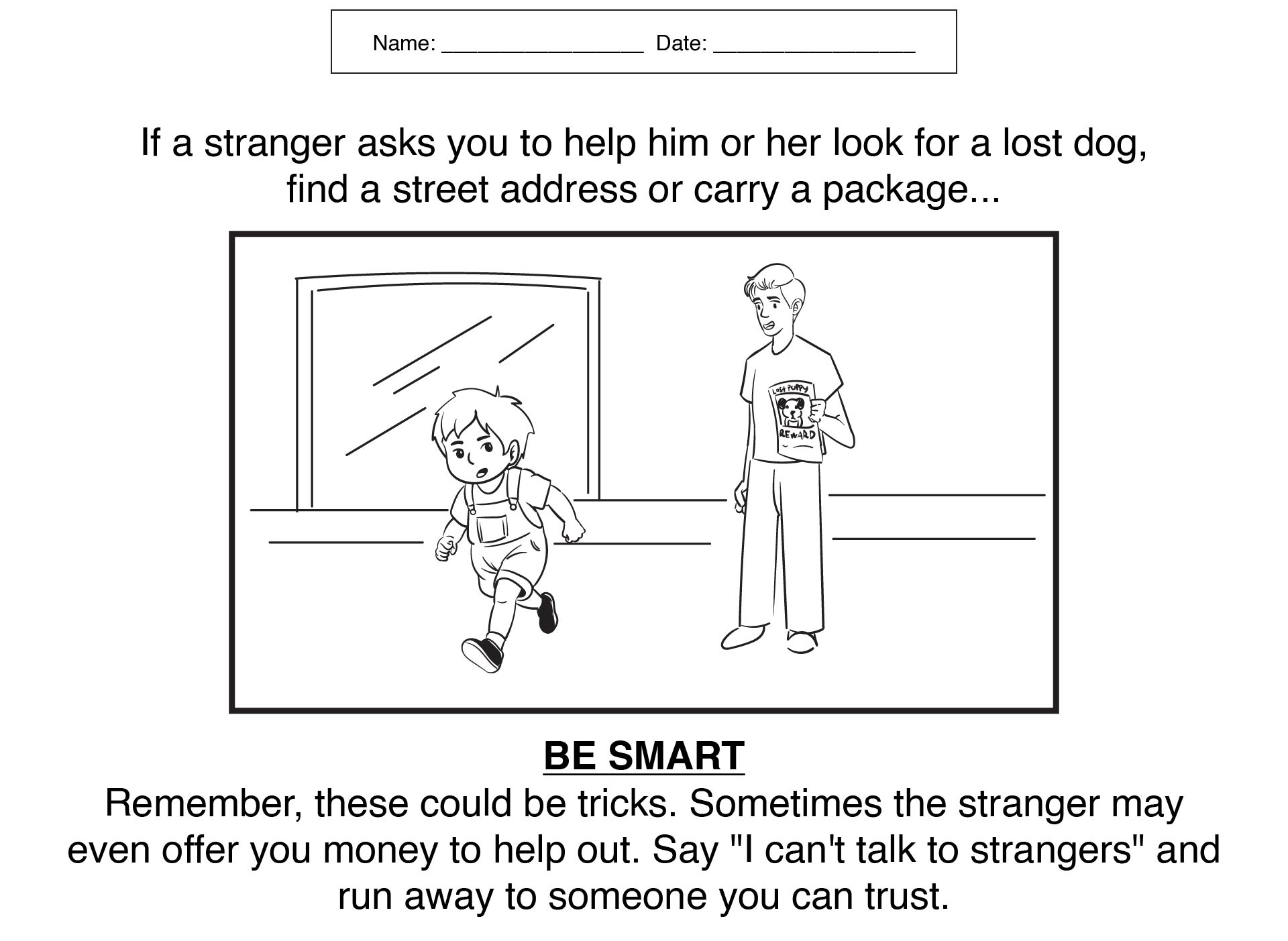
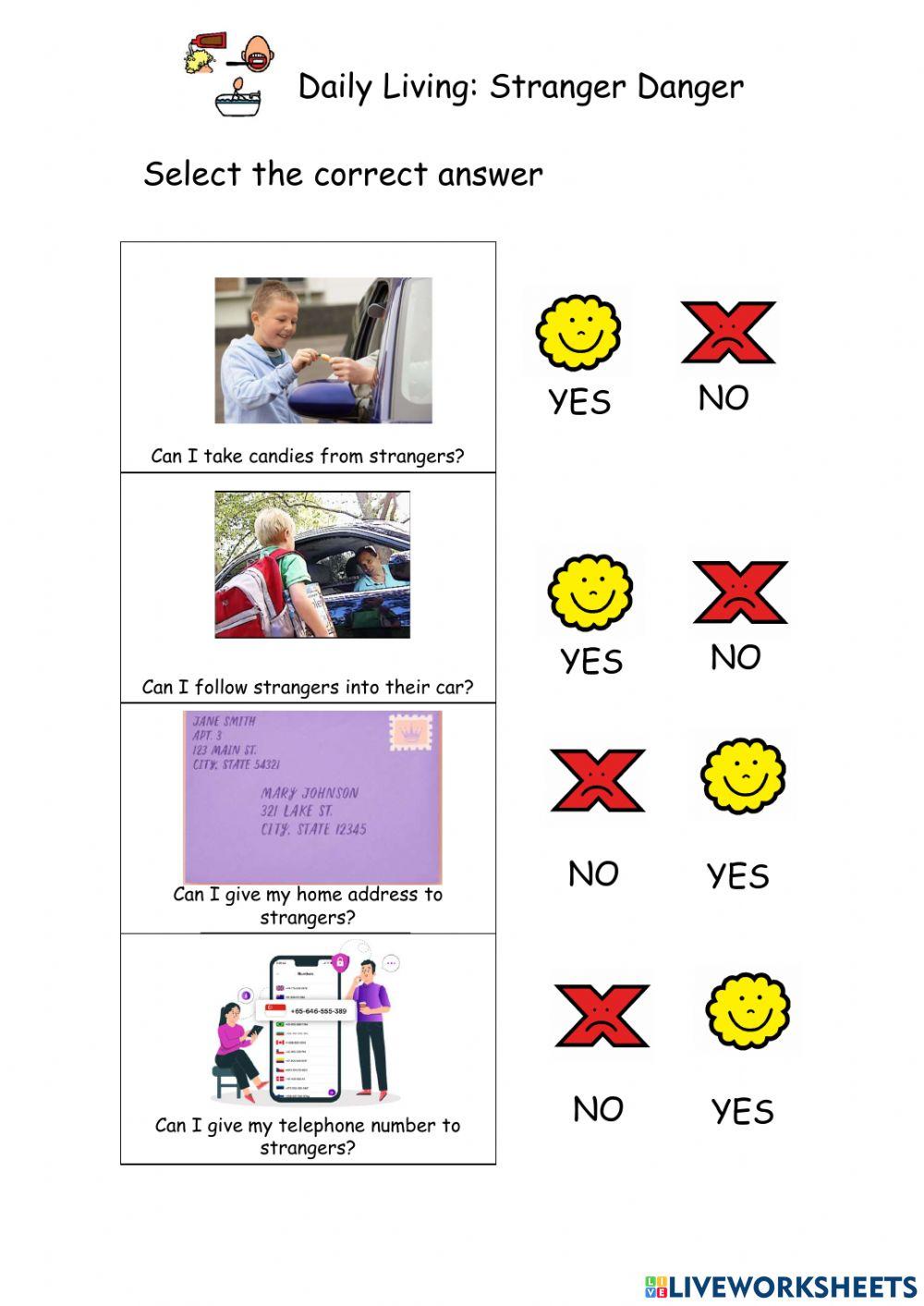
Why Modern Stranger Danger Requires Updated Digital Worksheets
In today’s interconnected learning environments, online safety education extends far beyond traditional lessons on neighborhood strangers. As young learners interact through multiplayer gaming lobbies, shared school tablets, and collaborative messaging apps, bad actors often disguise themselves as peers or friendly content creators. According to guidance from organizations like ConnectSafely and the Cybersecurity and Infrastructure Security Agency, teaching children how to recognize digital manipulation requires consistent, hands-on reinforcement. Integrating interactive stranger safety worksheets into daily lesson plans helps bridge the gap between abstract internet rules and real-world recognition, allowing students to identify social engineering tactics safely in a controlled classroom or living room environment.
💡 Educational Key Takeaways:
- Core Skill: Structured Stranger Safety Worksheets focused on developing pencil grip, stroke control, and early literacy/math confidence.
- Target Scope: Suited for homeschoolers, preschool, kindergarten, and elementary learners.
- Best Recommendation: Practice 10–15 minutes daily with ergonomic writing tools to reinforce muscle memory without hand fatigue.
Mapping Digital Risk Signals to Effective Preventive Guardrails
Protecting children online demands a proactive blend of device-level configurations and behavioral awareness. Adults must monitor both the technical conduits children use to access the web and the subtle social cues indicating a child is conversing with an untrusted entity. The breakdown below highlights common vulnerabilities across various environments alongside actionable safeguards you can implement today. Related guide: Online Safety And Netiquette Lesson Plan Grade 4.
| Setting / Context | Common Vulnerability | Practical Safeguard |
|---|---|---|
| Home Devices & Tablets | Unrestricted app store downloads and open web browsers permitting direct messaging. | Enforce parental control profiles, lock down app permissions, and utilize age-appropriate Worksheets to test comprehension of safe app usage. |
| School Chromebooks | Using public student profiles or unmonitored extension chat functions during independent study. | Review classroom policy communication with IT staff to ensure chat features are disabled outside of direct teacher instruction. |
| Multiplayer Social Chat | Hidden text and voice chat features within casual gaming platforms where adults pose as peers. | Turn off voice chat entirely or restrict communication strictly to approved friends lists managed by a parent. |
Establishing Clear Communication Habits at Home and School
Turning abstract safety concepts into enduring habits requires calm, collaborative dialogue rather than fear-based lectures. When introducing stranger safety worksheets, educators and parents should frame the activities as confidence-building exercises rather than compliance tests. Set up tangible routines, such as establishing central charging stations where all personal devices rest overnight, eliminating late-night unmonitored browsing. Furthermore, establish a clear reporting workflow: teach children that if an online stranger asks for personal details, geographic locations, or private photos, they can report the incident immediately without fear of losing their device privileges. Pairing these physical boundaries with resources found in Internet and Digital Safety ensures consistency across both environments.
Overly restrictive digital filters often backfire because tech-savvy youth quickly learn how to bypass rigid blocks using proxy sites, alternative browsers, or secondary secret accounts. Instead of relying solely on heavy-handed technical bans, adults must pair software safeguards with critical thinking exercises. When students push back against safety rules, use printable scenarios and guided discussions to help them understand *why* certain boundaries exist. By exploring hypothetical online scenarios together, children learn to spot red flags like urgency, flattery, or demands for secrecy, transforming them into active partners in their own online defense.
Frequently Asked Questions From Educators and Parents
At what age should we start introducing digital stranger safety concepts?
Foundational conversations can begin as early as kindergarten or first grade, focusing on basic sharing rules like keeping personal names and locations private. As children gain access to connected devices for schoolwork around the elementary and middle school years, structured stranger safety worksheets provide the ideal framework to explore nuanced topics like fake profiles and peer grooming.
How can teachers effectively integrate safety worksheets into tight daily schedules?
Educators do not need to carve out standalone curriculum blocks; these exercises fit seamlessly into digital citizenship units, morning advisory periods, or computer lab rotations. Many teachers use short, scenario-based printables as a low-stakes opening activity to spark collaborative classroom discussions about online boundaries.
What is the best way to handle a child who hides online interactions out of fear?
Emphasize a no-blame reporting policy so children know their first instinct should always be to tell a trusted adult. If a child makes a mistake or talks to an unknown user, praise their honesty in coming forward rather than imposing harsh punishments that drive their online activity further underground.
Explore More Digital Citizenship Resources
Empowering the next generation of digital citizens requires ongoing education, collaborative school policies, and practical tools designed for both classrooms and living rooms. Dive deeper into essential online habits, safety toolkits, and interactive learning materials by visiting SafeWiredSchools.org to support your students every step of the way.
Worksheet Previews & Reference Materials