Introduction
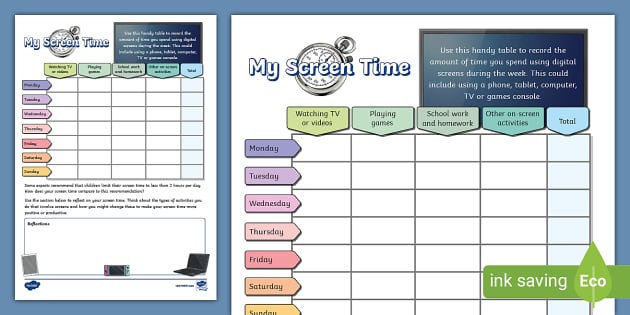
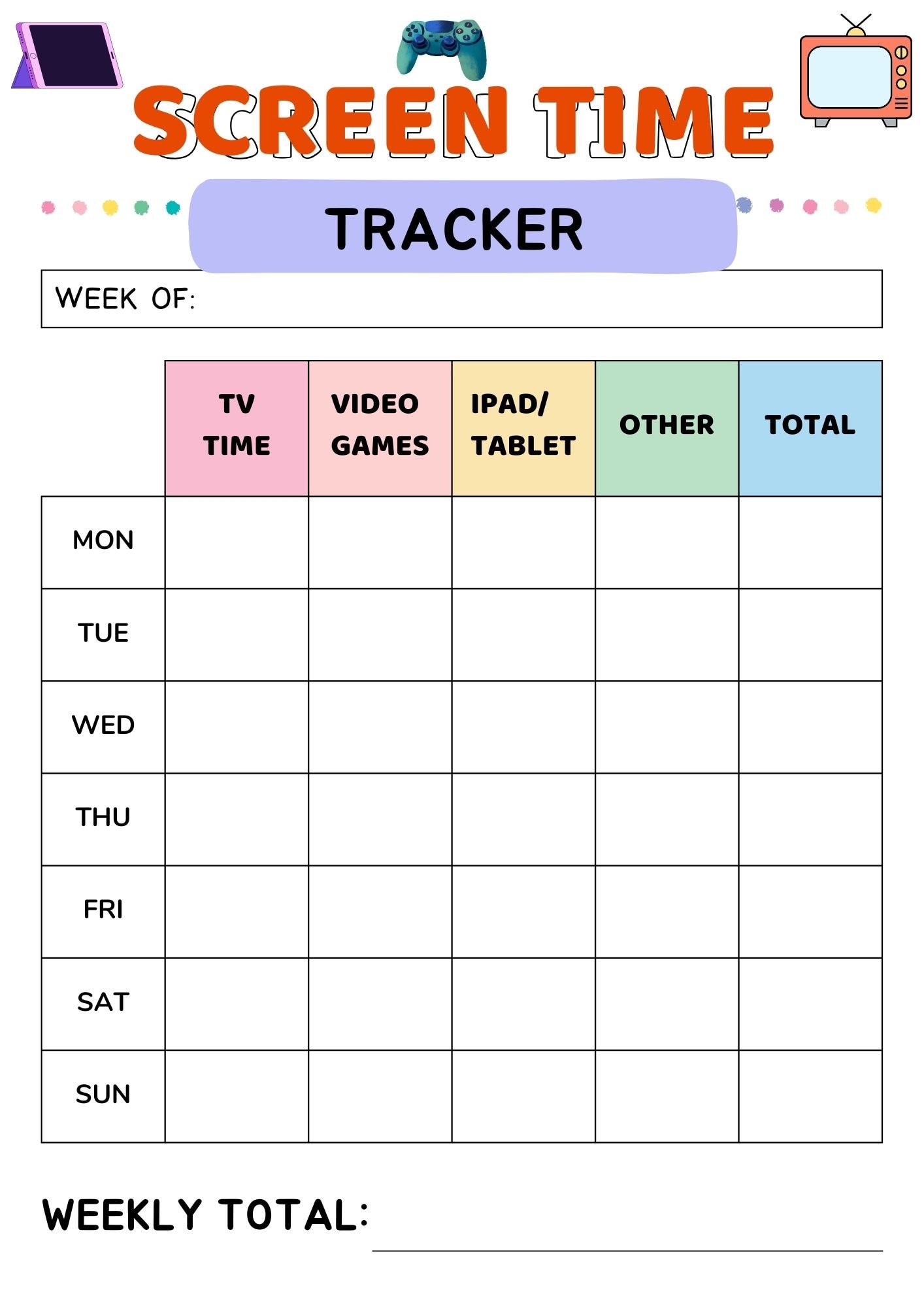
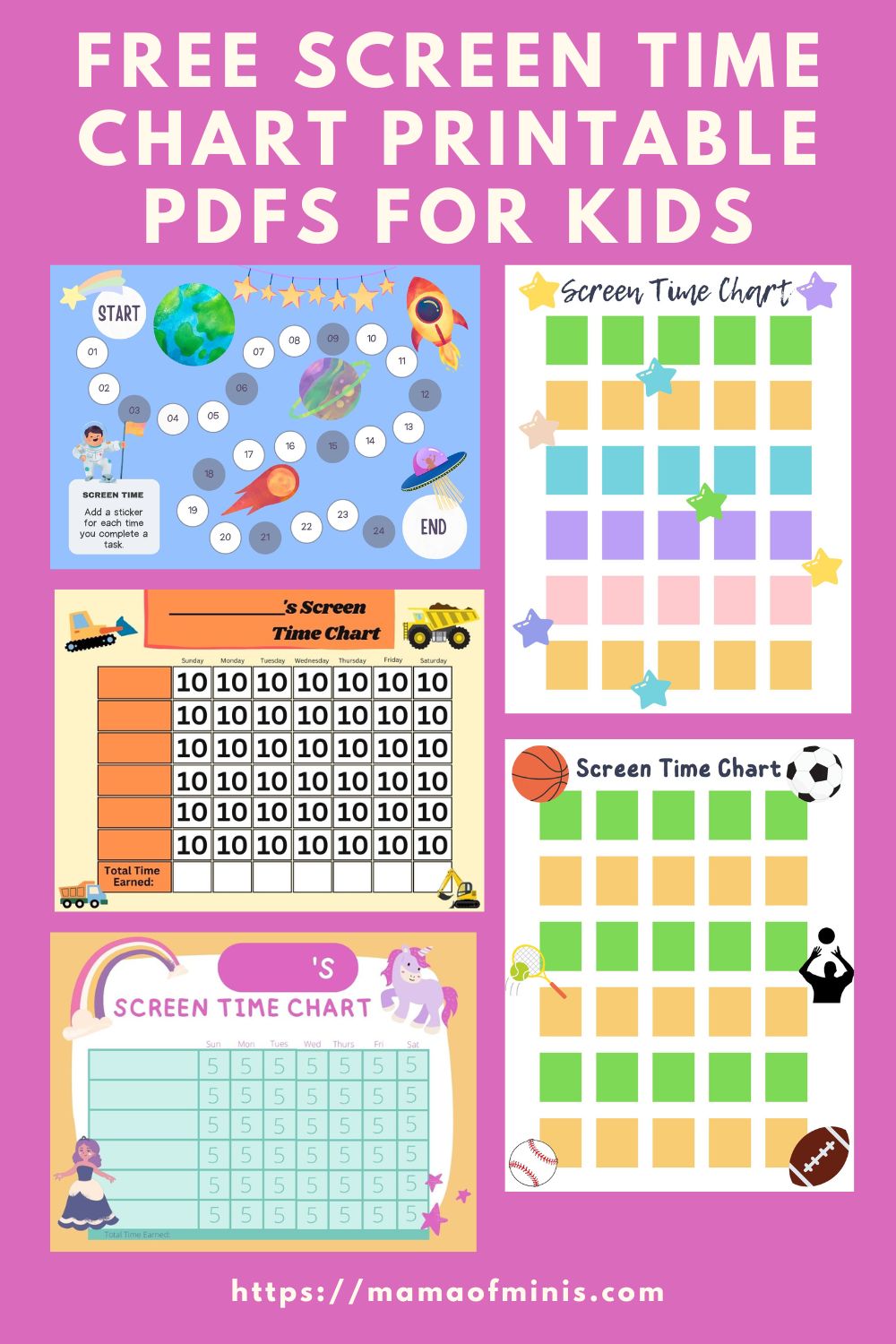
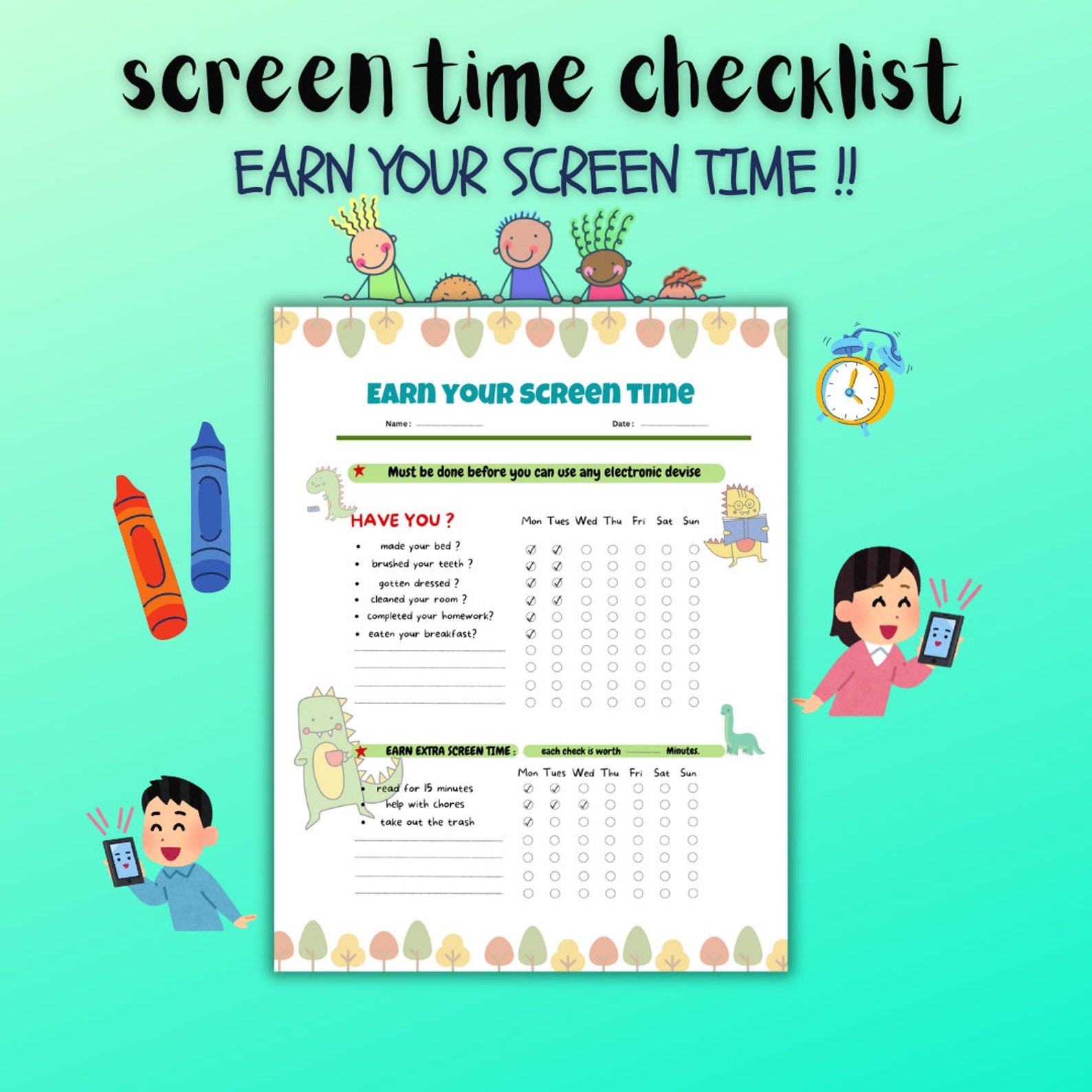
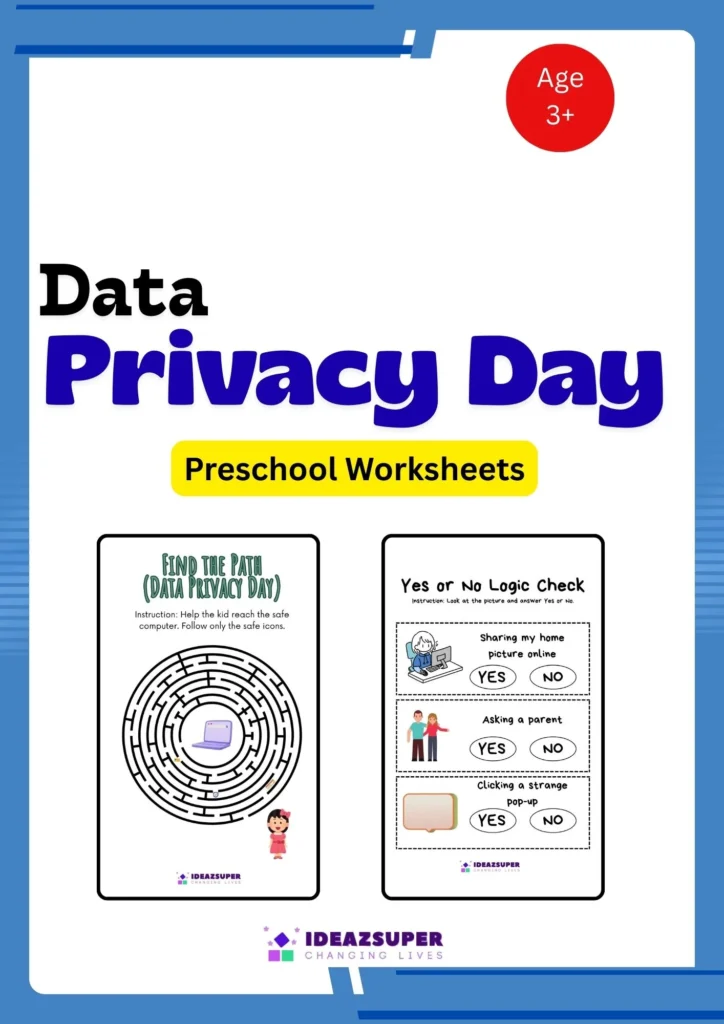
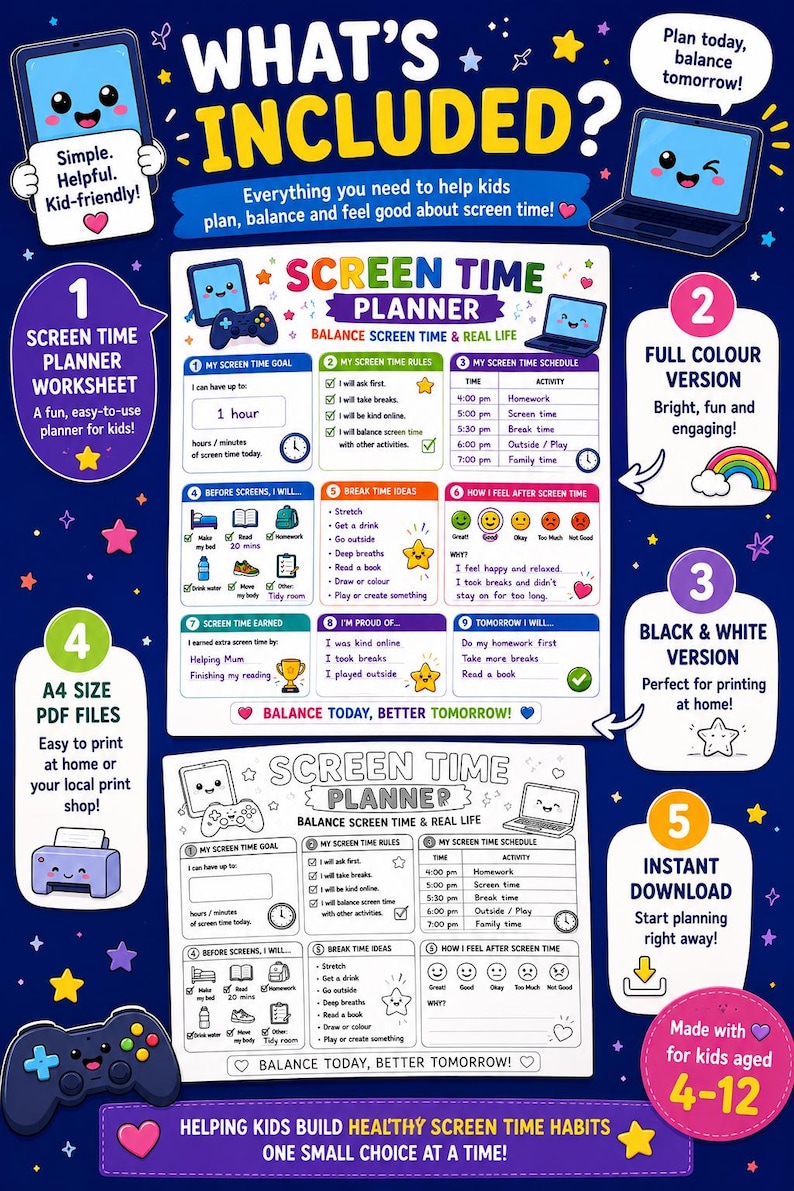
The phrase “screen time schedule for grade 3” refers to a vital tool for fostering digital literacy and well-being. The term “schedule” functions as the main noun, indicating a planned sequence of activities. This resource specifically targets the Elementary grades 15, with a precise focus on Grade 3 learners. It serves as an essential component in reinforcing internet safety concepts through a hands-on, printable learning experience. Printable worksheets are consistently trusted by educators and parents alike, offering tangible instruments for building digital awareness and cultivating responsible online behaviors. Such resources provide a structured framework, allowing children to visualize and internalize healthy digital habits, thereby establishing foundational understanding for a lifetime of safe online engagement. This approach reflects real teaching experience, recognizing the value of concrete activities in abstract concept learning.
💡 Educational Key Takeaways:
- Core Skill: Structured Screen Time Schedule For Grade 3 focused on developing pencil grip, stroke control, and early literacy/math confidence.
- Target Scope: Suited for homeschoolers, preschool, kindergarten, and elementary learners.
- Best Recommendation: Practice 10–15 minutes daily with ergonomic writing tools to reinforce muscle memory without hand fatigue.
What This Worksheet Covers
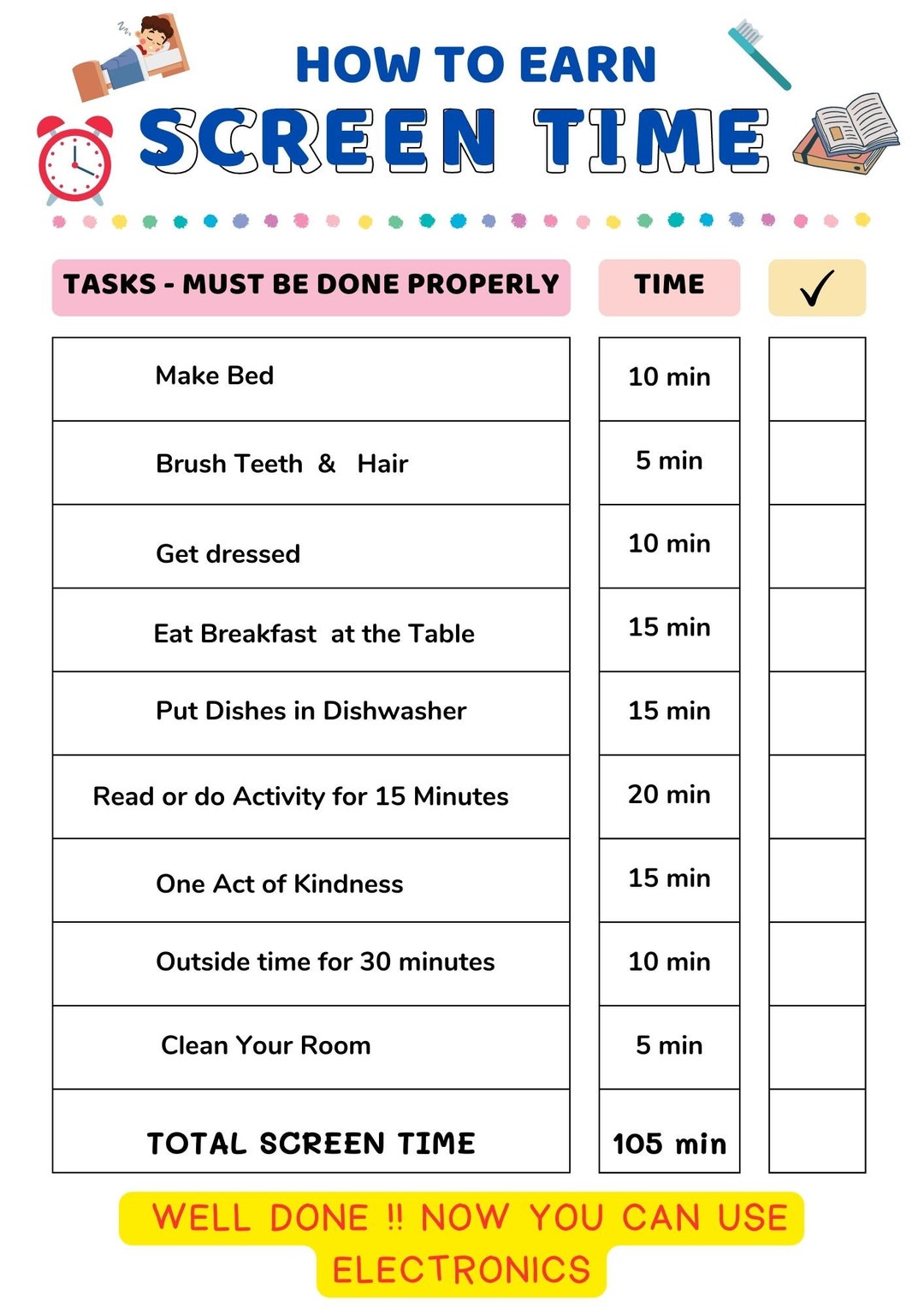
This worksheet addresses the critical internet safety topic of balanced screen time management. It guides Grade 3 students through understanding the importance of setting boundaries and recognizing the value of digital well-being. Concepts explored include establishing appropriate time limits for various digital activities, identifying a healthy balance between online and offline pursuits, and the collaborative development of family rules around technology use. The resource helps children grasp that technology is a tool to be used mindfully, not constantly. This content directly connects to recognized digital citizenship standards, emphasizing responsible media consumption and self-regulation within a digital environment. Its design promotes active participation in creating a personal plan for technology use, aligning with child safety education principles.
Key Learning Outcomes
By completing this resource, students develop several important skills and knowledge areas:
- An understanding of balanced digital habits and their contribution to overall well-being.
- The practical ability to identify and adhere to self-imposed screen time limits.
- Recognition of diverse non-screen activities that enrich daily life.
- An increased sense of responsibility for personal digital choices and well-being.
- Enhanced communication skills when discussing screen use with adults and peers.
How to Use This Worksheet
Educators and parents can effectively integrate the “screen time schedule for grade 3” worksheet into various learning environments. The worksheet typically employs activity types such as fill-in-the-blank sections, simple drawing prompts, and reflective questions designed to prompt self-assessment. Its difficulty level is perfectly matched for Grade 3 learners, with instructions that scaffold learning progressively, ensuring accessibility and engagement. The resource can function as a standalone activity to initiate discussions on digital balance. Alternatively, it serves as a valuable component within a broader lesson plan on digital citizenship or media literacy. Assigning it as homework encourages family involvement and shared responsibility in establishing household technology guidelines. Browse more guides on Safe Wired Schools.
Practical Tips for Parents and Teachers
Maximizing the educational impact of the “screen time schedule for grade 3” worksheet involves thoughtful preparation and engagement:
- Print multiple copies, ensuring each child has a clean sheet, and provide a variety of coloring or writing tools to encourage creativity.
- Facilitate the activity by discussing each section, asking open-ended questions, and encouraging children to personalize their schedule based on their interests.
- After completion, dedicate time for reviewing the schedules, discussing challenges in adhering to limits, and celebrating successes in balancing screen time.
- Display completed schedules in a prominent location at home or in the classroom, serving as a visual reminder and a commitment to healthy digital habits.
- Extend the learning by revisiting the schedule periodically, adapting it as routines change, and exploring other screen-free activities suggested by the children.
Age-Appropriate Recommendations
For learners in Grade 3 (typically ages 89), using the “screen time schedule for grade 3” worksheet is most effective with moderate adult involvement. Vocabulary support is crucial; clarify terms such as “digital well-being,” “online boundaries,” and “responsible use” to ensure full comprehension. Allow ample time for activity pacing, recognizing that thoughtful reflection and planning require unhurried attention. Encouraging independence in planning their schedule empowers children to take ownership of their digital habits. For younger elementary students (Ages 67), a similar approach applies, though with slightly more direct guidance and simplified explanations. Older elementary students (Ages 1011) can engage with the worksheet more independently, using it as a self-assessment tool and perhaps contributing to family-wide technology agreements.
Frequently Asked Questions
Q: What is the primary benefit of using a screen time schedule with Grade 3 students? A: The main benefit is fostering self-regulation and promoting healthy digital habits from an early age. It helps children understand and visualize a balanced approach to technology use.
Q: How can this worksheet be integrated into a classroom setting effectively? A: It can be used as a focused activity during a digital citizenship lesson, a small group discussion starter, or as a take-home assignment to involve families in digital wellness conversations.
Q: Where can this free printable “screen time schedule for grade 3” worksheet be accessed? A: This educational resource is available for free download directly from the SafeWiredSchools.org website. Navigate to the worksheets section to find and print it.
Explore More Free Printable Worksheets
A single worksheet works best as part of a broader collection of printable resources, creating a consistent digital safety learning routine. Educators and parents are invited to explore a full collection of free printable internet safety worksheets, activity sheets, checklists, quizzes, and more at SafeWiredSchools.org Worksheets. These resources cover every internet safety topic and are designed for every grade level and learning environment, ensuring comprehensive support for digital education.
Developmental Milestone & Activity Table
| Development Stage | Recommended Daily Duration | Primary Learning Objective |
|---|---|---|
| Preschool & Pre-K | 10 – 15 Minutes | Pencil grip development & basic pre-stroke lines |
| Kindergarten | 15 – 20 Minutes | Letter/number formation & spatial line awareness |
| Early Elementary (Grade 1–2) | 20 – 30 Minutes | Fluency, sentence construction & neatness |
Images References