Introduction
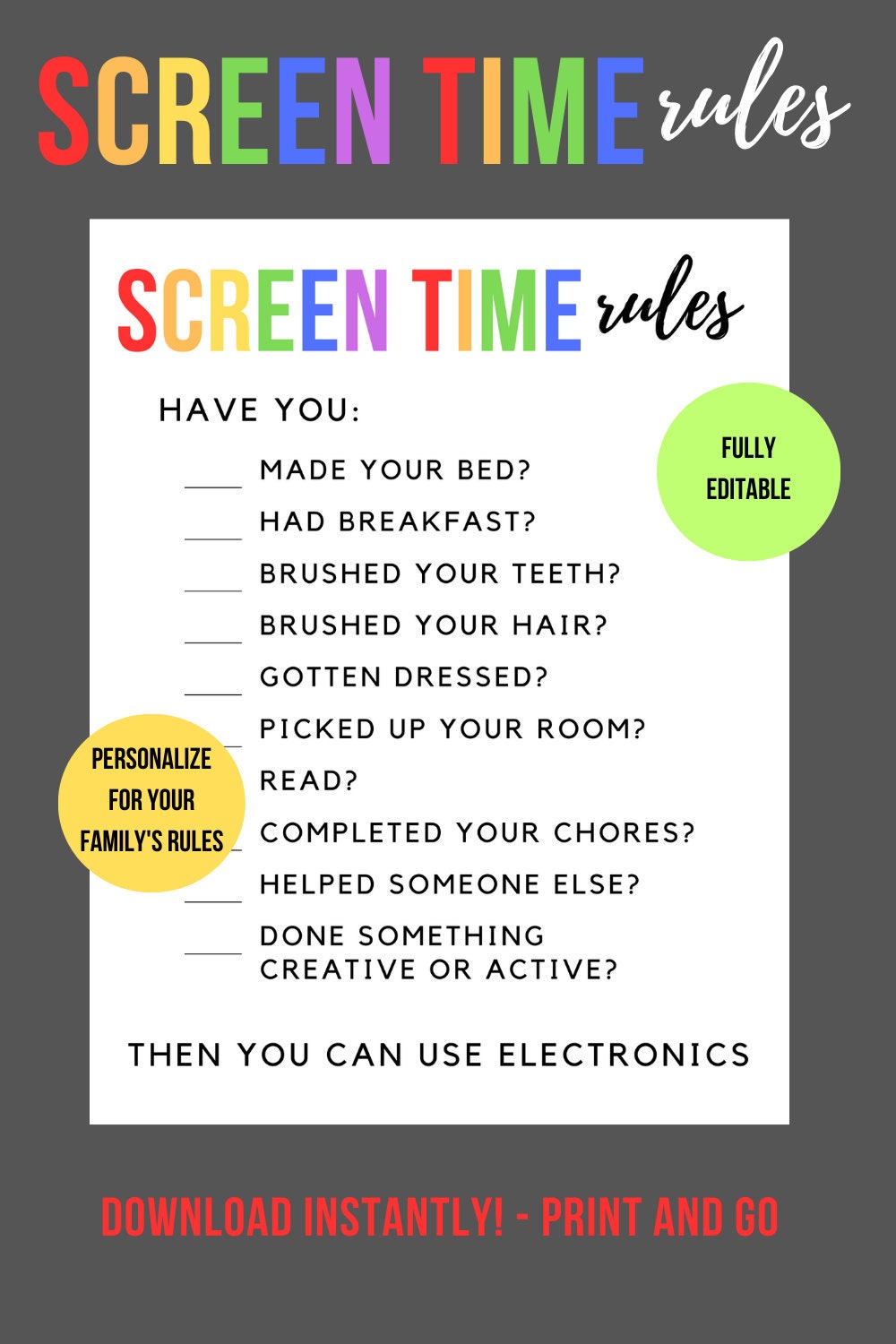
The establishment of clear digital boundaries represents a foundational step in fostering responsible online habits. A valuable resource for this endeavor is the “screen time rules checklist for families,” designed primarily for Elementary grades 1-5 and Middle/High School grades 6-12, though its principles are adaptable for younger learners with guidance. This printable tool serves as an essential component in reinforcing internet safety concepts through a hands-on, collaborative learning approach. Printable worksheets, trusted by educators and parents alike, offer a tangible method for building digital awareness and promoting responsible online behavior. They transform abstract safety guidelines into concrete, actionable steps, allowing families and classrooms to engage directly with critical topics. The physical act of reviewing and agreeing upon rules deepens understanding and commitment, making digital citizenship an integrated part of daily life. This resource provides a structured framework for proactive engagement with digital well-being, ensuring that screen time becomes a managed and beneficial aspect of a child’s development.
💡 Educational Key Takeaways:
- Core Skill: Structured Screen Time Rules Checklist For Families focused on developing pencil grip, stroke control, and early literacy/math confidence.
- Target Scope: Suited for homeschoolers, preschool, kindergarten, and elementary learners.
- Best Recommendation: Practice 10–15 minutes daily with ergonomic writing tools to reinforce muscle memory without hand fatigue.
What This Worksheet Covers
The “screen time rules checklist for families” addresses the critical internet safety topic of digital well-being through structured screen time management. It guides families in establishing clear expectations and boundaries for device usage, content consumption, and online interactions. The checklist encourages the development of healthy tech habits, emphasizing balance between digital activities and other essential aspects of life, such as physical activity, sleep, and face-to-face communication. Concepts covered include defining appropriate screen time limits, identifying suitable online content, understanding the importance of privacy settings, and recognizing the need for regular digital breaks. The resource also prompts discussions around online etiquette and the responsible use of various devices. This worksheet directly connects to recognized digital citizenship and child safety education standards by promoting self-regulation, critical thinking about media, and the collaborative creation of a safe online environment within the home or classroom.
Key Learning Outcomes
By engaging with the “screen time rules checklist for families,” individuals will develop several crucial skills and knowledge areas:. Browse more guides on Safe Wired Schools.
- Understanding Healthy Screen Time Limits: Children and families will gain clarity on what constitutes appropriate duration and frequency of device use.
- Ability to Communicate Digital Boundaries: Participants will practice articulating personal and family rules regarding online behavior and device usage.
- Responsible Use of Devices: Learners will internalize principles of using technology respectfully, safely, and productively.
- Fostering Self-Regulation: The process encourages children to develop an internal compass for managing their own digital consumption.
- Promoting Family Digital Agreements: Families will learn to collaborate on creating and adhering to a shared understanding of digital responsibilities.
How to Use This Worksheet
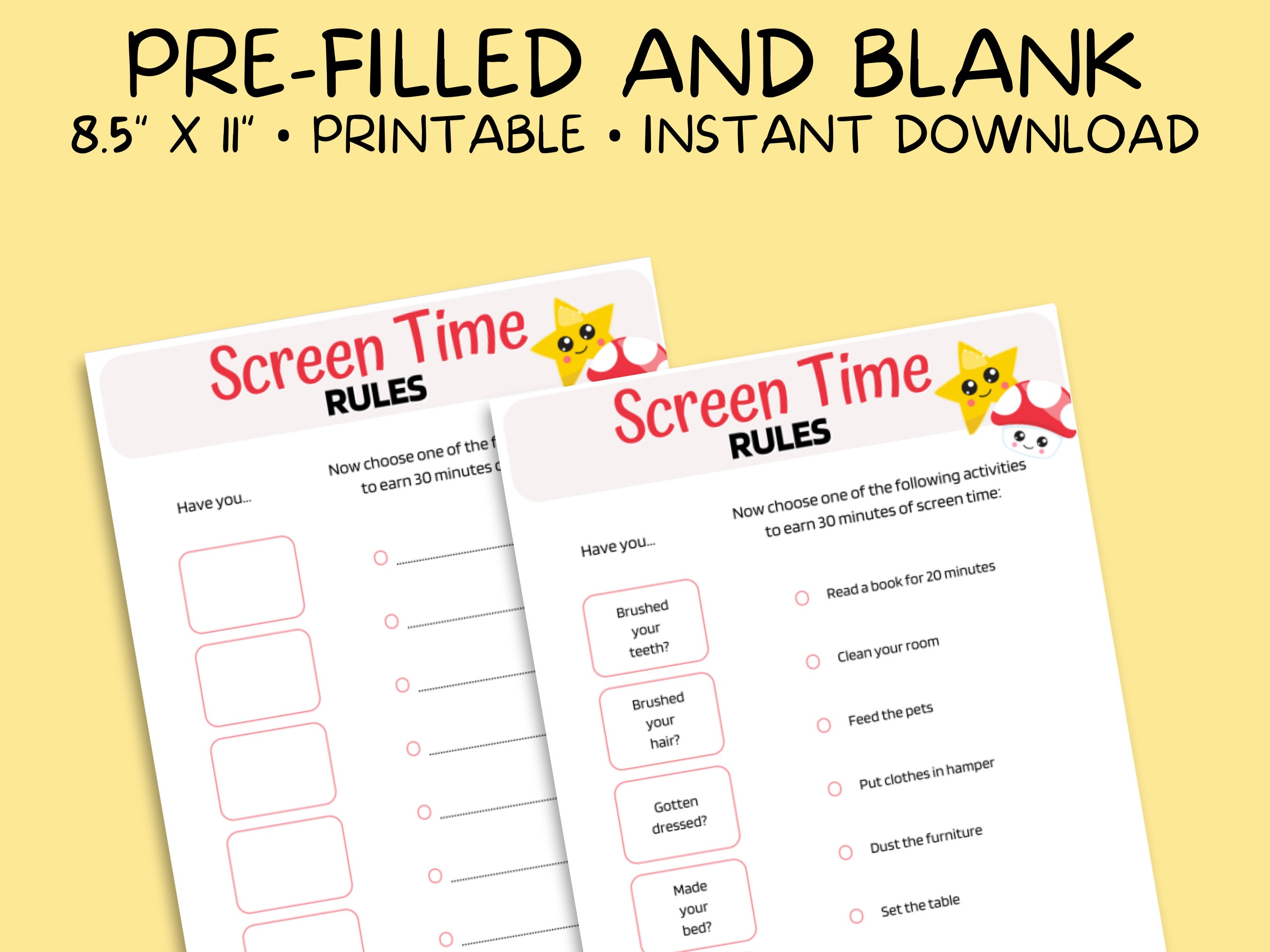
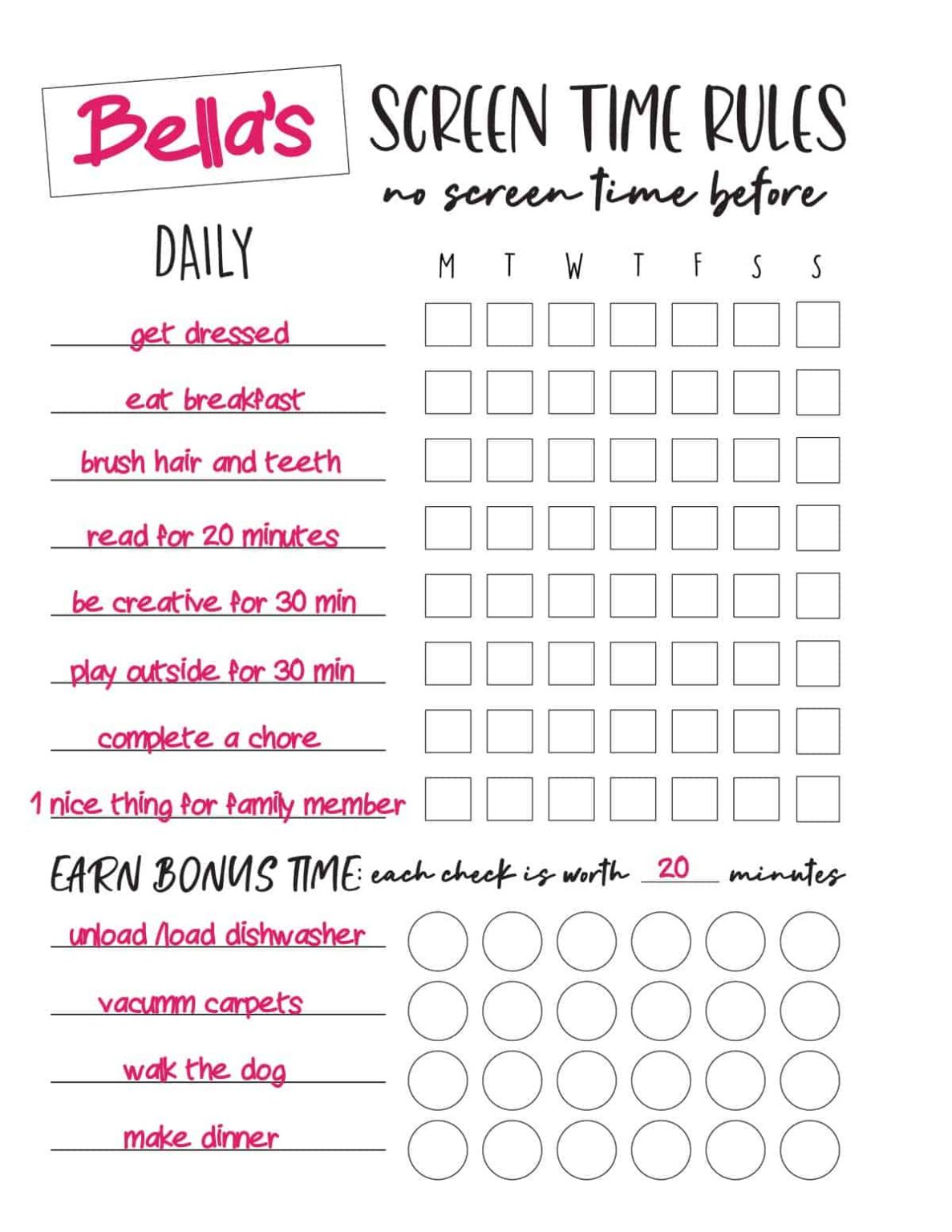
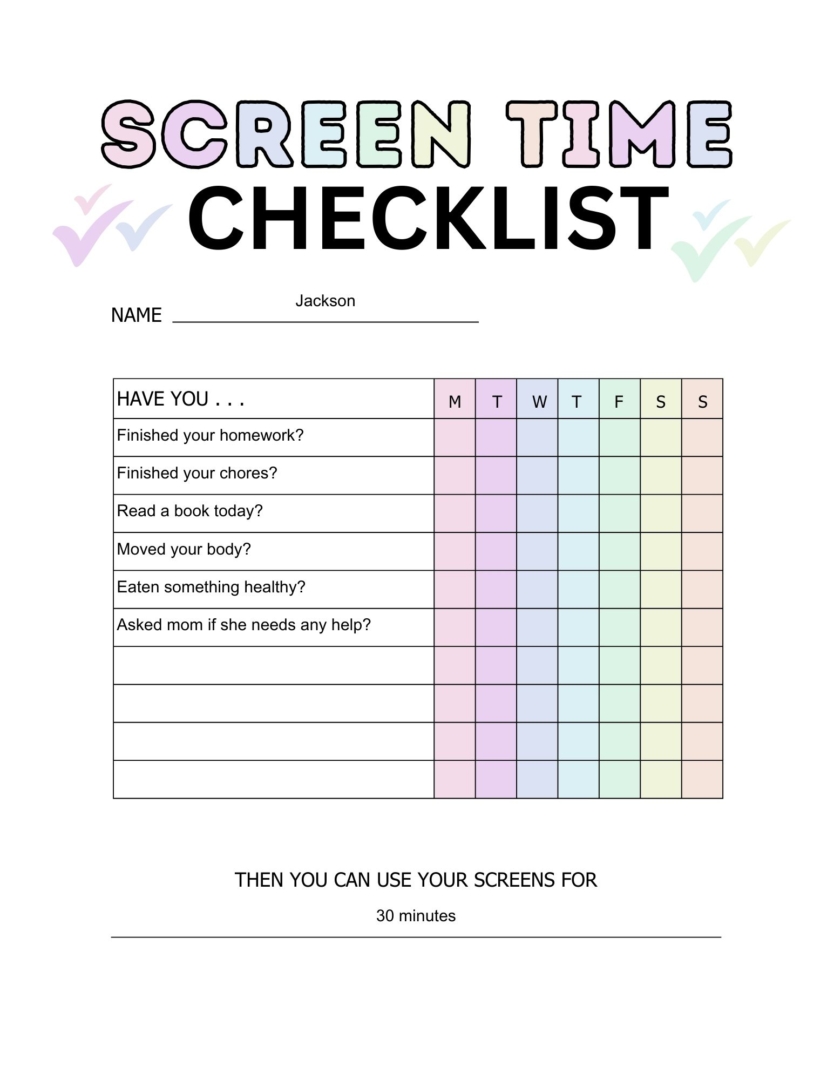
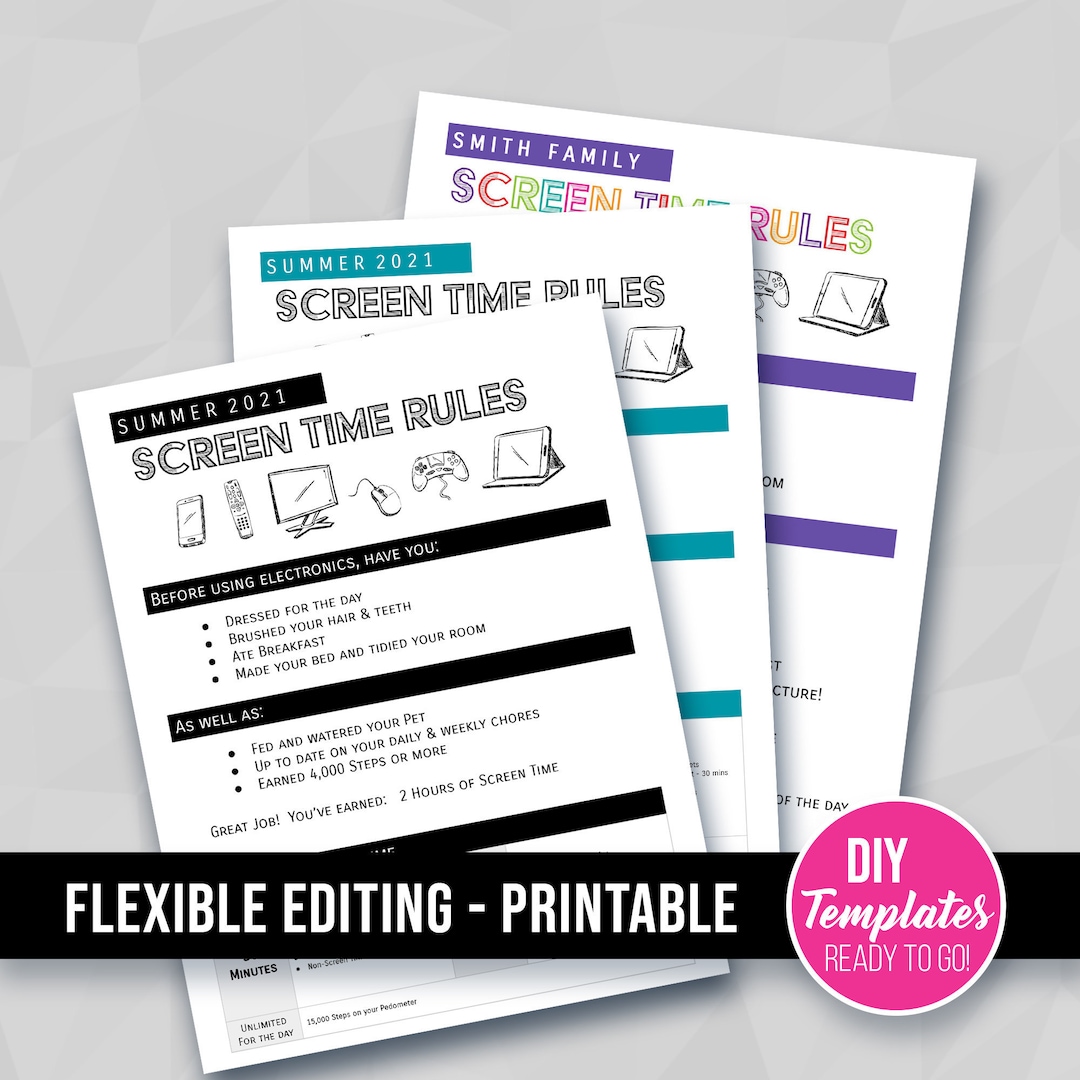
The “screen time rules checklist for families” offers a versatile format suitable for various educational settings. This printable activity is structured to facilitate a collaborative discussion, prompting users to consider and define their own family-specific screen time guidelines. The worksheet typically includes sections for listing agreed-upon rules, specifying time limits for different activities or devices, identifying appropriate and inappropriate content, and allocating designated screen-free zones or times. Instructions are clear and direct, designed to scaffold learning progressively from identifying general principles to formulating concrete, personalized rules. This resource can function as a standalone activity, initiating an important family dialogue about digital habits. It also integrates seamlessly into broader lesson plans on digital citizenship or media literacy in the classroom, serving as a practical application of theoretical concepts. Furthermore, its adaptable design makes it an excellent homework assignment, encouraging family involvement and consistent reinforcement of digital safety at home.
Practical Tips for Parents and Teachers
- Initiate Collaborative Discussion: Before completing the checklist, gather all family members or students to discuss existing screen time habits and the rationale behind establishing rules. Emphasize that this is a shared agreement, not just a list of prohibitions.
- Personalize the Rules: Encourage the customization of rules to fit specific family dynamics, individual needs, and device types. The checklist should reflect the unique circumstances of its users, making the rules more meaningful and sustainable.
- Model Appropriate Behavior: Adults should actively demonstrate the screen time habits and digital etiquette outlined in the checklist. Children learn best by observing consistent, responsible behavior from their role models.
- Display Prominently and Review Regularly: Once completed, print and display the signed checklist in a common area where it can serve as a constant reminder. Schedule periodic review sessions (e.g., monthly or quarterly) to discuss how the rules are working and make necessary adjustments as children grow or technology evolves.
- Connect to Real-World Outcomes: Discuss the positive impacts of adhering to the rules, such as improved sleep, more time for hobbies, better academic performance, and stronger family connections. This reinforces the “why” behind the guidelines.
Age-Appropriate Recommendations
Implementing the “screen time rules checklist for families” requires a tailored approach to meet the developmental needs of different age groups, ensuring maximum effectiveness and engagement.
For Ages 5-8 (Early Elementary), the focus should remain on foundational concepts and simple, clear rules. Parental involvement is crucial, with adults leading the discussion and physically writing down the agreed-upon rules. Visual aids, like drawing pictures to represent screen-free activities, can enhance understanding. Keep the number of rules manageable and ensure they are easy to remember, such as “no screens at dinner” or “stop screen time 30 minutes before bed.” The pacing should be gentle, allowing plenty of time for questions and reinforcement through consistent routines. Vocabulary should be basic, explaining terms like “private information” in simple, relatable contexts.
For Ages 9-12 (Upper Elementary/Early Middle School), the approach becomes more collaborative, encouraging children to actively participate in defining the rules. Discussions can delve deeper into the “why” behind screen time limits, exploring concepts like digital citizenship, online safety, and the impact of excessive use on well-being. Children can contribute to writing sections of the checklist, fostering a sense of ownership. Introduce concepts of digital reputation and the importance of balanced online and offline activities. Parental or teacher involvement transitions from direct instruction to guided facilitation, prompting critical thinking and problem-solving scenarios related to digital choices.
For Ages 13-18 (Middle/High School), the checklist serves as a tool for self-regulation and negotiation. Discussions should center on digital well-being, the impact of social media, online privacy, and the critical evaluation of digital content. Teenagers can take the lead in proposing rules and boundaries, with adults acting as mentors to ensure safety and balance. The conversation should acknowledge peer influence and the complexities of online identity. The checklist can include sections for managing notifications, understanding digital footprints, and setting personal goals for responsible technology use. This age group benefits from a nuanced approach that respects their growing independence while providing a framework for healthy digital habits.
Frequently Asked Questions
Q: How does this checklist benefit families in managing screen time?
A: This checklist provides a structured framework for families to collaboratively establish clear, consistent boundaries around device usage. It helps reduce conflicts, promotes healthier digital habits, and fosters open communication about online safety and well-being. The shared agreement strengthens family commitment to responsible technology use.
Q: How often should the screen time rules outlined in the checklist be reviewed?
A: It is recommended to review the screen time rules checklist at least quarterly, or whenever significant changes occur, such as a child acquiring a new device, a new school year beginning, or new online platforms gaining popularity. Regular reviews ensure the rules remain relevant and effective as children grow and technology evolves.
Q: Where can this free printable “screen time rules checklist for families” be downloaded?
A: This free printable resource, along with many other valuable internet safety materials, is available for immediate download directly from SafeWiredSchools.org. Simply navigate to the worksheets section of the website to access and print this essential tool for your family or classroom.
Explore More Free Printable Worksheets
A single resource, however valuable, works best as part of a comprehensive digital safety learning routine. The “screen time rules checklist for families” is just one example of the many practical tools available to support ongoing education. Educators and parents are encouraged to explore a full collection of free printable internet safety worksheets, activity sheets, checklists, quizzes, and more at SafeWiredSchools.org Worksheets. These resources cover every internet safety topic, from identifying phishing scams to understanding digital footprints, and are designed for every grade level and learning environment, ensuring a continuous and robust approach to digital citizenship.
Developmental Milestone & Activity Table
| Development Stage | Recommended Daily Duration | Primary Learning Objective |
|---|---|---|
| Preschool & Pre-K | 10 – 15 Minutes | Pencil grip development & basic pre-stroke lines |
| Kindergarten | 15 – 20 Minutes | Letter/number formation & spatial line awareness |
| Early Elementary (Grade 1–2) | 20 – 30 Minutes | Fluency, sentence construction & neatness |
Images References