Why Teaching Students to Hesitantly Evaluate Digital Footprints Protects Communities
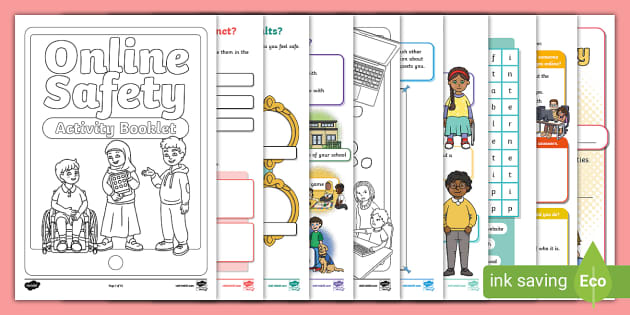
In today’s hyper-connected educational environment, students across all grade levels frequently share text, photos, and reactions long before considering the permanence of their actions. Organizations like ConnectSafely and the Cybersecurity and Infrastructure Security Agency emphasize that instilling early critical thinking habits prevents severe social fallout and identity risks. Utilizing a Pause Before Posting Internet Safety Activity Free Printable gives educators and families a structured, tangible mechanism to interrupt impulsive impulses. By turning an abstract concept into an interactive exercise, adults help children visualize how a quick keystroke ripples across the wider web, impacting peer relationships, future academic opportunities, and personal safety.
💡 Educational Key Takeaways:
- Core Skill: Structured Pause Before Posting Internet Safety Activity Free Printable focused on developing pencil grip, stroke control, and early literacy/math confidence.
- Target Scope: Suited for homeschoolers, preschool, kindergarten, and elementary learners.
- Best Recommendation: Practice 10–15 minutes daily with ergonomic writing tools to reinforce muscle memory without hand fatigue.
Assessing Vulnerabilities Across School Devices and Personal Apps
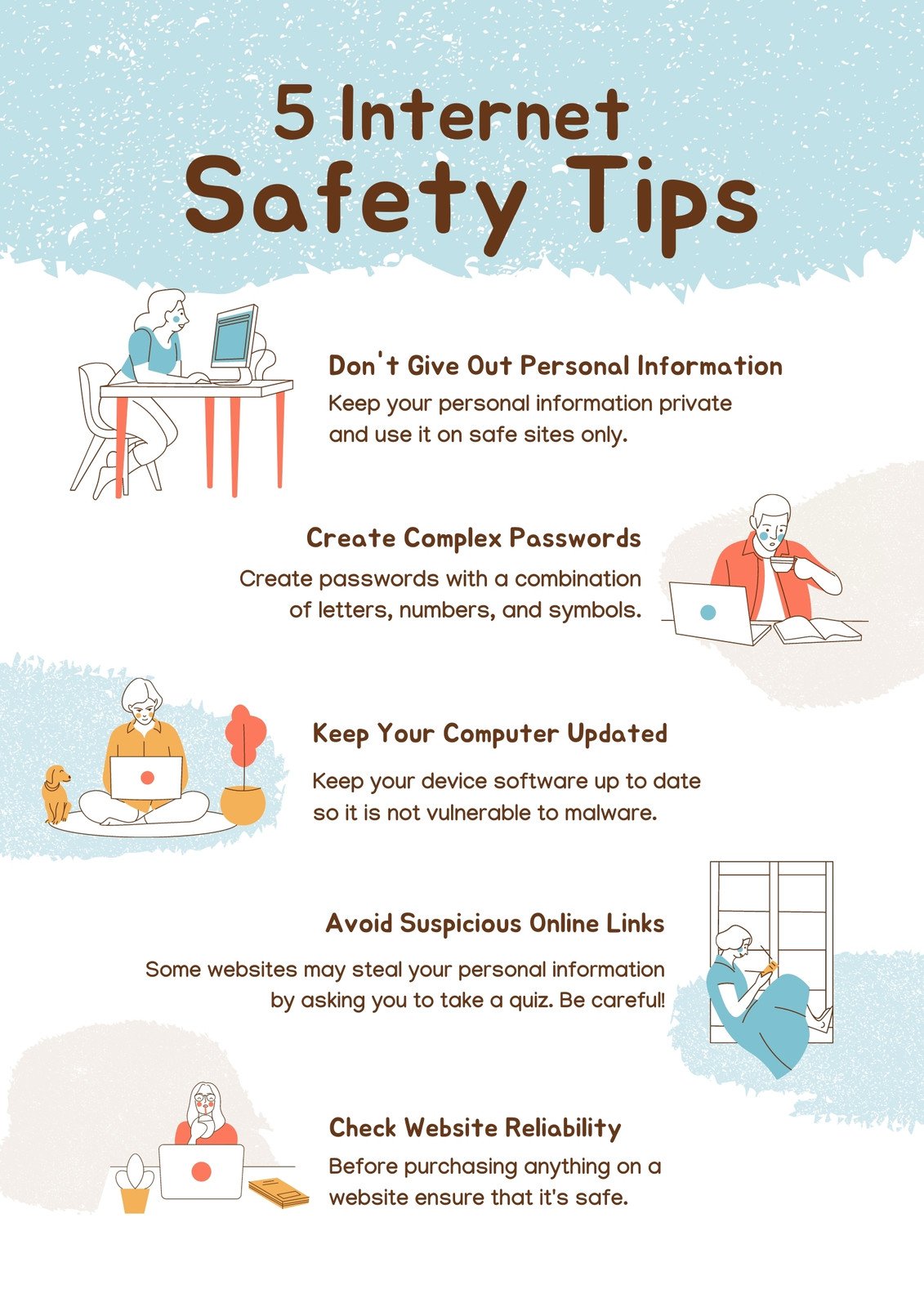
Monitoring children online requires understanding both behavioral warning signs and the technical conduits they use to communicate. Whether students operate school-issued Chromebooks during research blocks or personal smartphones on home networks, specific digital gaps expose them to oversharing. The breakdown below details common risk signals across various environments alongside concrete preventive guardrails to implement immediately. Related guide: Teachers Of Grades 9–12 Should Expand Internet Safety Instruction To Include Which Of The Following Topics?.
| Setting / Context | Common Vulnerability | Practical Safeguard |
|---|---|---|
| School Chromebooks and Tablets | Leaving browser accounts logged into public or shared library machines, exposing private cloud files. | Enforce strict automated session logouts and mandate profile checks through Online and Digital Safety guidelines. |
| Home Wi-Fi & Personal Devices | Using disappearing messaging features that bypass built-in router logging and parental visibility. | Establish clear device-free bedroom zones and review app privacy permissions together regularly. |
| Social Apps and Group Chats | Posting reactive screenshots or mean comments during emotional peer disputes out of urgency. | Incorporate a Pause Before Posting Internet Safety Activity Free Printable to practice calming reflection before hitting send. |
Establishing Consistent Communication Habits at Home and School
Technical safeguards alone cannot replace open, ongoing dialogue between adults and youth. To build lasting digital resilience, schools and families must align their expectations. Educators can integrate printable reflection sheets into advisory periods or computer lab sessions, prompting students to evaluate content through the lens of audience, permanence, and tone. Meanwhile, parents can reinforce these lessons at home by setting up centralized charging stations in common areas instead of allowing late-night scrolling behind closed bedroom doors. When an accidental overshare occurs, adults should handle the incident as a teachable moment rather than immediately resorting to punitive tech bans, ensuring children feel safe reporting suspicious DMs or harmful peer interactions without fear of losing device privileges entirely.
Overcoming Student Workarounds and Pushback Against Safety Rules
When adults implement strict filtering software or suddenly restrict messaging apps, children often experiment with workarounds such as utilizing secondary hidden accounts, downloading unauthorized VPNs, or deleting browser history. Rather than escalating a technological arms race, educators and parents should address the root desire for unsupervised peer connection. Acknowledge that wanting to socialize is completely natural, but explain that digital spaces lack the non-verbal social cues of face-to-face communication, making misunderstandings much more common and permanent. Pairing age-appropriate device controls with guided classroom exercises from our Internet and Digital Safety collection helps students understand the reasoning behind safety boundaries, transforming compliance from a forced chore into an internalized personal standard.
Frequently Asked Questions About Digital Reflection Exercises
At what grade level should teachers introduce offline reflection worksheets about online behavior?
Basic concepts of kindness and public versus private information can begin as early as kindergarten using visual prompts. More nuanced discussions regarding permanent digital footprints and reputation management fit naturally into upper elementary and middle school curricula.
How can busy parents incorporate these printable safety lessons into a hectic evening routine?
You do not need an hour-long lecture to make an impact. Use dinner time or a car ride to ask simple scenario-based questions, or review a single worksheet question together while winding down before homework.
Stay calm, guide them to delete the post immediately, and document the incident if cyberbullying or a security breach is involved. Reassure them that coming forward honestly is the best way to resolve the mistake safely.
Explore More Digital Citizenship Resources
Equipping the next generation with smart digital habits requires continuous collaboration between teachers, administrators, and families. Discover additional lesson plans, printable exercises, and expert-backed strategies by visiting SafeWiredSchools.org today to build a safer, more resilient school community.
Visual Reference Gallery