Introduction
An online safety digital toolkit serves as a structured framework of software tools, policy guidelines, and behavioral protocols designed to mitigate cyber risks within educational environments. According to the Cybersecurity and Infrastructure Security Agency (CISA), maintaining robust cyber hygiene through consistent updates and secure configuration remains the primary defense against unauthorized access and malicious exploitation of student data. This toolkit integrates technical device management with pedagogical strategies to cultivate responsible digital citizenship across middle school populations.
Digital Safety Snapshot:
- Core Focus: Comprehensive protection of student data and behavioral health through layered digital security measures.
- Target Scope: Institutional implementation across school networks, classroom devices, and home-based learning environments.
- Key Recommendation: Implement mandatory multi-factor authentication and regular privacy settings audits for all student-accessible accounts.
Core Principles and Detailed Overview
Effective online safety relies on the synchronization of device hygiene, persistent monitoring of digital footprints, and the proactive prevention of cyberbullying. Device hygiene necessitates the regular application of security patches, the removal of unverified third-party applications, and the implementation of restricted administrative privileges on school-issued hardware. Digital footprint management involves teaching students that every online interaction creates a permanent record, requiring critical evaluation before content generation. Cyberbullying prevention utilizes reporting mechanisms integrated directly into the Internet and Digital Safety infrastructure, ensuring that school administrators receive immediate alerts regarding prohibited communication patterns.
Key Specifications and Breakdown
| Safety Pillar | Digital Risk Factor | Actionable Protective Habit |
|---|---|---|
| Device Hygiene | Malware and Exploits | Mandatory weekly system updates and cache clearing. |
| Digital Footprint | Permanent Data Exposure | Regular auditing of social media and cloud privacy settings. |
| Cyberbullying | Harassment and Coercion | Utilization of anonymous, school-managed reporting portals. |
Cybersecurity Hygiene Principle: Implementing “Defense in Depth” strategies—where multiple layers of security controls are placed throughout an IT system—remains the gold standard for protecting student information systems. — Cybersecurity & Infrastructure Security Agency (CISA)
Step-by-Step Practical Application and Guidelines
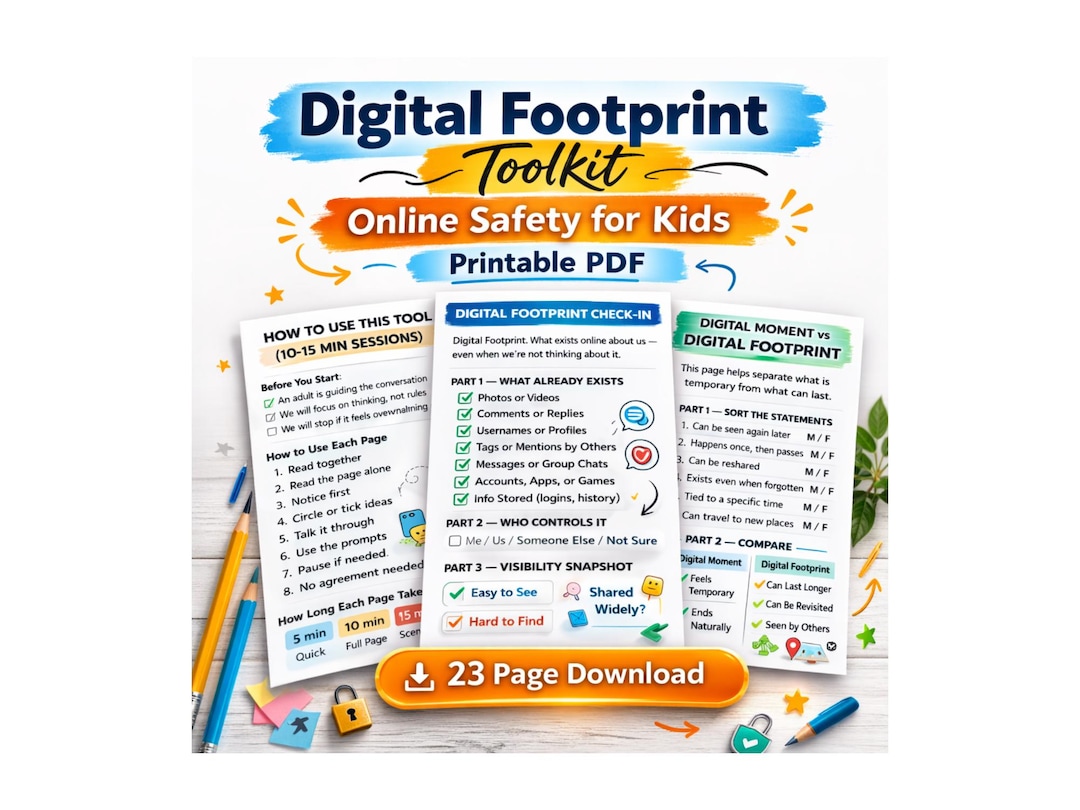
Practical application of the toolkit requires a three-tiered approach: baseline configuration, continuous monitoring, and structured educational intervention. First, administrators must standardize device settings to disable non-essential data collection and block unauthorized peer-to-peer file sharing. Second, teachers must enforce classroom screen balance by utilizing centralized management software that limits access to distracting or high-risk domains during instructional hours. Third, students must engage with Worksheets designed to simulate real-world cyber threats, allowing for the development of threat-recognition skills in a controlled, risk-free environment.
Common Challenges and How to Avoid Them
Common failures in digital safety implementation stem from inconsistent policy enforcement and the neglect of shadow IT—unauthorized software installed by students on school devices. To mitigate these risks, schools must maintain a rigid “whitelist-only” application policy, preventing the execution of non-approved programs. Furthermore, reliance on automated filtering systems without human supervision often results in the failure to detect nuanced forms of cyberbullying. Maintaining a balance between technological restriction and student autonomy requires frequent, transparent communication regarding the purpose of security protocols, ensuring that students view these tools as protective assets rather than punitive barriers.
💬 Frequently Asked Questions
Explore More Kids Safety and Digital Citizenship Guides on SafeWiredSchools
Continuous education remains the most potent tool for fostering a secure digital environment for middle school students. Access further resources, including Coloring Pages for younger audiences or advanced guides on Online and Digital Safety, by visiting the comprehensive repository available at Safe Wired Schools.
Visual Reference Gallery