Introduction
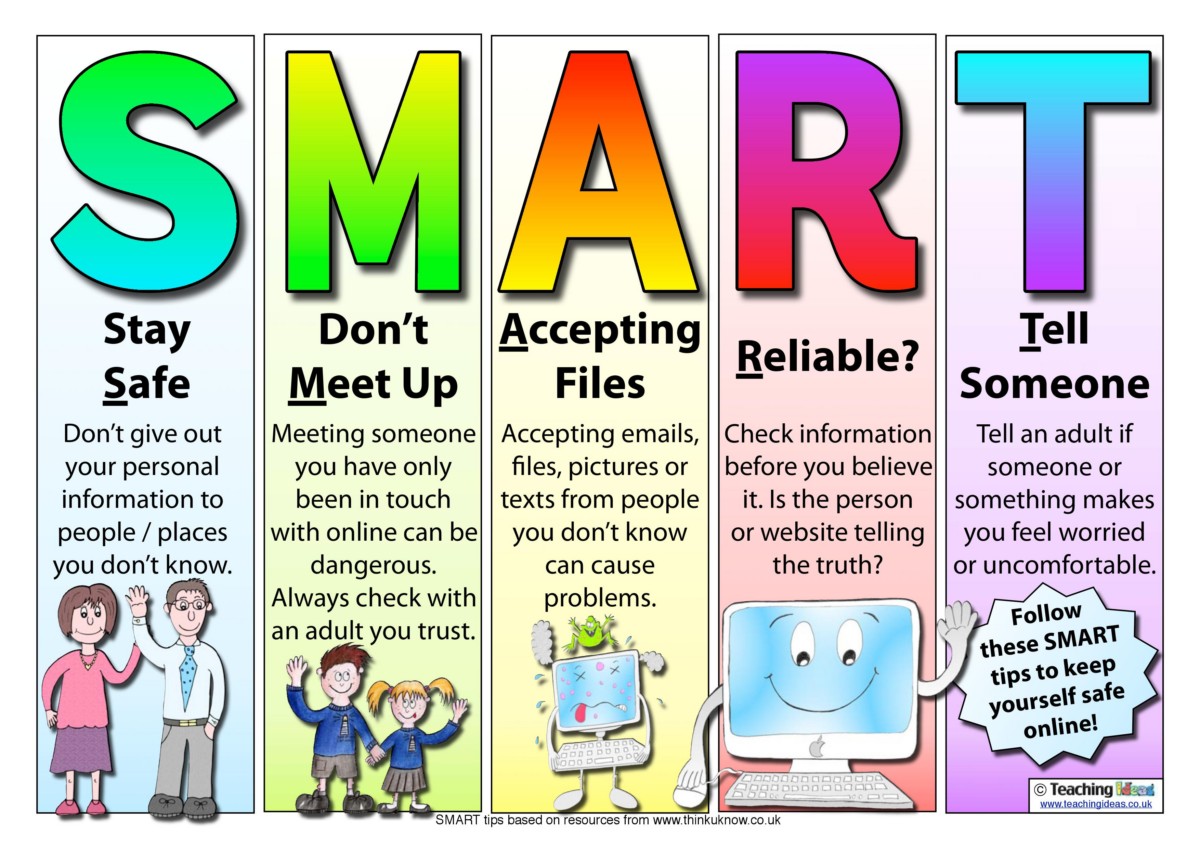
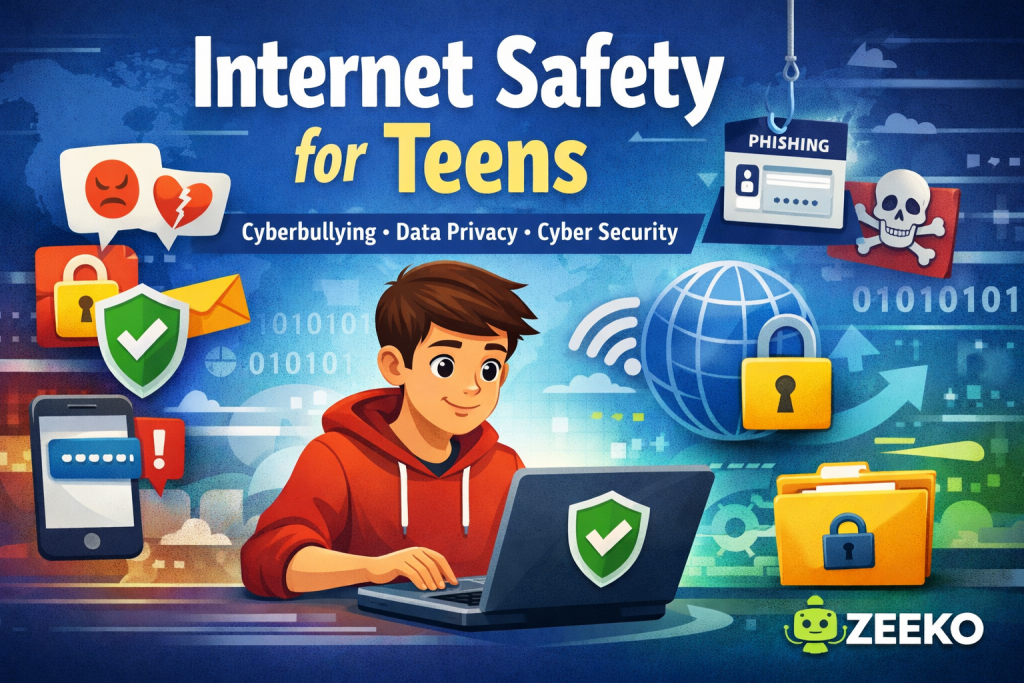
Online digital safety for kids encompasses the proactive management of technological environments to protect students from cyber threats, privacy breaches, and inappropriate content while fostering responsible behavior. According to the Cybersecurity and Infrastructure Security Agency (CISA), maintaining a robust security posture requires the consistent application of layered defenses, including strong authentication, software updates, and the cultivation of a culture of digital awareness. This framework serves as the foundation for Online and Digital Safety, ensuring that school-issued devices and personal technology remain secure assets rather than vectors for compromise.
Digital Safety Snapshot:
- Core Focus: Mitigation of digital risks through technical safeguards and informed behavioral habits.
- Target Scope: Middle school educational environments, including classroom, home, and remote learning access points.
- Key Recommendation: Implement a mandatory “zero-trust” approach to account access and data sharing across all school devices.
Core Principles and Detailed Overview
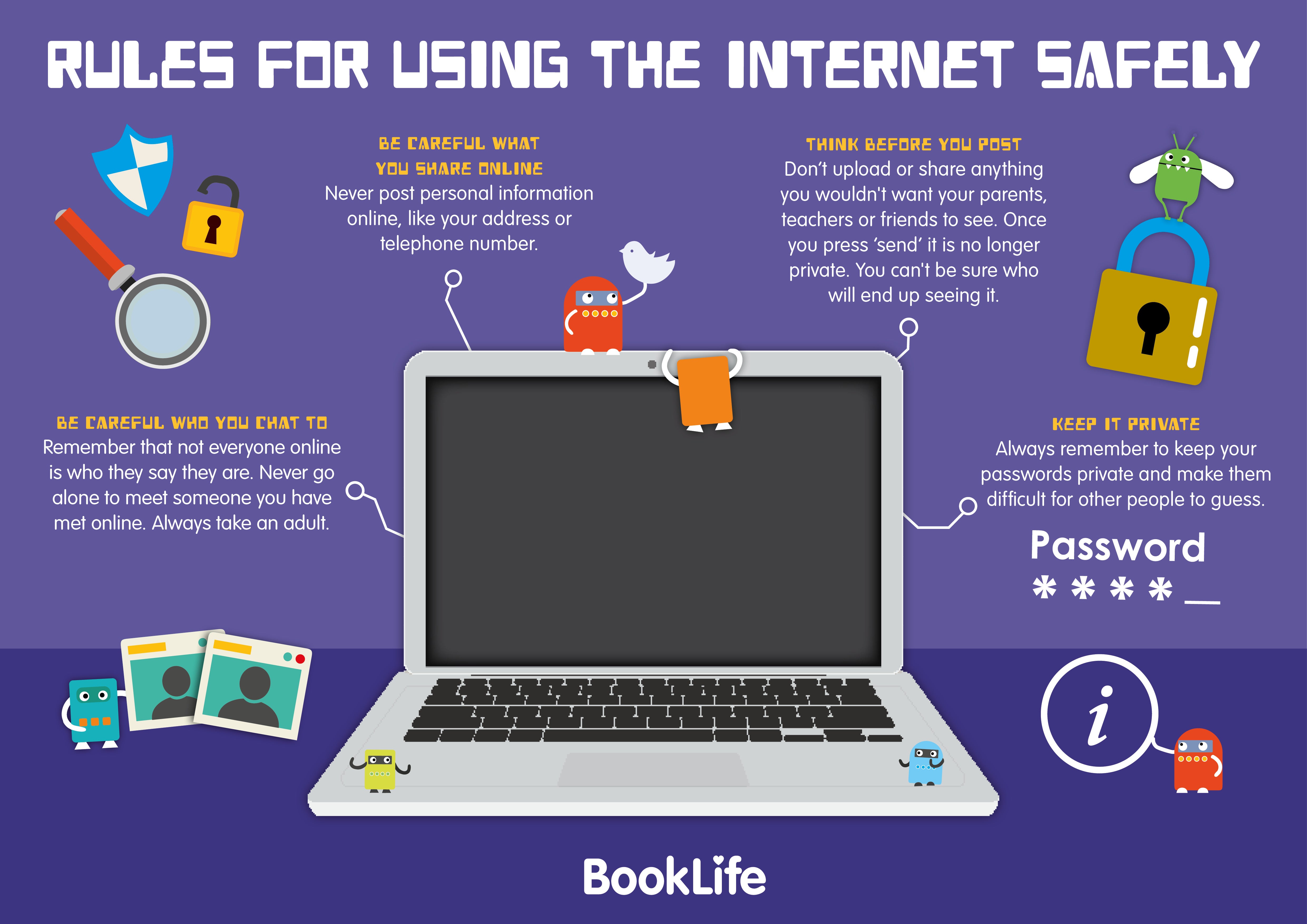
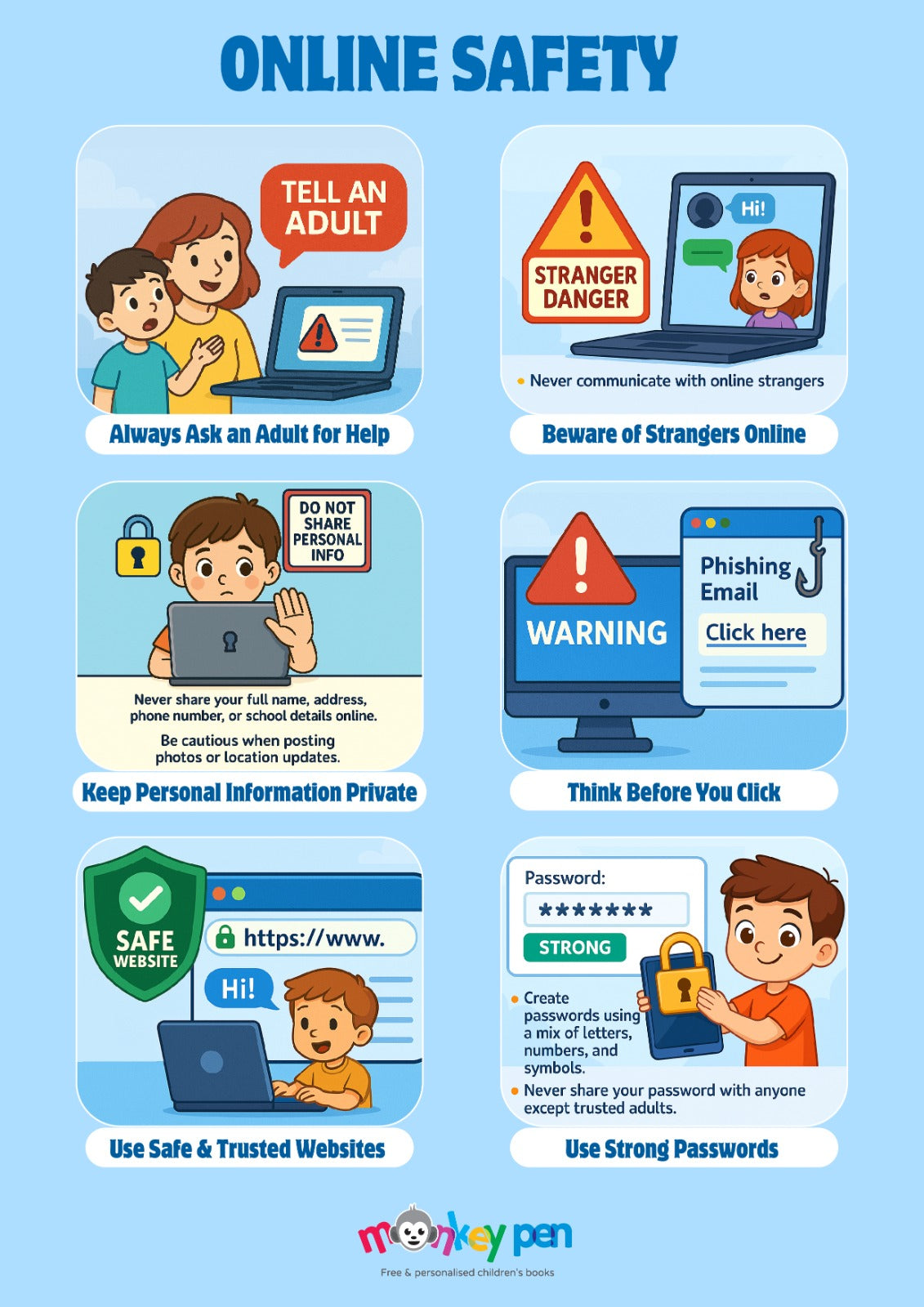
Effective digital safety relies on the intersection of device hygiene, persistent monitoring of digital footprints, and the systematic prevention of cyberbullying. Every interaction on a networked device leaves a permanent record, necessitating the education of students on the long-term implications of their online activity. Classroom screen balance serves as a critical component, limiting exposure to potential high-risk platforms during unsupervised periods. Establishing clear boundaries regarding information sharing and password integrity prevents unauthorized account access and protects student identities from exploitation. Schools and parents must collaborate to enforce these standards consistently, ensuring that Internet and Digital Safety protocols are not viewed as optional suggestions but as essential operational requirements.
Key Specifications and Breakdown
| Safety Pillar | Digital Risk Factor | Actionable Protective Habit |
|---|---|---|
| Identity Privacy | Publicly identifiable information leakage | Utilize pseudonyms for public-facing profiles |
| Cyberbullying | Harassment via digital communication | Report and block perpetrators immediately |
| Device Hygiene | Malware and unauthorized software | Apply system updates and patches promptly |
Cybersecurity starts with the user; maintaining software currency and employing multi-factor authentication are the primary technical barriers against unauthorized access. — Cybersecurity & Infrastructure Security Agency (CISA)
Step-by-Step Practical Application and Guidelines
Practical application of digital safety involves a structured, multi-stage approach to managing student online activity. First, standardize device configurations by disabling non-essential background processes and enforcing strict content filtering policies. Second, conduct regular audits of student digital footprints, emphasizing the removal of sensitive personal data from social platforms. Third, integrate specific Worksheets into the curriculum to teach students how to identify phishing attempts and recognize signs of online manipulation. Finally, establish a formal reporting mechanism for cyberbullying that guarantees anonymity for the reporter, thereby encouraging early intervention before incidents escalate.
Common Challenges and How to Avoid Them
Common challenges in digital safety often stem from the normalization of unsafe habits, such as password sharing or the use of insecure, public networks. To avoid these pitfalls, schools must enforce strict password complexity requirements and provide secure, encrypted network access for all students. Screen balance issues frequently arise from a lack of structured downtime; incorporating physical, non-digital learning activities into the daily schedule mitigates the risks associated with excessive screen time. Furthermore, educators must avoid the assumption that students inherently possess digital literacy; explicit instruction on the permanence of online content remains the most effective deterrent against reckless behavior.
💬 Frequently Asked Questions
Explore More Kids Safety and Digital Citizenship Guides on SafeWiredSchools
Maintaining a secure digital environment is a continuous process that requires vigilance from both educational institutions and families. For further resources, templates, and comprehensive safety strategies, visit the extensive library at Safe Wired Schools to stay updated on the latest standards for student protection.
Visual Reference Gallery