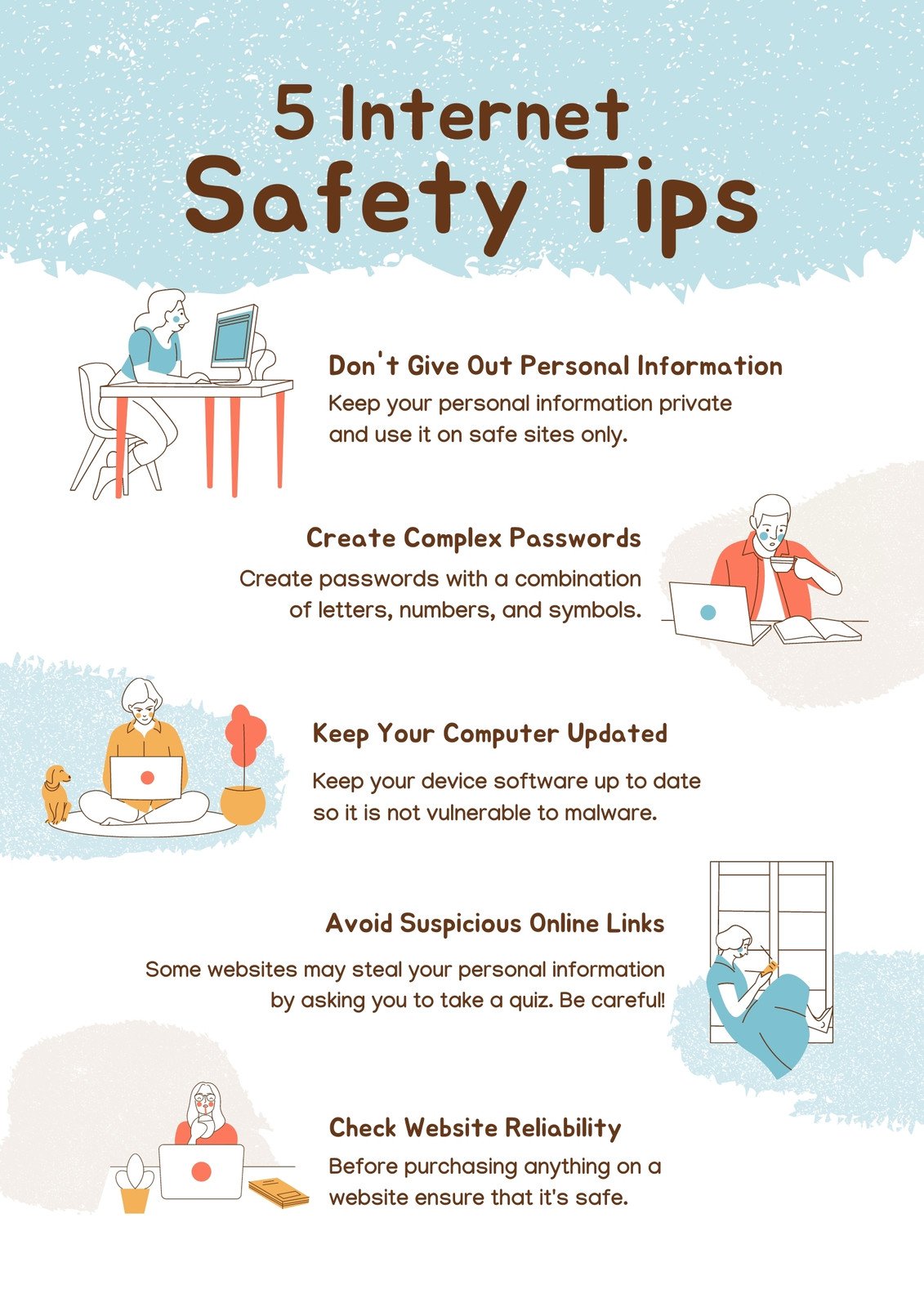
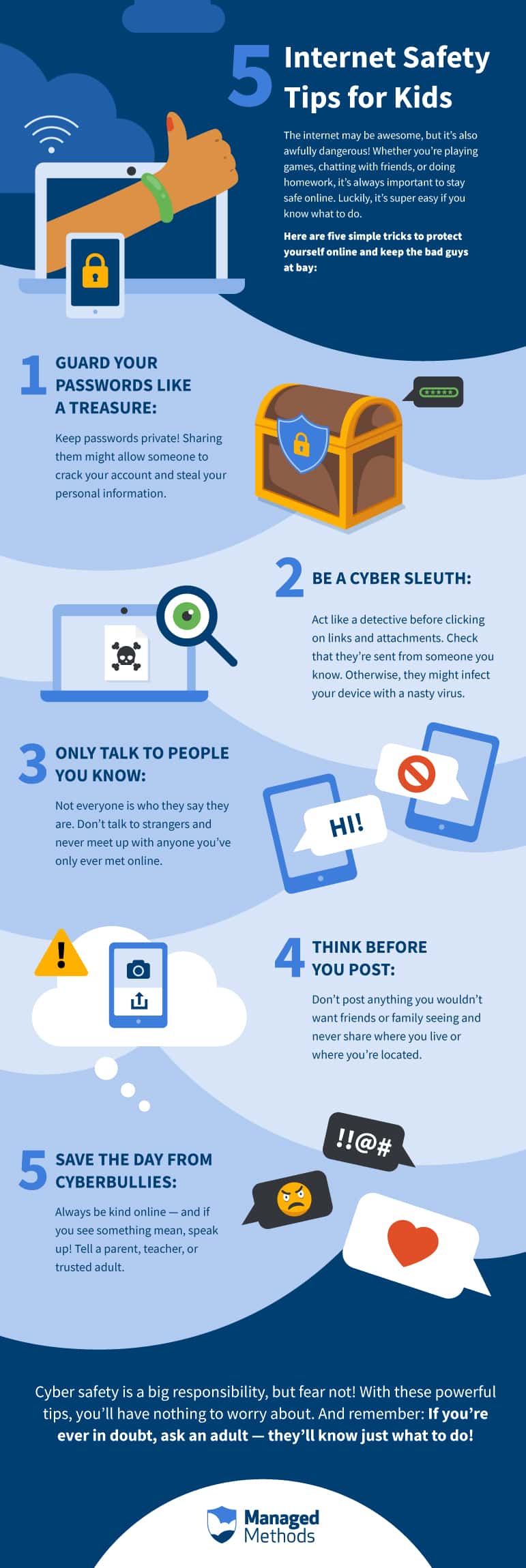
Why Teaching List Of Digital Safety Skills For Students Matters for School and Home Safety
As K-12 students navigate an increasingly interconnected world of classroom tablets, chat applications, and interactive learning platforms, mastering digital safety is just as important as traditional school readiness. Organizations like ConnectSafely and the Cybersecurity and Infrastructure Security Agency emphasize that online resilience requires more than just blocking malicious websites. Educators and parents must actively cultivate a core list of digital safety skills for students that empower children to protect their personal information, recognize online manipulation, and maintain positive digital footprints across every device they touch. Related guide: 5 Cyber Safety Tips Symbols That Can Be Read By The Grede 7 Students.
💡 Educational Key Takeaways:
- Core Skill: Structured List Of Digital Safety Skills For Students focused on developing pencil grip, stroke control, and early literacy/math confidence.
- Target Scope: Suited for homeschoolers, preschool, kindergarten, and elementary learners.
- Best Recommendation: Practice 10–15 minutes daily with ergonomic writing tools to reinforce muscle memory without hand fatigue.
Essential Safeguards: Identifying Online Risk Signals and Preventive Guardrails
Protecting youth online requires balancing age-appropriate device controls with continuous behavioral guidance. Adults can better safeguard students by understanding how technical vulnerabilities intersect with everyday digital habits on school-issued Chromebooks, personal smartphones, and home tablets. Reviewing common vulnerability points helps bridge the gap between classroom filtering policies and home-level internet monitoring.
| Setting / Context | Common Vulnerability | Practical Safeguard |
|---|---|---|
| Home Devices | Over-sharing personal details in public gaming chats or unsecured profiles. | Establish strict privacy defaults, disable location sharing, and encourage the use of pseudonymous gamer tags. |
| School Chromebooks and Tablets | Bypassing network filters or downloading unapproved classroom browser extensions. | Reinforce clear classroom policy communication, audit device extensions regularly, and teach students why school filtering rules exist. |
| Social and Chat Habits | Responding to phishing messages, urgent requests, or unknown friend requests. | Practice calm parent-child conversations about online deception and require students to verify identities before clicking links. |
Core Rules and Habits Families and Schools Can Apply Daily
Translating theoretical security advice into daily routines helps students internalize smart online habits. Schools and families should collaborate to establish predictable boundaries, such as implementing centralized charging stations outside of bedrooms overnight to prevent late-night screen fatigue and risky browsing. Teaching students how to utilize two-factor authentication on their personal accounts adds an extra layer of defense against credential theft. Furthermore, educators can integrate engaging Worksheets into digital citizenship lessons to test comprehension of password security and safe sharing practices.
Handling Pushback and Common Student Workarounds Without Power Struggles
When adults implement overly restrictive digital bans, students frequently seek out workarounds, such as using VPNs or private browsing modes to circumvent network rules. Rather than resorting to punitive measures that drive children into secrecy, adults should pair technical filters with open, non-judgmental check-ins. FOSI youth guidance highlights that children who fear punishment for online mistakes are significantly less likely to report cyberbullying, harmful content, or accidental exposure to inappropriate material. By keeping communication lines calm and open, adults ensure that students feel safe coming forward when digital interactions go wrong.
Frequently Asked Questions From Educators and Parents
What is the most effective way to introduce list of digital safety skills for students at different grade levels?
For younger elementary students, focus on fundamental rules like keeping passwords private and asking a trusted adult before downloading apps. As students enter middle and high school, transition toward discussions on critical thinking, evaluating online sources, managing digital footprints, and recognizing sophisticated phishing tactics.
How can teachers seamlessly integrate digital citizenship into existing academic subjects?
Teachers can incorporate online safety concepts directly into standard lessons by exploring digital ethics during history debates, evaluating internet source credibility in science classes, or practicing safe collaboration techniques using interactive Internet and Digital Safety modules.
What should a student do immediately if they encounter cyberbullying or uncomfortable content?
Students should be taught to never retaliate, to take clear screenshots as evidence, and to immediately notify a parent, teacher, or school administrator using established reporting workflows free from the fear of losing device privileges.
Explore More Digital Citizenship Resources for Safe Schools and Homes
Equipping the next generation with reliable online habits requires ongoing collaboration between teachers, parents, and community leaders. To discover additional lesson plans, printable activities, and expert safety guides, visit SafeWiredSchools.org today.
Visual Reference Gallery