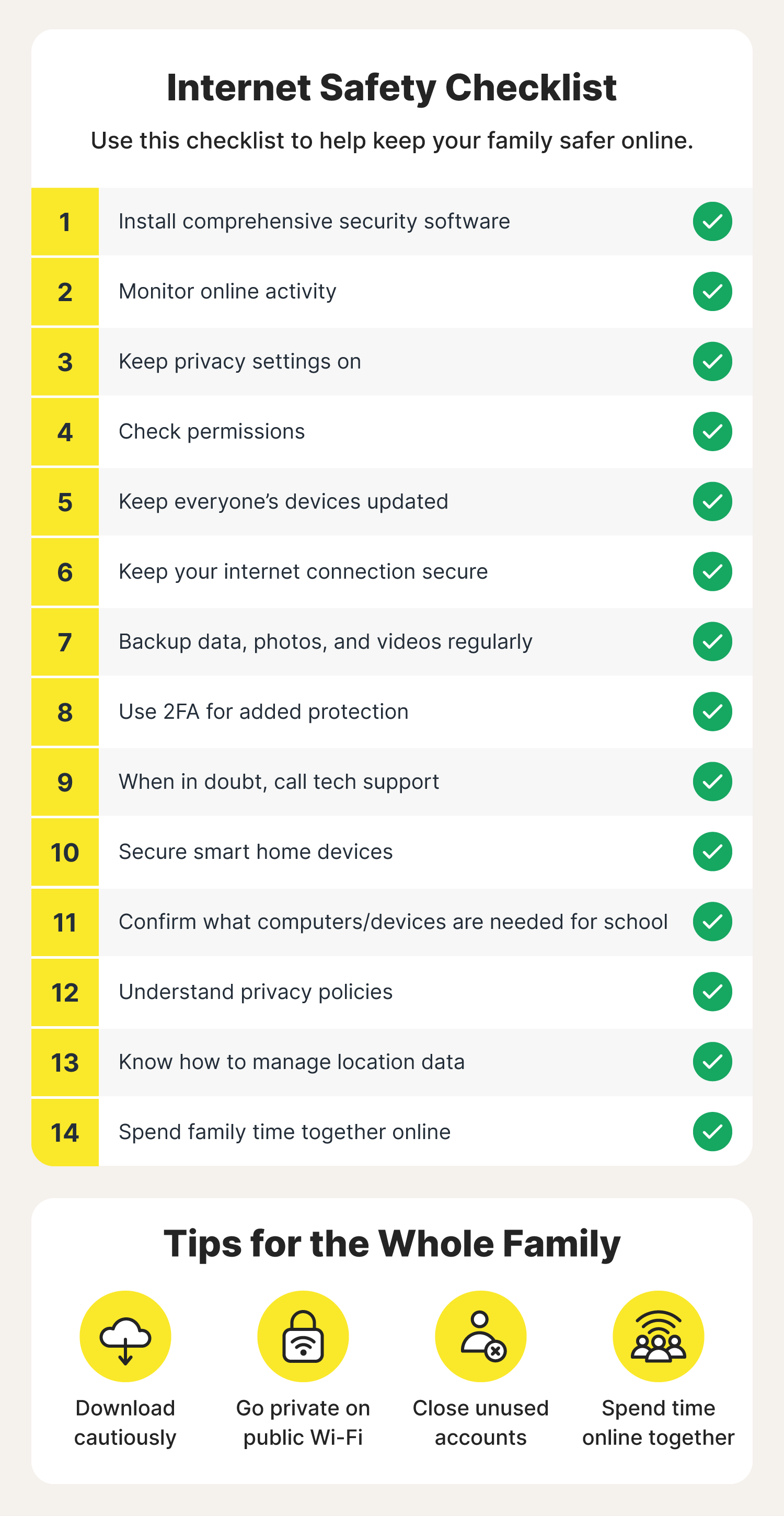
Introduction
Digital spaces have become standard playgrounds, classrooms, and social hubs for children ages five through twelve. Young learners frequently encounter digital environments through shared household tablets, unsupervised in-game chat features on gaming consoles, or autoplay video platforms. Navigating these virtual worlds requires proactive guidance rather than restrictive fear. Educators and parents constantly search for practical tools that bridge the gap between technical controls and actual behavioral habits. Introducing safety concepts through tactile materials transforms abstract rules into concrete understandings. The free printable “best internet safety rules for kids best dog anxiety for beginners” serves as a gentle catalyst for these vital household and classroom conversations. It sounds simple, and that’s the point. Related guide: Teachers Of Grades 9–12 Should Expand Internet Safety Instruction To Include Which Of The Following Topics?.
💡 Educational Key Takeaways:
- Core Skill: Structured Best Internet Safety Rules For Kids Best Dog Anxiety For Beginners focused on developing pencil grip, stroke control, and early literacy/math confidence.
- Target Scope: Suited for homeschoolers, preschool, kindergarten, and elementary learners.
- Best Recommendation: Practice 10–15 minutes daily with ergonomic writing tools to reinforce muscle memory without hand fatigue.
What This Printable Covers
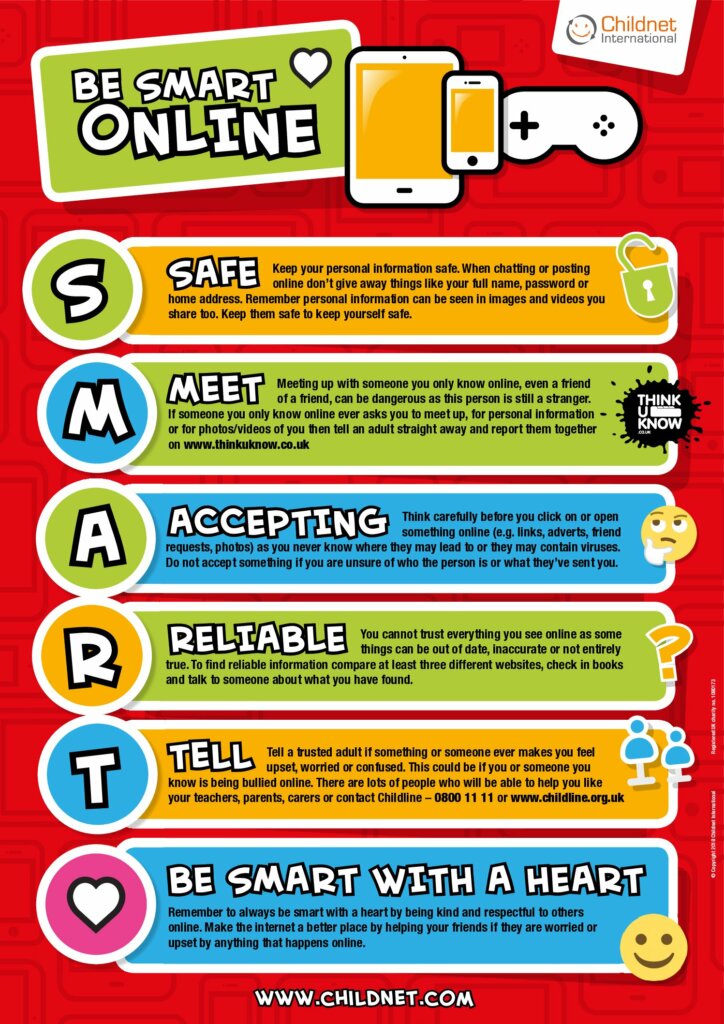
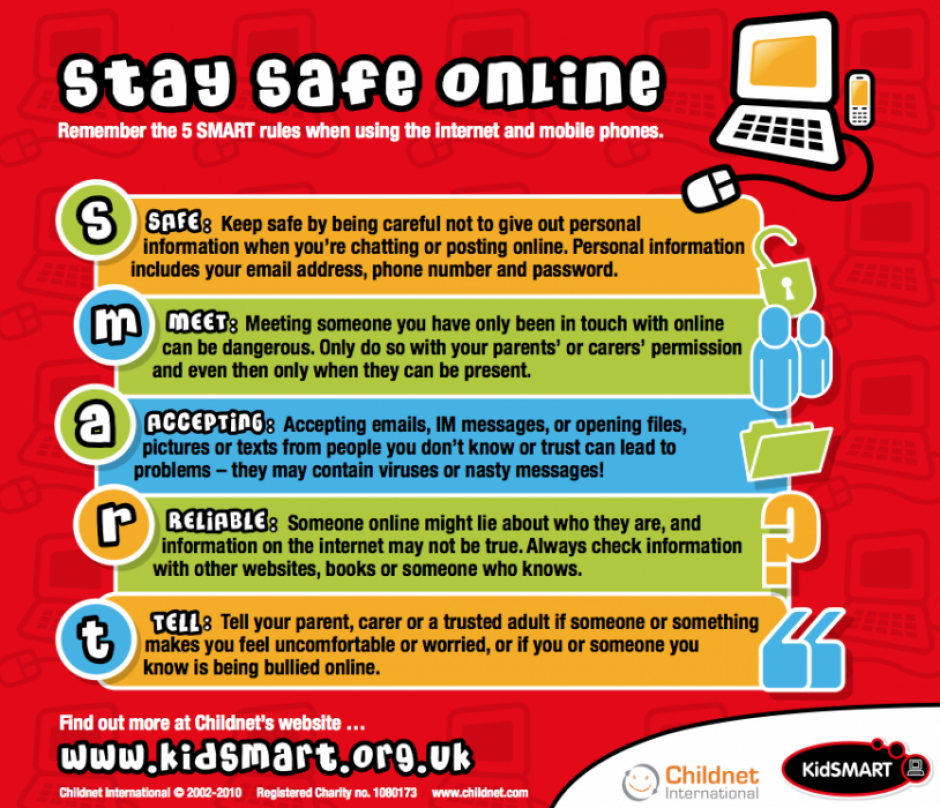
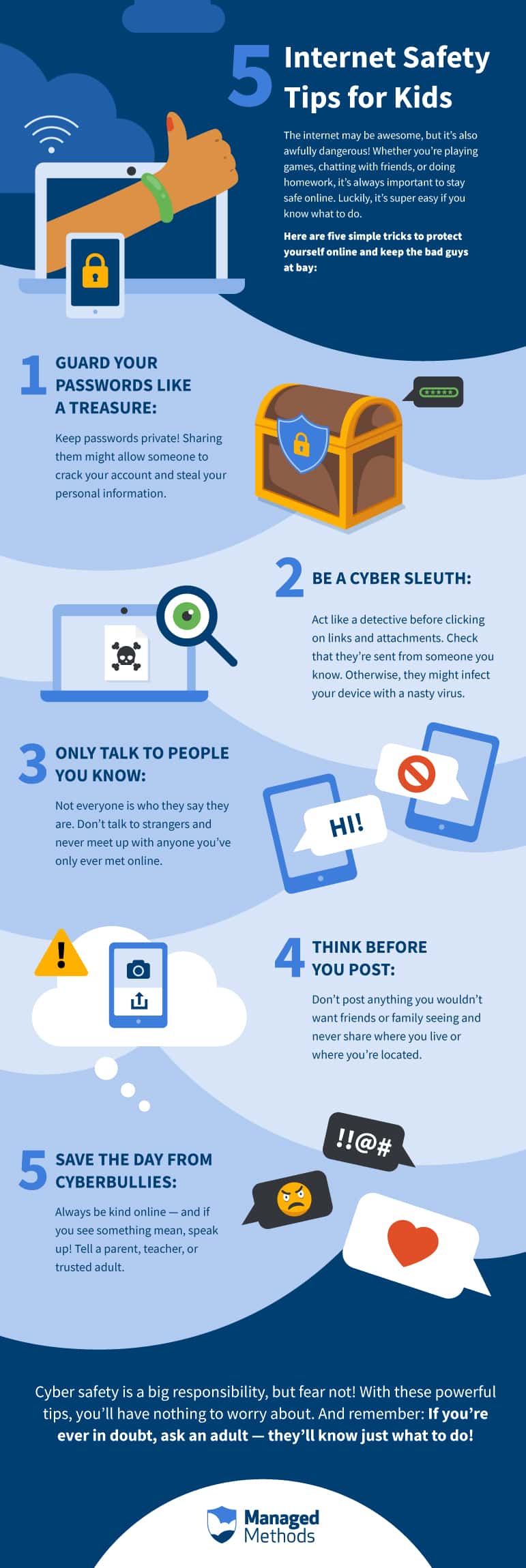
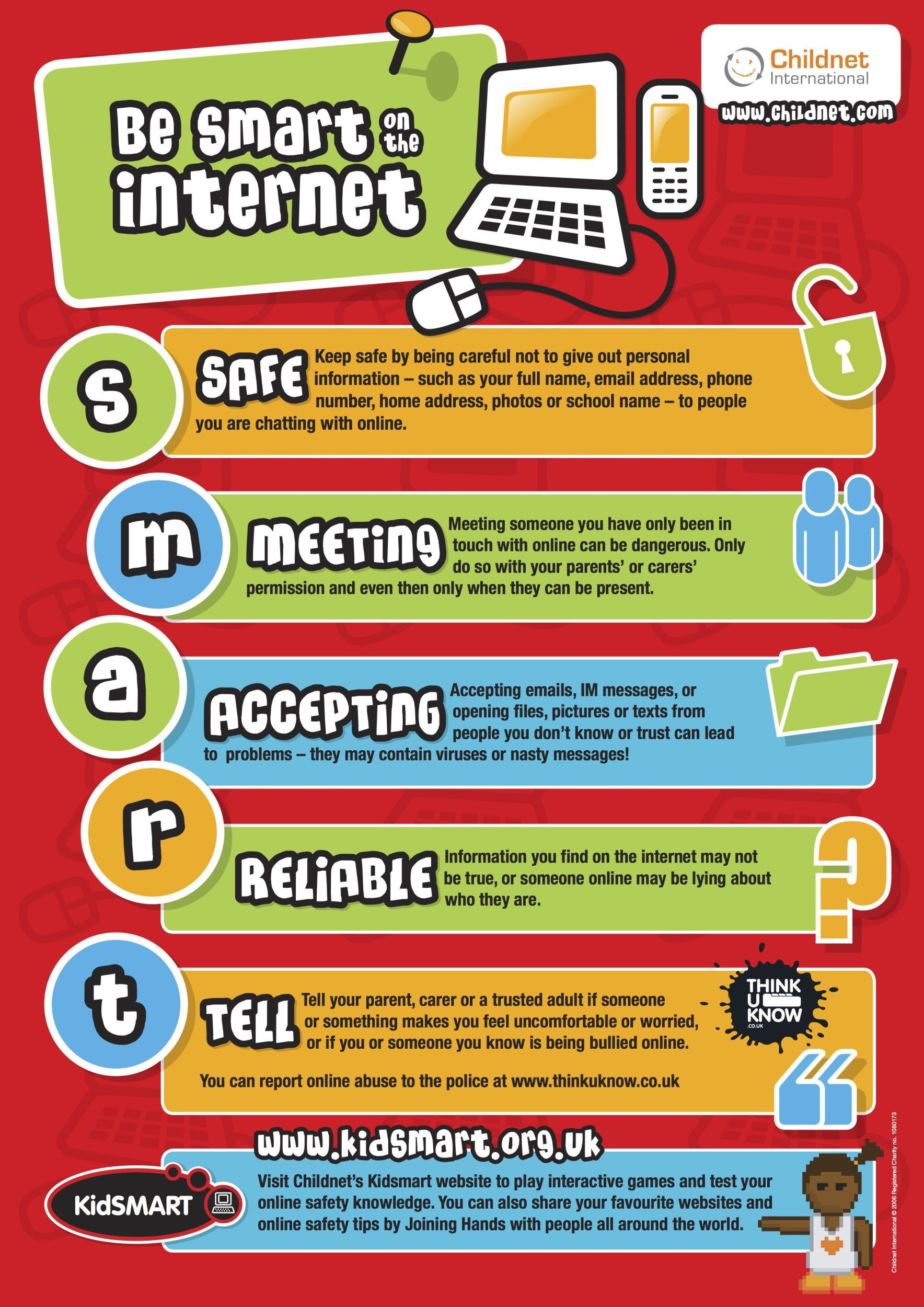
This versatile guide focuses on foundational digital citizenship pillars designed specifically for elementary-aged minds. Children often stumble into tricky online moments not through malicious intent, but through simple curiosity or a lack of situational awareness. The material addresses core protective habits including keeping personal details private, creating strong passwords, and recognizing when something feels uncomfortable on a screen. Crucially, the resource reinforces the golden rule of digital safety: children are never in trouble for reporting an upsetting pop-up, message, or interaction to a trusted adult. By pairing internet guidelines with calming imagery, the printable lowers anxiety around rule-following and encourages open communication. Here’s what makes this resource different: it frames safety as an empowering skill to build rather than a list of scary restrictions.
Key Learning Outcomes
Working through these pages helps young users internalize specific defensive routines for everyday tech use. Learners practice identifying what constitutes private information, such as home addresses, full names, and school locations. Another major outcome involves pausing before clicking, tapping, or sharing content across platforms. Students learn to recognize the physical signs of digital discomfort, such as a tightening stomach when viewing strange content, signaling an immediate need to pause and seek help. According to the Federal Trade Commission, children increasingly navigate digital marketplaces and interactive apps where data privacy concepts must be introduced early through accessible formats.
How to Use This Printable
Implementing this resource requires minimal preparation, making it ideal for busy classrooms, counseling offices, and kitchen tables alike. Adults can distribute the sheets during morning meeting blocks, technology orientation weeks, or quiet afternoon reading times. As children engage with the material, facilitators should ask open-ended questions about favorite apps and common digital dilemmas. This collaborative approach turns a standard worksheet into an interactive dialogue about real-world scenarios. Exploring Internet and Digital Safety concepts regularly helps normalize conversations about tech boundaries. Children respond best to consistent, calm messaging that treats digital spaces with the same mindfulness as physical neighborhoods.
Practical Tips for Parents and Teachers
Maximizing the impact of any educational printable relies heavily on the tone set by the supervising adult. Avoid lecturing or predicting worst-case scenarios, which often lead children to hide future mistakes or uncomfortable digital encounters out of fear. Instead, celebrate proactive honesty and praise young learners when they ask clarifying questions about strange pop-ups. Pin completed pages near family computer stations or classroom device carts as friendly visual reminders. Educators looking for supplementary exercises can explore various Worksheets designed to reinforce digital literacy alongside traditional subjects. Consistency between home and school environments solidifies these protective habits for the long term.
Age-Appropriate Recommendations
Tailoring digital citizenship instruction to developmental stages ensures messages resonate without causing undue stress. For five-to-eight-year-olds, focus on fundamental boundaries like always asking an adult before downloading a game or talking to strangers in chat boxes. Older elementary students, aged nine through twelve, benefit from deeper discussions surrounding digital footprints, respectful online communication, and critical thinking about media sources. Aligning these lessons with the Common Sense Education Digital Citizenship Curriculum provides a structured framework that supports social-emotional growth alongside technical literacy. Educators can easily adapt the pace depending on the group’s prior tech experience and classroom needs.
According to Common Sense Media research, a significant percentage of children under twelve use mobile devices daily, making early habit-formation essential for long-term digital well-being. — Common Sense Media
Frequently Asked Questions
Navigating digital safety tools raises common questions for educators and parents aiming to protect young web users effectively. Finding quick, reliable answers helps streamline technology integration both at home and inside the classroom.
Pew Research Center notes that a vast majority of parents express concern over their young children’s screen time and online privacy exposure. — Pew Research Center
Explore More Free Kids Online Safety Printables
Expanding a digital citizenship library ensures children receive continuous reinforcement throughout the school year. Pairing core lessons with creative exercises keeps engagement high and anxiety low. Discover additional resources by browsing specialized Coloring Pages that make learning memorable. Strengthening foundational habits today prepares students to navigate tomorrow’s digital innovations safely and confidently. Dive deeper into related topics by checking out comprehensive Online and Digital Safety modules.
Developmental Milestone & Activity Table
| Development Stage | Recommended Daily Duration | Primary Learning Objective |
|---|---|---|
| Preschool & Pre-K | 10 – 15 Minutes | Pencil grip development & basic pre-stroke lines |
| Kindergarten | 15 – 20 Minutes | Letter/number formation & spatial line awareness |
| Early Elementary (Grade 1–2) | 20 – 30 Minutes | Fluency, sentence construction & neatness |
Images References