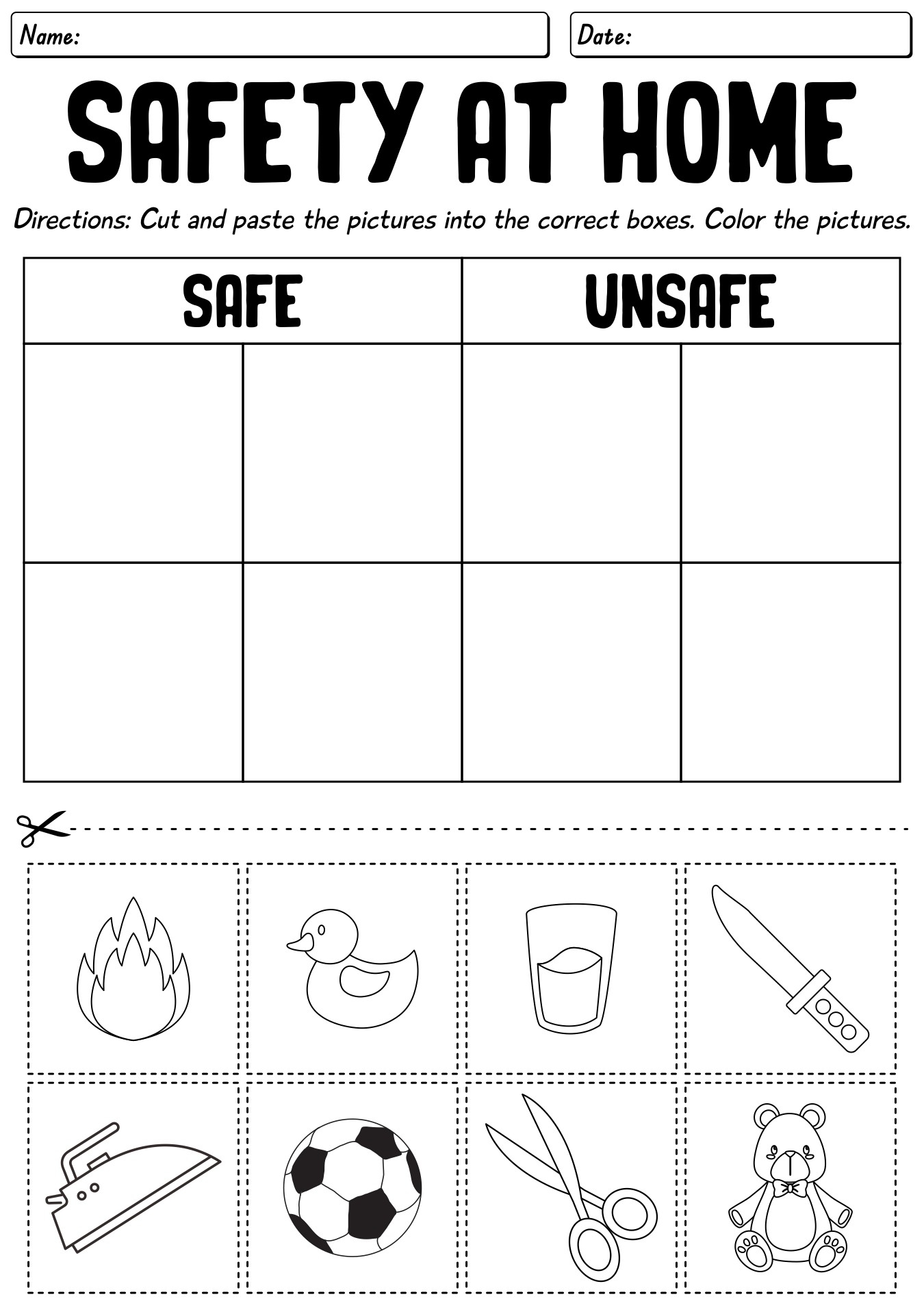
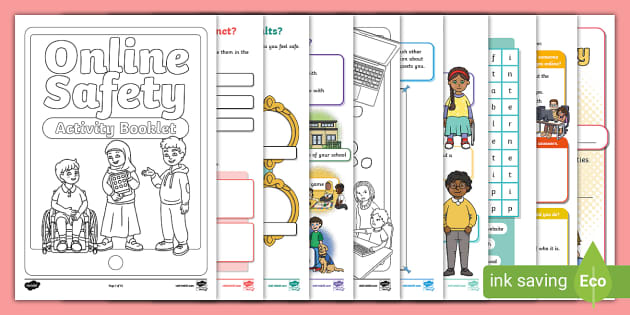
Why Early Tech Literacy Starts with Kindergarten Safety Worksheets
Five-year-old students encounter digital screens long before they step foot inside a classroom. Whether tapping on a shared family tablet or navigating a school-issued Chromebook, young children need foundational boundaries to understand that the digital world requires the same care as physical streets. Organizations like ConnectSafely and the Cybersecurity and Infrastructure Security Agency emphasize that digital citizenship education must begin early, focusing on basic self-regulation and awareness rather than complex technical jargon. Integrating hands-on Worksheets into daily instruction gives educators and parents a tactile way to introduce concepts like private information, device time limits, and safe online helpers.
💡 Educational Key Takeaways:
- Core Skill: Structured Kindergarten Safety Worksheets focused on developing pencil grip, stroke control, and early literacy/math confidence.
- Target Scope: Suited for homeschoolers, preschool, kindergarten, and elementary learners.
- Best Recommendation: Practice 10–15 minutes daily with ergonomic writing tools to reinforce muscle memory without hand fatigue.
Recognizing Risk Signals and Building Preventive Guardrails
Kindergarteners lack the developmental maturity to evaluate online safety risks independently. Adults must establish proactive guardrails across home networks, school hardware, and interactive apps to shield young learners from inappropriate content or accidental data sharing. The breakdown below highlights common vulnerabilities alongside practical safeguards designed specifically for five-year-olds. Related guide: Online Safety And Netiquette Lesson Plan Grade 4.
| Setting / Context | Common Vulnerability | Practical Safeguard |
|---|---|---|
| Home Tablets & Phones | Accidental in-app purchases and exposure to autoplay videos containing aggressive ads. | Disable one-click purchasing, turn off autoplay features, and utilize restricted guest profiles. |
| School Chromebooks & Tablets | Unfiltered search engine queries or clicking out of approved educational portals. | Deploy strict DNS filtering, restrict browser extensions, and pin tabs to approved learning URLs. |
| Interactive Games & Chats | Unmonitored multiplayer lobbies or voice chat features integrated into innocent puzzle apps. | Turn off microphone permissions and block any application featuring open peer-to-peer messaging. |
Establishing Calm Routines and Interactive Habits
Building healthy digital habits relies on consistency between home and school. When children see the same rules reinforced across environments, they internalize safety guidelines much faster. Start by establishing physical boundaries, such as keeping all screens out of bedrooms and designating a central charging station in the family kitchen or classroom corner. Educators can pair interactive lessons with engaging Online and Digital Safety prompts that encourage students to draw or talk about their favorite offline activities. When introducing new rules, practice calm, non-punitive conversations where children know they can approach an adult if they see something strange or scary on a screen, drawing guidance from FOSI family privacy recommendations.
A common pitfall in early childhood tech management is relying entirely on restrictive blocks or shaming a child who manages to bypass a filter out of sheer curiosity. Five-year-olds are natural explorers who test boundaries naturally. If a child manages to click into an unintended website or button-mash past a restriction, avoid dramatic reactions that induce fear or secrecy. Instead, treat the moment as a teachable interaction. Use printable Internet and Digital Safety activity sheets to review what to do when a pop-up appears or an unfamiliar character asks for their name. Pairing technical parental controls with empathetic dialogue ensures children view adults as safe resources rather than enforcers.
Frequently Asked Questions About Early Childhood Digital Literacy
Are kindergarteners really old enough to learn about digital safety?
Yes, though the lessons look very different than those for older students. At age five, children learn basic concepts like not sharing their real names, asking an adult before clicking links, and understanding that not everything on a screen is real.
How can teachers incorporate safety lessons without adding screen time?
Offline learning tools are ideal for this age group. Instructors can use coloring sheets, board games, and storybooks that emphasize unplugged play, body safety boundaries, and identifying trusted grown-ups.
What is the best way to handle a child who throws a tantrum when screen time ends?
Predictability reduces friction. Use visual timers, give five-minute and two-minute verbal warnings, and transition immediately into a physical activity like snack time or building blocks to shift their focus.
Explore More Digital Citizenship Resources
Equipping young learners with the confidence to navigate technology safely requires ongoing collaboration between teachers and families. To access additional lesson plans, printable activities, and expert guides tailored for every grade level, visit SafeWiredSchools.org.
Worksheet Previews & Reference Materials