Introduction
Young children navigate digital environments long before mastering cursive handwriting. Tablets, shared family laptops, and gaming consoles become familiar extensions of the living room and classroom. Yet, digital citizenship education often relies on dense rulebooks that fly right past a seven-year-old. Coloring reinforces safety messages through tactile engagement, turning abstract digital boundaries into approachable artistic choices. It sounds simple, and that’s the point. Children process complex scenarios best when hands remain busy and minds feel relaxed. Introducing foundational tech habits requires patience, empathy, and tools designed for developing attention spans. Educators and caregivers frequently seek approachable methods to spark discussions about screen time, privacy, and respectful communication without creating unnecessary fear. Artistic expression bridges the gap between adult expectations and childhood comprehension, making free printable kids internet safety colouring pictures an invaluable addition to any home or school toolkit. Related guide: Please Provide Free 8.5″X11″ Digital Safety Coloring Pages For K-2 Grade.
💡 Educational Key Takeaways:
- Core Skill: Structured Kids Internet Safety Colouring Pictures focused on developing pencil grip, stroke control, and early literacy/math confidence.
- Target Scope: Suited for homeschoolers, preschool, kindergarten, and elementary learners.
- Best Recommendation: Practice 10–15 minutes daily with ergonomic writing tools to reinforce muscle memory without hand fatigue.
What This Printable Covers
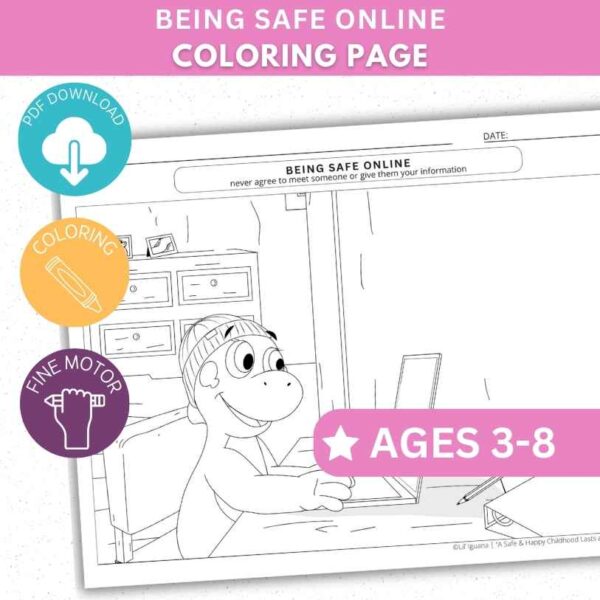
Visual prompts address the everyday realities of modern childhood connectivity. Real-world risks rarely arrive through dramatic movie hacker sequences; instead, children encounter them during casual moments on shared devices, in-game chat windows, and video streaming platforms. Scenes depict relatable moments like deciding whether to click an unexpected pop-up, recognizing personal information, or choosing a strong password. Each page isolates a single protective habit, preventing cognitive overload. The artwork emphasizes positive actions, such as closing a screen to consult a trusted adult when something feels confusing. According to Pew Research Center, a vast majority of parents express concern about their children’s screen time and digital exposure, highlighting the urgent need for proactive, gentle guidance materials. By coloring characters making smart choices, students internalize proactive behaviors that keep their digital experiences positive and secure.
Key Learning Outcomes
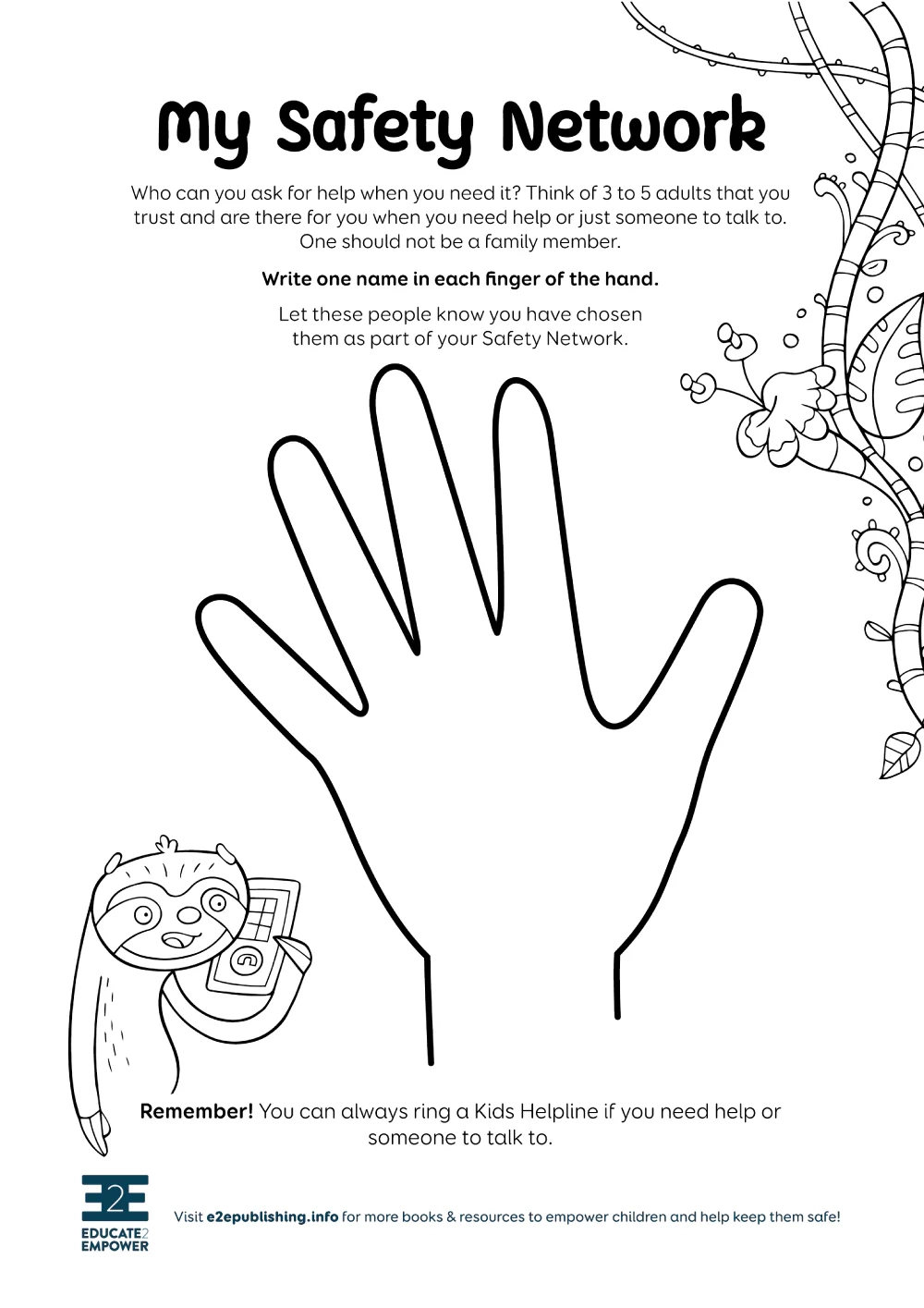
Completed art projects serve as visual anchors for deeper conversations about online boundaries. Students practice identifying what constitutes private data, including home addresses, full names, and school titles. Another critical focus involves the golden rule of reporting: children learn that encountering uncomfortable content never results in losing device privileges. According to the Federal Trade Commission, equipping youth with straightforward reporting strategies significantly reduces online vulnerability. Discussions naturally emerge around thinking before sharing photos or comments in public forums. Here’s what makes this resource different: it transforms passive rule-following into active critical thinking, encouraging children to evaluate digital scenarios independently before tapping or clicking.
How to Use This Printable
Integrating creative printables into existing routines requires minimal preparation. Morning work blocks, indoor recess periods, and quiet Friday afternoons provide ideal windows for artistic reflection. Caregivers can place crayons and coloring sheets on the kitchen table while dinner simmers, using the activity as a natural conversation starter about daily online adventures. Educators often pair these exercises with foundational Internet and Digital Safety lessons to reinforce classroom management policies. Displaying completed masterpieces on bulletin boards creates a supportive visual culture around mindful technology use. When children color characters practicing safe habits, adults have a natural opening to ask gentle questions about favorite apps and online games.
Practical Tips for Parents and Teachers
Maximizing the impact of creative exercises involves asking open-ended questions while crayons move across the paper. Instead of asking if rules are understood, adults can inquire about what the character in the picture should do next. This approach builds critical problem-solving skills rather than rote obedience. Group settings benefit from collaborative mural projects where students brainstorm safe online behaviors together. Integrating resources from Coloring Pages collections ensures a steady supply of fresh prompts for growing minds. Consistency remains key; revisiting these themes multiple times throughout the school year cements the habits securely.
Age-Appropriate Recommendations
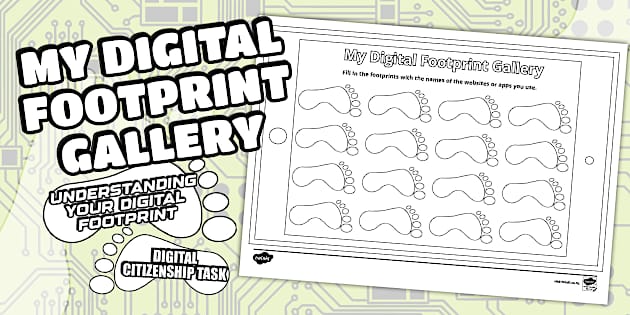
Aligning digital citizenship instruction with developmental stages ensures maximum comprehension and retention. Kindergartners and first-graders benefit from focusing on simple physical boundaries, such as asking an adult before using a device. Second and third graders can explore more nuanced concepts, including password privacy and polite communication in multiplayer environments. Older elementary students examine digital footprints and the permanence of shared content. This graduated approach aligns directly with the Common Sense Education Digital Citizenship Curriculum, which emphasizes age-appropriate milestones for media balance and privacy. Tailoring the conversation prevents anxiety while building competence step by step.
Pew Research Center reports that the vast majority of parents worry about their children encountering inappropriate content on digital platforms. — Pew Research Center
Frequently Asked Questions
Quick answers help educators and families implement these creative tools smoothly across various learning environments.
The Federal Trade Commission emphasizes that proactive education and open dialogue are foundational for safeguarding children online. — Federal Trade Commission
Explore More Free Kids Online Safety Printables
Expanding a digital citizenship curriculum takes more than a single afternoon activity. Educators can browse comprehensive Worksheets designed to test comprehension through puzzles and matching games. Exploring the broader Online and Digital Safety category reveals lesson plans, discussion prompts, and family engagement letters. Building a resilient digital community happens one thoughtful conversation at a time, supported by versatile resources that grow alongside developing minds.
Developmental Milestone & Activity Table
| Development Stage | Recommended Daily Duration | Primary Learning Objective |
|---|---|---|
| Preschool & Pre-K | 10 – 15 Minutes | Pencil grip development & basic pre-stroke lines |
| Kindergarten | 15 – 20 Minutes | Letter/number formation & spatial line awareness |
| Early Elementary (Grade 1–2) | 20 – 30 Minutes | Fluency, sentence construction & neatness |
Images References