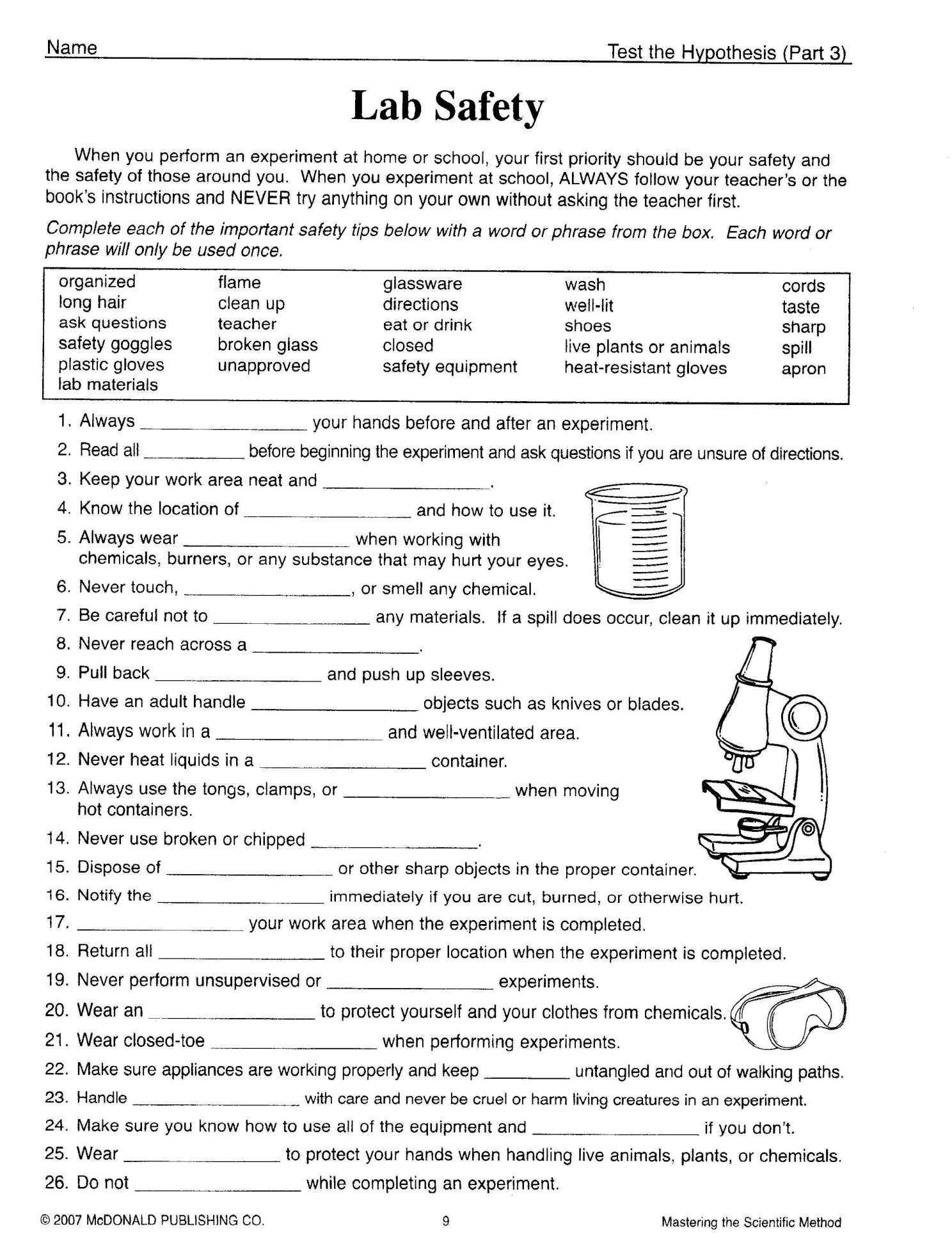
Why Blending Science Lab Safety Coloring Worksheet Activities with Digital Literacy Matters
As K-12 educators and parents look for creative ways to introduce high-stakes physical concepts to young learners, incorporating a science lab safety coloring worksheet has become a popular classroom strategy. Yet, as learning increasingly shifts to school-issued tablets, personal laptops, and home-sharing networks, printables and digital assets intersect in unexpected ways. When children download educational files online, they navigate digital ecosystems that require robust online and digital safety habits. Organizations like ConnectSafely and the Cybersecurity and Infrastructure Security Agency emphasize that digital literacy must go hand in hand with physical education. By establishing safe downloading behaviors early, we ensure that exploring creative school activities online never exposes students to unvetted third-party ad networks, malicious tracking cookies, or age-inappropriate search results.
💡 Activity Key Takeaways:
- Core Focus: Printable Science Lab Safety Coloring Worksheet designed for creative expression and fine-motor coordination.
- Target Scope: Ideal for toddlers, preschool, kindergarten, and classroom art activities.
- Best Recommendation: Use standard heavy printer paper (24–28 lb) or cardstock for vibrant results with crayons, colored pencils, or washable markers.
Risk Signals and Preventive Guardrails for Digital Resource Gathering
Finding quality instructional materials online requires educators and parents to remain vigilant about where and how files are retrieved. Unofficial web domains hosting free learning assets frequently bundle downloads with deceptive pop-ups or third-party executable files disguised as document viewers. Adults should audit both home networks and school-managed Chromebooks to ensure that built-in web filters block unverified file-sharing portals. Recognizing common digital vulnerabilities allows adults to establish proactive technical guardrails before a child searches for supplementary learning materials independently. Related guide: Two Factor Authentication Coloring Page Kids.
| Setting / Context | Common Vulnerability | Practical Safeguard |
|---|---|---|
| Home Devices & Tablets | Accidental clicks on deceptive download banner ads leading to adware. | Install reputable ad-block extensions and restrict browser download permissions. |
| School Chromebooks | Bypassing district domain restrictions via unauthorized proxy sites during independent research. | Enforce strict DNS-level filtering and monitor active-use management dashboards. |
| Social Media & Shared Links | Clicking unverified short links shared in parent chat groups or video comment sections. | Teach children the stop-and-verify rule before opening unknown links; utilize trusted resource hubs like our Worksheets archive. |
Actionable Steps for Safe Downloading and Device Management
Protecting children during digital resource gathering does not mean locking down every screen; rather, it involves building predictable routines. Educators should prep digital repositories ahead of time, providing students with direct, clean PDF links rather than asking them to hunt through search engines unassisted. At home, families can designate a central family charging station where tablets and laptops rest overnight, eliminating late-night unmonitored browsing. Furthermore, pairing fun physical tasks like completing a science lab safety coloring worksheet with conversations about digital citizenship helps kids connect real-world caution with online mindfulness. For deeper dives into visual learning tools, explore our curated Coloring Pages collection, which provides secure, classroom-ready downloads without hidden tracking scripts.
Children are naturally resourceful, and tech-savvy students often discover ways around standard content filters when searching for images, games, or printable activities. When an overly restrictive technical barrier blocks a legitimate educational site, students may attempt to use unauthorized browser extensions or private browsing windows to bypass school controls. Instead of relying purely on punitive measures, educators and parents should maintain an open-door policy. If a student encounters a blocked educational page, they should feel comfortable asking an adult to review the URL. Guiding children through the verification process turns a frustrating restriction into a teachable moment about internet and digital safety principles.
Frequently Asked Questions on Managing Digital Learning Assets
How can I verify if a free printable website is safe for my child?
Always inspect the URL structure to ensure it belongs to an established educational publisher or verified educator network. Check that the site uses HTTPS encryption and avoid any platform that forces you to install an unknown browser extension to access a basic PDF file.
Are school-issued devices completely secure from malicious downloads?
While school districts implement robust firewall protections and device management tools, no filter is one hundred percent foolproof. Students can still encounter phishing attempts or deceptive ads if they navigate away from approved whitelisted domains during independent study blocks.
How do I talk to my child about clicking safe links online?
Use the traffic light analogy: green means approved school sites, yellow means pause and ask an adult, and red means sudden pop-ups or strange download prompts. Encouraging this habit ensures they recognize red flags independently.
Explore More Digital Citizenship Resources
Empowering children to navigate both physical laboratories and digital landscapes requires ongoing guidance, open communication, and reliable tools. Discover comprehensive safety guides, classroom policies, and digital literacy frameworks by visiting SafeWiredSchools.org today.
Printable Coloring Page Previews