

Introduction
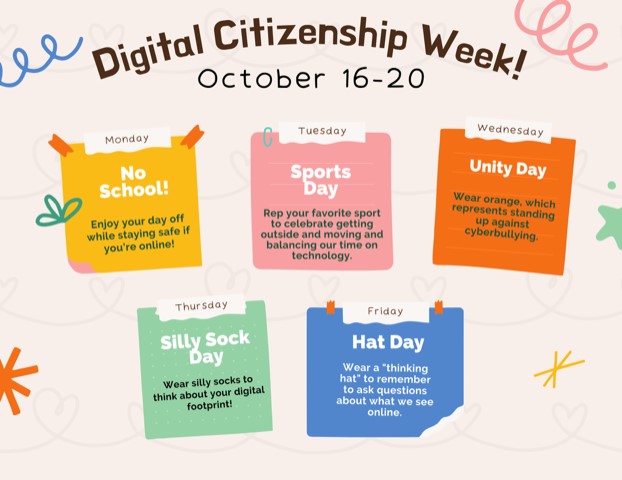
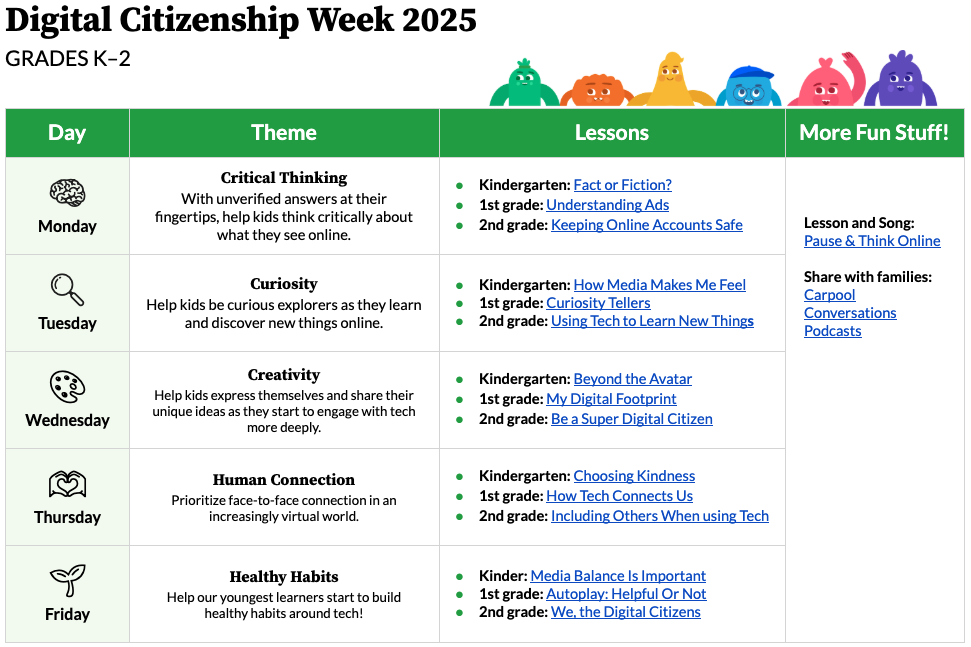
Navigating the digital world often starts long before middle school, usually beginning with shared family tablets or school-issued laptops. Fifth graders stand at a unique developmental crossroads, balancing a growing desire for independence with a need for steady guidance. Educators and parents frequently notice this shift as children start exploring multiplayer in-game chats, video platforms, and collaborative school documents. Digital citizenship is no longer an abstract concept reserved for computer labs. It is a daily practice that requires intentional instruction, much like learning to cross a busy street safely. Introducing structured activities during pivotal times of the year helps anchor these lessons. The free printable themed around “its digital citizenship week 5th graders learn to share” provides a practical starting point for meaningful conversations about online boundaries, responsible communication, and thoughtful sharing habits without generating fear. Related guide: Cctv Introduction Lesson For Grade 4.
💡 Educational Key Takeaways:
- Core Skill: Structured Its Digital Citizenship Week 5Th Graders Learn To Share focused on developing pencil grip, stroke control, and early literacy/math confidence.
- Target Scope: Suited for homeschoolers, preschool, kindergarten, and elementary learners.
- Best Recommendation: Practice 10–15 minutes daily with ergonomic writing tools to reinforce muscle memory without hand fatigue.
What This Printable Covers
This specific activity focuses heavily on the mechanics of sharing online—what information remains private, what content is appropriate for public view, and how digital footprints accumulate over time. Instead of relying on dry lectures, the exercise uses scenario-based prompts tailored to upper elementary experiences. Children examine realistic dilemmas involving gaming tags, personal photos, and friendly messages sent across digital networks. It sounds simple, and that’s the point. Breaking down complex digital etiquette into manageable pieces allows ten- and eleven-year-old learners to process consequences before facing them in real-time. Exploring printable classroom worksheets bridges the gap between theoretical rules and everyday online behavior, giving students concrete vocabulary to articulate their choices.
Key Learning Outcomes
Mastering digital citizenship involves cultivating specific habits of mind that protect personal well-being. Participants learn to pause before uploading content, evaluating whether a post reveals sensitive location data or personal identifiers. Another critical outcome involves understanding that once digital content enters the public sphere, retrieving it proves nearly impossible. Furthermore, the material reinforces a vital safety net: children are never in trouble for reporting something uncomfortable, confusing, or mean online. According to Pew Research Center, a significant majority of teenagers and pre-teens encounter digital drama or inappropriate content, making early habit-building essential for resilience.
How to Use This Printable
Implementation requires flexibility, fitting seamlessly into morning meetings, counseling sessions, or family dinner table discussions. Adults can distribute the activity sheets independently or pair students for collaborative problem-solving. When learners discuss the prompts together, they often reveal misconceptions about online privacy that adults might never think to ask about. Here’s what makes this resource different: it shifts the dynamic from adult-imposed restrictions to student-led critical thinking. Facilitators guide the conversation by asking open-ended questions rather than supplying immediate answers, fostering genuine comprehension of online and digital safety principles.
Practical Tips for Parents and Teachers
Creating a calm, non-judgmental environment encourages children to share their actual online experiences, including mistakes or awkward encounters. Start the session by acknowledging that adults also make digital missteps sometimes, normalizing the learning curve. Keep writing utensils handy for brainstorming alternate choices for the characters in the activity scenarios. Establishing routine check-ins transforms a one-time worksheet exercise into an ongoing dialogue about media literacy. Additional resources, such as internet and digital safety materials, can expand these lessons into comprehensive units spanning several weeks.
Age-Appropriate Recommendations
Fifth graders require content that respects their developing maturity while acknowledging their boundary-testing impulses. Aligned with the Common Sense Education Digital Citizenship Curriculum, this resource targets the cognitive stage where children begin to care deeply about peer perception and digital reputation. Educators should scaffold the difficulty by relating abstract internet concepts to tangible physical world analogies, such as comparing a public social feed to shouting across a crowded park. Keeping instructions clear and expectations realistic ensures that learners remain engaged rather than overwhelmed by safety warnings.
According to research from Common Sense Media, children as young as eight increasingly navigate complex digital environments, making early and consistent digital citizenship instruction vital for healthy online habits. — Common Sense Media
Frequently Asked Questions
Finding reliable ways to introduce digital safety to upper elementary students often raises practical questions for educators and families. Clear answers help streamline the integration of these materials into daily schedules and home routines.
Explore More Free Kids Online Safety Printables
Expanding a digital citizenship curriculum requires a diverse toolkit of engaging, accessible materials. Educators and parents can explore a wide variety of supplementary assets, including creative coloring pages designed to reinforce positive online habits for younger learners. Combining different formats ensures that every child finds an approachable entry point into essential digital literacy topics.
Developmental Milestone & Activity Table
| Development Stage | Recommended Daily Duration | Primary Learning Objective |
|---|---|---|
| Preschool & Pre-K | 10 – 15 Minutes | Pencil grip development & basic pre-stroke lines |
| Kindergarten | 15 – 20 Minutes | Letter/number formation & spatial line awareness |
| Early Elementary (Grade 1–2) | 20 – 30 Minutes | Fluency, sentence construction & neatness |
Images References



💬 Frequently Asked Questions
📚 Related Articles
Give Me 8 Senarios Online Situtaions Students Will Give Me Answers This Is Correct Or Wrong To Do Topic Is Stay Safe Online Digital Foot Print And Reputation Managemnet Grade 3 So Give Me Simple And Easy That Students Can Give Me Answers
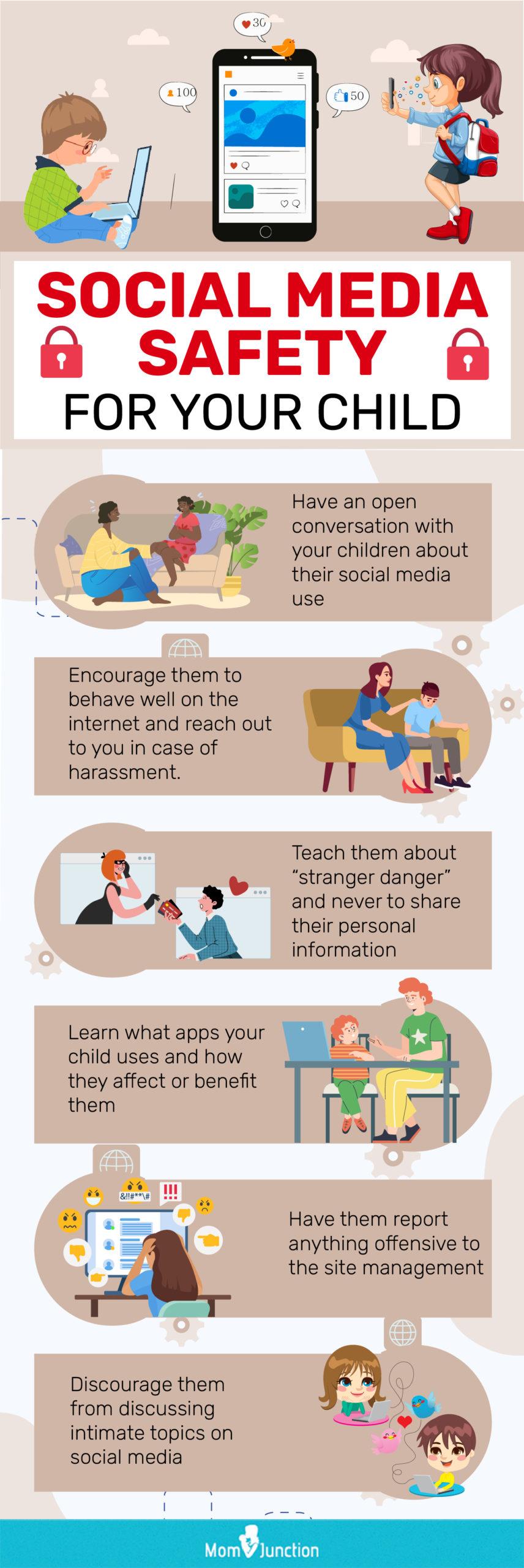
How Do You Use Social Media To Make Kids
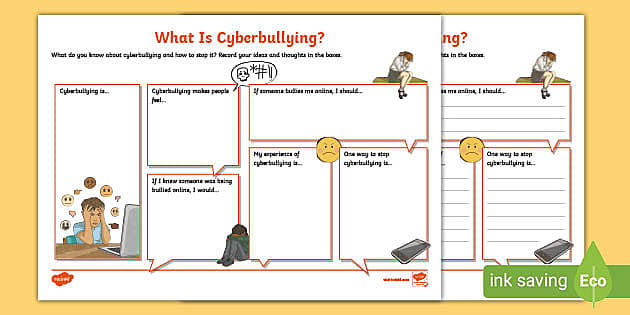
Activities For School Aged Kids On Cyberbullying

