Why Establishing Boundaries Early Shapes Long-Term Digital Citizenship
Navigating the digital world safely requires a collaborative effort between parents, educators, and school staff. When launching an Internet Safety Rules For Kids Project, the goal is not to police every keystroke, but to equip students with critical thinking skills. Guidance from organizations like CISA and ConnectSafely emphasizes that proactive education works far better than reactive restriction. By building a foundation of trust and open dialogue, adults can help children recognize potential online risks—such as phishing attempts, oversharing, and cyberbullying—before they encounter them in the wild. Related guide: Internet Safety Basics For Kids.
💡 Educational Key Takeaways:
- Core Skill: Structured Internet Safety Rules For Kids Project focused on developing pencil grip, stroke control, and early literacy/math confidence.
- Target Scope: Suited for homeschoolers, preschool, kindergarten, and elementary learners.
- Best Recommendation: Practice 10–15 minutes daily with ergonomic writing tools to reinforce muscle memory without hand fatigue.
Spotting Vulnerability Signals Across Home Devices and School Networks
Different environments present distinct online risks. While school-issued Chromebooks often feature robust administrative filters, home tablets and smartphones may lack equivalent guardrails. To maintain a unified front, educators and parents should review where common vulnerabilities arise and implement targeted preventive measures across all devices.
| Setting / Context | Common Vulnerability | Practical Safeguard |
|---|---|---|
| Home Wi-Fi & Personal Tablets | Unrestricted late-night browsing and unmonitored app downloads. | Establish a central family charging station outside bedrooms and enable router-level content filters. |
| School Chromebooks & Shared Laptops | Browser extensions or incognito modes bypassing classroom visibility tools. | Partner with IT staff to lock down extension installations and review monitoring software alerts. |
| In-Game Chats & Messaging Apps | Direct messages from unknown users sharing malicious links or gaming scams. | Turn off direct messaging features in multiplayer games and review privacy settings together. |
Core Rules and Daily Habits Families and Classrooms Can Apply Together
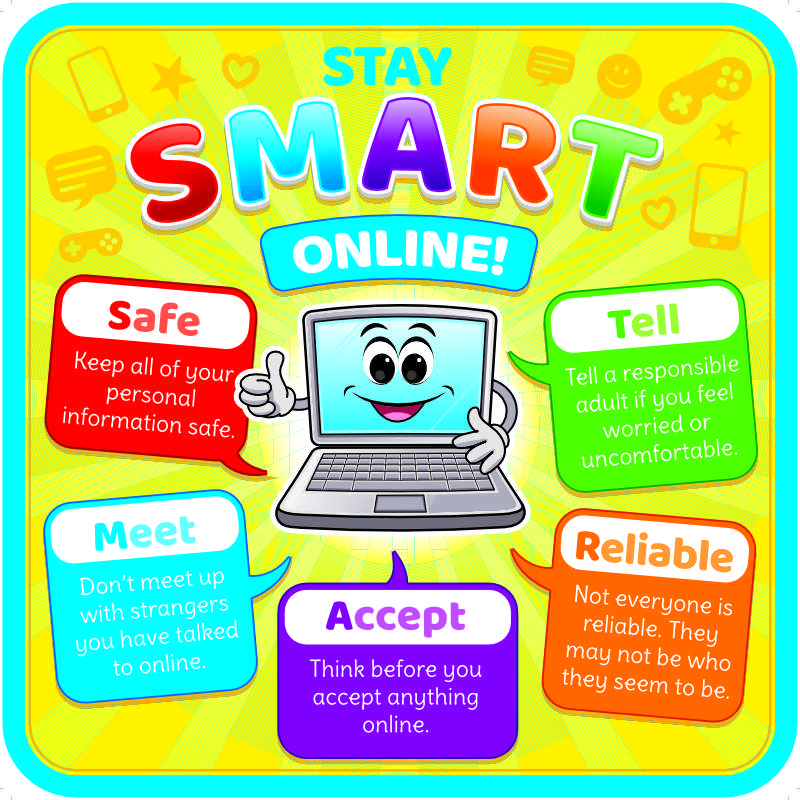
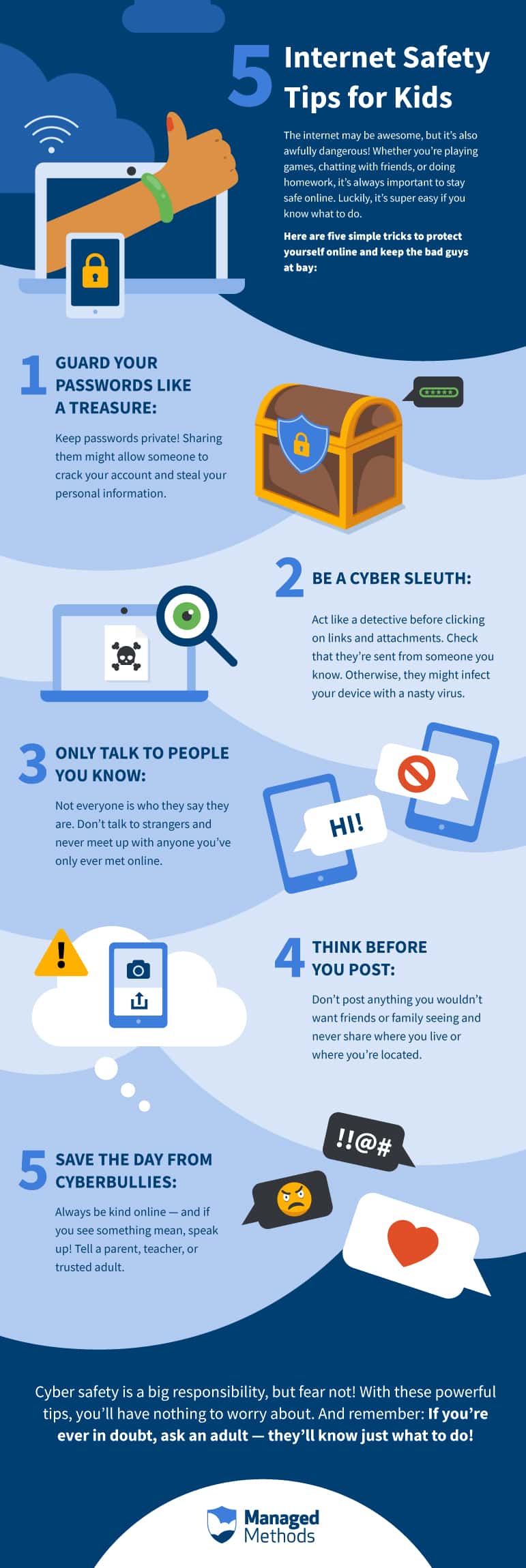
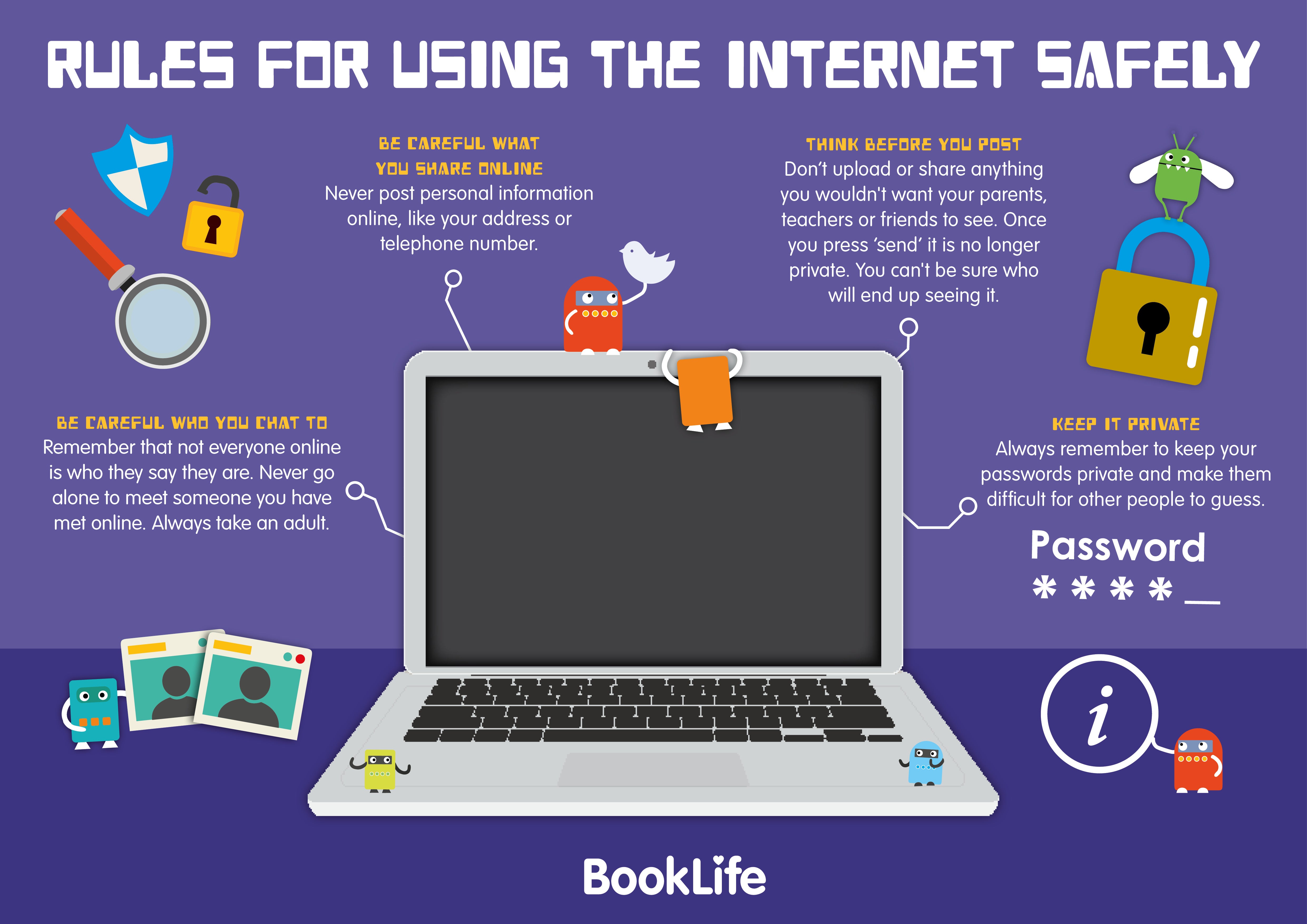
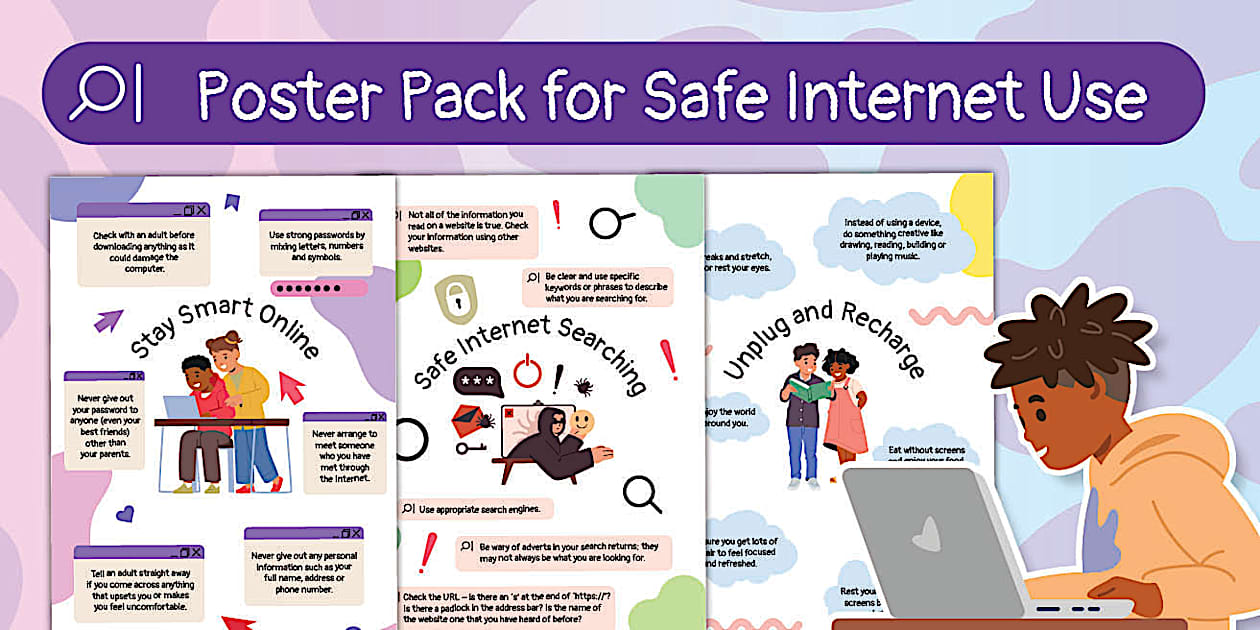
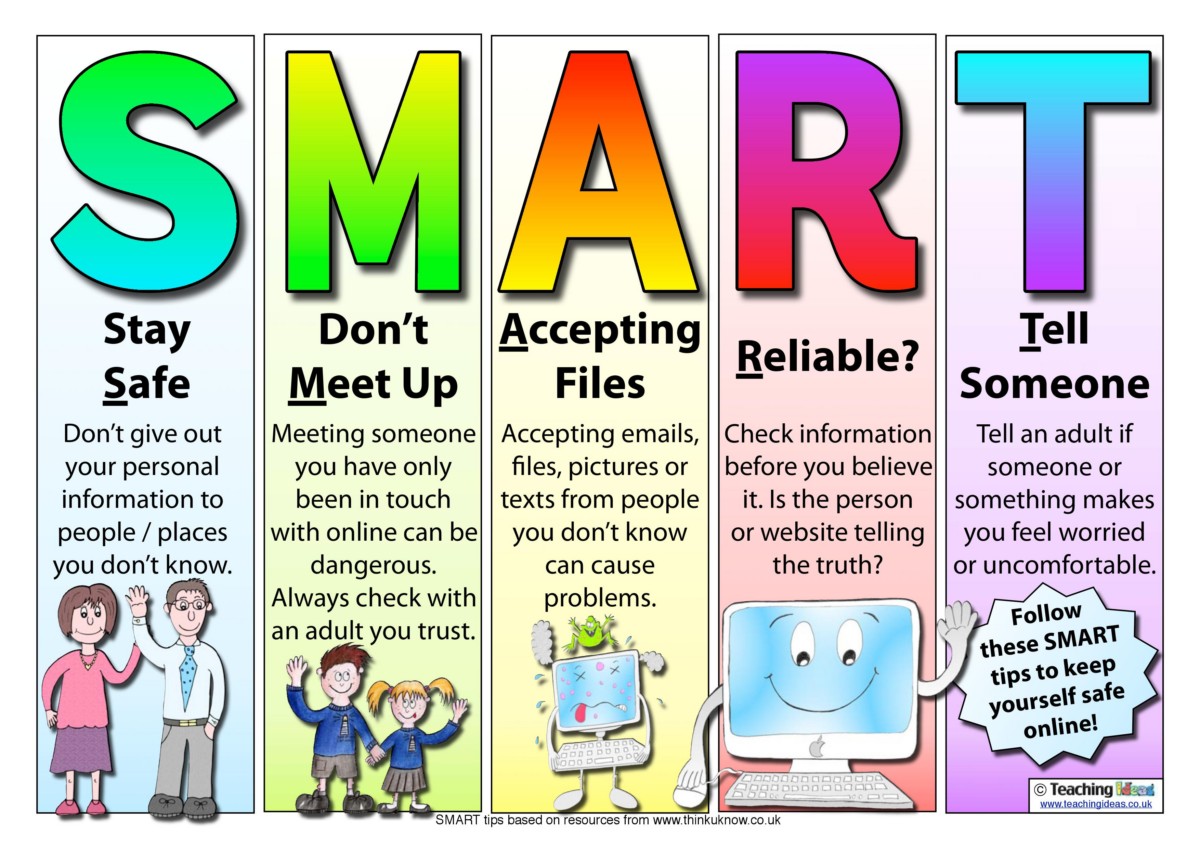
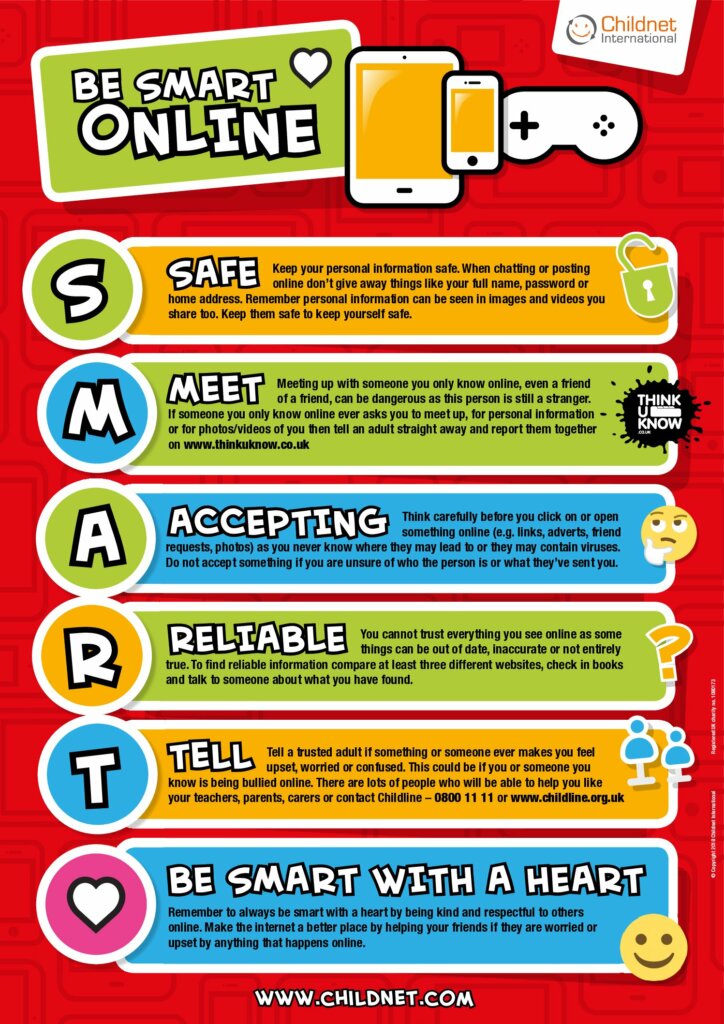
Successful digital safety initiatives rely on predictable, easy-to-remember routines. Integrating digital citizenship into daily life helps reinforce positive habits without creating unnecessary fear. For more structured classroom activities, educators can utilize resources from our Worksheets collection to spark meaningful student discussions. Additionally, establish a clear reporting workflow so students know they can come forward if they experience cyberbullying or stumble upon inappropriate content without fear of losing their device privileges. Pairing these routines with visual reminders in the classroom or near home computer stations ensures that online safety remains top-of-mind.
Addressing Student Workarounds and Managing Pushback Gracefully
Children and teens are notoriously resourceful when it comes to bypassing digital restrictions, whether through proxy sites or secret accounts. When adults react with anger or immediate confiscation, students simply learn to hide their online behavior more effectively. Instead, view these moments as teachable opportunities. Frame digital rules around trust, autonomy, and safety rather than arbitrary punishment. When students understand the reasoning behind a filter or time limit—such as protecting personal data or ensuring adequate sleep—they are far more likely to cooperate and less inclined to seek risky workarounds.
Frequently Asked Questions About Childhood Digital Safeguards
What is the best age to introduce a dedicated Internet Safety Rules For Kids Project?
Concepts can be introduced as soon as children begin interacting with touchscreens, usually around preschool age, by teaching them about device time limits and asking permission before downloading apps. Formal safety rules should expand alongside their digital independence as they enter elementary and middle school.
How can teachers communicate digital safety expectations to parents effectively?
Send home a concise digital citizenship pact at the beginning of the school year that outlines classroom policies and suggests matching routines for home devices. For engaging classroom materials, you can explore our Internet and Digital Safety category for ready-to-use guides.
What should a child do immediately if they encounter something upsetting online?
Teach the three-step rule: stop interacting, close the tab or turn off the screen, and tell a trusted adult right away. Emphasize that they will not get into trouble for reporting accidental exposure to inappropriate content.
Explore More Digital Citizenship Resources
Empowering children to become responsible digital citizens is an ongoing journey that requires continuous learning and adaptation. To discover additional lesson plans, creative activities, and expert advice, visit SafeWiredSchools.org today.
Visual Reference Gallery