Introduction
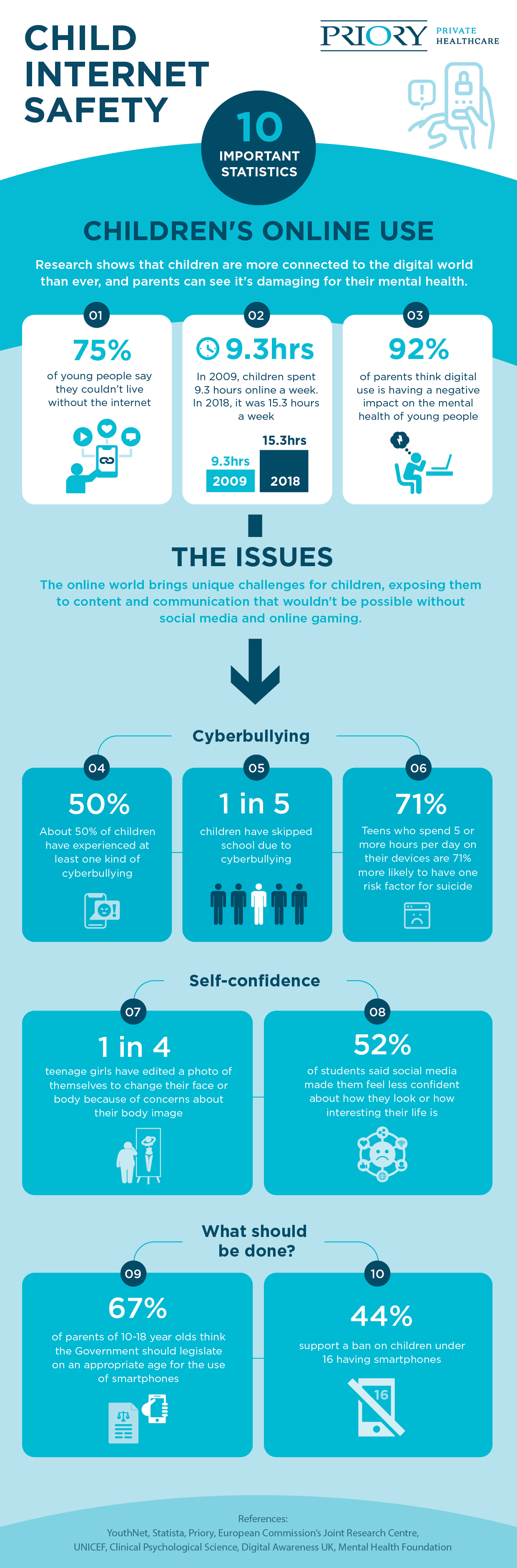
Digital spaces function as modern playgrounds, classrooms, and neighborhood streets combined. Children step into virtual environments long before they master complex abstract reasoning, encountering shared devices in the living room, open text boxes in favorite video games, and autoplay video platforms. Navigating these digital realms requires steady guidance rather than fear-based restriction. Adults often search for effective tools to translate abstract rules into concrete, memorable habits. The internet safety rules for kids back to back comparison comparison printable provides a visual framework that bridges the gap between digital theory and everyday choices. Building strong digital citizenship begins with proactive conversation, thoughtful habit-building, and resources designed specifically for young learners. Related guide: Teachers Of Grades 9–12 Should Expand Internet Safety Instruction To Include Which Of The Following Topics?.
💡 Educational Key Takeaways:
- Core Skill: Structured Internet Safety Rules For Kids Back To Back Comparison Comparison focused on developing pencil grip, stroke control, and early literacy/math confidence.
- Target Scope: Suited for homeschoolers, preschool, kindergarten, and elementary learners.
- Best Recommendation: Practice 10–15 minutes daily with ergonomic writing tools to reinforce muscle memory without hand fatigue.
WhatThis Printable Covers
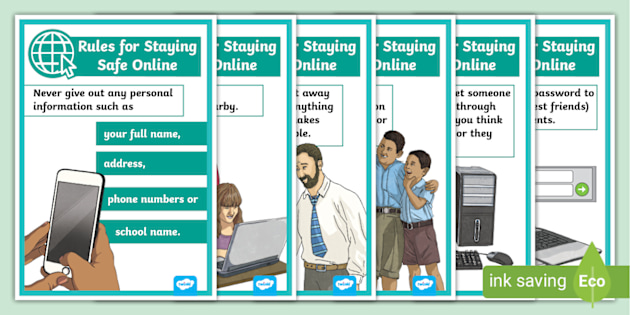
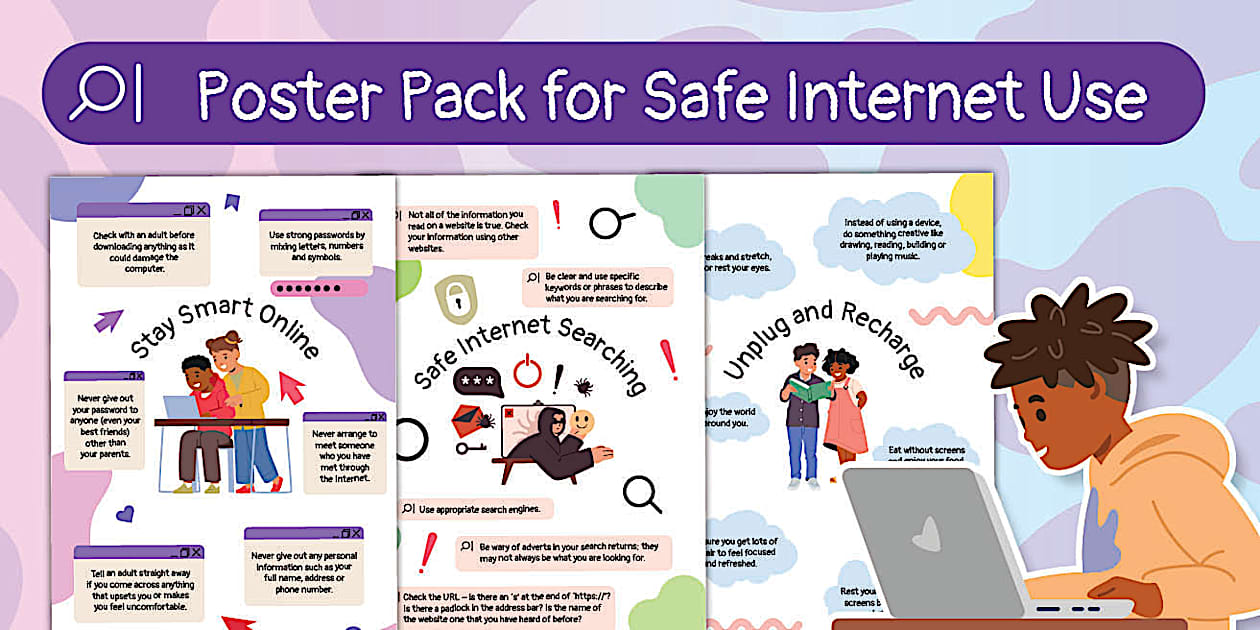
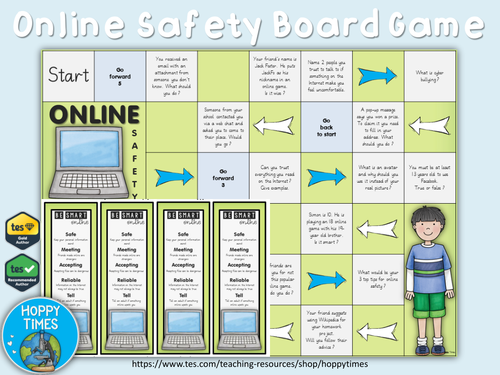
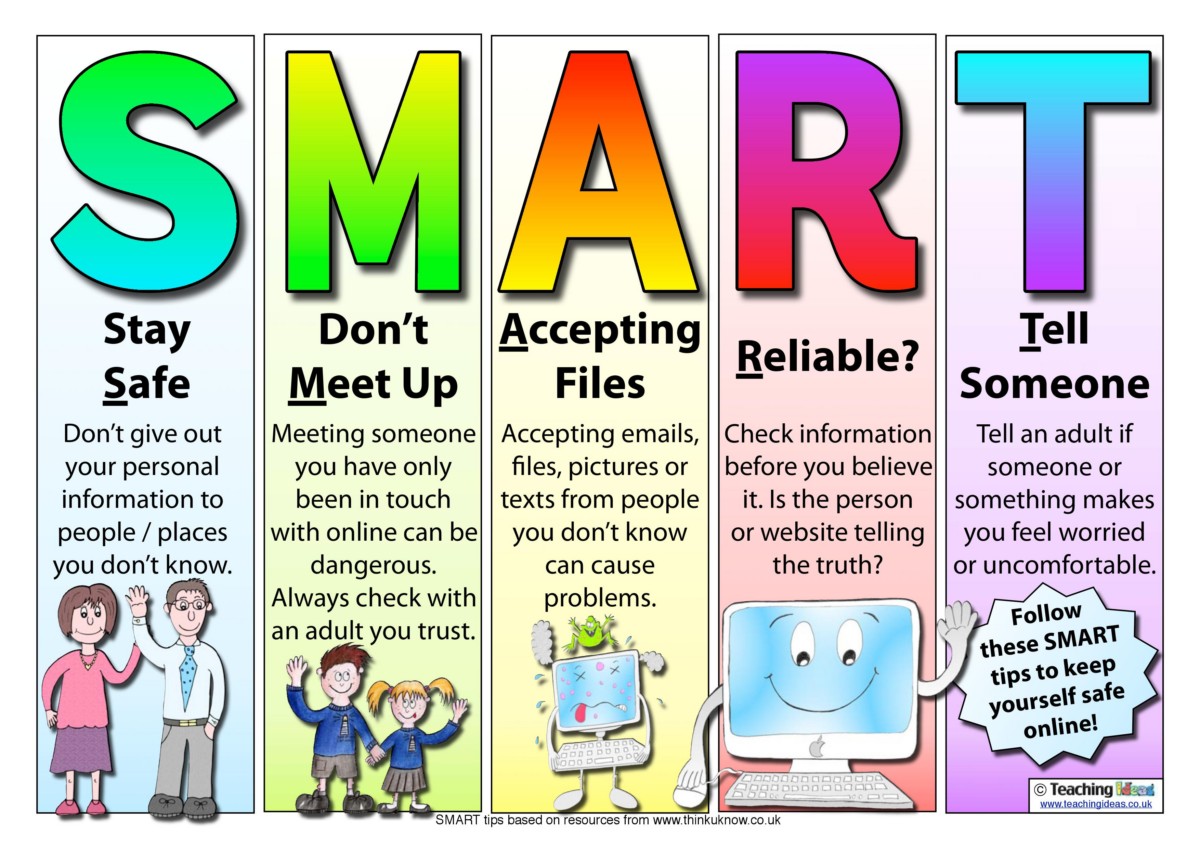
Contrasting positive choices directly against risky behaviors helps young minds process information clearly. This resource uses a dual-panel layout to illustrate safe versus unsafe digital scenarios side by side. Children often struggle to understand vague warnings like “be careful online,” preferring explicit examples instead. The side-by-side design contrasts keeping personal information private with accidentally sharing a home address, or seeking a trusted adult’s help versus keeping an uncomfortable digital interaction a secret. It sounds simple, and that’s the point. Clear, straightforward visuals eliminate ambiguity and reinforce the protective habits children need when exploring the internet independently.
Key Learning Outcomes
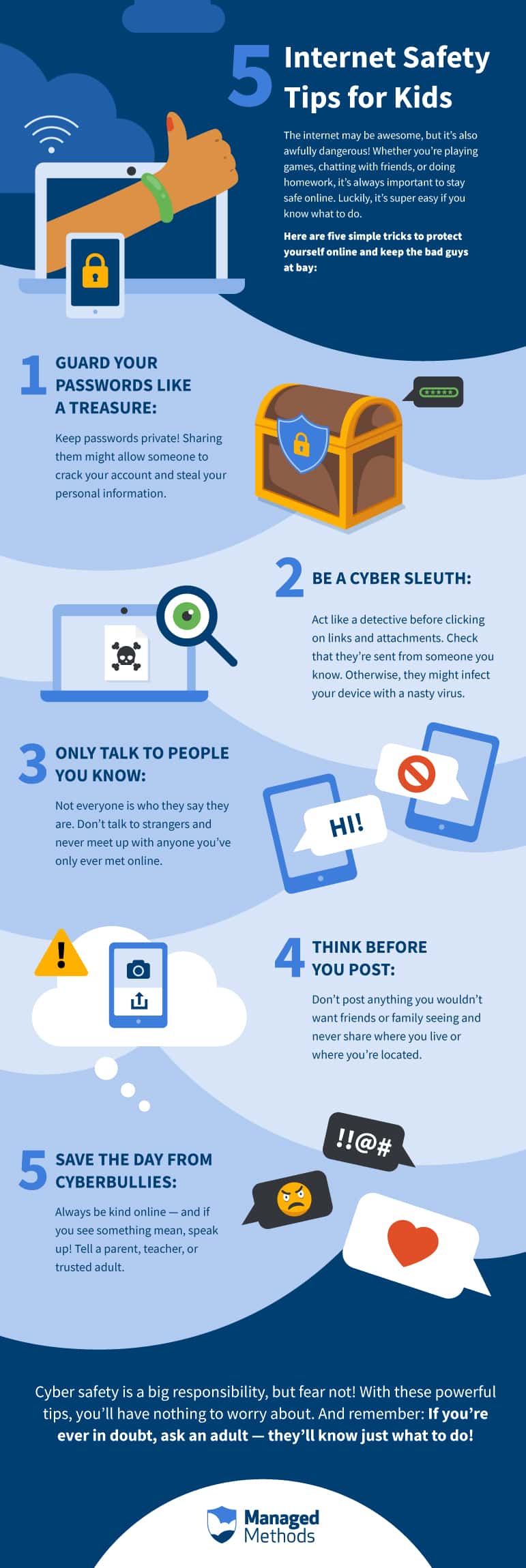
Working through the comparison tool builds foundational competencies that support lifelong digital literacy. Learners identify the difference between public and private information, understand the importance of creating strong passwords, and practice the habit of pausing before clicking or sharing. Crucially, the resource emphasizes that children are never in trouble for reporting something that feels confusing, upsetting, or strange. According to the Federal Trade Commission, equipping children with clear reporting pathways significantly increases the likelihood that they will disclose uncomfortable online encounters immediately. Educators and families utilize these interactive worksheets to spark low-pressure discussions about digital boundaries and emotional safety.
How to Use This Printable
Classrooms, homeschool spaces, and kitchen tables transform easily into hubs for digital citizenship discussions when utilizing this format. Facilitators present the dual-panel layout and invite young learners to point out the differences between the two illustrated scenarios. Here’s what makes this resource different: rather than lecturing from a list of prohibitions, the layout encourages children to articulate the safety principles in their own words. Asking guiding questions such as “What would happen next in this scenario?” shifts the dynamic from passive listening to active problem-solving. This exploration aligns naturally with broader lessons found across various Internet and Digital Safety modules.
Practical Tips for Parents and Teachers
Consistency between home and school environments strengthens the retention of online safety rules. Adults maximize the impact of the printable by keeping the tone calm, curious, and empowering rather than punitive. Children frequently encounter online risks through casual in-game chat features on shared family tablets or unmoderated video recommendation queues, making real-time debriefing essential. Setting aside dedicated time during morning meetings or weekend routines allows adults to revisit the comparison prompts regularly. Reinforcing these concepts as essential life skills—much like looking both ways before crossing the street—keeps the focus on empowerment rather than anxiety.
Age-Appropriate Recommendations
Tailoring digital citizenship instruction to developmental stages ensures that children grasp concepts without feeling overwhelmed. Younger children in early elementary grades benefit from focusing on basic boundaries, such as keeping passwords secret and asking an adult before downloading an app. Older elementary students handle deeper conversations regarding digital footprints, respectful communication in multiplayer chat rooms, and critical evaluation of online content. This developmental progression integrates seamlessly with the Common Sense Education Digital Citizenship Curriculum framework, which emphasizes age-graded competencies like privacy, security, and digital relationships. Exploring additional Online and Digital Safety materials helps adults maintain a continuous thread of safety education as children grow.
According to the Pew Research Center, a vast majority of parents express concern over their young children’s digital safety, highlighting the urgent need for structured, accessible conversation tools in homes and classrooms. — Pew Research Center
Frequently Asked Questions
Clear answers regarding resource implementation help educators and families get started quickly. The FAQ section below addresses common inquiries concerning downloading, learning objectives, and institutional research findings.
Explore More Free Kids Online Safety Printables
Expanding a digital citizenship library requires access to diverse, engaging formats that cater to different learning styles. Adults searching for complementary materials often incorporate creative resources like Coloring Pages to reinforce calm, focused conversations about technology use. Combining multiple resource types ensures that internet safety remains a dynamic, approachable, and ongoing dialogue throughout the elementary years.
Developmental Milestone & Activity Table
| Development Stage | Recommended Daily Duration | Primary Learning Objective |
|---|---|---|
| Preschool & Pre-K | 10 – 15 Minutes | Pencil grip development & basic pre-stroke lines |
| Kindergarten | 15 – 20 Minutes | Letter/number formation & spatial line awareness |
| Early Elementary (Grade 1–2) | 20 – 30 Minutes | Fluency, sentence construction & neatness |
Images References