Introduction
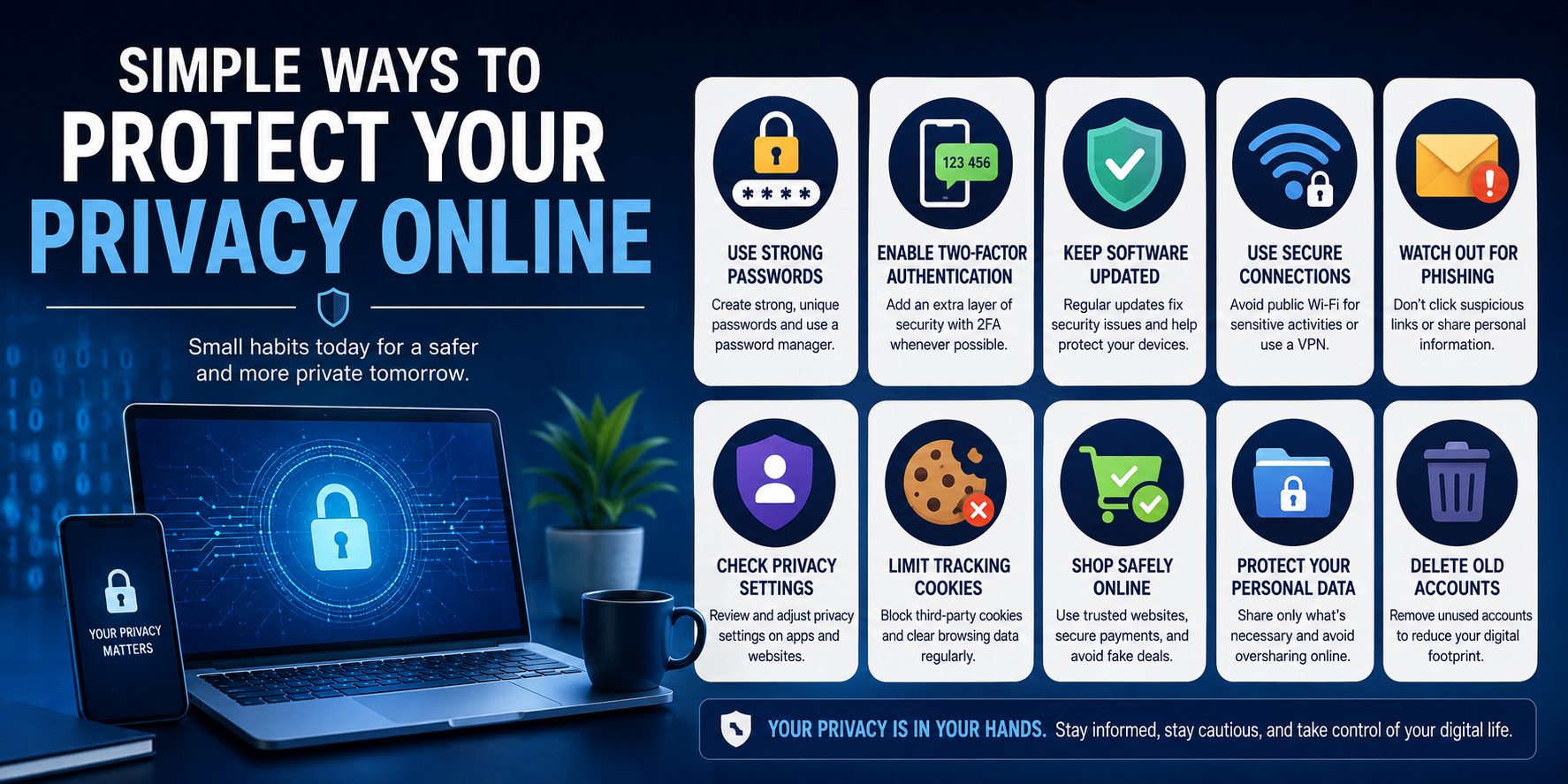
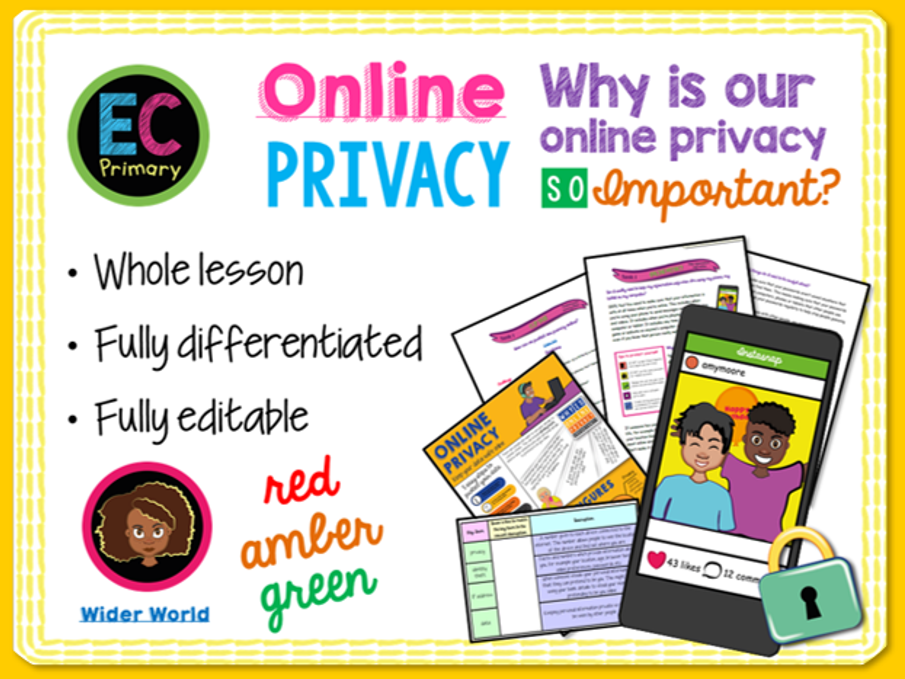
Fifth graders navigate digital spaces with an increasing sense of independence, often moving beyond fenced educational apps into multiplayer game chats and shared video platforms. Ten- and eleven-year-olds regularly encounter situations requiring rapid judgment calls about what information is safe to disclose. Adults frequently worry about keeping these pre-teens secure, yet scare tactics usually backfire by driving children into secrecy. Instead, building robust digital habits through structured exercises proves far more effective. The free printable designed around the question of how can we protect our privacy online? 5th grade friendly answer offers a practical bridge for classrooms and living rooms alike. It sounds simple, and that’s the point. Clear, approachable worksheets translate complex privacy concepts into manageable daily choices without inducing panic.
💡 Educational Key Takeaways:
- Core Skill: Structured How Can We Protect Our Privacy Online? 5Th Grade Friendly Answer focused on developing pencil grip, stroke control, and early literacy/math confidence.
- Target Scope: Suited for homeschoolers, preschool, kindergarten, and elementary learners.
- Best Recommendation: Practice 10–15 minutes daily with ergonomic writing tools to reinforce muscle memory without hand fatigue.
What This Printable Covers
This specific worksheet moves past vague warnings to address the concrete digital dilemmas fifth graders face daily. Children often blur the line between public sharing and private conversation, especially when chatting inside favorite gaming environments or uploading content to video creation tools. According to Pew Research Center, a substantial majority of teens and pre-teens use shared household devices, making personal account boundaries even more vital. The printable walks learners through identifying personally identifiable information, distinguishing between secure and weak passwords, and recognizing when a digital request crosses a boundary. Rather than relying on memorization, the content prompts children to reflect on their own screen habits and evaluate hypothetical scenarios that mirror real online peer interactions.
Key Learning Outcomes
Completing the worksheet helps students articulate why full names, home addresses, and school names remain strictly off-limits in public forums. Learners discover that protecting privacy involves active decision-making rather than passive restriction. Another core objective teaches children that reporting uncomfortable digital moments to a trusted adult always keeps them safe, reinforcing the vital message that students are never in trouble for speaking up. Through guided critical thinking, participants learn to pause before clicking, sharing, or accepting friend requests from unfamiliar accounts.
How to Use This Printable
Educators and families can integrate this activity seamlessly into morning meeting discussions, computer lab introductory sessions, or rainy-day homeschool routines. Distributing copies as a small-group discussion starter allows children to talk through scenarios together, revealing how peers view common online dilemmas. It sounds simple, and that’s the point. Sitting side-by-side with a child to complete the activity transforms a standard worksheet into a collaborative dialogue rather than a compliance test. Integrating these exercises alongside tools found in educational activity printables reinforces core digital citizenship standards.
Practical Tips for Parents and Teachers
Facilitators should approach the conversation with curiosity rather than interrogation, asking open-ended questions like what surprised the student most during the exercise. Establishing a judgment-free zone encourages children to admit when they have made mistakes online or felt unsure about a pop-up ad. Pairing this written activity with ongoing conversations about safe internet habits ensures the lesson extends far beyond a single worksheet session.
Age-Appropriate Recommendations
Fifth graders possess the cognitive maturity to grasp abstract concepts like digital footprints and data privacy, provided adults explain them using concrete examples. Grounding instruction in the Common Sense Education Digital Citizenship Curriculum helps align classroom messaging with recognized developmental milestones for this age group. At ten years old, children respond best to empowerment models that frame digital safety as a superpower rather than a restriction. Exploring related concepts through comprehensive digital protection guides provides even more foundational strategies for growing minds.
According to Common Sense Media research, children benefit immensely when adults move past restriction and focus on collaborative digital skill-building. — Common Sense Media
Frequently Asked Questions
Answers to common inquiries regarding the implementation and scope of this educational material clarify how best to support young digital citizens.
Explore More Free Kids Online Safety Printables
Expanding a child’s digital literacy toolkit requires diverse resources that address different learning styles and age groups. Supplementing written worksheets with creative elements found in engaging coloring pages helps younger siblings join family tech talks, while older children benefit from ongoing dialogue and consistent household agreements.
Developmental Milestone & Activity Table
| Development Stage | Recommended Daily Duration | Primary Learning Objective |
|---|---|---|
| Preschool & Pre-K | 10 – 15 Minutes | Pencil grip development & basic pre-stroke lines |
| Kindergarten | 15 – 20 Minutes | Letter/number formation & spatial line awareness |
| Early Elementary (Grade 1–2) | 20 – 30 Minutes | Fluency, sentence construction & neatness |
Images References