Introduction
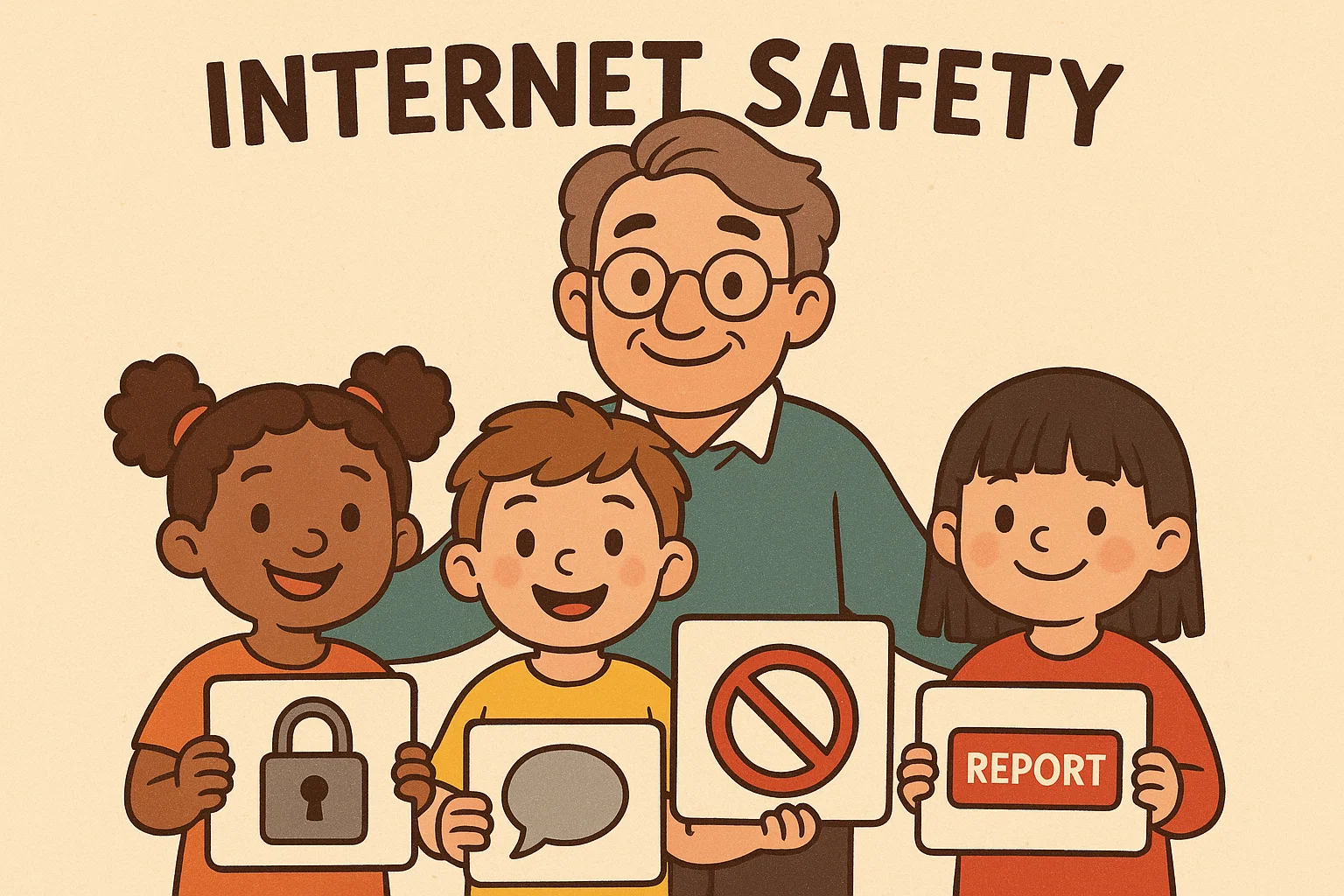
Digital devices sit on kitchen tables, fill classroom media centers, and travel in backpacks everywhere kids go. Children encounter online environments through shared household tablets, casual in-game chat features on gaming consoles, and algorithmic video platforms that autoplay endless content. These digital spaces offer incredible opportunities for learning and connection, yet navigating them requires thoughtful guidance. Adults often worry about finding the right tools to introduce protective digital habits without causing fear or anxiety. Safety is a practical skill set to build over time, much like looking both ways before crossing the street. Introducing these concepts visually makes the learning process approachable for young minds. This open source cartoon about internet safety provides a friendly, low-stress entry point for classrooms and living rooms alike. Related guide: Teachers Of Grades 9–12 Should Expand Internet Safety Instruction To Include Which Of The Following Topics?.
💡 Educational Key Takeaways:
- Core Skill: Structured Open Source Cartoon About Internet Safety focused on developing pencil grip, stroke control, and early literacy/math confidence.
- Target Scope: Suited for homeschoolers, preschool, kindergarten, and elementary learners.
- Best Recommendation: Practice 10–15 minutes daily with ergonomic writing tools to reinforce muscle memory without hand fatigue.
What This Printable Covers
Visual narratives simplify abstract concepts for children ages five through twelve by pairing relatable characters with everyday digital scenarios. The cartoon format focuses on positive empowerment rather than frightening warnings. Children observe characters navigating common online choices, such as deciding whether to share a pet’s name, choosing a secure password, or recognizing when a digital interaction feels confusing. According to the Federal Trade Commission, open dialogue about digital habits helps young users recognize potential risks before minor situations escalate. Exploring these lessons through sequential art allows learners to process information at their own pace. It sounds simple, and that’s the point: clarity builds confidence.
Key Learning Outcomes
Working through this open source cartoon about internet safety helps children identify core protective behaviors that translate across different apps and devices. Learners practice distinguishing between public information like a favorite color and private information like a home address or school name. Another vital outcome involves reinforcing the trusted adult connection. Children internalize the reassuring message that reporting something uncomfortable or confusing online never results in trouble. Establishing this safety net encourages kids to speak up immediately if an in-game message or pop-up video makes them feel uneasy. Furthermore, the resource highlights the importance of pausing before clicking, sharing, or downloading unfamiliar files.
How to Use This Printable
Educators and caregivers can integrate the printable into morning meetings, counseling sessions, or rainy-day family discussions. Reading the comic panels together invites natural pauses for open-ended questions like what a character might do next or how that digital choice feels. Coloring reinforces safety messages while keeping little hands busy, making abstract rules tangible and memorable. Adults can explore further resources by browsing Internet and Digital Safety strategies to deepen the conversation. Matching visual media with guided questions transforms a simple handout into a rich learning experience.
Practical Tips for Parents and Teachers
Facilitating these discussions requires patience, curiosity, and a non-judgmental attitude. Adults should avoid hovering over every digital click, focusing instead on building internal self-regulation and critical thinking skills. Here’s what makes this resource different: it frames online safety as a collaborative team effort rather than a strict list of forbidden actions. Educators can pair the comic with related printouts found within the Worksheets collection to extend the lesson across multiple subjects. Keeping the tone light and supportive ensures children feel comfortable asking questions when unexpected digital situations arise.
Age-Appropriate Recommendations
Younger children in early elementary grades benefit most from guided read-alouds focusing on basic rules like keeping personal details private and telling an adult about weird pop-ups. Older elementary students can analyze the comic independently and discuss scenarios involving peer interaction, digital footprints, and respectful communication in multiplayer chat rooms. Aligning these lessons with the Common Sense Education Digital Citizenship Curriculum provides a structured framework that supports social-emotional learning and media literacy simultaneously. According to Common Sense Media research, children who receive consistent guidance on digital boundaries show greater resilience when encountering online challenges.
Children who discuss digital safety regularly with trusted adults demonstrate higher confidence in reporting uncomfortable online experiences. — Common Sense Media
Frequently Asked Questions
Navigating digital citizenship questions is a continuous journey for families and educators. Clear answers help streamline the integration of safety tools into daily routines. The following section addresses common inquiries regarding downloading, implementation, and foundational research behind digital safety education.
Explore More Free Kids Online Safety Printables
Expanding a digital citizenship library helps reinforce positive habits across the entire school year. Adults can discover additional creative tools by visiting Coloring Pages designed specifically for young learners. Pairing these artistic activities with resources from the Online and Digital Safety collection ensures a comprehensive approach to modern digital literacy. Building a safer digital world starts with one supportive conversation at a time.
Developmental Milestone & Activity Table
| Development Stage | Recommended Daily Duration | Primary Learning Objective |
|---|---|---|
| Preschool & Pre-K | 10 – 15 Minutes | Pencil grip development & basic pre-stroke lines |
| Kindergarten | 15 – 20 Minutes | Letter/number formation & spatial line awareness |
| Early Elementary (Grade 1–2) | 20 – 30 Minutes | Fluency, sentence construction & neatness |
Images References