

Introduction
Digital spaces are classrooms, playgrounds, and connection hubs for modern children. Young learners frequently encounter digital environments through shared family tablets, in-game chat features on multiplayer platforms, or video streaming channels where strangers can interact. Because children naturally view the world with trust and curiosity, recognizing hidden traps in emails, messages, or pop-ups does not come instinctively. Building awareness around digital trickery requires patience, repetition, and tools that translate abstract cybersecurity concepts into concrete, understandable actions. Educators and caregivers often seek practical materials that foster critical thinking without inducing fear or anxiety. The free printable tips to avoid phishing for kids offered on {site_name} serves as a supportive anchor for these vital conversations, turning a complex topic into an accessible learning experience. Related guide: Teachers Of Grades 9–12 Should Expand Internet Safety Instruction To Include Which Of The Following Topics?.
💡 Educational Key Takeaways:
- Core Skill: Structured Tips To Avoid Phishing For Kids focused on developing pencil grip, stroke control, and early literacy/math confidence.
- Target Scope: Suited for homeschoolers, preschool, kindergarten, and elementary learners.
- Best Recommendation: Practice 10–15 minutes daily with ergonomic writing tools to reinforce muscle memory without hand fatigue.
What This Printable Covers
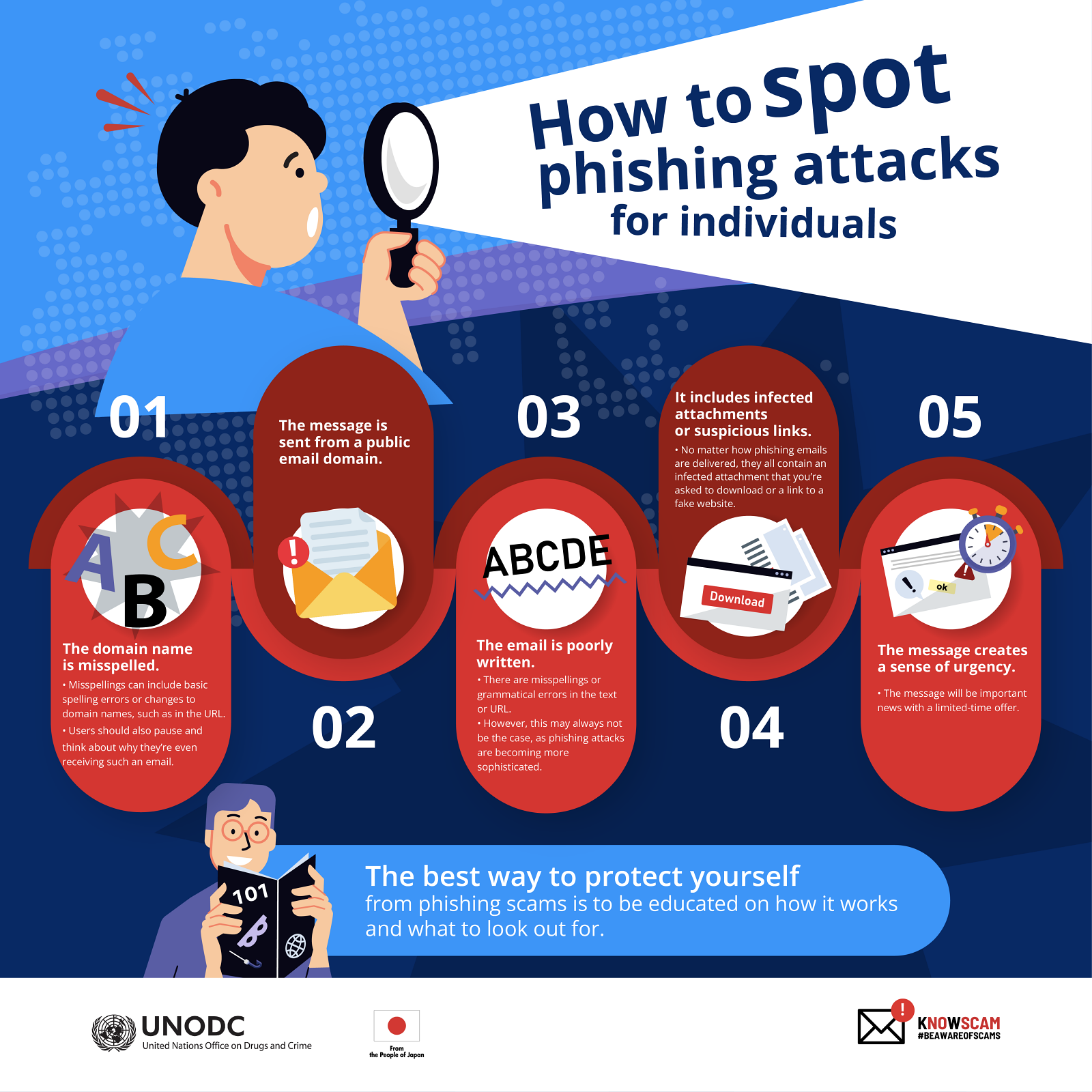
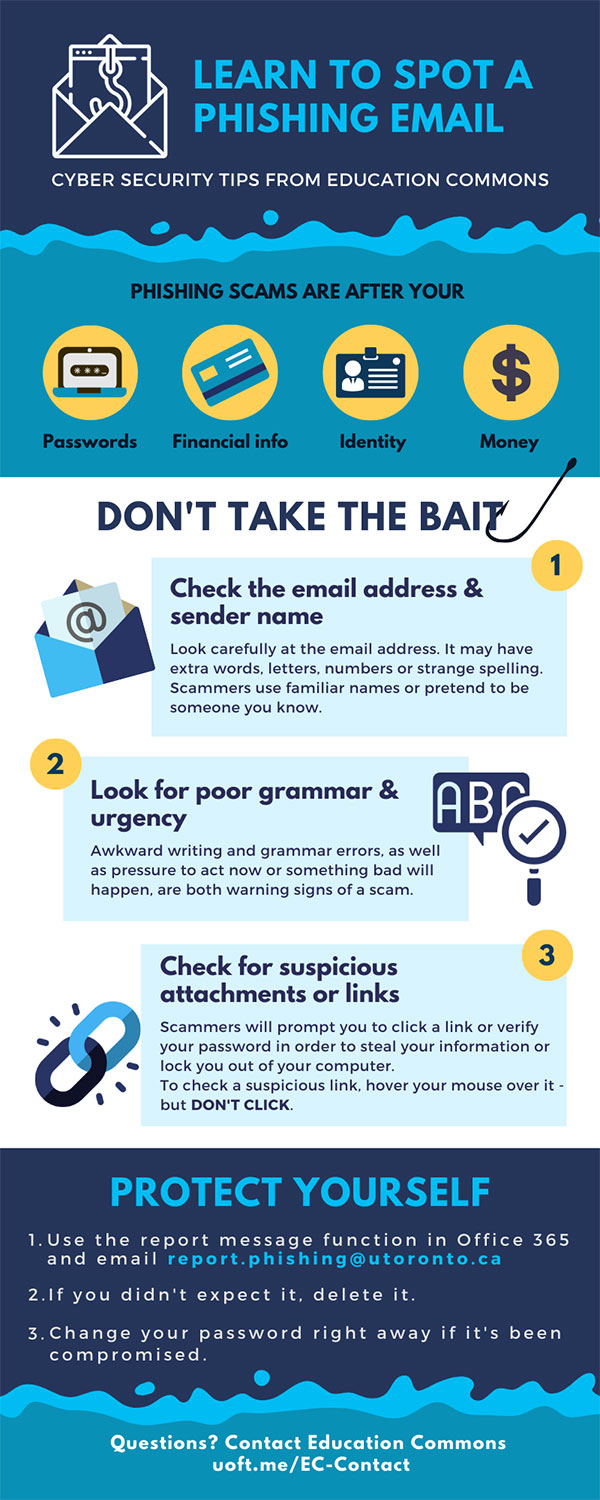
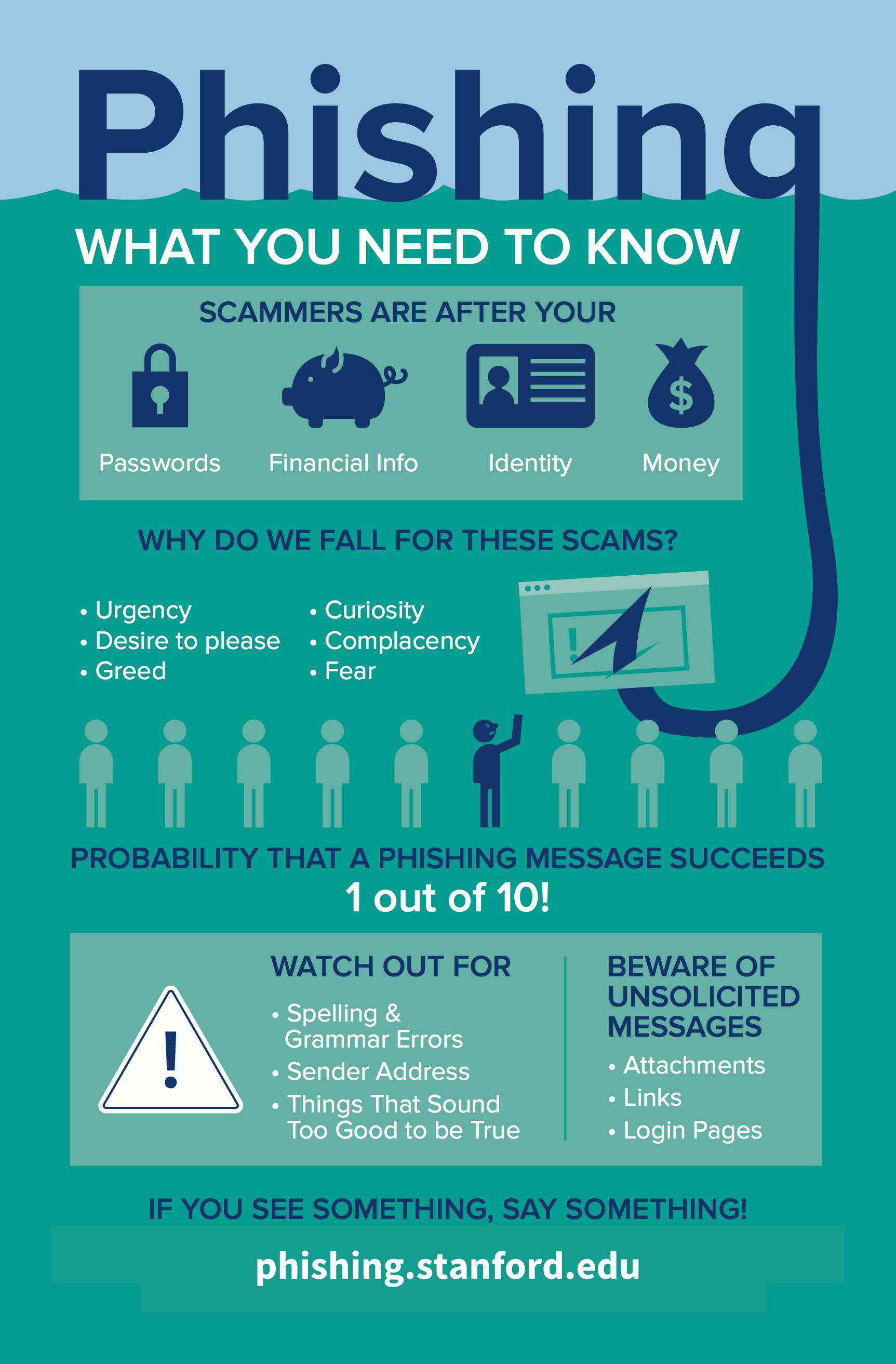
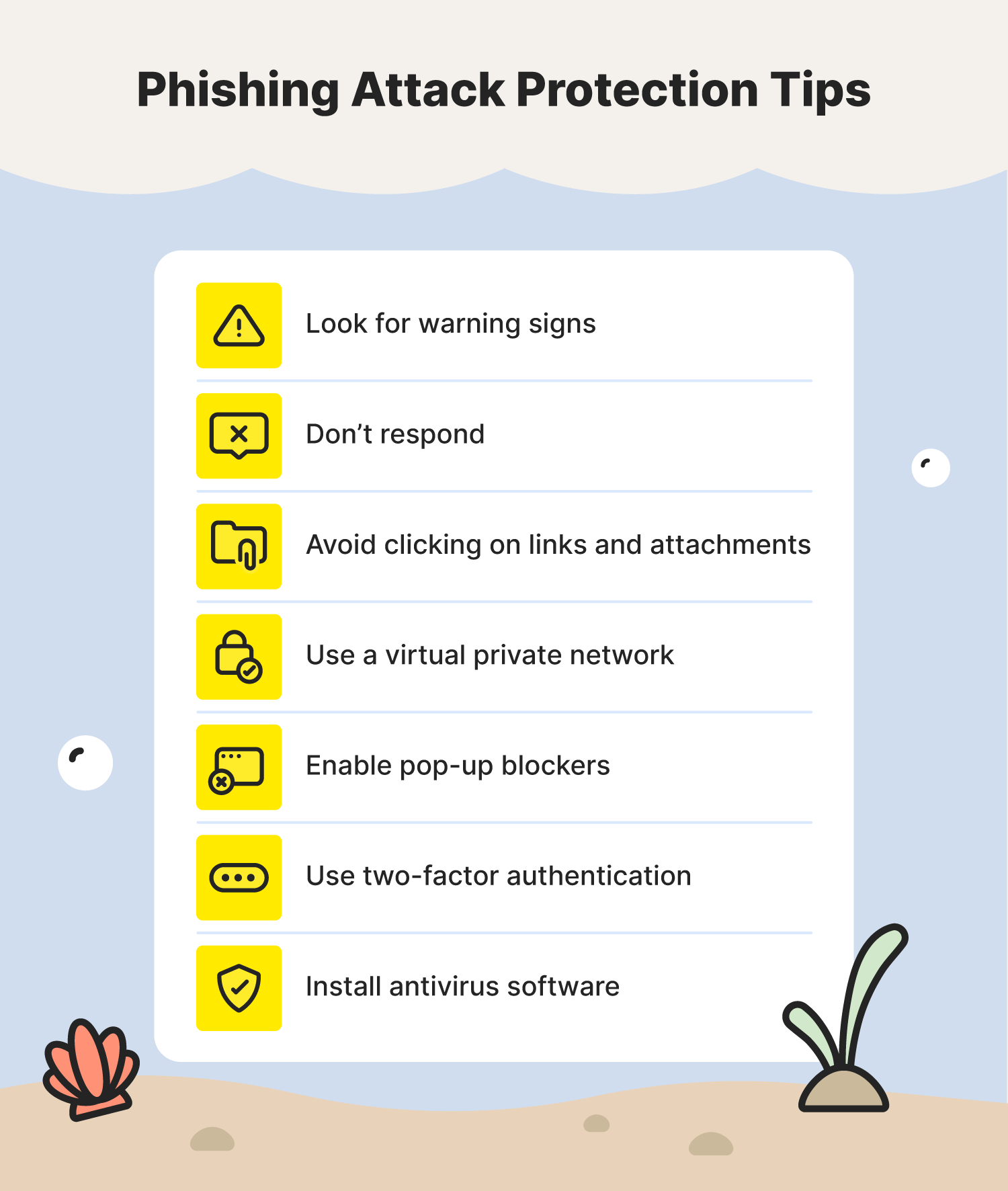
Phishing sounds like an intimidating cybersecurity term reserved for corporate IT departments, yet elementary students bump into its everyday equivalents constantly. The resource breaks down deceptive online messages, fake prizes in video games, and suspicious download links into child-friendly terms. Instead of focusing on technical jargon, the guide highlights the core mechanics of online trickery: how strangers use excitement, urgency, or false promises to get personal information. It outlines clear boundaries regarding usernames, home addresses, and passwords, emphasizing that genuine authorities never ask children for sensitive details through random pop-ups or chat windows. It sounds simple, and that’s the point. Clear rules remove the guesswork for young users who are still developing their executive functioning skills.
Key Learning Outcomes
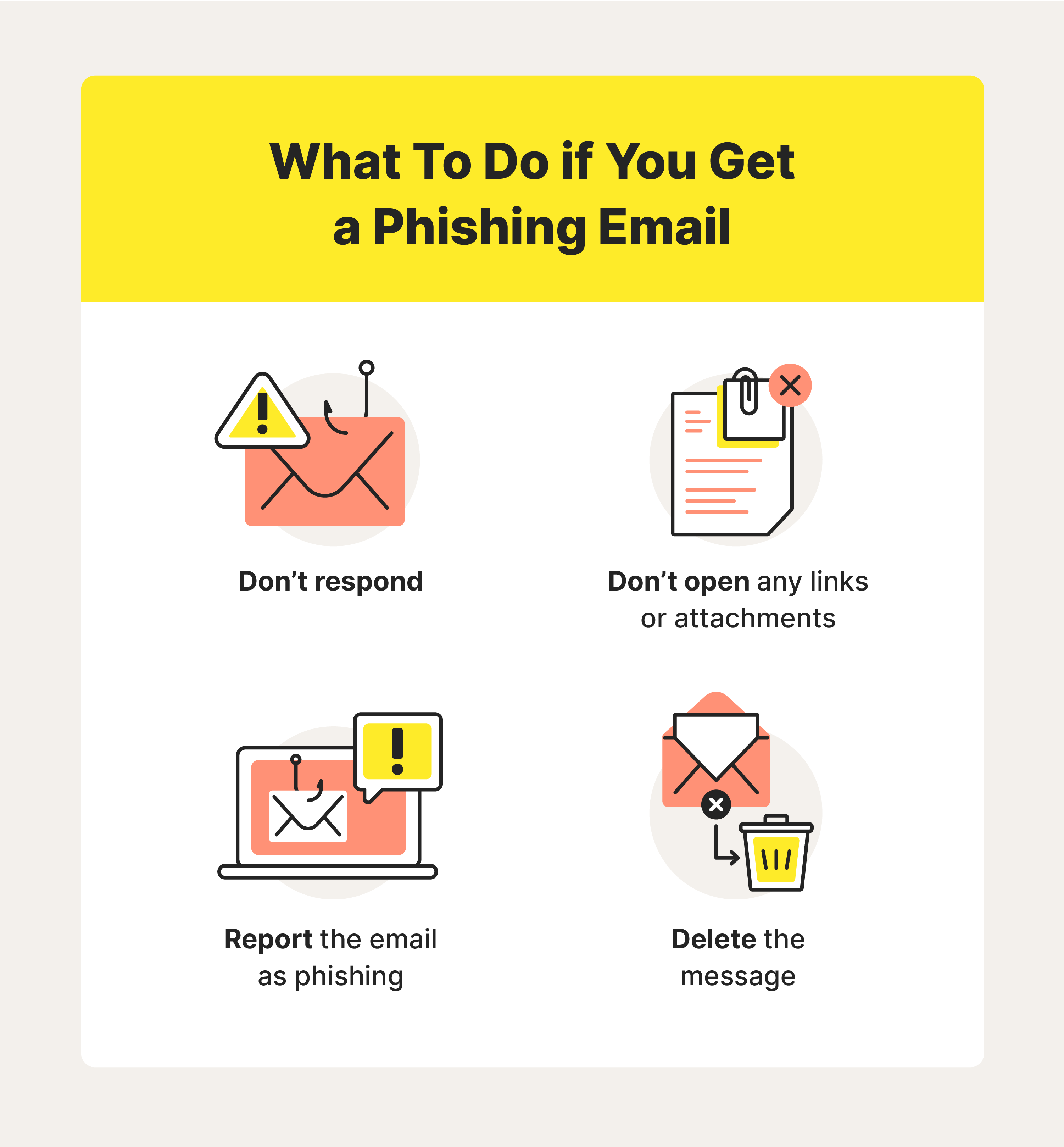
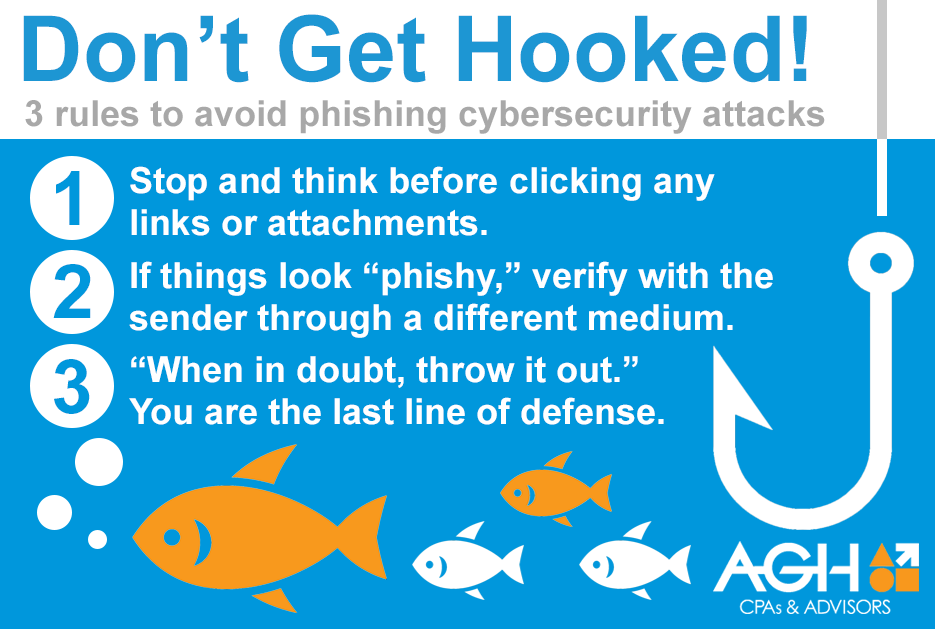
Working through this guide helps children practice the specific skill of pausing before clicking. According to Federal Trade Commission data on consumer fraud, digital scams increasingly target younger demographics through social media and gaming platforms, making early habit formation essential. Students learn to spot red flags, such as messages demanding immediate action or promises of free virtual currency in exchange for personal data. Furthermore, the material reinforces a vital emotional safeguard: children internalize the message that they are never in trouble for reporting an uncomfortable interaction or an accidental click. This reassurance encourages open communication, ensuring adults hear about suspicious encounters immediately rather than hiding mistakes out of fear.
How to Use This Printable
Implementing a checklist or guide works best when paired with an interactive discussion rather than a solitary lecture. Sitting down at the kitchen table or during a classroom advisory period allows adults to model critical thinking by reading through the scenarios out loud. Here’s what makes this resource different: it transforms passive reading into active problem-solving by prompting learners to evaluate realistic digital dilemmas. Caregivers can ask guiding questions, such as what to do if a friendly-looking character in a game asks for a real name or school. Integrating these lessons into broader Internet and Digital Safety units guarantees that online awareness becomes part of everyday routines, much like looking both ways before crossing a physical street.
Practical Tips for Parents and Teachers
Consistency between home and school environments amplifies the impact of any digital citizenship lesson. Adults can post the printable near family computer stations or classroom device carts as a visual reminder of the golden rules of web browsing. Role-playing fictional scenarios helps solidify these habits; acting out a fake pop-up offering a free prize gives children a safe rehearsal space to practice pausing and notifying a trusted adult. According to Common Sense Media research, children benefit immensely when adults establish predictable routines around device use and maintain an ongoing dialogue about online experiences. When safety is framed as an empowering skill to build rather than a restriction to fear, students approach technology with confidence and smart caution.
Age-Appropriate Recommendations
Tailoring the delivery of these concepts depends heavily on the developmental stage of the audience. Five-to-eight-year-olds need concrete rules, such as asking an adult before clicking anything new, while older elementary students can explore the nuances of persuasive design and deceptive messaging. Aligning these lessons with the Common Sense Education Digital Citizenship Curriculum provides educators with a structured progression that matches cognitive growth across grade levels. Younger children respond well to visual checklists and storytelling, whereas upper elementary students benefit from analyzing real-world examples of online tricks in a guided interactive activity format. Every developmental milestone brings new digital independence, requiring continuous guidance rather than a one-time conversation.
Digital scams frequently target youth through multiplayer game chats and streaming platforms — Federal Trade Commission
Frequently Asked Questions
Navigating digital literacy resources brings up common logistical and pedagogical questions for educators and parents. Clear answers help streamline implementation whether teaching a single classroom or managing devices across a household. Exploring additional Online and Digital Safety strategies further expands children’s toolkit for navigating the web responsibly.
Explore More Free Kids Online Safety Printables
Reinforcing digital citizenship requires a diverse library of materials that keep engagement high throughout the school year. Pairing text-based guides with creative exercises like a targeted coloring page allows younger learners to process safety messages through tactile, low-stress art. Every conversation, activity, and shared resource builds a resilient foundation, equipping children to explore, learn, and thrive securely in an increasingly connected world.
Developmental Milestone & Activity Table
| Development Stage | Recommended Daily Duration | Primary Learning Objective |
|---|---|---|
| Preschool & Pre-K | 10 – 15 Minutes | Pencil grip development & basic pre-stroke lines |
| Kindergarten | 15 – 20 Minutes | Letter/number formation & spatial line awareness |
| Early Elementary (Grade 1–2) | 20 – 30 Minutes | Fluency, sentence construction & neatness |
Images References



💬 Frequently Asked Questions
📚 Related Articles
Cyber Safety And Digital Footprint For Kids

Omply With Network Rules And Laws: Middle School Students Should Understand And Abide By The Rules Of Using Online Platforms, Respect The Rights And Privacy Of Others#R##N#Private. At The Same Time, It Is Also Important To Understand The Laws And Regulations Governing Internet Usage And Avoid Engaging In Illegal Or Harmful Activities.

Digital Footprint Game

