Introduction
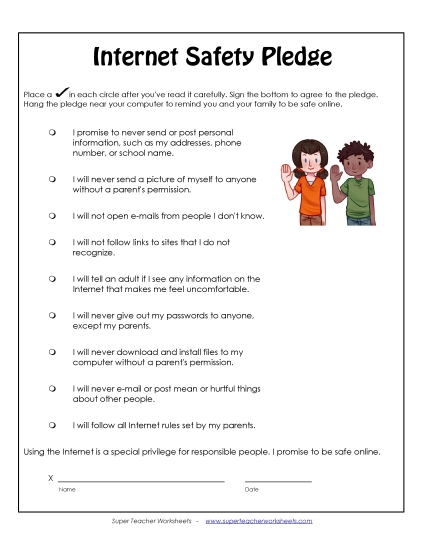
The “free printable screen time tracker for kids” serves as a fundamental resource for elementary and middle school students (grades 18), providing a tangible tool for developing crucial digital wellness habits. This printable worksheet reinforces essential internet safety concepts by offering a hands-on approach to understanding and managing digital engagement. Educators and parents consistently trust printable worksheets for their efficacy in building digital awareness and fostering responsible online behavior. The act of physically recording screen time encourages mindfulness, a critical skill in today’s digital landscape. Such resources are invaluable in guiding young learners toward a balanced relationship with technology, translating abstract digital safety rules into actionable daily practices.
💡 Educational Key Takeaways:
- Core Skill: Structured Free Printable Screen Time Tracker For Kids focused on developing pencil grip, stroke control, and early literacy/math confidence.
- Target Scope: Suited for homeschoolers, preschool, kindergarten, and elementary learners.
- Best Recommendation: Practice 10–15 minutes daily with ergonomic writing tools to reinforce muscle memory without hand fatigue.
What This Worksheet Covers
This “free printable screen time tracker for kids” specifically addresses the vital internet safety topic of digital well-being and responsible screen time management. The worksheet introduces concepts related to self-regulation, time awareness, and the importance of setting healthy digital boundaries. Children learn to identify patterns in their screen usage, categorize different types of digital activities, and reflect on the balance between online and offline pursuits. Its content aligns directly with recognized digital citizenship standards, emphasizing personal responsibility, health and wellness in digital environments, and the cultivation of balanced media consumption habits. The tracker provides a structured framework for families and classrooms to initiate conversations about digital limits and healthy technology use.
Key Learning Outcomes
By engaging with the “free printable screen time tracker for kids,” students and children will achieve several significant developmental and educational milestones:. Browse more guides on Safe Wired Schools.
- Develop self-awareness regarding individual screen usage patterns and habits.
- Cultivate responsible digital habits through consistent tracking and mindful reflection.
- Understand the importance of balancing online activities with essential offline pursuits.
- Foster critical thinking skills regarding the purpose and duration of digital engagement.
- Learn practical time management techniques applicable to both digital and non-digital tasks.
How to Use This Worksheet
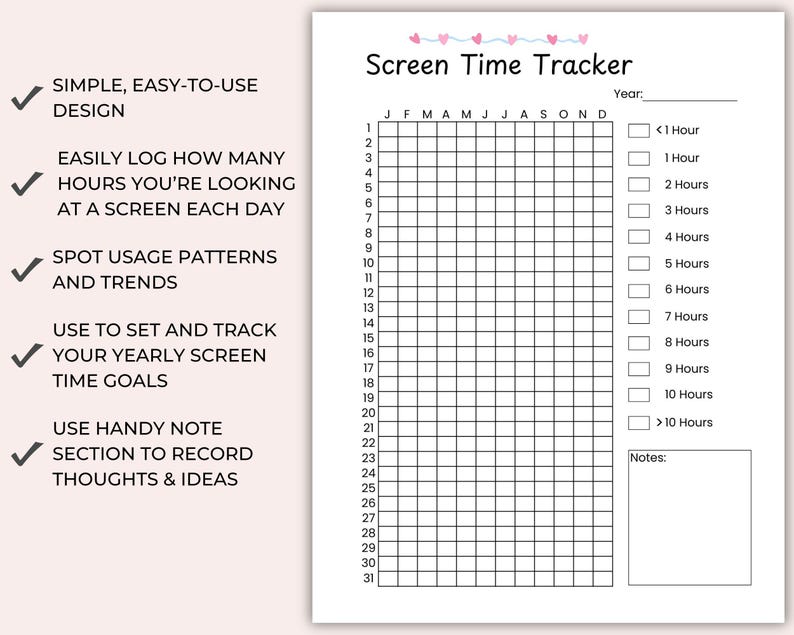
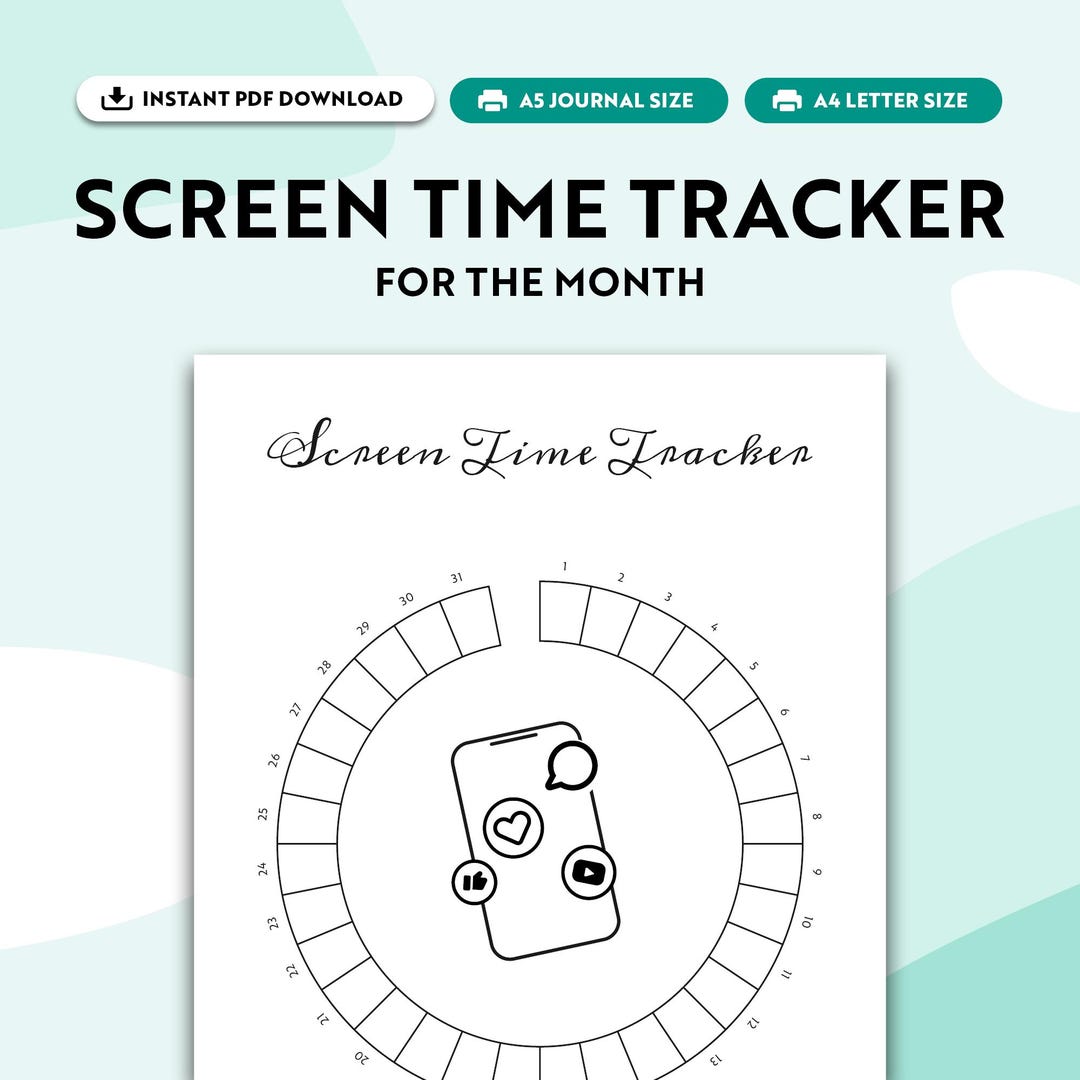
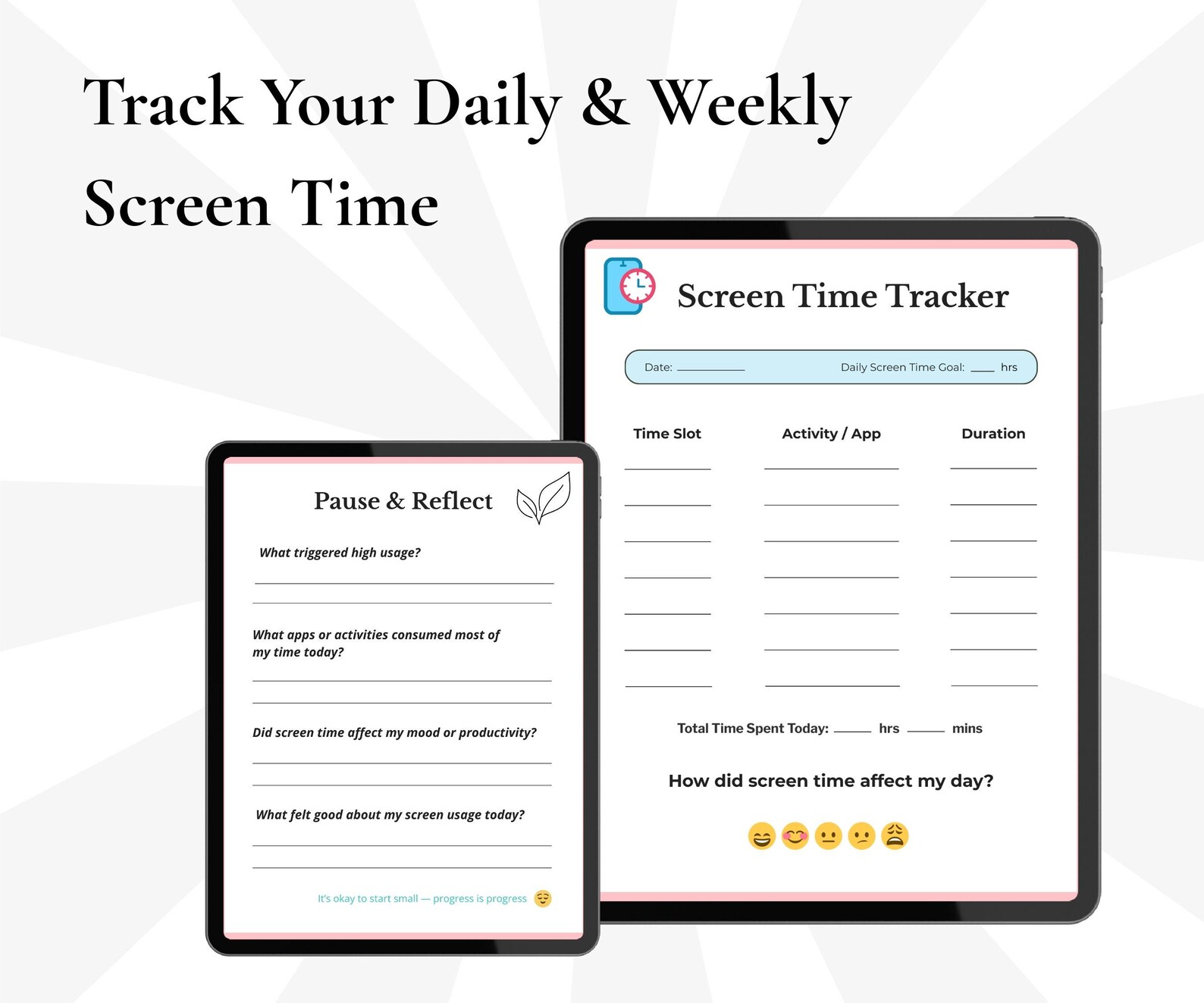
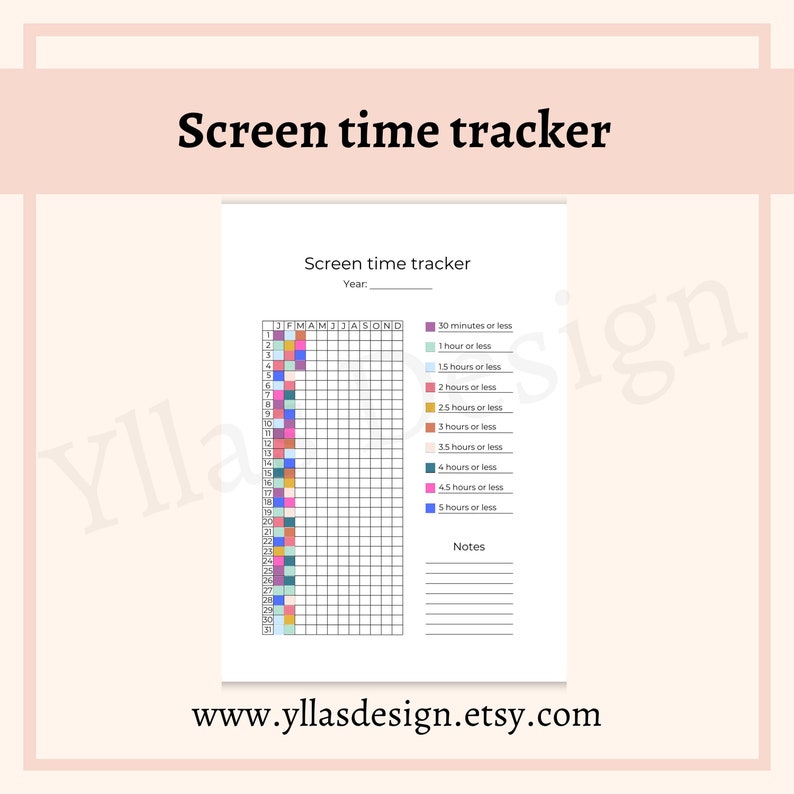
Educators can seamlessly integrate the “free printable screen time tracker for kids” into digital citizenship lessons or as a take-home activity. Parents can utilize it as a straightforward tool for daily family discussions about technology use. The worksheet typically features a simple log format, allowing for daily or weekly entries where children record the duration of their screen time across various activities like gaming, educational apps, or video streaming. Its difficulty level is appropriate for elementary and middle schoolers, with clear, concise instructions that scaffold learning progressively. The tracker can function as a standalone activity for individual reflection, form a component of a broader digital wellness curriculum, or serve as a regular homework assignment to encourage consistent habit formation.
Practical Tips for Parents and Teachers
- Set Clear Goals: Before starting, establish specific, achievable goals for screen time management with the child. Discuss what healthy screen limits might look like for different activities.
- Engage in Regular Discussion: Do not just track; actively discuss the logged data regularly. Explore what the patterns reveal about digital habits and identify areas for improvement.
- Model Healthy Habits: Children often learn by observation. Demonstrate responsible screen time habits and discuss personal strategies for balancing online and offline life.
- Connect to Real-World Benefits: Highlight how balanced screen time contributes to better sleep, improved focus, and more time for hobbies, friendships, and physical activity.
- Customize and Personalize: Encourage children to personalize their trackers by adding colors or drawings. Adapt the tracking categories to reflect the specific digital activities common in their lives.
Age-Appropriate Recommendations
The “free printable screen time tracker for kids” can be adapted effectively across various age bands, with adjusted approaches to maximize its educational impact.
For Ages 5-10 (Elementary School), the focus should be on basic awareness and simple recording. Vocabulary support is crucial; use straightforward terms for different screen activities. Activity pacing should be brief, perhaps daily check-ins for a week or two, rather than an extended period. Parental or teacher involvement remains high, with adults guiding the recording process, helping interpret the data, and facilitating discussions about balancing screen use with play and learning.
For Ages 11-14 (Middle School), the tracker transitions from simple recording to more analytical reflection. Students can be encouraged to categorize screen time by purpose (e.g., educational, social, entertainment) and reflect on how different types of digital engagement make them feel. Less direct supervision may be needed, but regular check-ins and guided discussions about self-regulation and digital citizenship are highly beneficial. The activity can extend over several weeks, allowing for observation of trends.
For Ages 15-18 (High School), the tracker serves as a tool for advanced self-assessment and goal setting. While direct tracking might be less emphasized, the printable can be used as a template for students to design their own digital wellness plans, incorporating reflection on productivity, digital distractions, and the impact of technology on mental health. Teacher or parental involvement shifts to mentorship, providing resources and facilitating discussions around digital well-being, future planning, and the ethical implications of technology use.
Frequently Asked Questions
Q: How does a screen time tracker support internet safety?
A: A screen time tracker enhances internet safety by fostering self-awareness and responsible digital habits. It helps children understand their online engagement, encouraging them to balance screen time with other activities and recognize when digital use might become excessive.
Q: Is this tracker suitable for all ages within the K-12 range?
A: Yes, the “free printable screen time tracker for kids” is designed for adaptability across the K-12 range. Specific approaches, vocabulary, and levels of adult involvement can be adjusted to suit the developmental stage of each age group, from elementary to high school.
Q: Where can the “free printable screen time tracker for kids” be downloaded?
A: The “free printable screen time tracker for kids” can be easily accessed and downloaded directly from the resources section of SafeWiredSchools.org, typically found within the printable worksheets category.
Explore More Free Printable Worksheets
A single worksheet works best as part of a broader collection of printable resources, establishing a consistent digital safety learning routine. The “free printable screen time tracker for kids” is an excellent starting point, but comprehensive digital literacy requires ongoing engagement with diverse materials. Educators and parents are invited to explore a full collection of free printable internet safety worksheets, activity sheets, checklists, quizzes, and more at SafeWiredSchools.org Worksheets. These resources cover every internet safety topic, are designed for every grade level and learning environment, and support the continuous development of responsible digital citizens.
Developmental Milestone & Activity Table
| Development Stage | Recommended Daily Duration | Primary Learning Objective |
|---|---|---|
| Preschool & Pre-K | 10 – 15 Minutes | Pencil grip development & basic pre-stroke lines |
| Kindergarten | 15 – 20 Minutes | Letter/number formation & spatial line awareness |
| Early Elementary (Grade 1–2) | 20 – 30 Minutes | Fluency, sentence construction & neatness |
Images References