Introduction
Digital literacy and online safety ppt presentations function as essential instructional slide decks designed to teach students, educators, and families critical web navigation skills, data privacy protection, and responsible cyber citizenship. According to the Cybersecurity and Infrastructure Security Agency (CISA), proactive cybersecurity education integrated into school curricula significantly reduces juvenile exposure to online exploitation and phishing schemes. Delivering structured digital safety lessons through downloadable slide decks ensures that middle schoolers, teachers, and administrators share a unified standard regarding device hygiene, appropriate digital footprints, and respectful online communication. Integrating comprehensive media literacy frameworks into everyday school routines prevents dangerous online behaviors while fostering resilient, savvy digital citizens across modern educational ecosystems.
Digital Safety Snapshot:
- Core Focus: Structured instructional slide presentations targeting student cyber safety, digital footprints, and balanced screen habits.
- Target Scope: Middle school classrooms, parent-teacher workshops, and institutional administrator training sessions.
- Key Recommendation: Standardize safety presentations annually to reflect emerging cyber threats and evolving privacy laws.
Core Principles and Detailed Overview
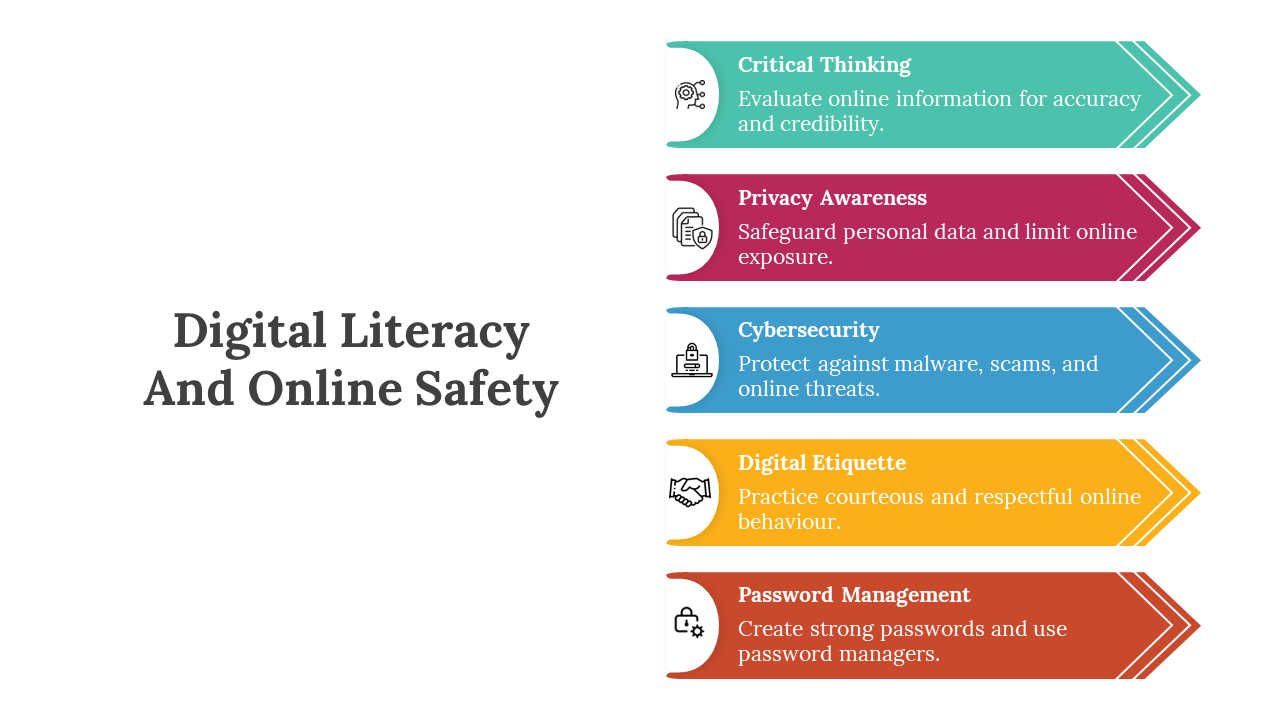
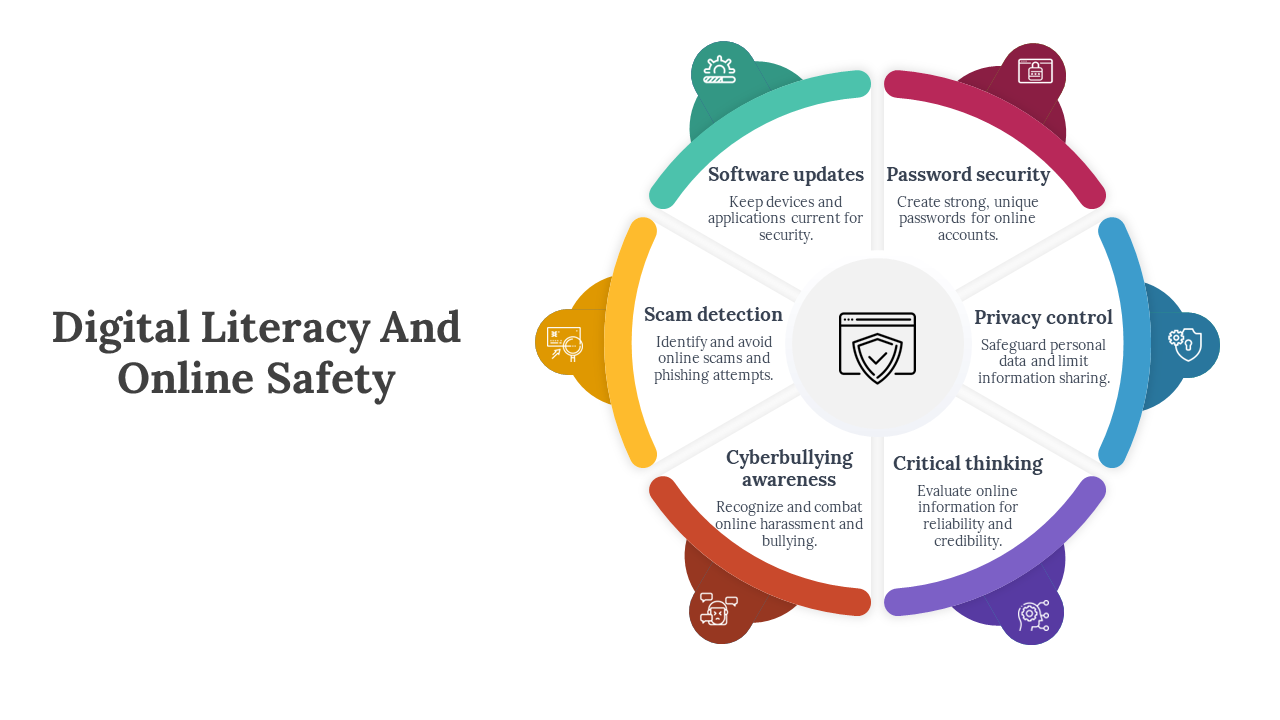
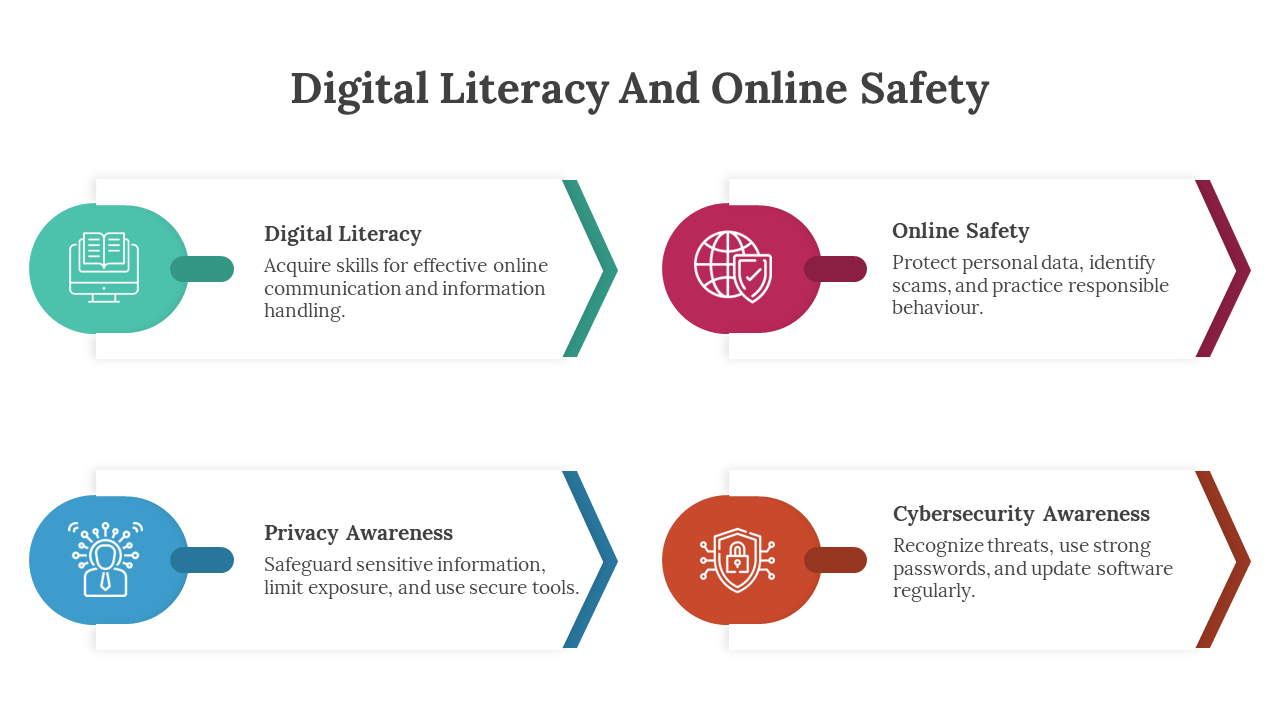
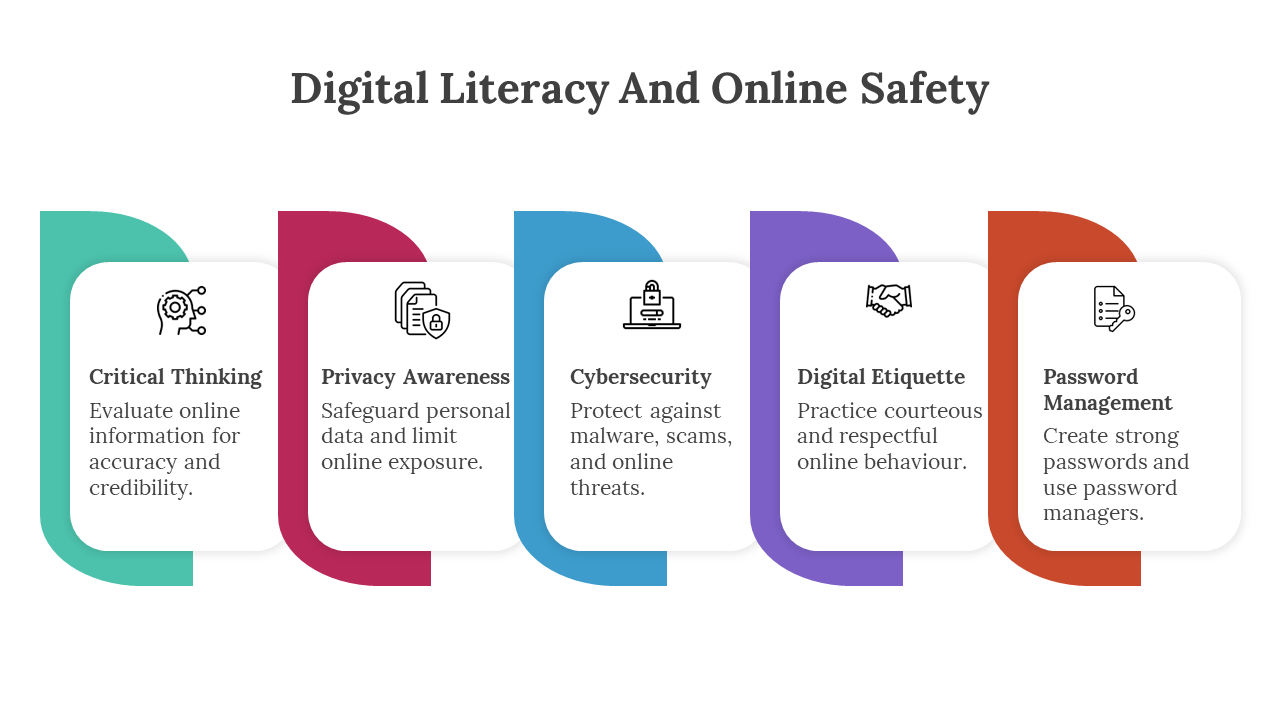
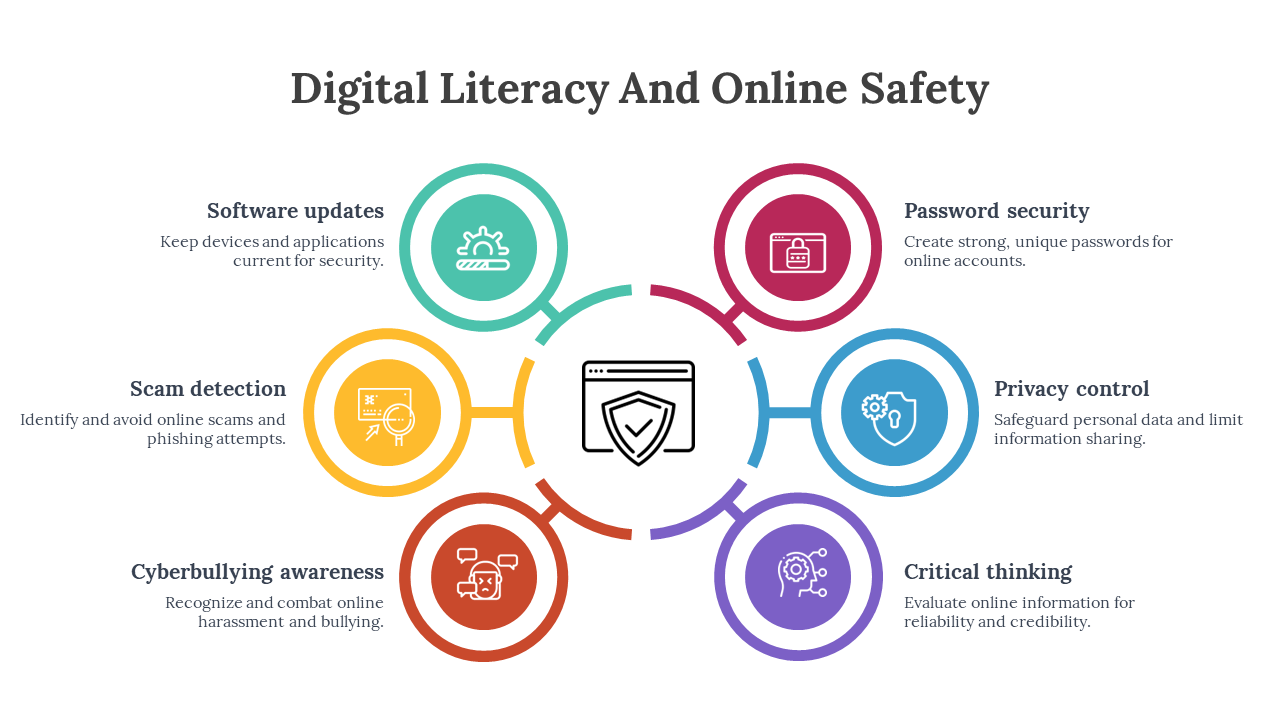
Digital literacy and online safety ppt frameworks anchor comprehensive student protection programs by synthesizing complex cybersecurity concepts into digestible, classroom-ready visual modules. Effective slide decks prioritize foundational topics including cyberbullying prevention, secure password protocols, permanent digital footprint awareness, and equitable screen time management. Educators rely on these modular presentations to facilitate guided discussions about peer interactions, evaluating online credibility, and identifying predatory phishing attempts. Furthermore, schools utilizing structured Internet and Digital Safety modules empower students to recognize manipulation tactics on social media and gaming platforms, thereby cultivating an environment of mutual respect and technological mindfulness.
Key Specifications and Breakdown
| Safety Pillar | Digital Risk Factor | Actionable Protective Habit |
|---|---|---|
| Digital Footprint | Permanent archiving of embarrassing posts or private data. | Enforce strict privacy settings and audit shared content regularly. |
| Cyberbullying | Harassment, exclusion, and toxicity via messaging apps. | Document harmful communications and report incidents immediately to trusted adults. |
| Device Hygiene | Malware infections, weak passwords, and data breaches. | Utilize multi-factor authentication and update operating systems frequently. |
Comprehensive digital citizenship curricula must integrate continuous risk mitigation strategies alongside interactive student exercises to foster permanent behavioral safety habits. — ConnectSafely Research
Step-by-Step Practical Application and Guidelines
Executing an impactful digital safety presentation requires strategic pacing, interactive student engagement, and practical reinforcement exercises tailored to middle school developmental stages. Presenters must begin by defining basic terminology related to data privacy and digital permanence using relatable student scenarios rather than technical jargon. Following the lecture portion, educators should deploy structured Worksheets that challenge participants to evaluate real-world digital dilemmas, such as identifying phishing links or handling online peer pressure. Concluding the session with a collaborative group discussion ensures that young learners internalize boundary-setting techniques, recognize the physical impacts of excessive screen consumption, and commit to maintaining a respectful, clean digital footprint throughout their academic and personal lives.
Common Challenges and How to Avoid Them
Overly technical language, outdated slide content, and passive lecture formats represent the primary hurdles preventing digital safety presentations from achieving meaningful behavioral change among adolescents. Schools often stumble when slide decks rely solely on fear-based messaging rather than empowering students with actionable self-defense strategies and critical thinking skills. To counteract these pitfalls, educators must update instructional slide decks yearly to include emerging communication apps, modern gaming risks, and evolving AI-generated phishing tactics. Maintaining interactive dialogue, limiting text-heavy slides, and pairing digital safety lessons with engaging supplemental materials such as Online and Digital Safety resources keeps students actively engaged and receptive to vital protective guidelines.
💬 Frequently Asked Questions
Explore More Kids Safety and Digital Citizenship Guides on SafeWiredSchools
Empower your educational community with professional-grade resources by exploring the comprehensive guides, activities, and instructional materials available directly through Safe Wired Schools. Ongoing digital safety education remains vital for equipping the next generation with the tools necessary to navigate modern digital landscapes safely, securely, and responsibly.
Visual Reference Gallery