Introduction
Digital spaces are wonderful environments for learning, discovery, and play. Children frequently encounter online platforms long before they reach secondary school, navigating shared household tablets, multiplayer game chat rooms, and streaming video apps daily. Modern classrooms and homes require proactive approaches to digital citizenship that transform complex cybersecurity concepts into approachable lessons. Equipping young minds with foundational protective habits early on prevents confusion later. The free printable cybersecurity awareness kids phishing message example serves as a practical bridge between abstract online dangers and tangible recognition skills. This resource emphasizes building digital resilience through open dialogue rather than instilling fear, ensuring youth feel supported while exploring the internet. Related guide: Teachers Of Grades 9–12 Should Expand Internet Safety Instruction To Include Which Of The Following Topics?.
💡 Educational Key Takeaways:
- Core Skill: Structured Cybersecurity Awareness Kids Phishing Message Example focused on developing pencil grip, stroke control, and early literacy/math confidence.
- Target Scope: Suited for homeschoolers, preschool, kindergarten, and elementary learners.
- Best Recommendation: Practice 10–15 minutes daily with ergonomic writing tools to reinforce muscle memory without hand fatigue.
What This Printable Covers
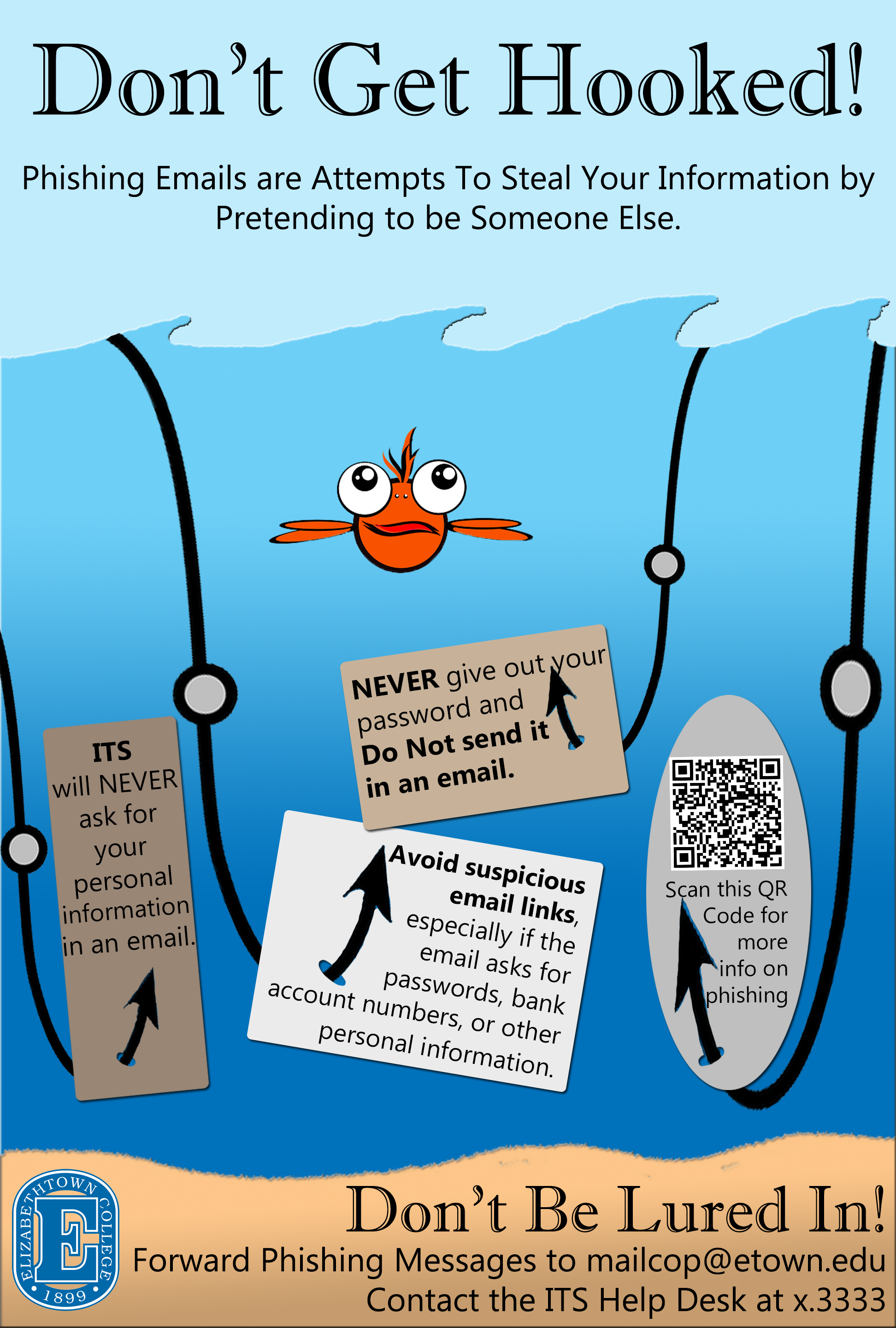
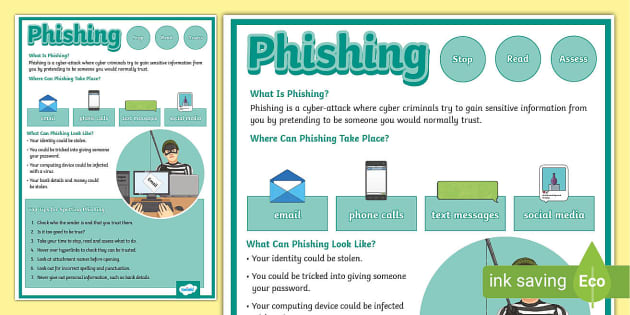
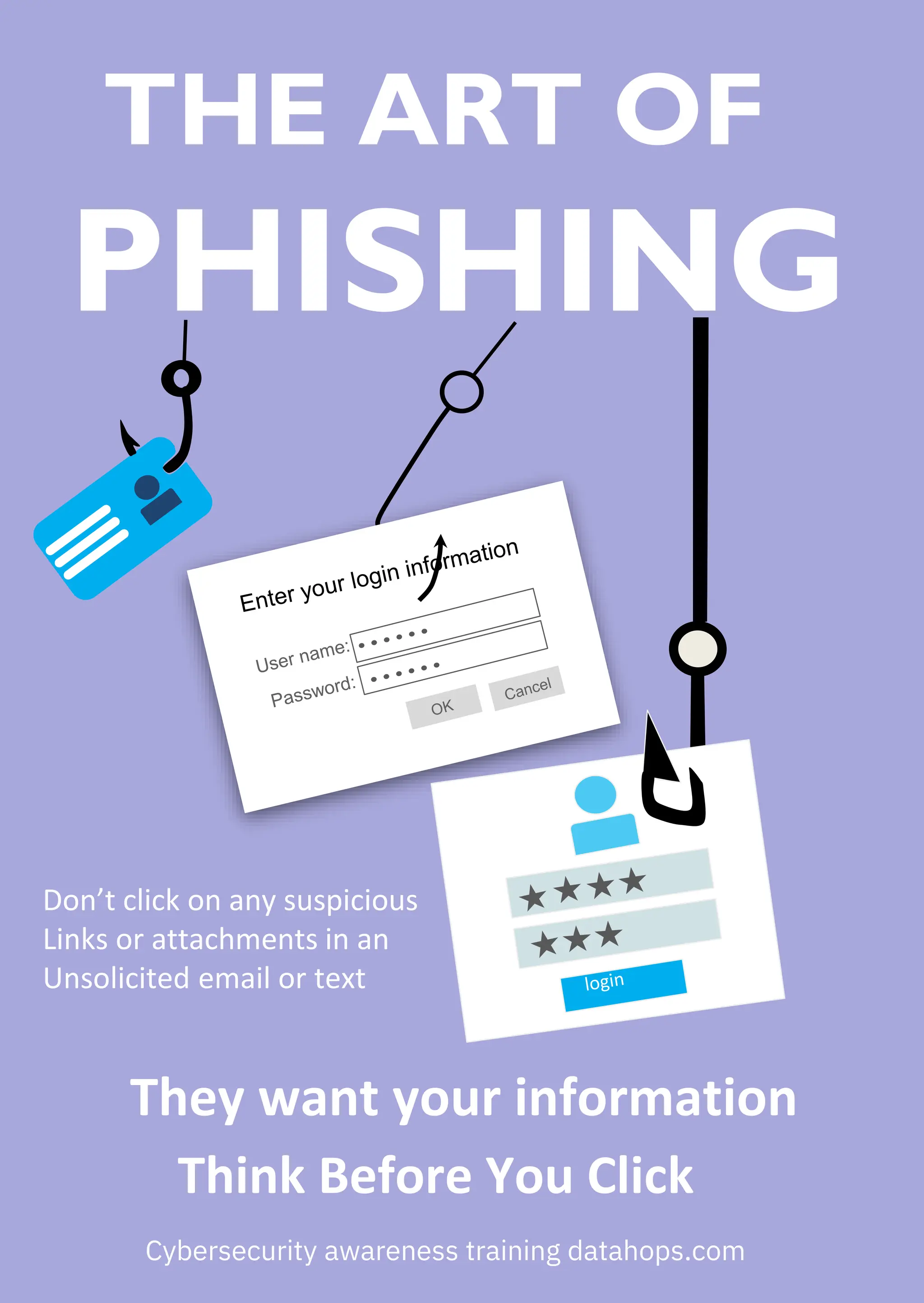
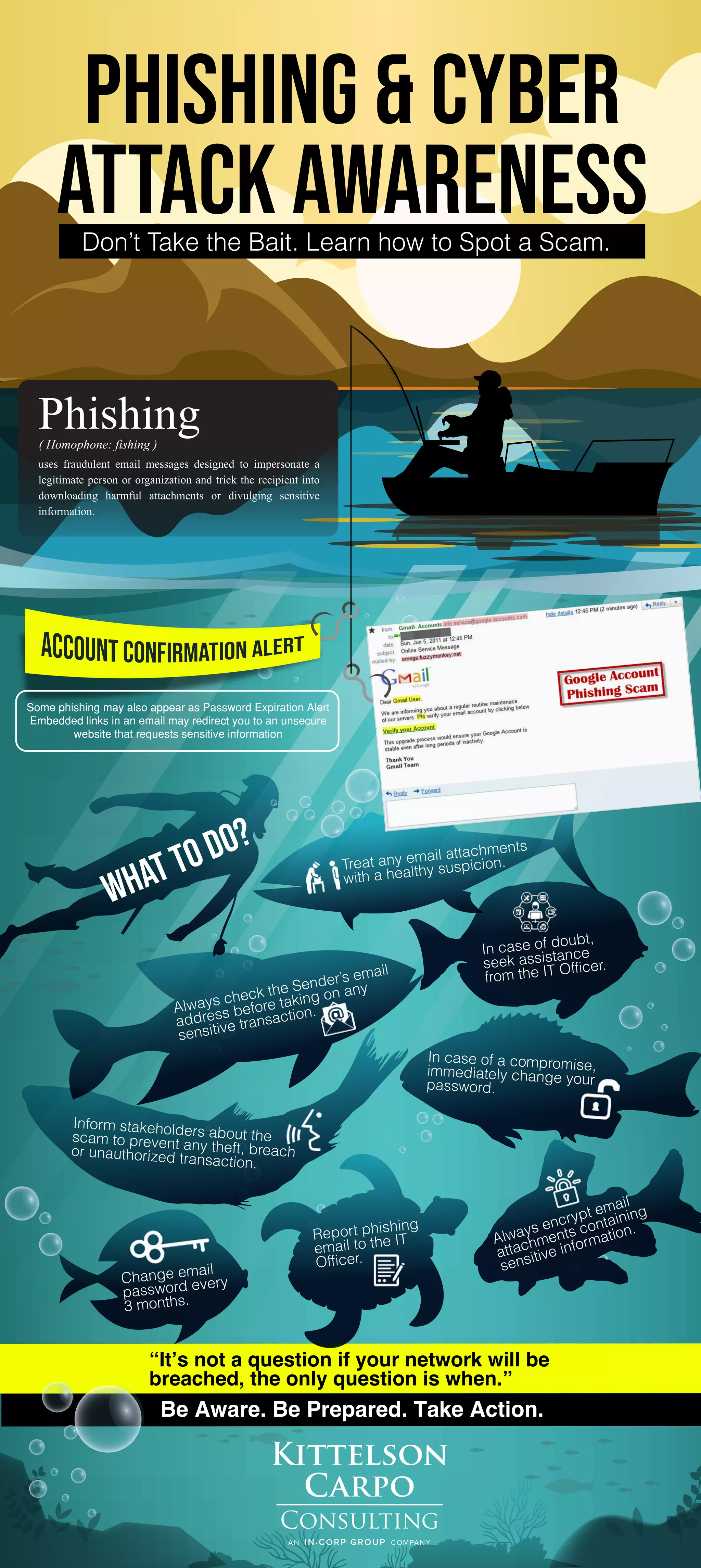
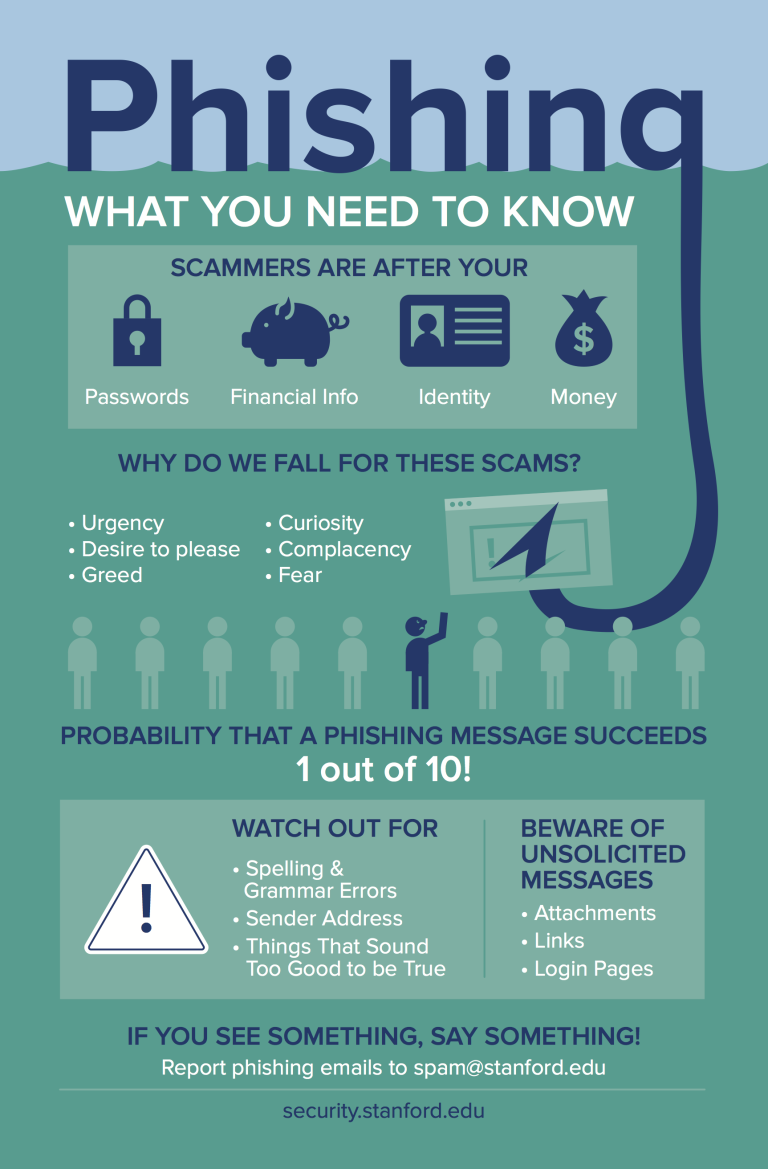
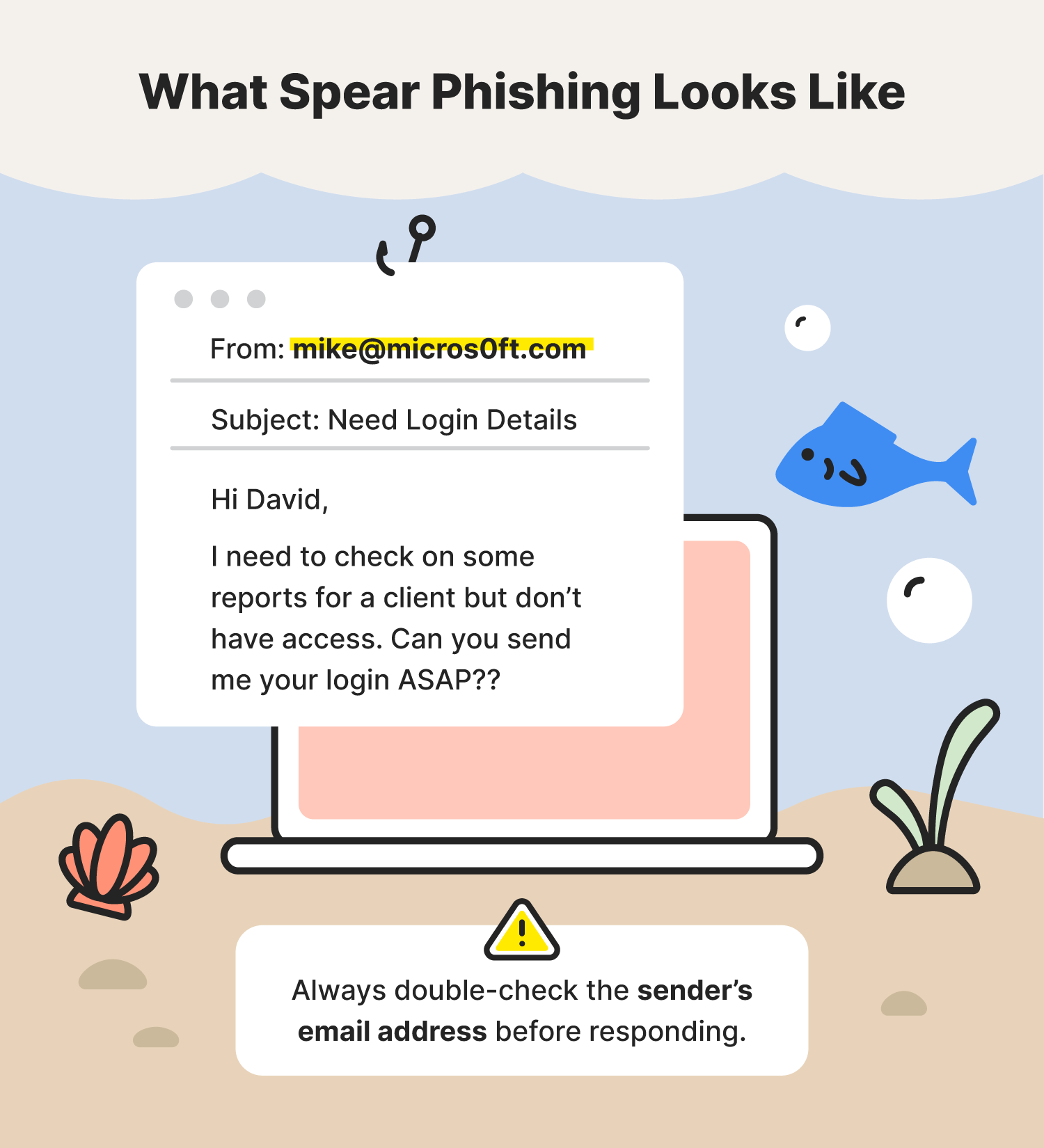
Deceptive online messages arrive in many forms, ranging from fake video game currency rewards to urgent alerts about compromised accounts. Young learners often struggle to distinguish authentic notifications from clever digital traps because interfaces frequently mimic trusted brands. The printable provides a simulated, age-appropriate example of a deceptive message, breaking down the exact warning signs into digestible visual components. Children examine common manipulation tactics, such as manufactured urgency, requests for personal credentials, and too-good-to-be-true promises. Teachers and parents use this exercise to highlight the importance of keeping private information safe, utilizing strong passwords, and pausing before clicking links. It sounds simple, and that’s the point. Clear, repeatable routines stick in growing minds much better than complicated lectures.
Key Learning Outcomes
Critical thinking develops progressively when children engage with hands-on activities tailored to their cognitive levels. Working through the simulated message sharpens observational skills, teaching students to spot spelling errors, strange sender addresses, and high-pressure demands. Learners practice the core habit of checking with a trusted adult whenever an online notification feels confusing or unusual. Crucially, the accompanying discussions reinforce a vital emotional safety net: children are never in trouble for reporting an uncomfortable interaction or a mistaken click. Establishing this judgment-free reporting channel encourages honesty and swift problem-solving across all Internet and Digital Safety topics. Mastery of these concepts transforms passive consumers of technology into vigilant digital citizens.
How to Use This Printable
Classrooms and living rooms thrive on structured routines that invite participation. Begin the activity by asking learners what they typically do when someone offers a free prize in a video game or chat box. Introduce the printable as a detective puzzle where the main goal is spotting clues that reveal a trick. Read through the sample message together, pausing to point out specific red flags highlighted on the page. Encourage children to voice their thoughts on why a particular sentence might be a trap. Afterwards, transition the conversation into everyday device use, connecting the paper exercise to real-world scenarios on shared tablets. Exploring more Worksheets can further reinforce these foundational habits across different subjects.
Practical Tips for Parents and Teachers
Keeping the atmosphere calm and encouraging ensures children remain receptive to safety guidance. Frame the lesson around empowerment and skill-building rather than focusing on online threats. Adults can model safe behaviors by talking aloud when evaluating strange emails or pop-up windows during daily device use. Role-playing different scenarios helps solidify the desired response without causing anxiety. According to the Federal Trade Commission, fraudulent online communications targeting personal information continue to evolve rapidly, making early education on digital literacy essential for modern youth. Consistent reinforcement turns careful navigation into second nature.
Age-Appropriate Recommendations
Younger children in the five-to-eight age bracket require concrete examples and simple vocabulary, focusing primarily on never sharing passwords and asking an adult before clicking anything unfamiliar. Older children between ages nine and twelve can handle deeper discussions about manipulation tactics, social engineering, and the mechanics behind deceptive messaging. Aligning these lessons with the Common Sense Education Digital Citizenship Curriculum provides a structured pathway for progressive learning. Educators can adapt the depth of the conversation to match the developmental readiness of their specific group. This developmental scaffolding ensures that digital citizenship concepts expand naturally alongside children’s growing technological independence.
Young internet users frequently encounter deceptive messages through shared household devices, in-game chat rooms, and popular video streaming platforms — Federal Trade Commission & Common Sense Media
Frequently Asked Questions
Quick answers help educators and families implement digital safety practices seamlessly.
According to the National Center for Missing & Exploited Children, proactive digital safety education significantly increases the likelihood that children will report uncomfortable online encounters to trusted adults. — NCMEC
Explore More Free Kids Online Safety Printables
Expanding a digital citizenship library helps maintain engagement throughout the school year. Diversify learning approaches by incorporating creative Coloring Pages that turn abstract safety rules into memorable artistic expressions. Comprehensive lessons found within Online and Digital Safety categories provide continuous support for building resilient digital habits at home and in the classroom.
Developmental Milestone & Activity Table
| Development Stage | Recommended Daily Duration | Primary Learning Objective |
|---|---|---|
| Preschool & Pre-K | 10 – 15 Minutes | Pencil grip development & basic pre-stroke lines |
| Kindergarten | 15 – 20 Minutes | Letter/number formation & spatial line awareness |
| Early Elementary (Grade 1–2) | 20 – 30 Minutes | Fluency, sentence construction & neatness |
Images References