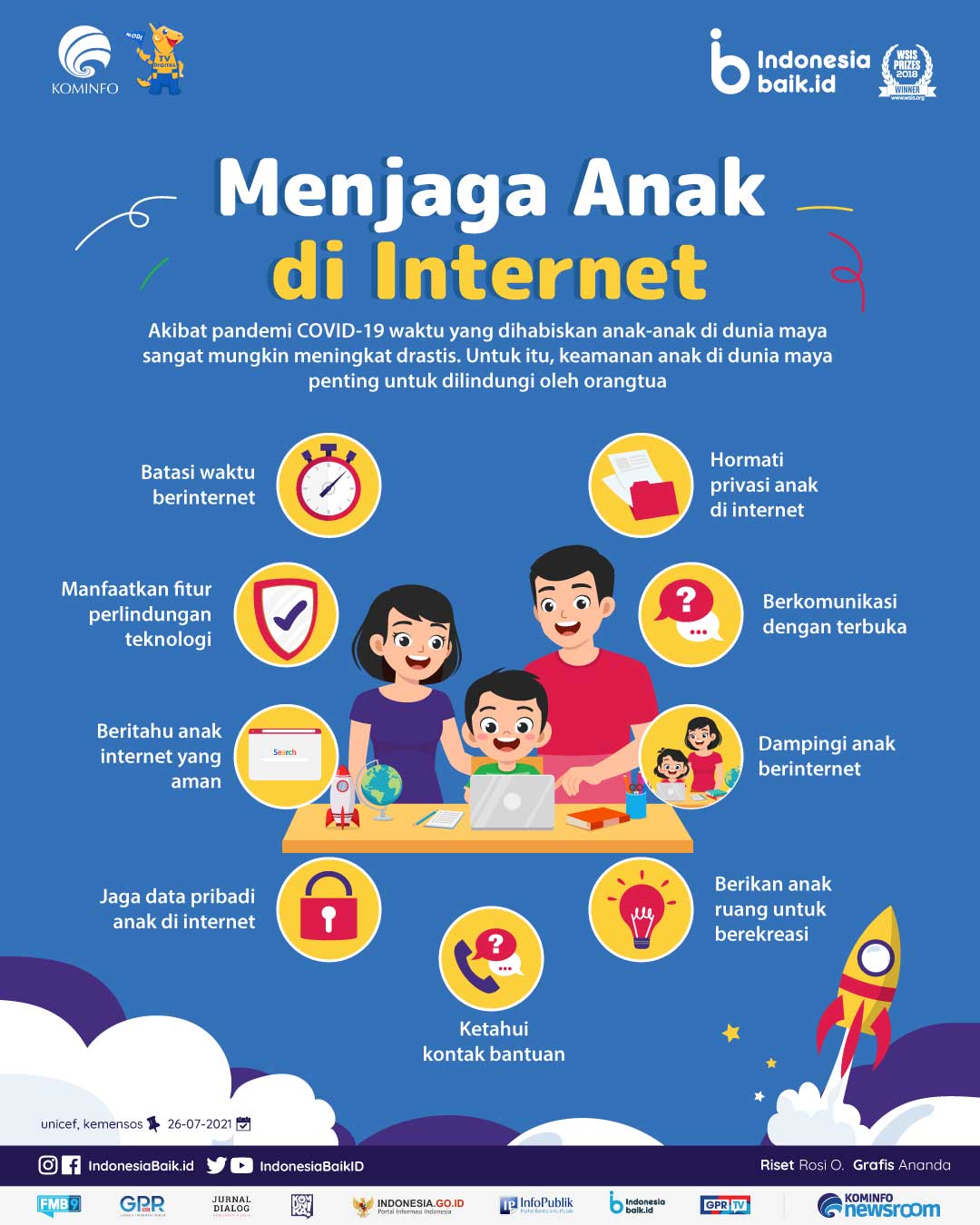
Why Visual Learning Bridges the Gap in K-12 Digital Literacy
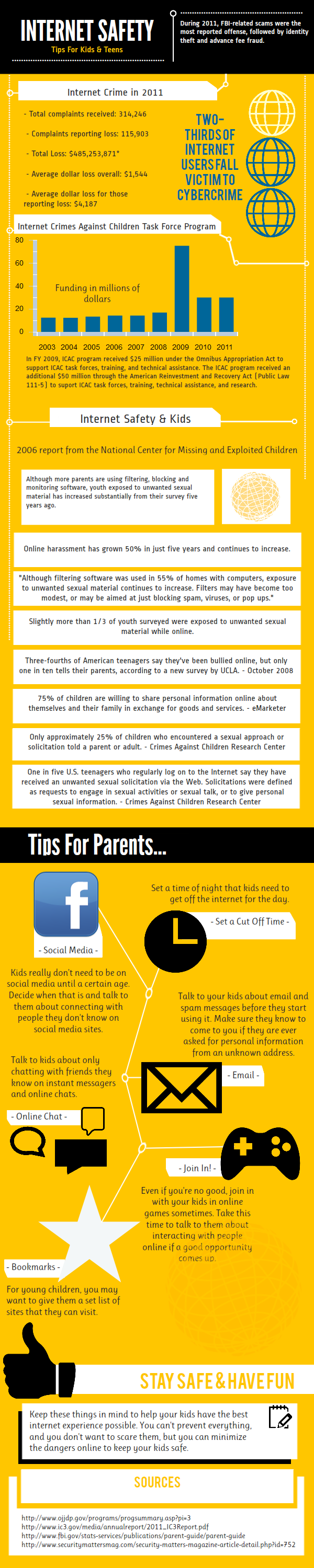
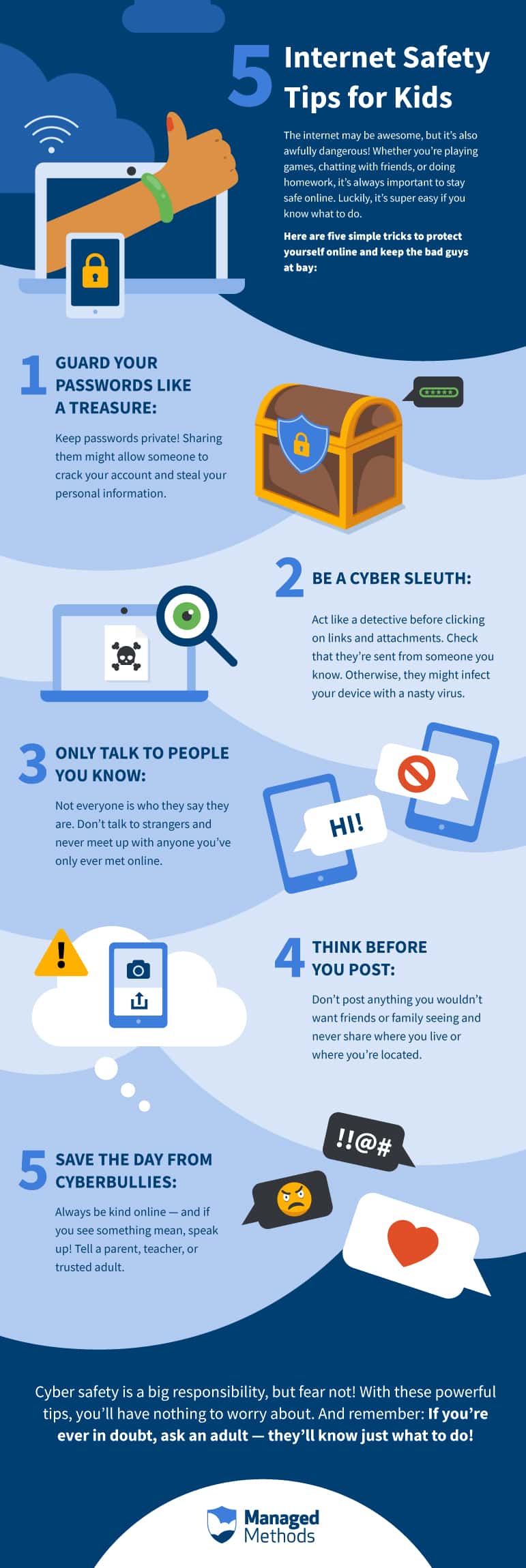
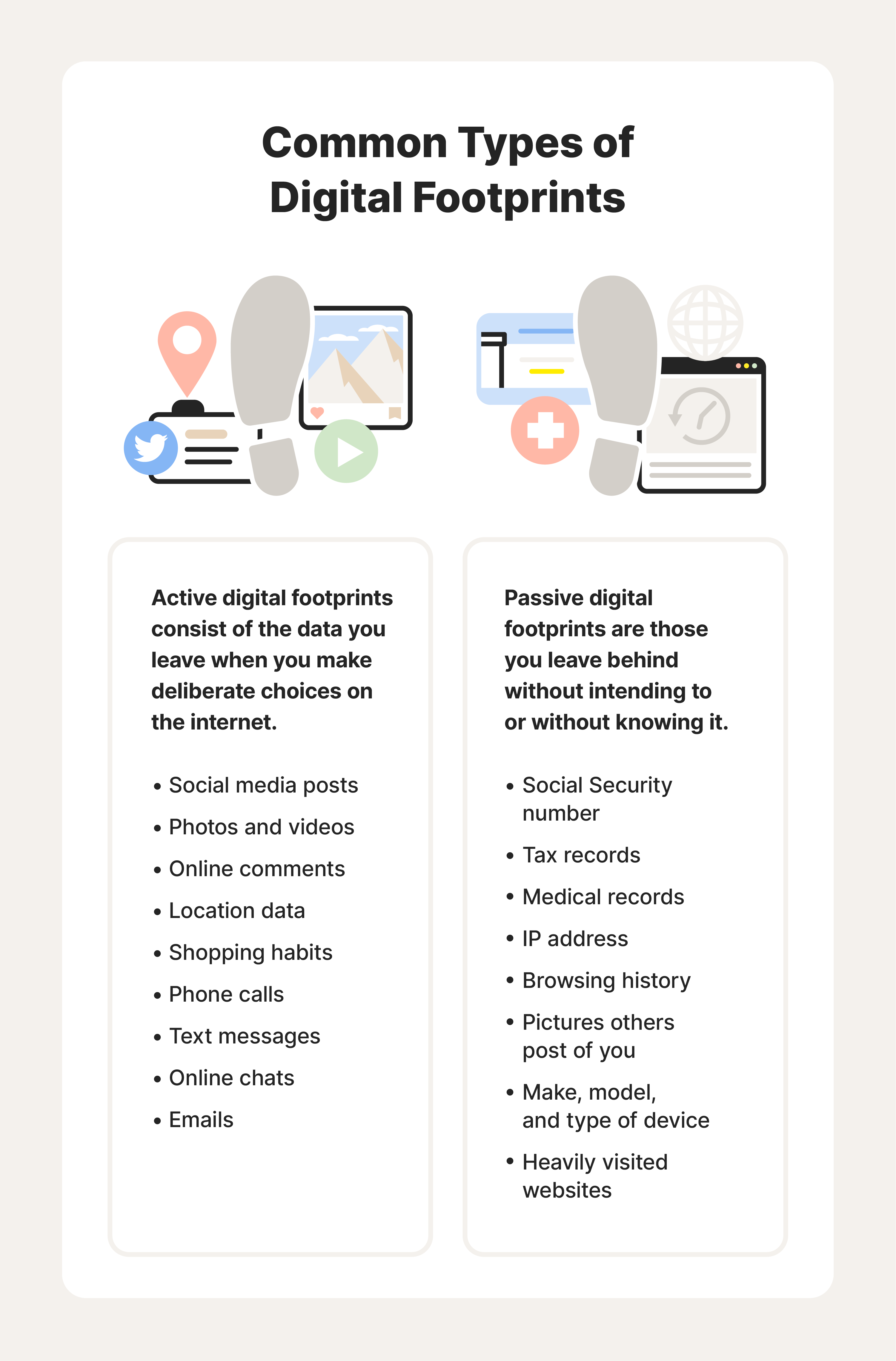
Translating complex online safety rules into memorable lessons is a daily challenge for both educators and parents. When kids encounter pop-ups, chat requests, or unknown downloads, walls of text rarely stick in their minds. That is why Internet Safety For Student Infographics play a vital role in modern digital citizenship frameworks. By pairing concise rules with clear visual cues, schools and families can establish consistent habits that align with guidance from organizations like ConnectSafely and the Federal Trade Commission. Whether you are prepping students for standardized testing browsers or unsupervised homework sessions, visual anchors make online safety instinctive. Related guide: Internet Safety Hunt For Students.
💡 Educational Key Takeaways:
- Core Skill: Structured Internet Safety For Student Infographics focused on developing pencil grip, stroke control, and early literacy/math confidence.
- Target Scope: Suited for homeschoolers, preschool, kindergarten, and elementary learners.
- Best Recommendation: Practice 10–15 minutes daily with ergonomic writing tools to reinforce muscle memory without hand fatigue.
Technical Guardrails and Behavioral Warning Signs
Protecting youth online requires a two-pronged approach: setting up robust age-appropriate device controls and remaining vigilant for subtle behavioral shifts. The breakdown below highlights common vulnerabilities across environments and the corresponding safeguards adults should implement immediately.
| Setting / Context | Common Vulnerability | Practical Safeguard |
|---|---|---|
| Home Devices & Tablets | Unmonitored app downloads and disabled parental control pins. | Lock app store permissions with a secure family pin and review recent downloads weekly. |
| School Chromebooks | Bypassing network filters via unauthorized extensions or proxy sites. | Ensure IT department policies enforce strict extension whitelists and alert triggers. |
| Social Apps & Messaging | Direct messages from unverified strangers or peer pressure to share private data. | Set profiles to private, disable direct messaging for younger children, and review Internet and Digital Safety strategies regularly. |
Core Routines Families and Classrooms Can Apply Together
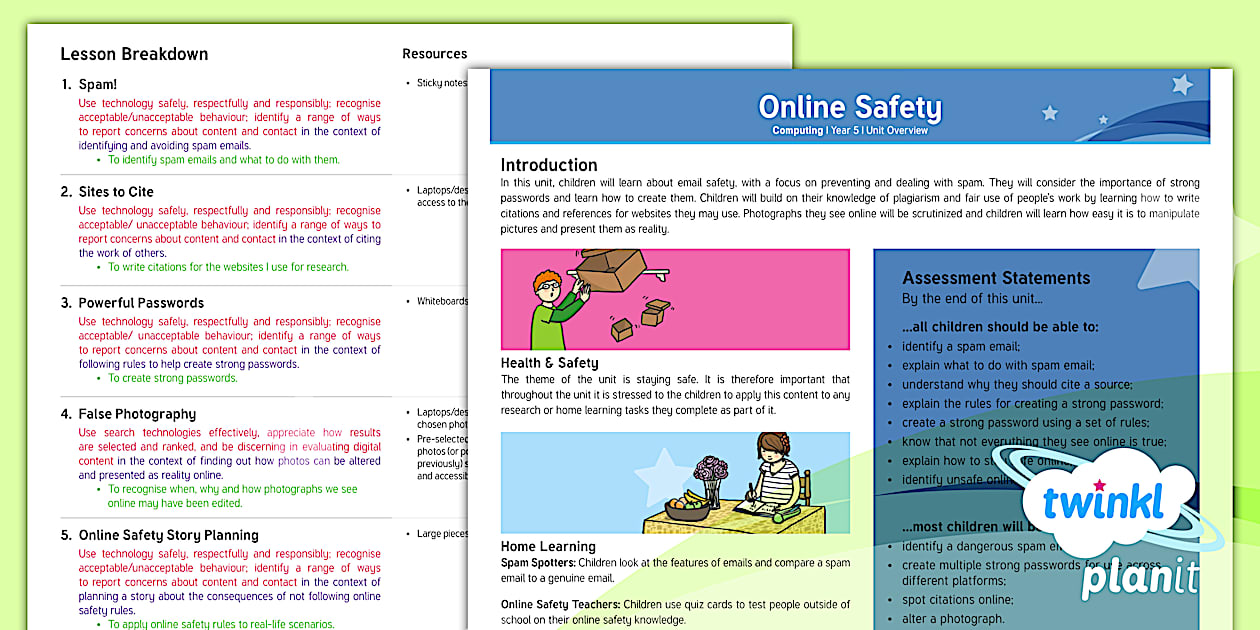
Consistency is the cornerstone of effective digital safety. To move beyond one-off internet safety lectures, schools and homes must establish predictable routines. Start by designating a central, public family charging station where all smartphones and tablets sleep overnight, eliminating late-night screen fatigue and risky chat activity. Next, incorporate printable resources like our Worksheets into advisory periods or weekend homework to test comprehension interactively. Implement two-factor authentication on every student account to thwart credential theft, and establish a zero-shame reporting workflow. When children know they can confess to clicking a bad link or making a mistake without losing their device privileges, they speak up immediately rather than hiding digital threats.
As students grow, their technical fluency increases, often leading to clever workarounds like deleting browser histories, using incognito windows, or installing hidden third-party messaging apps. Overly draconian digital bans frequently backfire by driving underground behavior. Instead of reacting with immediate punishment when a boundary is broken, use the moment as an educational pivot. Pair technical content filters with calm, direct conversations about why specific guardrails exist. Referencing current youth advisory frameworks from agencies like CISA can help older students understand that online security protocols protect their personal reputations, not just school property.
Frequently Asked Questions on Visual Safety Tools
How early should we introduce internet safety concepts to children?
Children encounter digital devices as early as preschool, making foundational habits essential by kindergarten. Simple visual guides help pre-readers identify safe adults, recognize pop-up traps, and understand screen time limits before they ever touch an unsupervised keyboard.
Are visual infographics enough to protect students from cyberbullying?
Infographics serve as an excellent primary prompt for identifying bullying behaviors, but they must be paired with active dialogue and institutional support. Reinforce these lessons by pairing visual posters with engaging Online and Digital Safety discussions during homeroom or family dinners.
How do we handle a child who actively hides their browsing activity?
Secrecy usually stems from a fear of losing device access entirely. Validate their growing need for privacy while calmly re-establishing clear boundaries, emphasizing that transparency keeps them safe from evolving online scams and predatory actors.
Explore More Digital Citizenship Resources
Empowering the next generation of digital citizens requires continuous learning, updated lesson plans, and collaborative community action. To access additional classroom handouts, interactive exercises, and expert safety advice for home and school environments, visit SafeWiredSchools.org today.
Visual Reference Gallery