Introduction
Guiding young children through the digital world requires proactive tools that build positive habits rather than relying on fear. Children frequently encounter online risks in ordinary moments, such as chatting with peers inside multiplayer video games or borrowing a family tablet to stream educational videos. These digital environments demand practical readiness, much like learning to look both ways before crossing a busy street. Educators and caregivers often search for reliable materials to introduce these concepts early, using interactive resources found within the Internet and Digital Safety hub on {site_name}. Building these protective habits early transforms abstract internet rules into tangible, everyday skills that young learners can easily remember and apply across devices.
💡 Educational Key Takeaways:
- Core Skill: Structured Free Printable Internet Safety Activities focused on developing pencil grip, stroke control, and early literacy/math confidence.
- Target Scope: Suited for homeschoolers, preschool, kindergarten, and elementary learners.
- Best Recommendation: Practice 10–15 minutes daily with ergonomic writing tools to reinforce muscle memory without hand fatigue.
What This Printable Covers
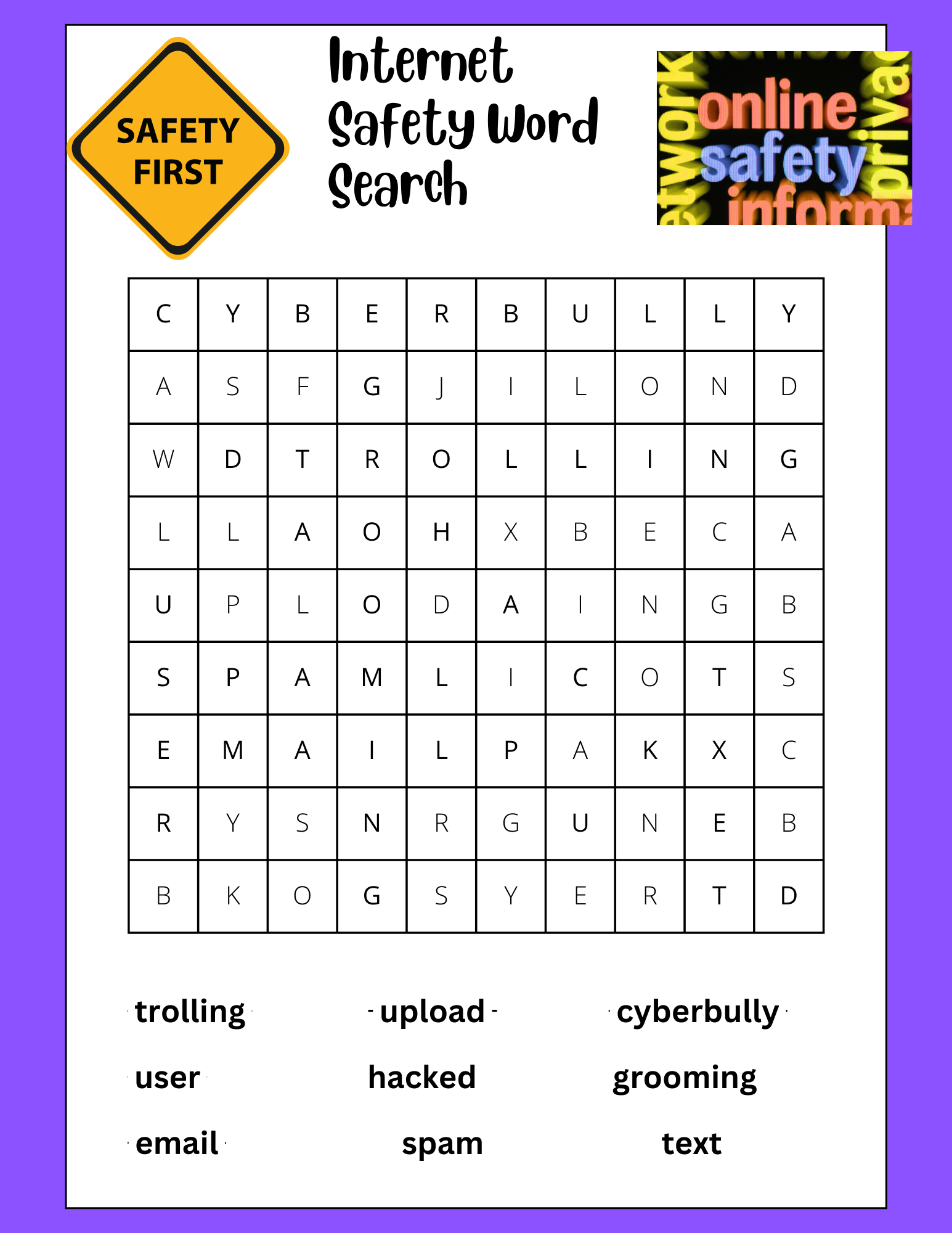
The free printable internet safety activities available on {site_name} focus on foundational digital literacy concepts tailored specifically for elementary-aged minds. It sounds simple, and that’s the point: teaching children to pause before clicking, understanding why personal information like home addresses must remain private, and recognizing the importance of strong, memorable passwords. Beyond basic password creation, the resource emphasizes emotional awareness during screen time. Children learn to identify that sinking feeling in their stomach when something looks strange online. They discover that telling a trusted adult immediately is always the correct path, and they are firmly never in trouble for reporting something uncomfortable. Related guide: 5 Cyber Safety Tips Symbols That Can Be Read By The Grede 7 Students.
Key Learning Outcomes
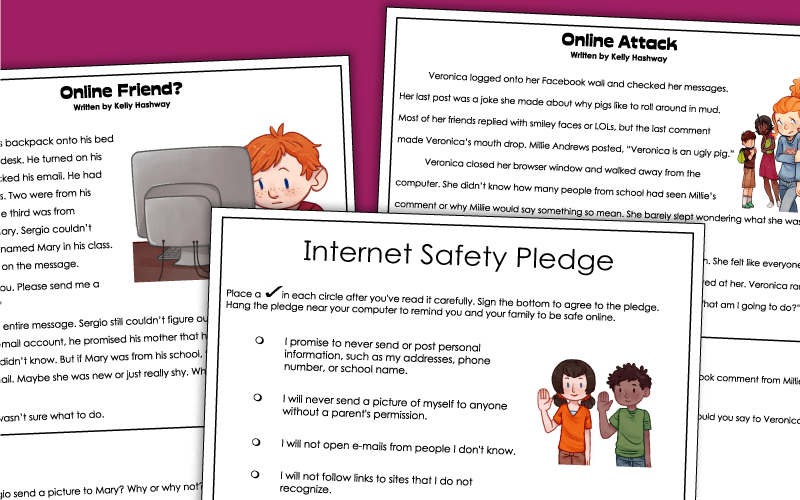
Working through these exercises helps students practice identifying secure versus public information. Here’s what makes this resource different: it bridges the gap between passive viewing and active critical thinking. Learners explore scenarios involving shared household devices and in-game chat windows where peer pressure can occasionally surface. By discussing these simulated dilemmas on paper, children rehearse their responses before facing similar situations in real life. This rehearsal strengthens cognitive pathways, making it easier to make safe choices when interacting with digital platforms independently or alongside siblings.
How to Use This Printable
Classrooms, counseling offices, and family kitchen tables all serve as ideal environments for these exercises. Educators can integrate the pages into computer lab orientation days, while parents can review them during quiet weekend afternoons. Educators often find that pairing physical Worksheets with group discussions dramatically improves comprehension. Children love talking through the scenarios when they hold the pencil themselves, turning a dry lesson into an engaging collaborative puzzle.
Practical Tips for Parents and Teachers
Adults do not need a background in technology to facilitate these discussions effectively. Asking open-ended questions like “What would you do if a friendly character asked for your pet’s name?” opens the door to honest dialogue. Consistency remains vital when establishing these digital boundaries. Reviewing the core concepts periodically ensures that internet safety remains a living conversation rather than a one-time lecture. For additional classroom material, pairing these lessons with creative prompts from the Coloring Pages collection helps reinforce messages visually for younger learners.
Age-Appropriate Recommendations
Children aged five to seven benefit most from visual sorting tasks, focusing on the difference between private details and public facts. Students aged eight to twelve can handle more nuanced scenarios involving digital footprints, respectful communication, and navigating peer dynamics in shared gaming spaces. These developmental milestones align closely with the Common Sense Education Digital Citizenship Curriculum, which emphasizes empowering students to think critically about their digital lives. Tailoring the conversation to the child’s exact age ensures the guidance remains supportive, relevant, and entirely free of unnecessary anxiety.
According to Common Sense Media research, a significant majority of children begin using mobile devices before the age of eight, often navigating apps and online videos independently. — Common Sense Media
Frequently Asked Questions
How do I download and print these activities? Simply click the download link on {site_name}, save the PDF file to your computer or device, and send it directly to any standard home or classroom printer.
How does this resource support online safety learning? It provides structured, hands-on scenarios that help children practice critical thinking, privacy rules, and communication strategies away from live screens.
What does the Federal Trade Commission recommend for kids online? According to the Federal Trade Commission, families should establish clear household rules about device use, keep screens in common areas, and maintain open communication about online experiences.
Explore More Free Kids Online Safety Printables
Extending these lessons across the entire school year requires a diverse library of creative resources. Caregivers and educators can discover supplementary tools by browsing the Online and Digital Safety archives for fresh discussion prompts. Combining multiple formats ensures that visual learners, readers, and active thinkers all receive the guidance they need to navigate the digital world with confidence and resilience.
Developmental Milestone & Activity Table
| Development Stage | Recommended Daily Duration | Primary Learning Objective |
|---|---|---|
| Preschool & Pre-K | 10 – 15 Minutes | Pencil grip development & basic pre-stroke lines |
| Kindergarten | 15 – 20 Minutes | Letter/number formation & spatial line awareness |
| Early Elementary (Grade 1–2) | 20 – 30 Minutes | Fluency, sentence construction & neatness |
Images References