Why Visual Learning Bridges the Digital Safety Gap for Young Students
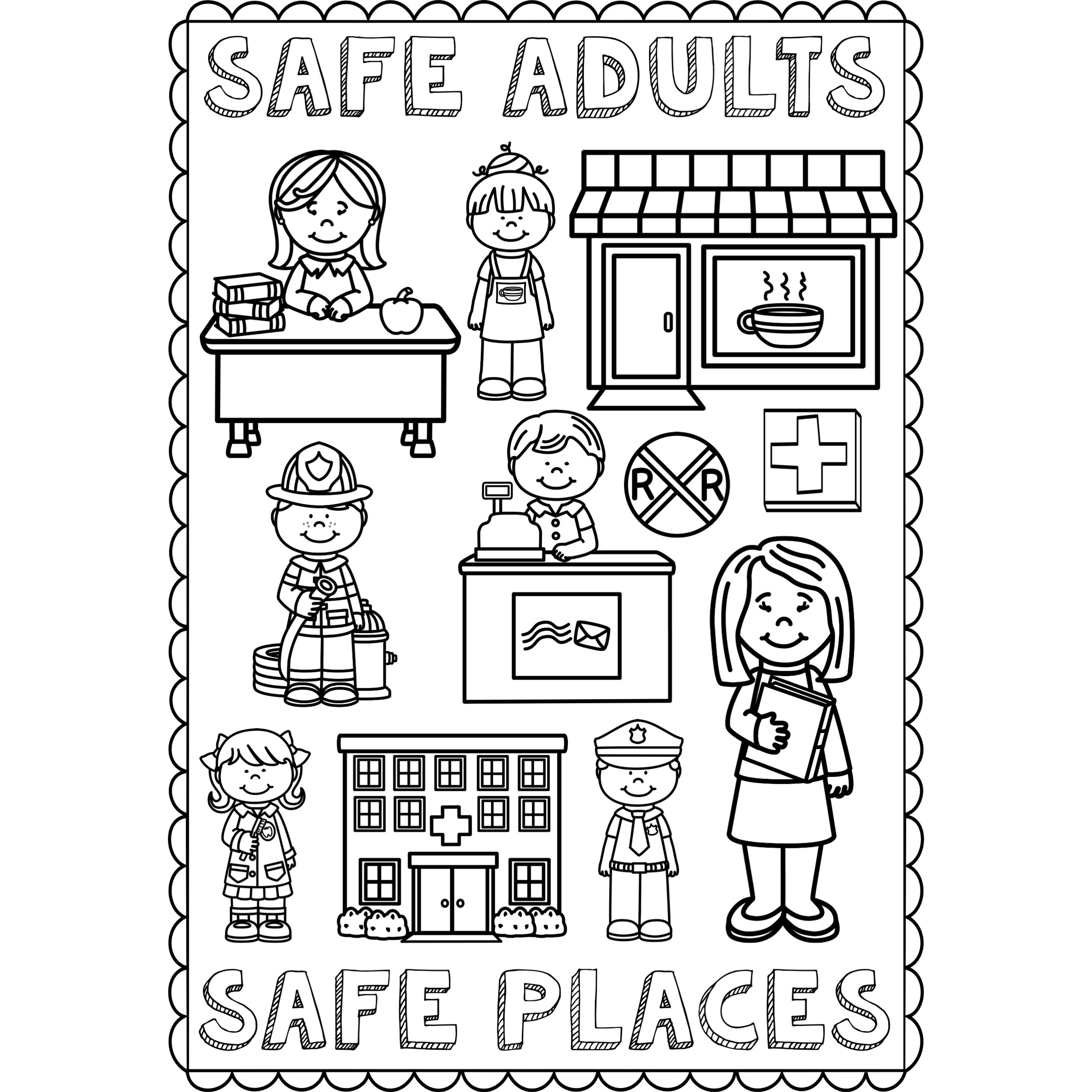
When introducing fundamental internet boundaries to early elementary students, traditional lectures often fall flat. Young minds process abstract risks much better through hands-on expression. This is why a colouring activity that talks about online safety serves as an invaluable pedagogical bridge for both classrooms and living rooms. By combining motor skills with guided discussion, educators and parents can introduce complex concepts like password privacy and device boundaries without inducing fear. Organizations like ConnectSafely and the Cybersecurity and Infrastructure Security Agency emphasize that early digital literacy must be approachable, interactive, and reinforced by calm, positive adult mentorship.
💡 Educational Key Takeaways:
- Core Skill: Structured Colouring Activity That Talks About Online Safety focused on developing pencil grip, stroke control, and early literacy/math confidence.
- Target Scope: Suited for homeschoolers, preschool, kindergarten, and elementary learners.
- Best Recommendation: Practice 10–15 minutes daily with ergonomic writing tools to reinforce muscle memory without hand fatigue.
Recognizing Digital Vulnerabilities Across Home and School Environments
Children encounter connected devices long before they fully understand data privacy or secure communication. Recognizing early risk signals helps adults intervene before minor curiosity turns into a compromised account or unwanted contact. To help parents and teachers map out these physical and digital blind spots, the breakdown below outlines common vulnerabilities alongside practical guardrails you can implement today. Related guide: Two Factor Authentication Coloring Page Kids.
| Setting / Context | Common Vulnerability | Practical Safeguard |
|---|---|---|
| Home Tablets & Consoles | Unrestricted app store downloads and saved credit cards for microtransactions. | Require parental PINs for all purchases and utilize age-appropriate profiles via Internet and Digital Safety tools. |
| School Chromebooks & iPads | Bypassing web filters or sharing login credentials with peers during downtime. | Enforce clear classroom policies and review browsing alerts alongside resources found in Worksheets. |
| In-Game Chats & Messaging | Accepting friend requests from strangers on multiplayer gaming platforms. | Disable open text chat features and encourage children to play exclusively with verified real-life friends. |
Establishing Calm Routines and Open Communication Channels
Technical filters alone cannot protect a child who is afraid to ask for help after making a mistake online. Building a resilient digital safety culture requires predictable routines at home and school. Start by establishing a central, public charging station where all phones, tablets, and laptops sleep overnight, eliminating late-night screen time risks. Pair this physical boundary with a non-punitive reporting rule: assure children that if a pop-up, strange message, or uncomfortable interaction appears on their screen, they will never lose device privileges for speaking up. Teachers can reinforce this by integrating creative exercises from our Coloring Pages collection to prompt low-stress classroom conversations about trusted adults.
Overcoming Student Workarounds and Adult Over-Correction Pitfalls
A common pitfall in K-12 digital citizenship is relying on draconian bans or shaming students when digital boundaries are tested. Children are naturally inventive and quickly learn how to bypass overly aggressive content blockers or hide their screen activities out of fear of punishment. Instead of creating a cat-and-mouse game of restrictions, adults should treat accidental policy breaches as teachable moments. When a child attempts a digital work-around, lean into curiosity rather than anger: ask what they were trying to access or accomplish, and calmly redirect them toward safer alternatives. Combining open dialogue with structured activities ensures children view safety guidelines as a protective shield rather than an arbitrary punishment.
Frequently Asked Questions About Creative Digital Citizenship Tools
What age group benefits most from an interactive safety coloring exercise?
Children in kindergarten through second grade benefit the most, as tactile art helps them anchor abstract online concepts into concrete, everyday rules.
How can teachers incorporate these creative lessons into a busy curriculum?
Educators can use these activities during morning meetings, library periods, or as a calming transition following heavier instructional blocks while discussing basic digital manners.
Should parents sit beside their child during every digital safety discussion?
Not necessarily. While active participation is wonderful, utilizing guided prompts and creative worksheets allows children to process ideas independently before sharing their thoughts with family members.
Explore More Digital Citizenship Resources
Empowering the next generation of digital citizens requires continuous learning, practical tools, and collaborative support between educators and families. Discover additional expert guides, printable activities, and classroom strategies by visiting SafeWiredSchools.org.