Why Tangible Creative Tools Bridge the Gap for Young Digital Citizens
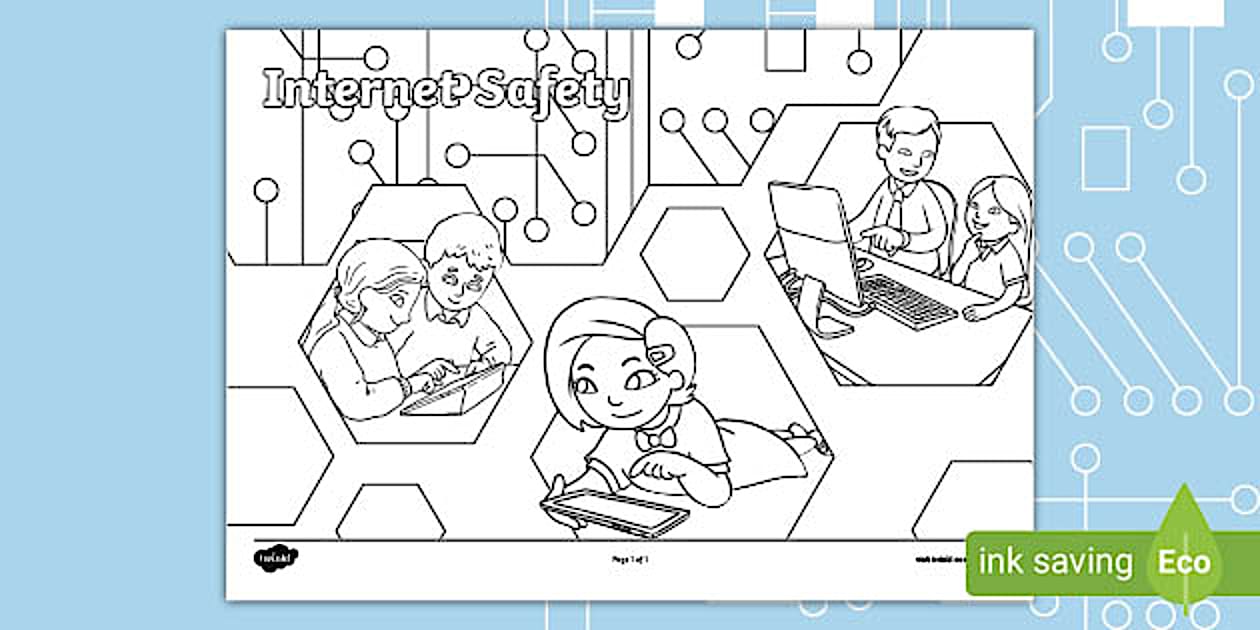
Introducing foundational internet concepts to elementary and middle school students requires meeting them at their developmental level. When educators and parents rely solely on abstract lectures about cybersecurity, children often tune out complex jargon. That is why utilizing Coloring Pages For Internet Safety For Kids Pdf Printable offers a creative, low-stress entry point for discussing screen time limits, private data, and respectful online behavior. Organizations like ConnectSafely and the Cybersecurity and Infrastructure Security Agency emphasize that early, positive reinforcement builds lasting resilience. By blending artistic expression with guided lessons, adults can transform abstract digital rules into relatable, colorful concepts that stick in young minds.
💡 Activity Key Takeaways:
- Core Focus: Printable Coloring Pages For Internet Safety For Kids Pdf Printable designed for creative expression and fine-motor coordination.
- Target Scope: Ideal for toddlers, preschool, kindergarten, and classroom art activities.
- Best Recommendation: Use standard heavy printer paper (24–28 lb) or cardstock for vibrant results with crayons, colored pencils, or washable markers.
Digital Risk Signals and Preventive Guardrails
Establishing a secure digital environment requires monitoring both the technical configurations on student devices and the behavioral cues kids exhibit when browsing. The following breakdown outlines common vulnerabilities across home and school ecosystems alongside actionable safeguards adults can implement immediately. Related guide: Please Provide Free 8.5″X11″ Digital Safety Coloring Pages For K-2 Grade.
| Setting / Context | Common Vulnerability | Practical Safeguard |
|---|---|---|
| Home Tablets & Phones | Unmonitored app store downloads and accidental purchases. | Enable strict parental controls, require password approval for new apps, and review privacy settings together. |
| School Chromebooks | Bypassing web filters or sharing login credentials with peers. | Enforce network-level filtering, audit extension logs, and remind students that school accounts are monitored. |
| Multiplayer Chat & Messaging | Sharing personally identifiable information with strangers in gaming lobbies. | Turn off open chat features entirely, or restrict communication strictly to pre-approved real-world friends. |
Actionable Steps for Integrating Creative Safety Lessons
Transforming safety concepts into everyday habits involves consistency between the classroom and the living room. Educators using Coloring Pages can pair each artistic session with a brief, age-appropriate discussion about a specific digital citizenship pillar, such as password strength or cyberbullying prevention. Complement these creative exercises with structural boundaries: establish a centralized evening charging station in a common family room to naturally curb late-night device usage. Furthermore, pair these physical routines with comprehensive Worksheets that prompt children to brainstorm safe responses when they encounter strange pop-ups or uncomfortable messages online, ensuring they know how to report concerns without fear of punishment.
Handling Student Pushback and Overly Restrictive Workarounds
Children are remarkably resourceful when adults implement heavy-handed digital bans or surveillance that feels invasive. When students encounter draconian restrictions, they often seek out workarounds, such as using proxy sites or hiding browser history, which ultimately drives unsafe behaviors underground. Instead of relying solely on reactive blocking, pair technical device filters with ongoing, calm conversations about why specific rules exist. If a child expresses frustration over blocked sites or limited screen time, acknowledge their feelings while explaining the underlying safety rationale. Keeping communication lines open ensures that if a child makes a mistake online, they will turn to a trusted adult rather than hiding the incident.
Frequently Asked Questions About Early Digital Literacy Tools
What age group benefits most from safety-themed coloring sheets?
Children in kindergarten through third grade respond best to tactile learning tools like coloring sheets. These activities help anchor basic vocabulary regarding personal information and screen boundaries before they navigate independent device use.
How can teachers incorporate these printables into a busy curriculum?
Educators can utilize these printables during morning work, library media periods, or as a calming transition activity after recess. Teachers often anchor a five-minute digital citizenship discussion around the specific theme depicted in the artwork.
Where should parents look for reliable guidance on youth privacy?
Reputable organizations such as the Family Online Safety Institute and ConnectSafely provide free, research-backed toolkits designed specifically to help families navigate screen time, social media readiness, and digital footprints.
Explore More Digital Citizenship Resources
Equipping the next generation of digital citizens requires continuous learning, open dialogue, and adaptable tools for both classrooms and living rooms. To discover additional strategies, lesson plans, and guidance tailored to modern student needs, visit SafeWiredSchools.org today.
Printable Coloring Page Previews