Introduction
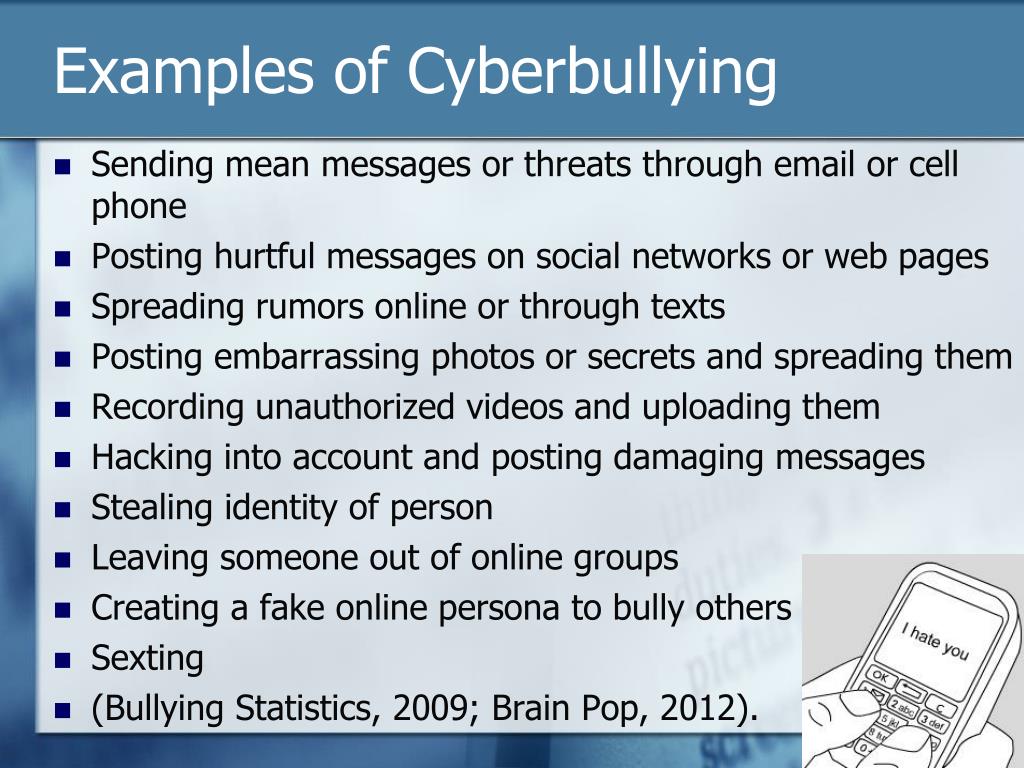
A prompt example for cyberbullying functions as a precise instructional framework designed to identify, analyze, and mitigate online harassment within educational environments. According to the Family Online Safety Institute (FOSI), proactive digital parenting and structured school policies significantly reduce adolescent exposure to online risks by establishing clear behavioral boundaries early. Integrating specific digital safety scenarios into everyday learning helps students recognize subtle forms of exclusion, targeted harassment, and toxic messaging before harm escalates. This educational resource examines structured methodologies for addressing online harassment, maintaining healthy screen balance, and fostering positive digital citizenship across middle schools.
Digital Safety Snapshot:
- Core Focus: Utilizing targeted language models and behavioral prompts to detect and prevent digital harassment.
- Target Scope: Middle school classrooms, parental guidance frameworks, and school administrative protocols.
- Key Recommendation: Implement consistent device hygiene and open communication channels regarding online interactions.
Core Principles and Detailed Overview
Recognizing the linguistic patterns of online aggression requires structured educational exercises that train students to evaluate digital content critically. A standardized prompt example for cyberbullying guides educators and learners through analyzing harmful text, evaluating digital footprints, and understanding the legal and social consequences of online cruelty. By examining hypothetical or anonymized scenarios during Internet and Digital Safety modules, adolescents develop critical empathy necessary for safe online navigation. Effective prevention hinges on teaching students how to preserve evidence of harassment rather than engaging directly with aggressive peers.
Key Specifications and Breakdown
| Safety Pillar | Digital Risk Factor | Actionable Protective Habit |
|---|---|---|
| Device Hygiene | Hidden background tracking and unsecured messaging apps | Regularly audit installed applications and enforce strict privacy settings. |
| Screen Balance | Late-night device usage leading to emotional impulsivity | Establish designated device-free zones and mandatory nighttime charging stations. |
| Digital Footprint | Permanent storage of impulsive hurtful comments | Pause before posting and evaluate the long-term impact of shared content. |
Structured behavioral monitoring and open educator-student dialogue serve as primary defense mechanisms against online harassment — ConnectSafely Research
Step-by-Step Practical Application and Guidelines
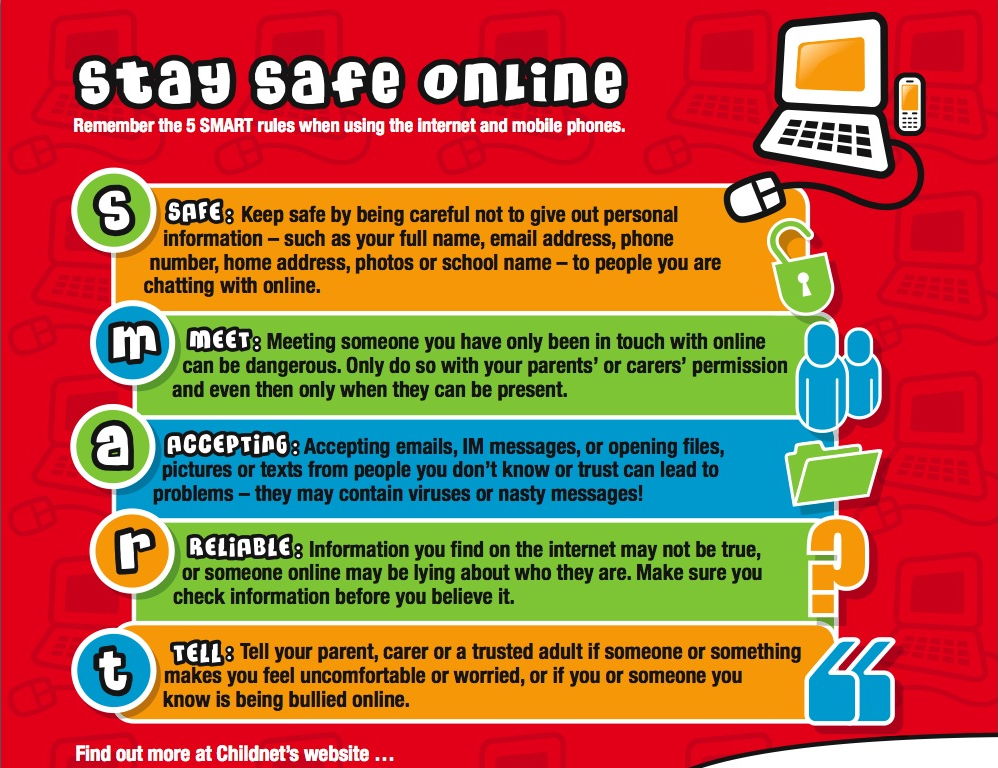
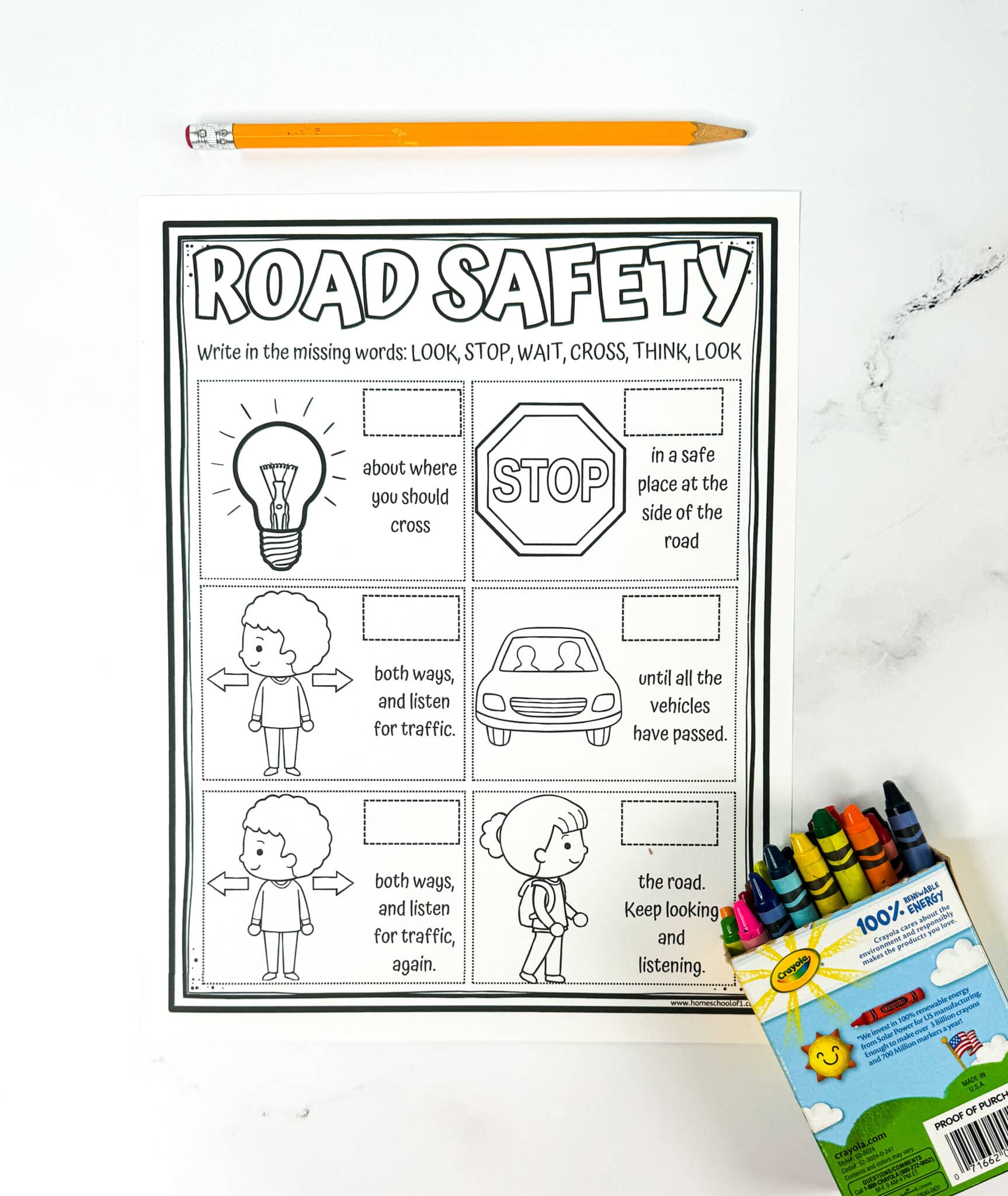
Implementing targeted digital citizenship training involves systematic integration into daily lesson plans and home routines. Educators utilize structured scenarios during Worksheets and classroom discussions to demonstrate how words translate into emotional harm online. Parents reinforce these lessons by maintaining visibility over household devices and discussing appropriate online boundaries. Establishing a predictable routine for reporting suspicious communications ensures that students know precisely whom to contact when encountering toxic behavior online.
Common Challenges and How to Avoid Them
Underreporting by middle school students remains the primary obstacle in mitigating digital harassment effectively. Fear of losing device privileges often causes adolescents to conceal bullying incidents from teachers and parents until the situation severely impacts mental health. Overcoming this barrier requires cultivating a non-punitive reporting culture where students understand that seeking help preserves safety without resulting in immediate gadget confiscation. Maintaining balanced device usage further reduces emotional volatility and impulsive online retaliation.
💬 Frequently Asked Questions
Explore More Kids Safety and Digital Citizenship Guides on SafeWiredSchools
Comprehensive educational resources, interactive teaching tools, and foundational guides remain available through the primary Safe Wired Schools library. Educators, administrators, and parents can access additional materials by exploring the specialized Online and Digital Safety archive to foster secure, positive digital environments for all students.
Visual Reference Gallery