Introduction
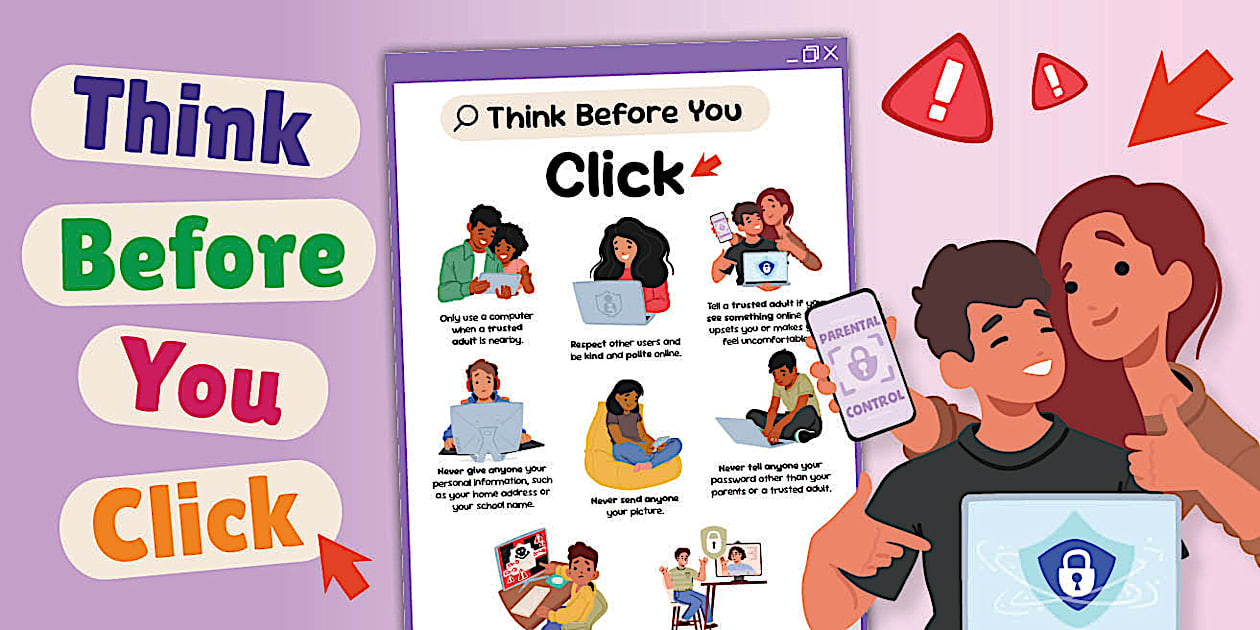
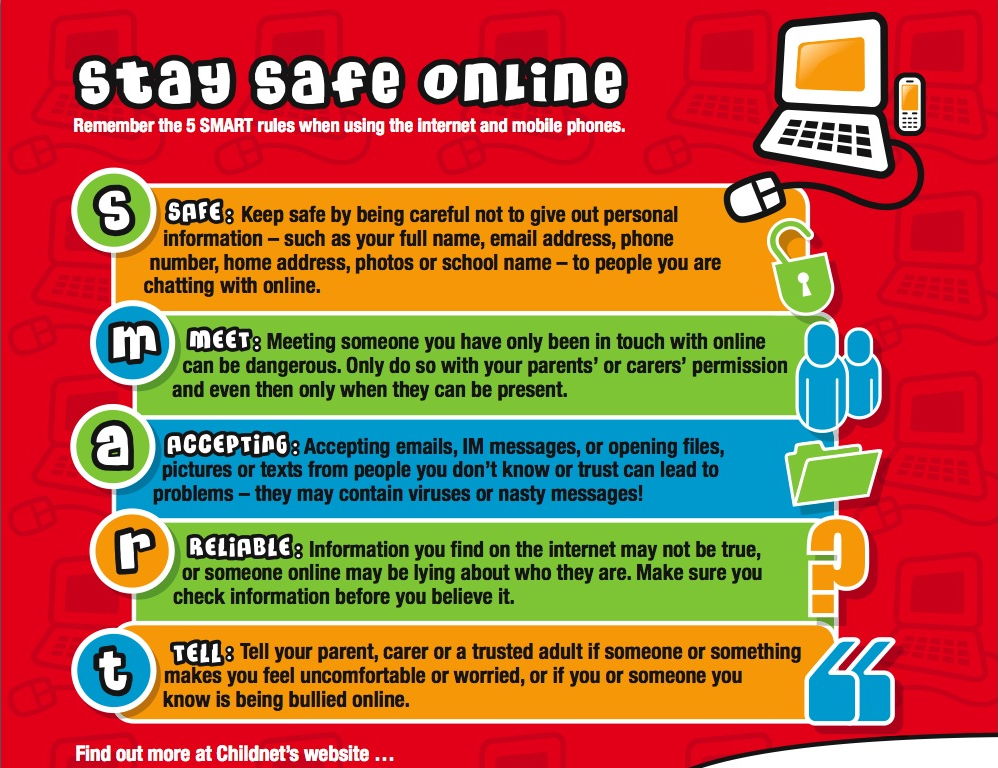
An infographic about safe link clicking serves as a visual educational tool that translates complex cybersecurity protocols into immediate, recognizable visual directives for K-12 educational environments. According to the Federal Trade Commission (FTC Consumer Advice), visual digital literacy materials dramatically improve threat recognition rates among adolescents by pairing memorable graphical metaphors with actionable verification habits. Within modern middle schools, students navigate vast digital landscapes where malicious URLs, phishing traps, and compromised redirects hide behind familiar classroom applications. Educational institutions deploy these visual aids to reinforce device hygiene, mitigate accidental malware downloads, and prevent cyberbullying vectors that originate from malicious shortened URLs shared in group chats. Utilizing structured visual aids empowers educators and parents to cultivate resilient digital citizenship habits without relying solely on dense, text-heavy policy documents.
Digital Safety Snapshot:
- Core Focus: Visual instruction models designed to teach secure hyperlink verification and threat avoidance.
- Target Scope: Middle school classrooms, remote learning setups, and institutional device management.
- Key Recommendation: Hover over every hyperlink to preview destinations before initiating any click action.
Core Principles and Detailed Overview
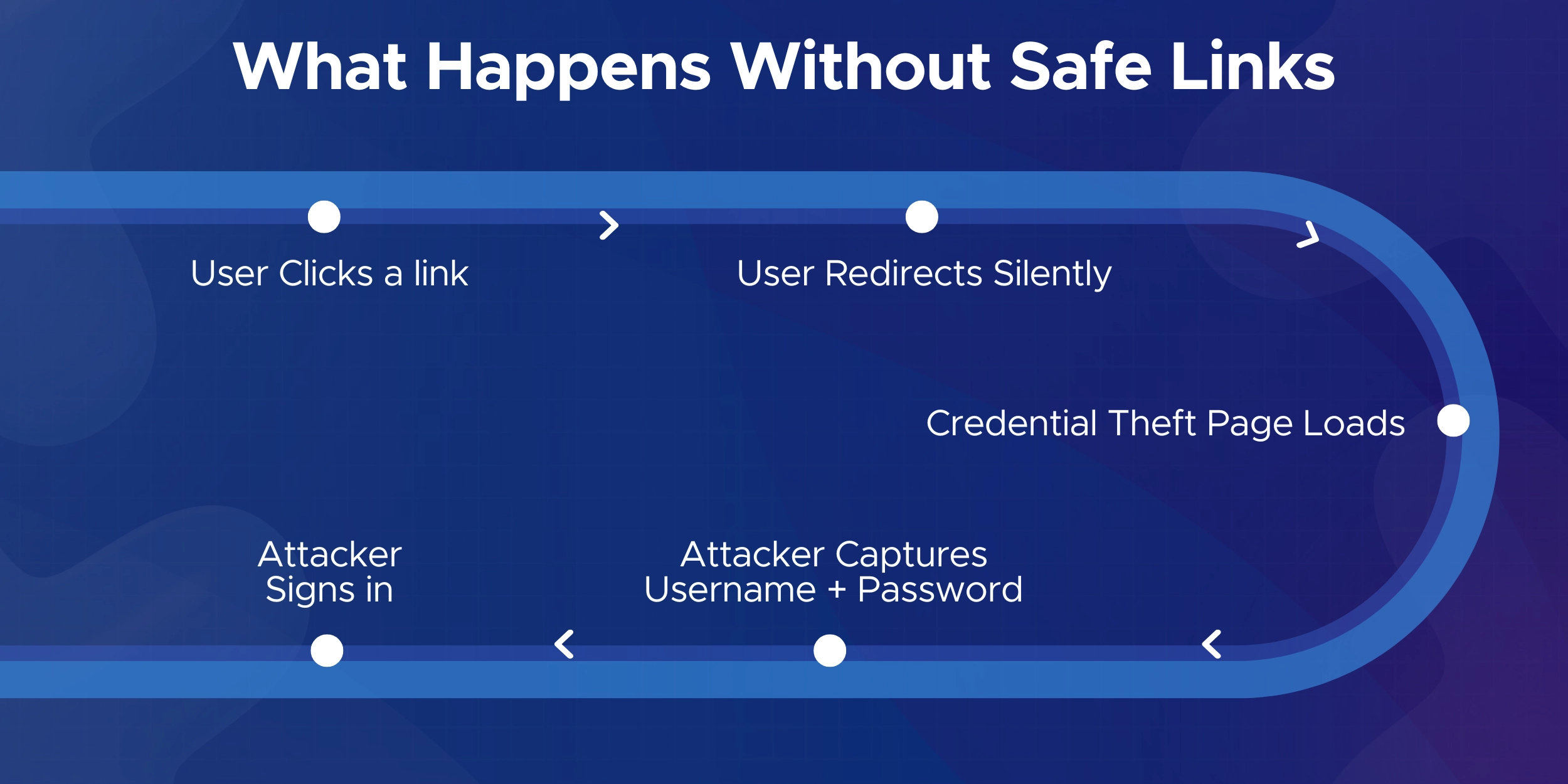
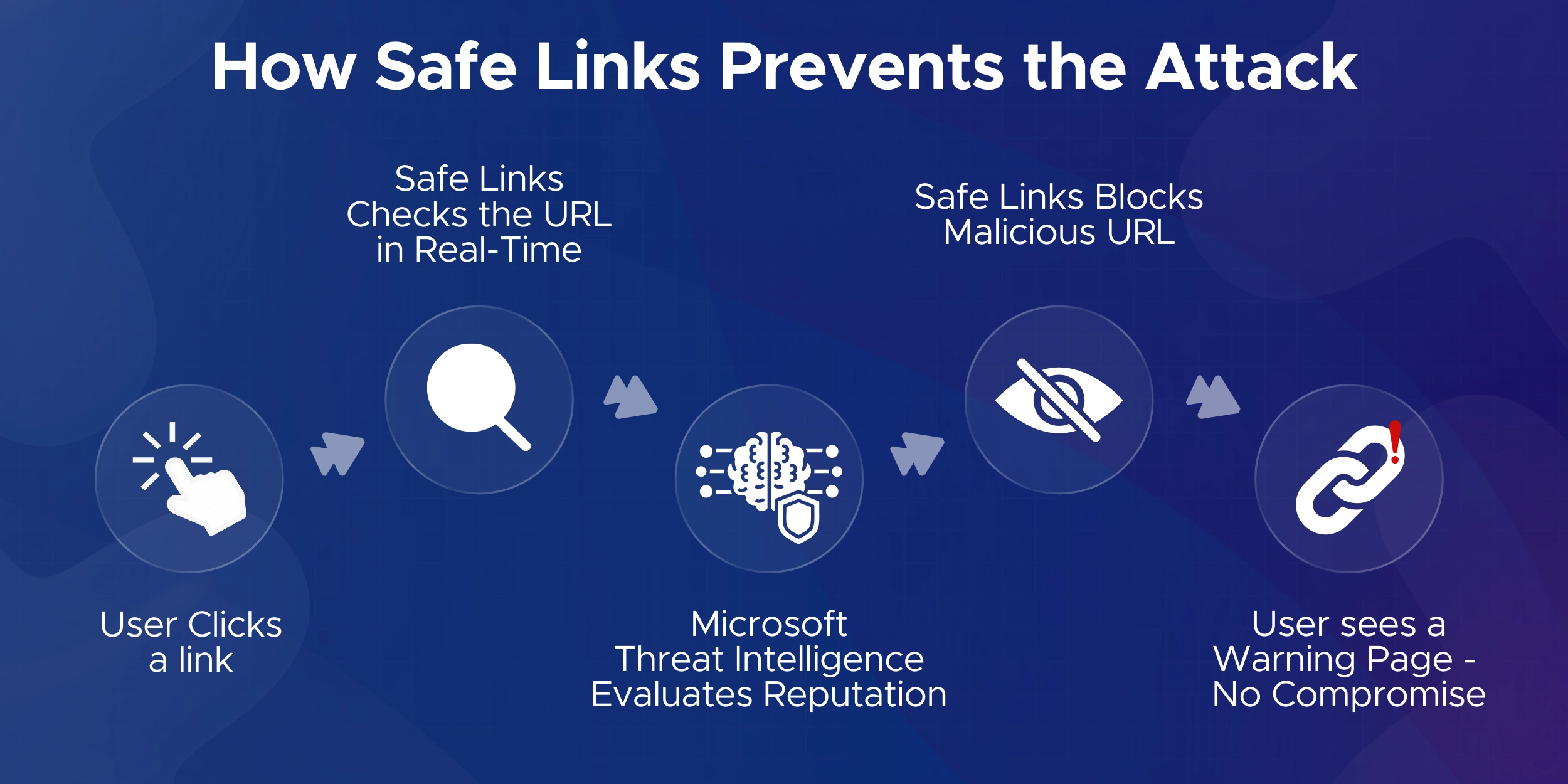
Visual instructional frameworks regarding safe link navigation rely on the fundamental principle of verify-before-click, teaching learners to treat every unexpected URL with healthy skepticism. Phishing schemes, deceptive classroom portals, and social engineering attacks frequently weaponize hyperlinks to harvest student credentials or inject malicious payloads onto school-issued devices. By displaying clear step-by-step illustrations of suspicious domain structures, HTTPS encryption indicators, and malicious redirect patterns, visual charts reinforce classroom screen balance and digital mindfulness. Furthermore, incorporating these educational posters into daily routines supports comprehensive cyberbullying prevention by alerting students to weaponized links designed to compromise peer accounts or distribute harmful digital content across school networks.
Key Specifications and Breakdown
| Safety Pillar | Digital Risk Factor | Actionable Protective Habit |
|---|---|---|
| URL Inspection | Hidden redirects and spoofed domain names mimicking educational software. | Examine the root domain and suffix carefully before trusting any hyperlink. |
| Device Hygiene | Outdated browsers executing unverified scripts upon landing page load. | Keep browser security extensions updated and report broken security certificates immediately. |
| Peer Communications | Unsolicited direct messages containing malicious links shared among classmates. | Verify the sender’s identity through secondary channels before opening shared media. |
Visual reinforcement of digital safety protocols significantly improves information retention and threat avoidance behaviors in middle school environments. — Cybersecurity and Infrastructure Security Agency (CISA)
Step-by-Step Practical Application and Guidelines
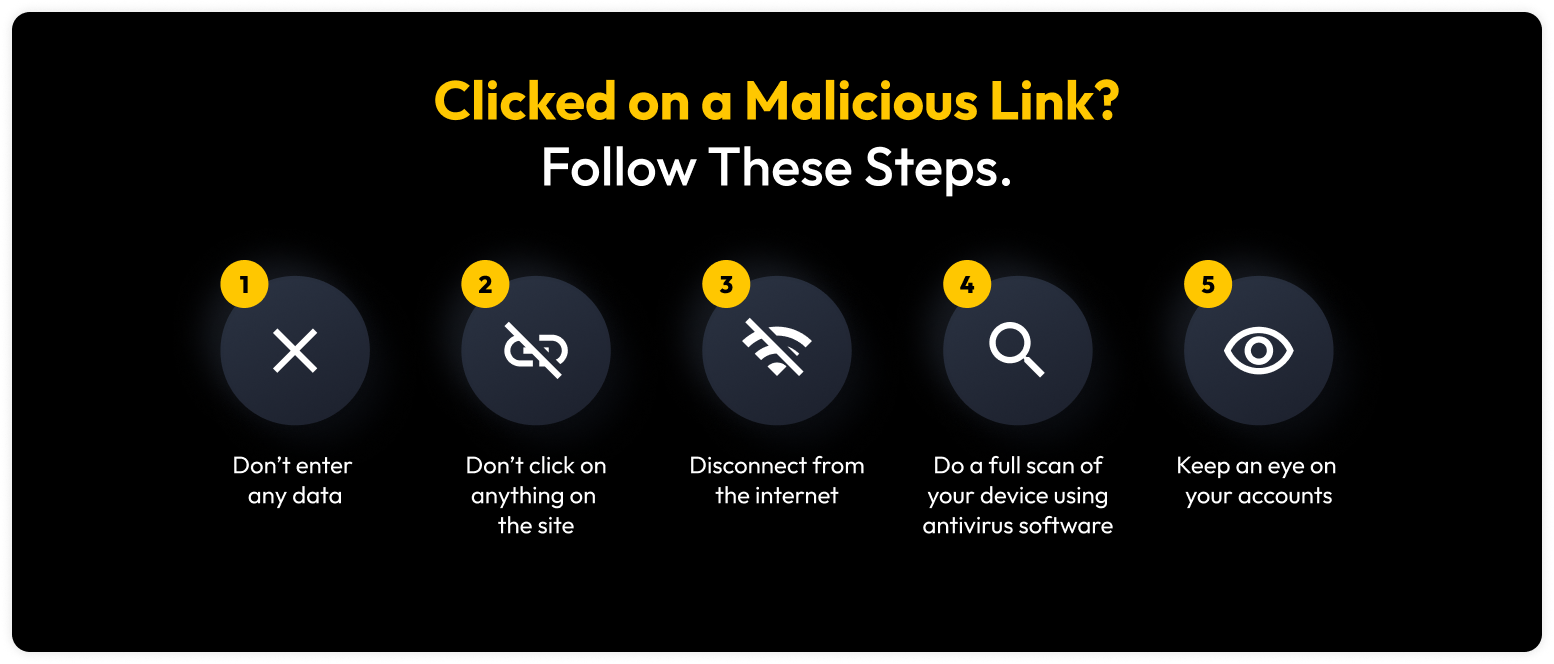
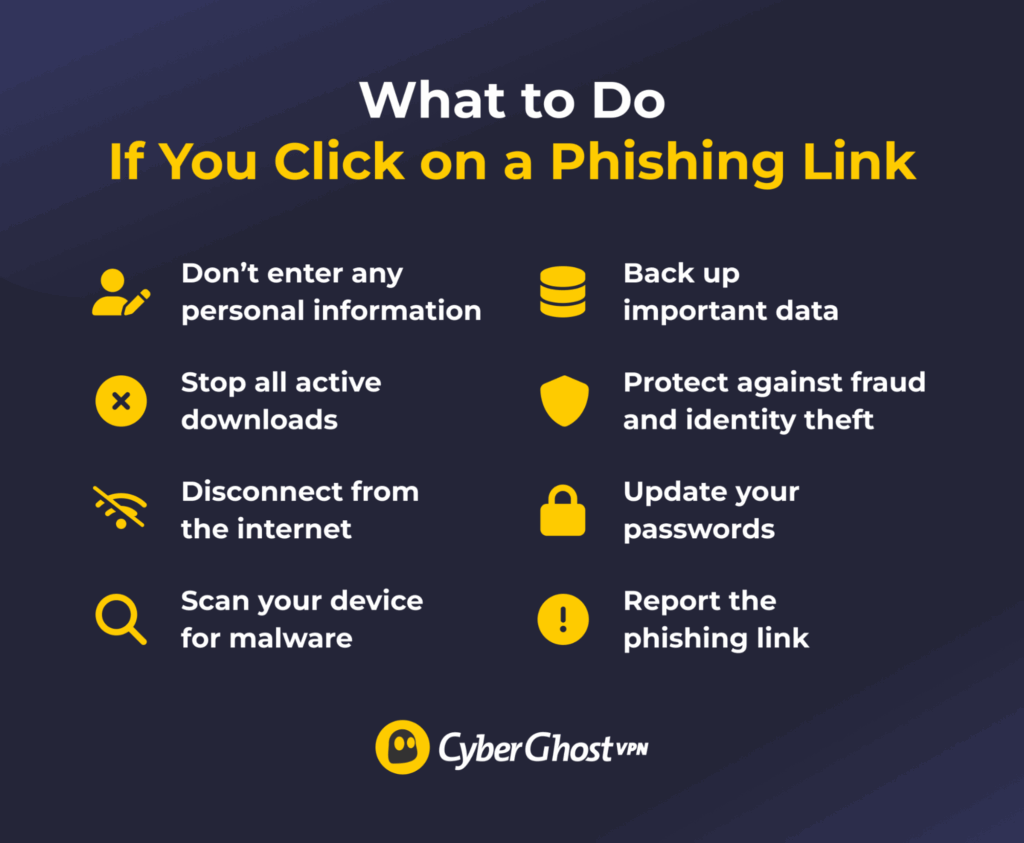
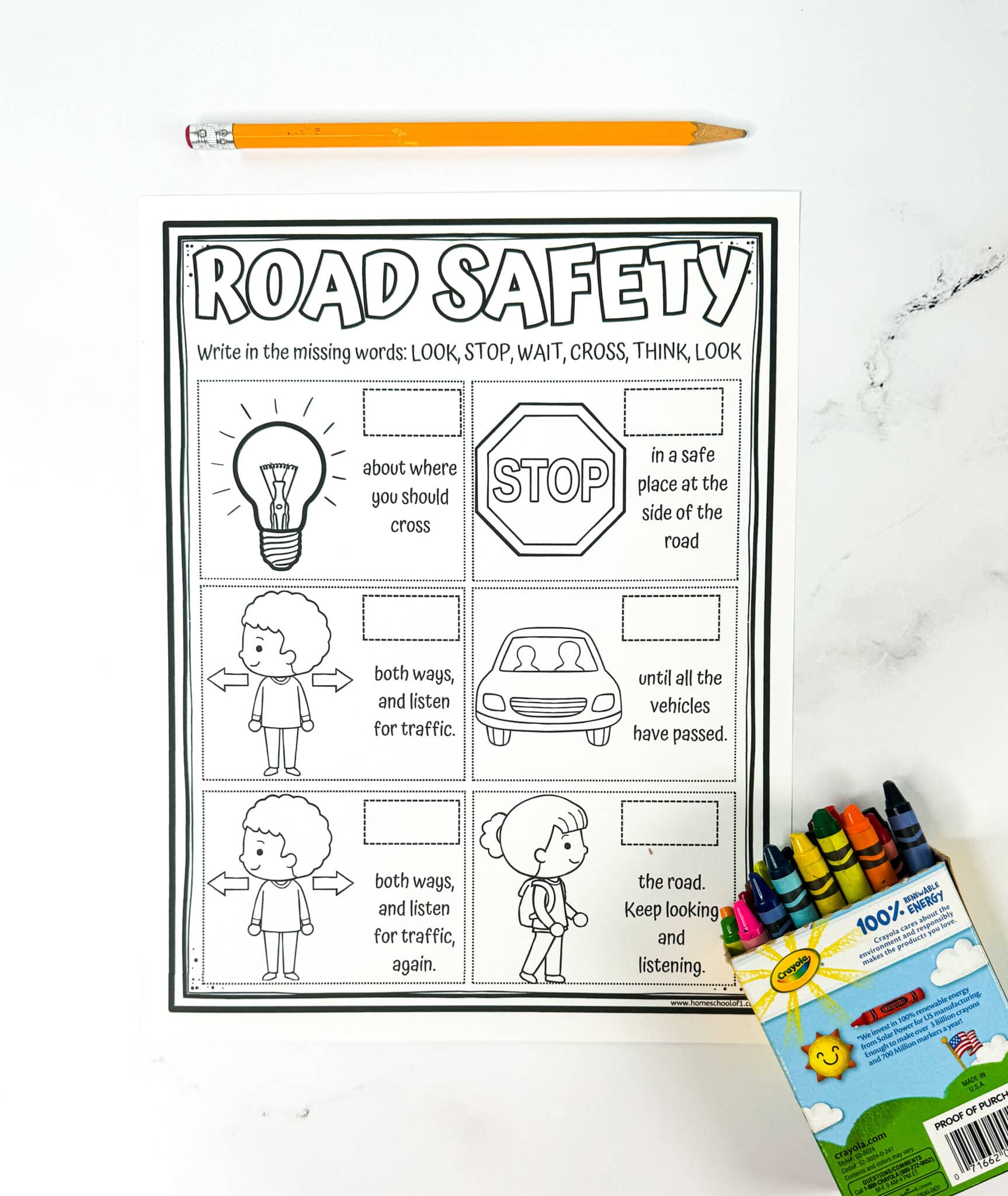
Implementing visual link safety guidelines requires consistent classroom integration, strategic physical placement, and reinforcement through structured student activities. Educators begin by displaying graphic safety charts near computer labs and media centers, ensuring students absorb safe browsing steps during daily device usage. Next, teachers guide students through interactive exercises that involve analyzing simulated safe and unsafe URLs, reinforcing concepts such as checking for HTTPS protocols and spotting character substitution tricks like typosquatting. Schools frequently pair these visual guides with printable Worksheets to test comprehension and evaluate individual digital footprint awareness. Finally, administrators establish clear reporting protocols so students know exactly how to notify IT staff when encountering suspicious links during research or collaborative assignments.
Common Challenges and How to Avoid Them
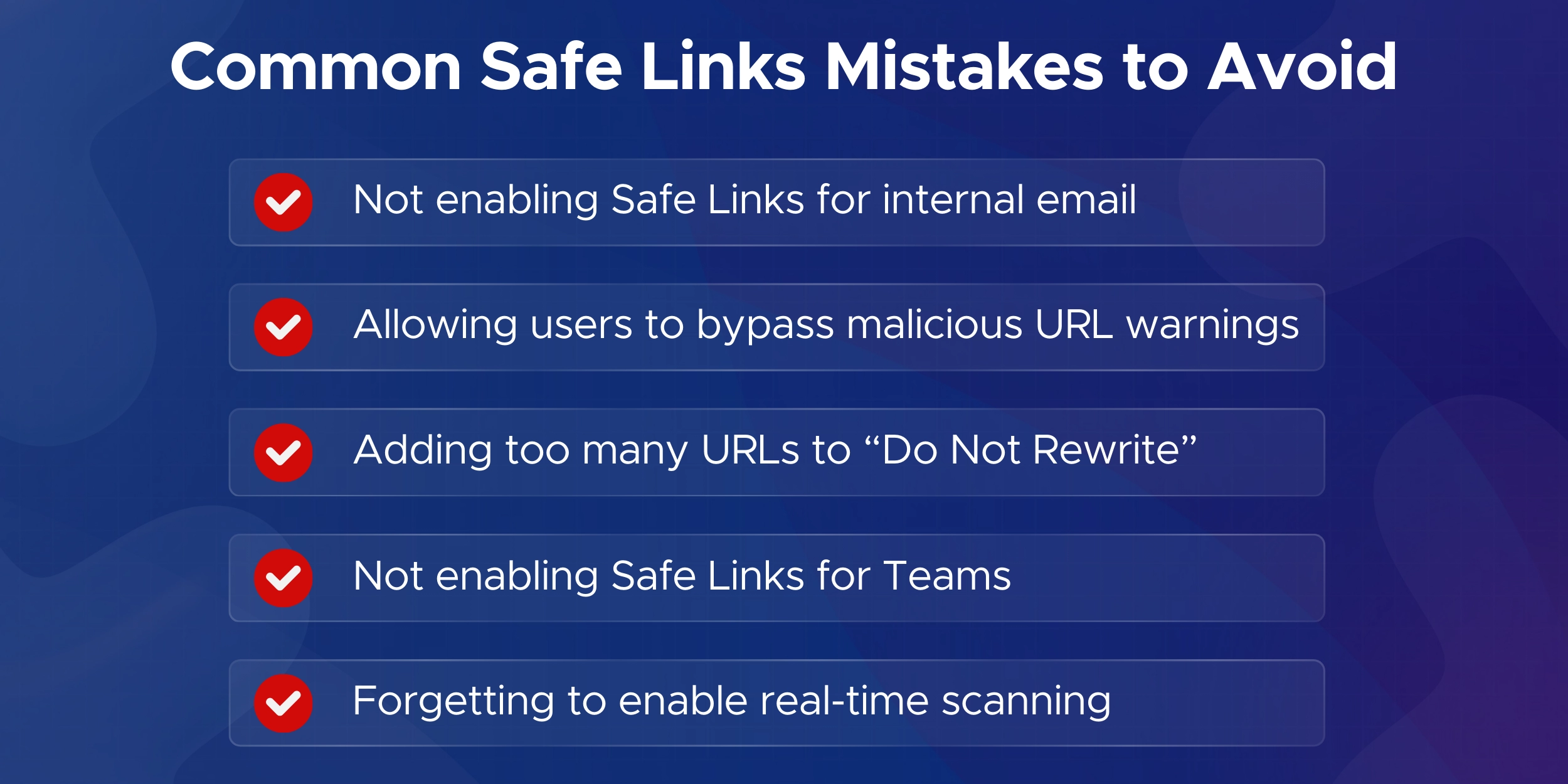
Overcoming student complacency remains the primary hurdle when deploying visual cybersecurity aids in modern educational settings. Adolescents often develop a false sense of security regarding school-managed networks, assuming automated filters block every potential threat without requiring personal vigilance. To counter this vulnerability, educators must ensure that visual aids do not merely list abstract rules, but instead demonstrate tangible examples of deceptive links that bypass basic perimeter defenses. Integrating these lessons with broader Internet and Digital Safety modules helps students connect link verification directly to personal privacy and responsible online conduct. Regular classroom discussions regarding evolving cyber threats ensure that static posters remain dynamic talking points rather than ignored classroom wallpaper.
💬 Frequently Asked Questions
Explore More Kids Safety and Digital Citizenship Guides on SafeWiredSchools
Empowering students with robust digital citizenship tools requires continuous access to vetted resources, comprehensive lesson plans, and supportive community guidelines. Educators, parents, and school leaders can discover complementary materials, creative activities, and foundational guidance by exploring the complete library available at Safe Wired Schools.
Visual Reference Gallery