Introduction
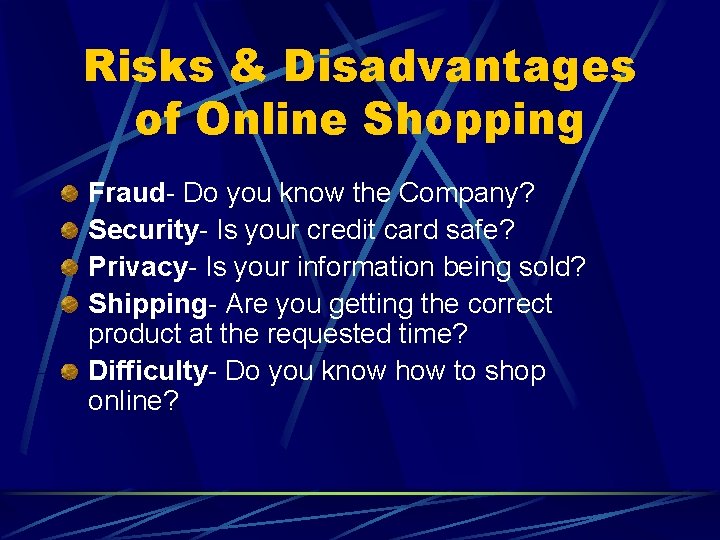
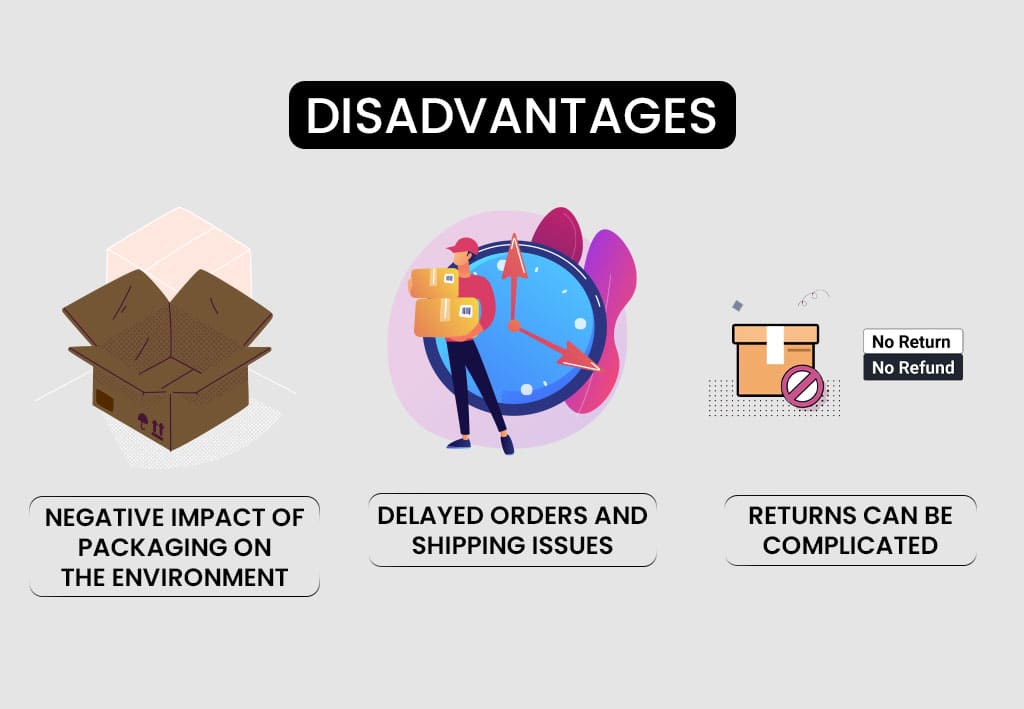
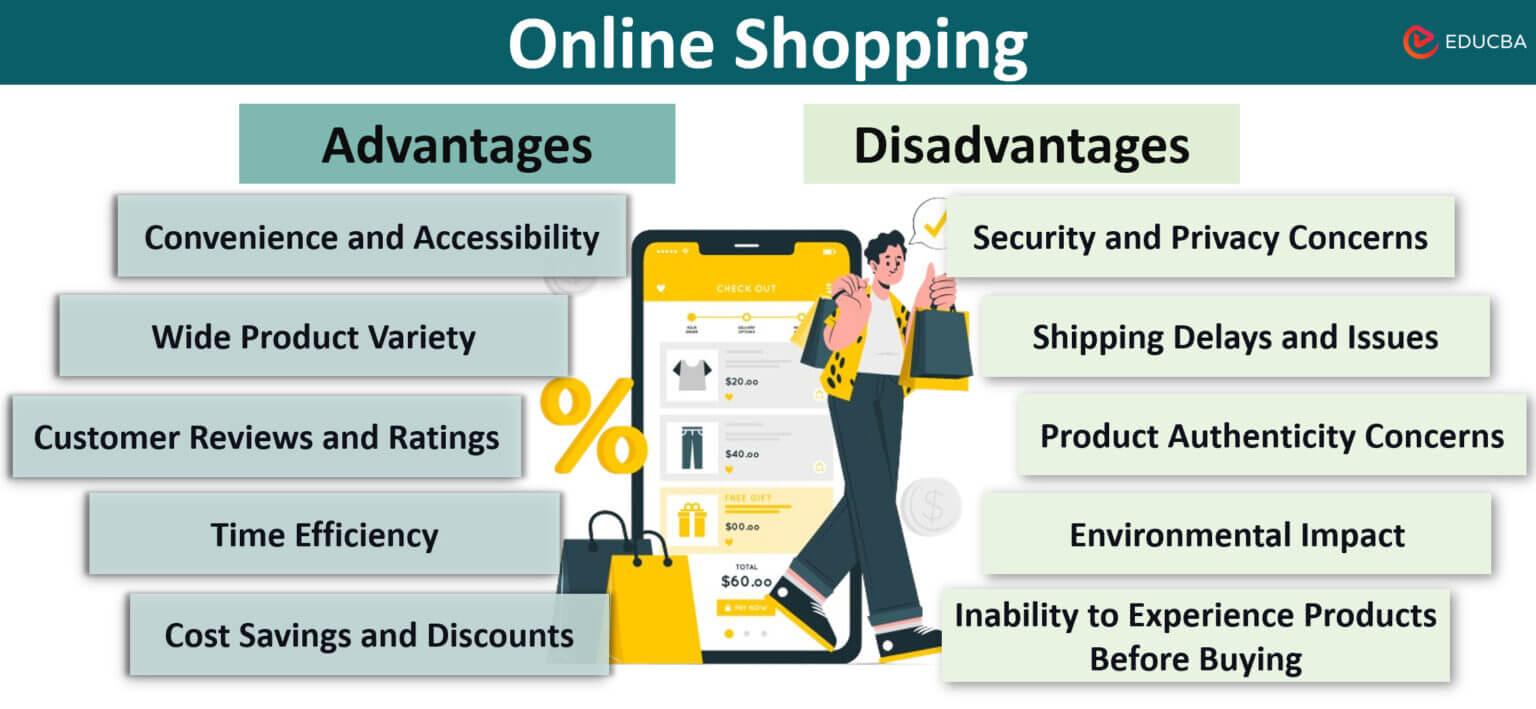
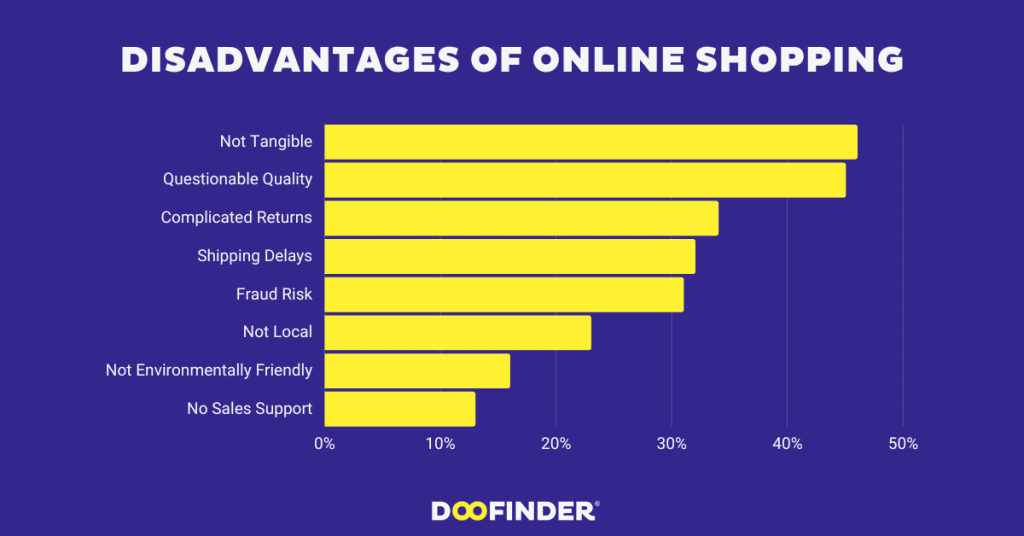
Evaluating the 5 disadvantages of online shopping requires analyzing financial vulnerabilities, digital privacy threats, and device exposure risks within modern educational environments. According to the Federal Trade Commission (FTC Consumer Advice), digital marketplace transactions expose student devices to trackers, malicious payment prompts, and aggressive targeted advertising during school hours. Examining these commercial risks helps educators and families maintain secure, balanced digital ecosystems.
Digital Safety Snapshot:
- Core Focus: Mitigation of privacy erosion, financial risks, and device hygiene threats linked to e-commerce exposure.
- Target Scope: Schools, classrooms, and domestic spaces utilized by middle school students.
- Key Recommendation: Restrict unsanctioned browser extensions and restrict digital financial data entry on school-issued devices.
Core Principles and Detailed Overview
Addressing the 5 disadvantages of online shopping begins with recognizing that unmonitored e-commerce platforms compromise student digital footprints through persistent tracking cookies and data broker harvesting. Unregulated digital purchasing environments often lead to impulse spending, exposure to sophisticated phishing scams disguised as retail deals, and accidental sharing of sensitive school network credentials. Educators and parents must implement strict boundaries to prevent commercial platforms from disrupting classroom screen balance and undermining campus cybersecurity protocols.
Key Specifications and Breakdown
| Safety Pillar | Digital Risk Factor | Actionable Protective Habit |
|---|---|---|
| Digital Footprint | Aggressive tracking and targeted ads | Clear browser cache and block ad-trackers |
| Device Hygiene | Malicious e-commerce apps and extensions | Install strictly vetted Internet and Digital Safety tools |
| Financial Security | Unauthorized auto-save credit card usage | Disable autofill features on shared hardware |
Digital marketplaces frequently utilize aggressive behavioral tracking and data collection scripts that compromise user privacy and network integrity. — Cybersecurity & Infrastructure Security Agency (CISA)
Step-by-Step Practical Application and Guidelines
Mitigating commercial vulnerabilities involves establishing rigid operational routines across all student devices. First, audit browser settings to disable automatic payment saving and disable third-party advertising cookies. Second, integrate educational tools such as Worksheets that teach students how to identify deceptive pop-ups and spoofed retail websites. Third, enforce strict boundaries that prohibit unauthorized purchasing activities during instructional time, ensuring optimal screen balance and preventing distractions.
Common Challenges and How to Avoid Them
Overcoming obstacles in e-commerce safety management requires recognizing hidden threat vectors like deceptive social media marketplace links and unsecured payment gateways. School administrators and guardians frequently struggle with students inadvertently installing malicious shopping applications on personal tablets used for academics. Combating this challenge involves deploying enterprise-grade content filters and reviewing digital citizenship resources found within Online and Digital Safety curricula to foster critical evaluation skills.
💬 Frequently Asked Questions
Explore More Kids Safety and Digital Citizenship Guides on SafeWiredSchools
Empowering students with robust digital literacy requires continuous education, proactive monitoring, and reliable offline engagement tools. Explore additional foundational safety modules, interactive resources, and creative activities such as Coloring Pages by visiting the central directory at Safe Wired Schools.
Visual Reference Gallery