Introduction
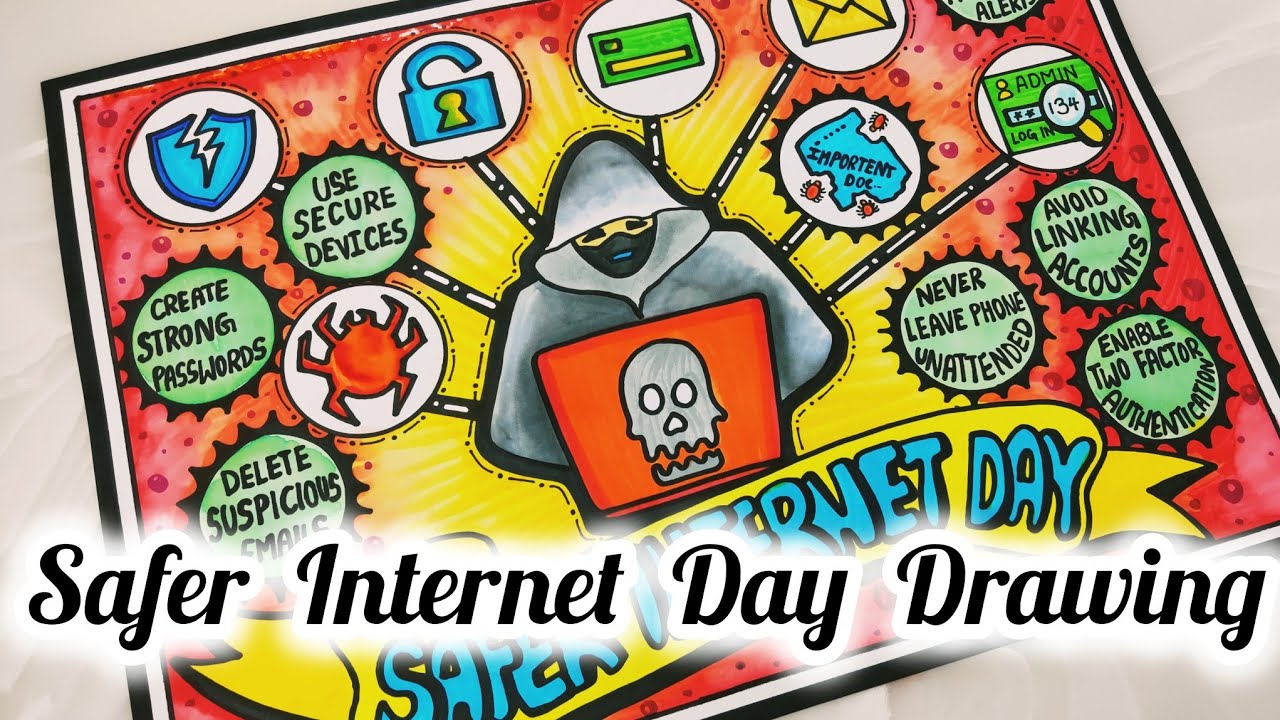
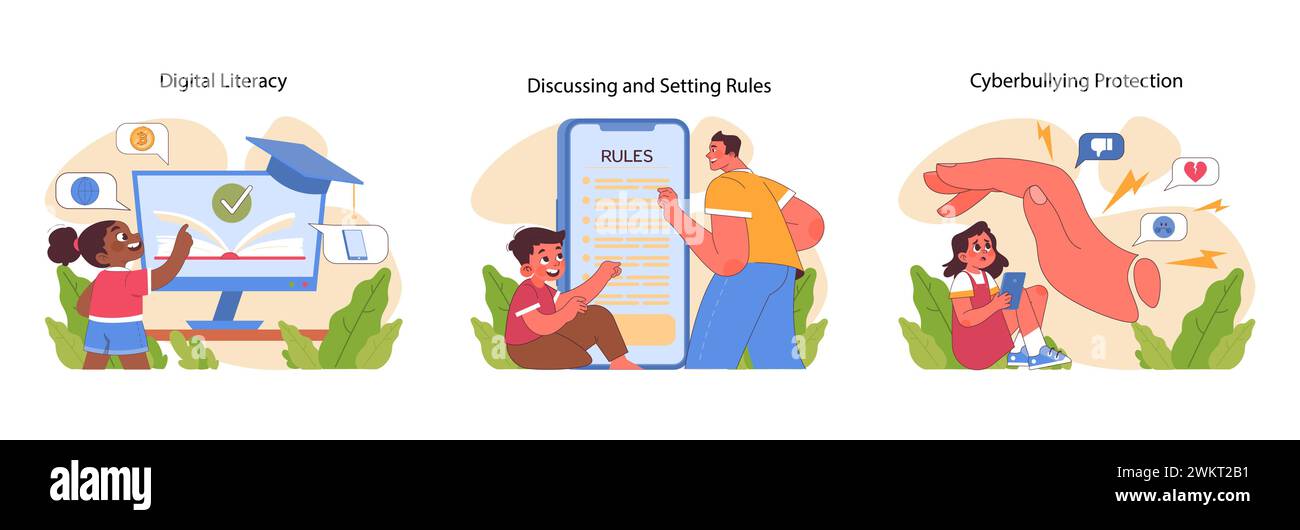
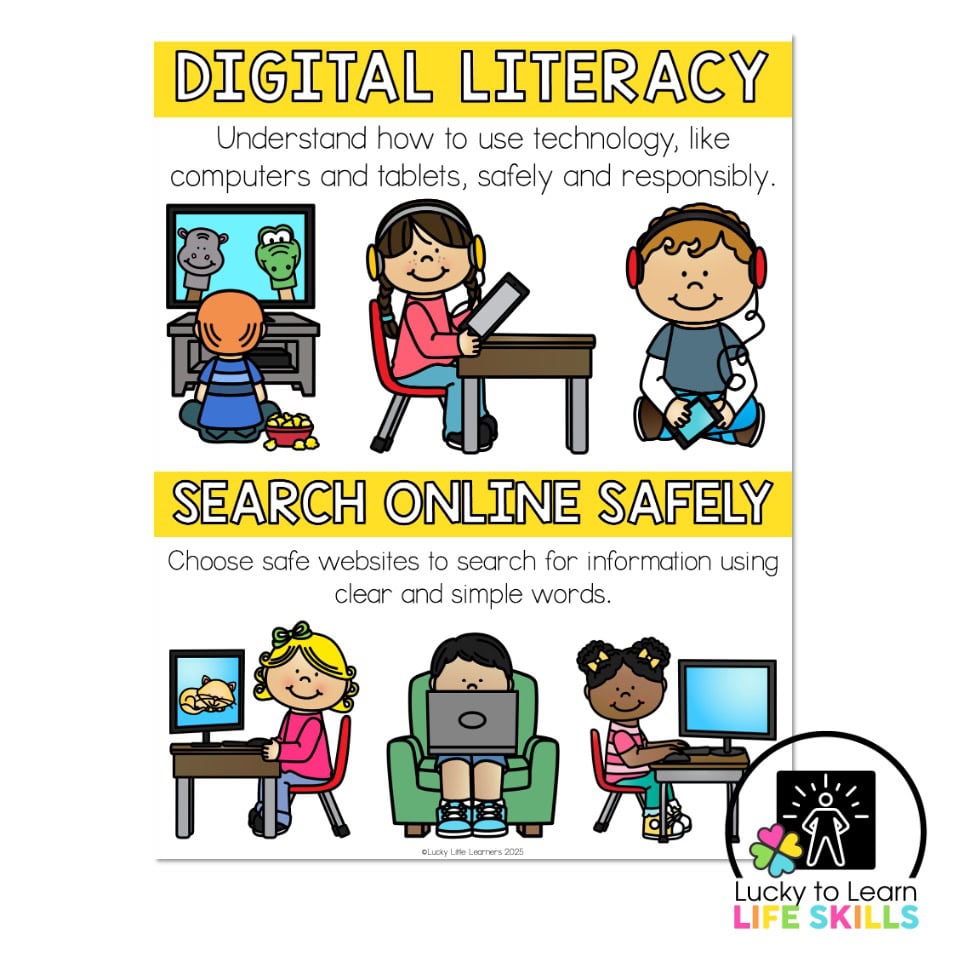
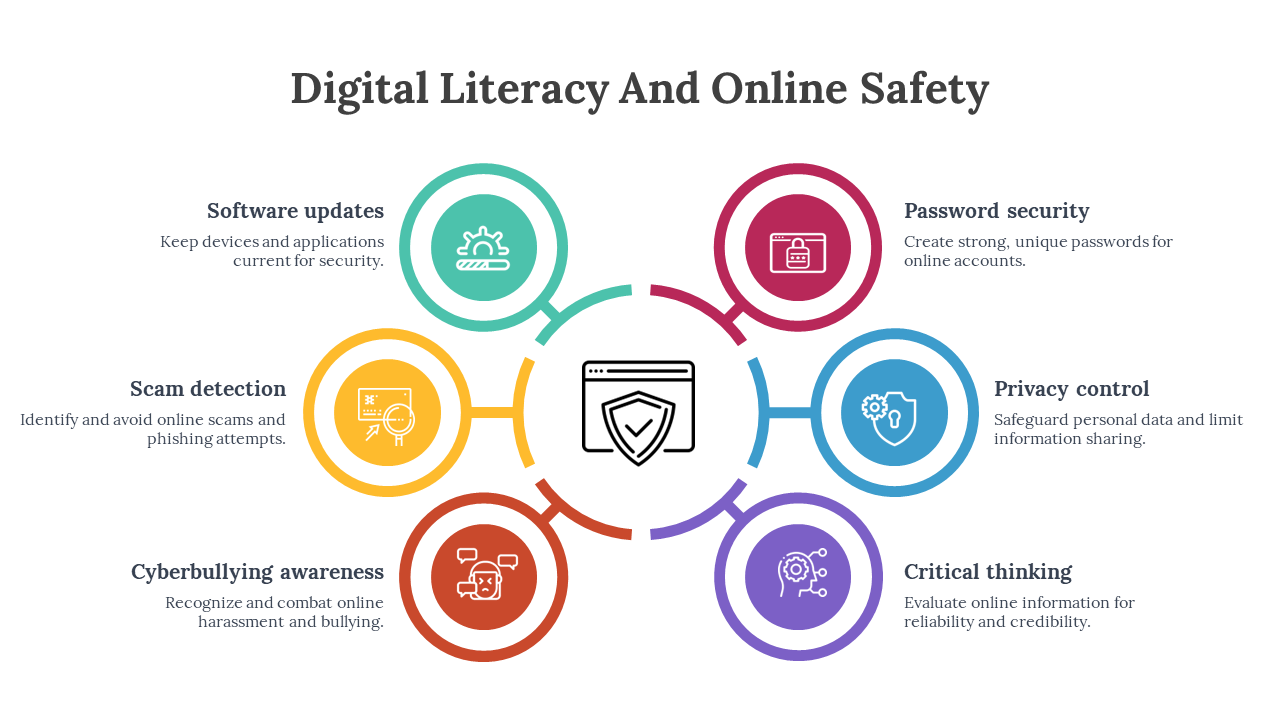
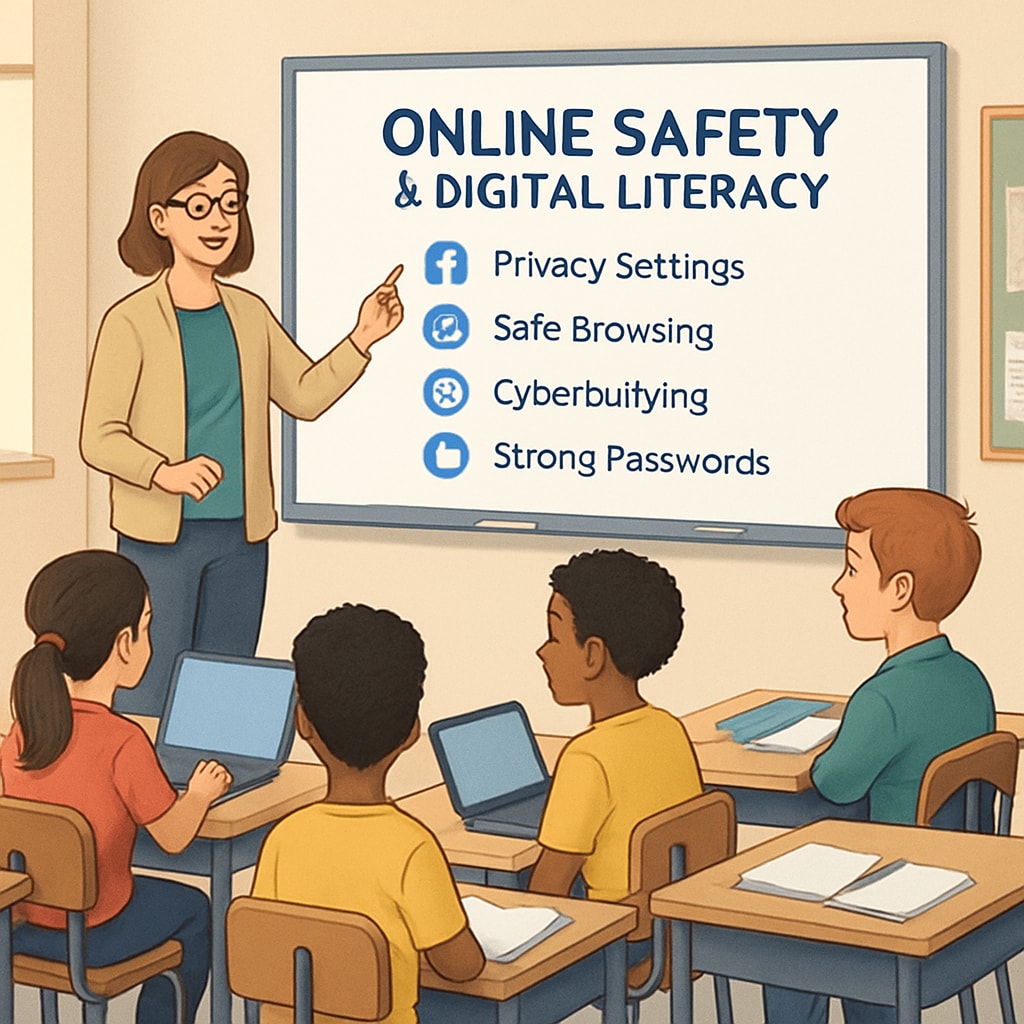
Digital literacy and online safety drawing translates abstract cyber risk concepts into tangible, visual learning frameworks that engage middle school students while fostering essential digital citizenship skills. According to the Family Online Safety Institute (FOSI), equipping young internet users with proactive, visual educational tools significantly enhances their capacity to navigate digital footprints, recognize cyberbullying behaviors, and manage school device hygiene. Educational resources such as Coloring Pages allow educators and parents to reinforce positive classroom screen balance without relying entirely on abstract lectures or dense text manuals.
Digital Safety Snapshot:
- Core Focus: Visual reinforcement of internet safety concepts through creative drawing exercises.
- Target Scope: Middle school classrooms, digital citizenship curricula, and home device management.
- Key Recommendation: Integrate interactive safety illustrations alongside standard Worksheets to solidify behavioral boundaries.
Core Principles and Detailed Overview
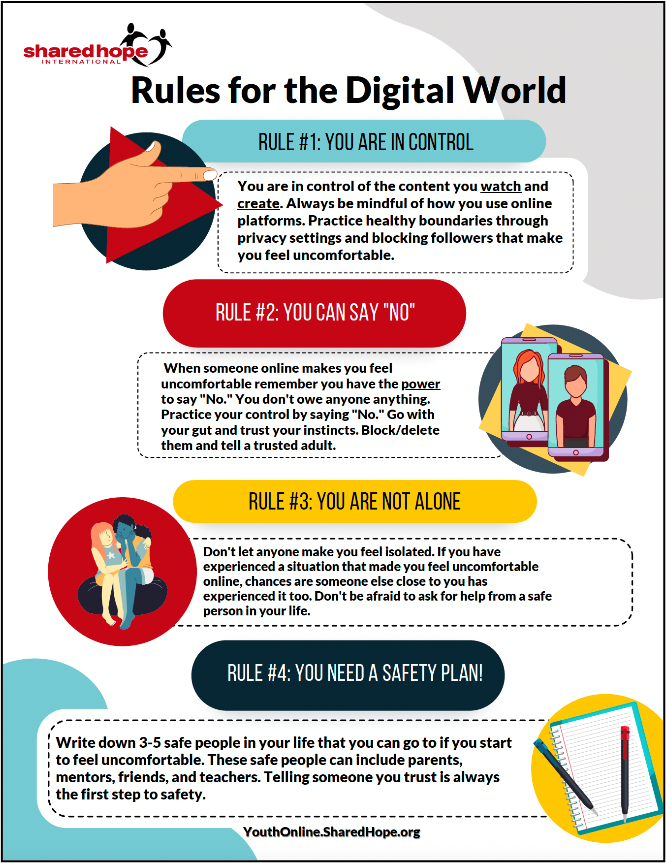
Digital literacy and online safety drawing leverages cognitive mapping to help students internalize complex concepts like cyberbullying prevention, personal data privacy, and digital footprint management. When students physically sketch or illustrate safe online behaviors, memory retention increases due to the dual-coding theory of information processing, which combines verbal and visual cues. This creative pedagogy addresses modern school challenges by shifting screen-time focus toward intentional, offline reflection regarding device hygiene and responsible internet etiquette. Comprehensive frameworks for this approach can be integrated seamlessly within broader discussions on Internet and Digital Safety.
Key Specifications and Breakdown
| Safety Pillar | Digital Risk Factor | Actionable Protective Habit |
|---|---|---|
| Digital Footprint | Permanent archiving of unverified personal data | Visualizing how posted content persists online indefinitely |
| Cyberbullying Prevention | Anonymous harassment and hurtful digital interactions | Sketching empathetic responses and bystander intervention steps |
| Device Hygiene | Malware exposure and poor classroom screen balance | Drawing boundaries for offline break periods and secure logins |
Visual learning strategies improve long-term retention of safety protocols by linking abstract internet risks directly to concrete behavioral boundaries — ConnectSafely Research
Step-by-Step Practical Application and Guidelines
Executing a successful visual safety lesson requires structured prompts that guide students from initial concept brainstorming to final illustrative storytelling. Educators and parents should introduce specific online scenarios—such as receiving an unknown friend request or encountering unkind digital remarks—and prompt students to draw both the immediate risk and the safe resolution response. This technique reinforces comprehensive Online and Digital Safety principles by empowering students to act as active defenders of their own digital well-being rather than passive consumers of rules.
Common Challenges and How to Avoid Them
Over-complicating technical concepts often diminishes the effectiveness of creative safety exercises, making it essential to keep drawing prompts focused on single, actionable behaviors. Instructors should avoid turning artistic activities into graded illustration contests, keeping the primary emphasis firmly on digital literacy comprehension rather than drawing skill. Establishing clear boundaries around digital consumption also prevents fatigue, ensuring that students balance screen-based research with hands-on, reflective illustration sessions.
💬 Frequently Asked Questions
Explore More Kids Safety and Digital Citizenship Guides on SafeWiredSchools
Empowering students with comprehensive digital citizenship tools remains a vital priority for modern educators, school administrators, and parents alike. Discover an extensive collection of educational resources, expert-backed strategies, and practical classroom guides by exploring the main library at Safe Wired Schools to build a safer, more resilient digital community.
Visual Reference Gallery