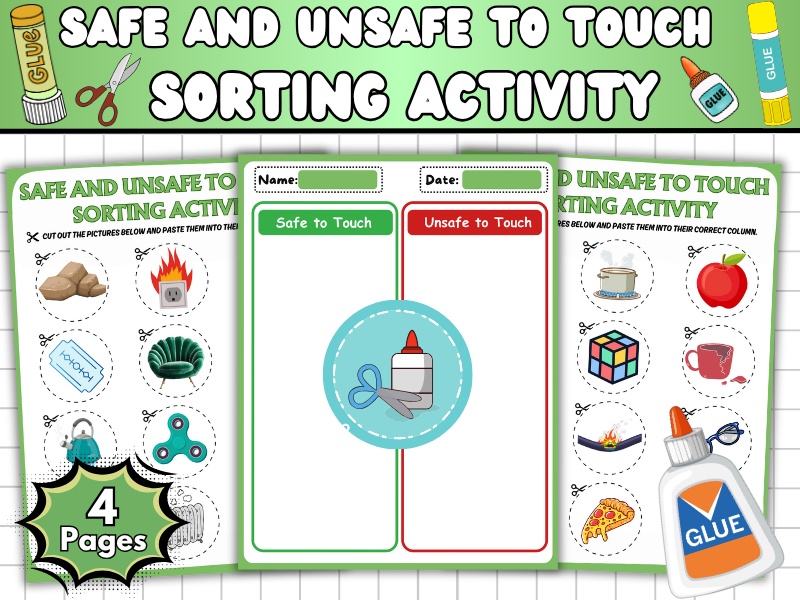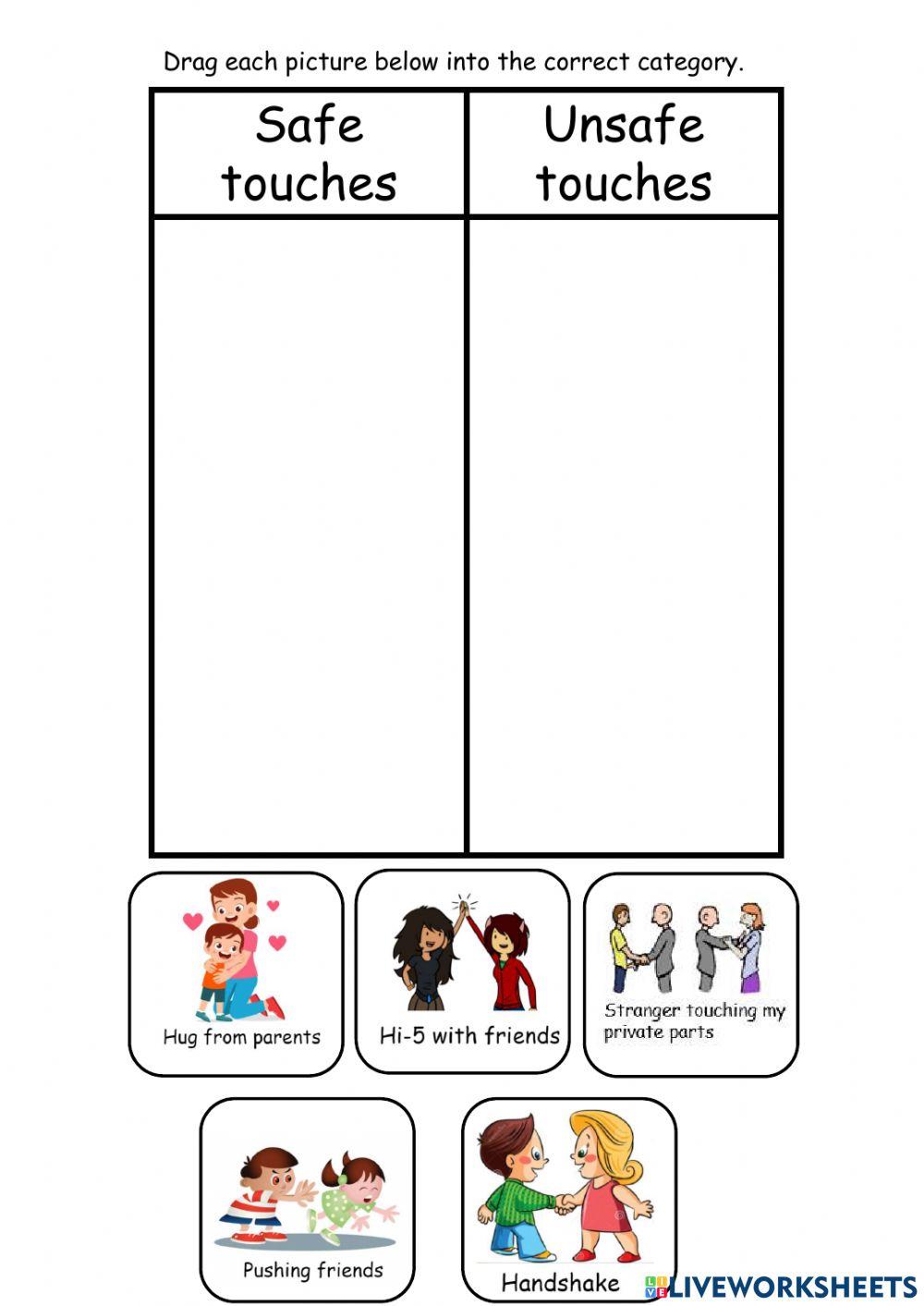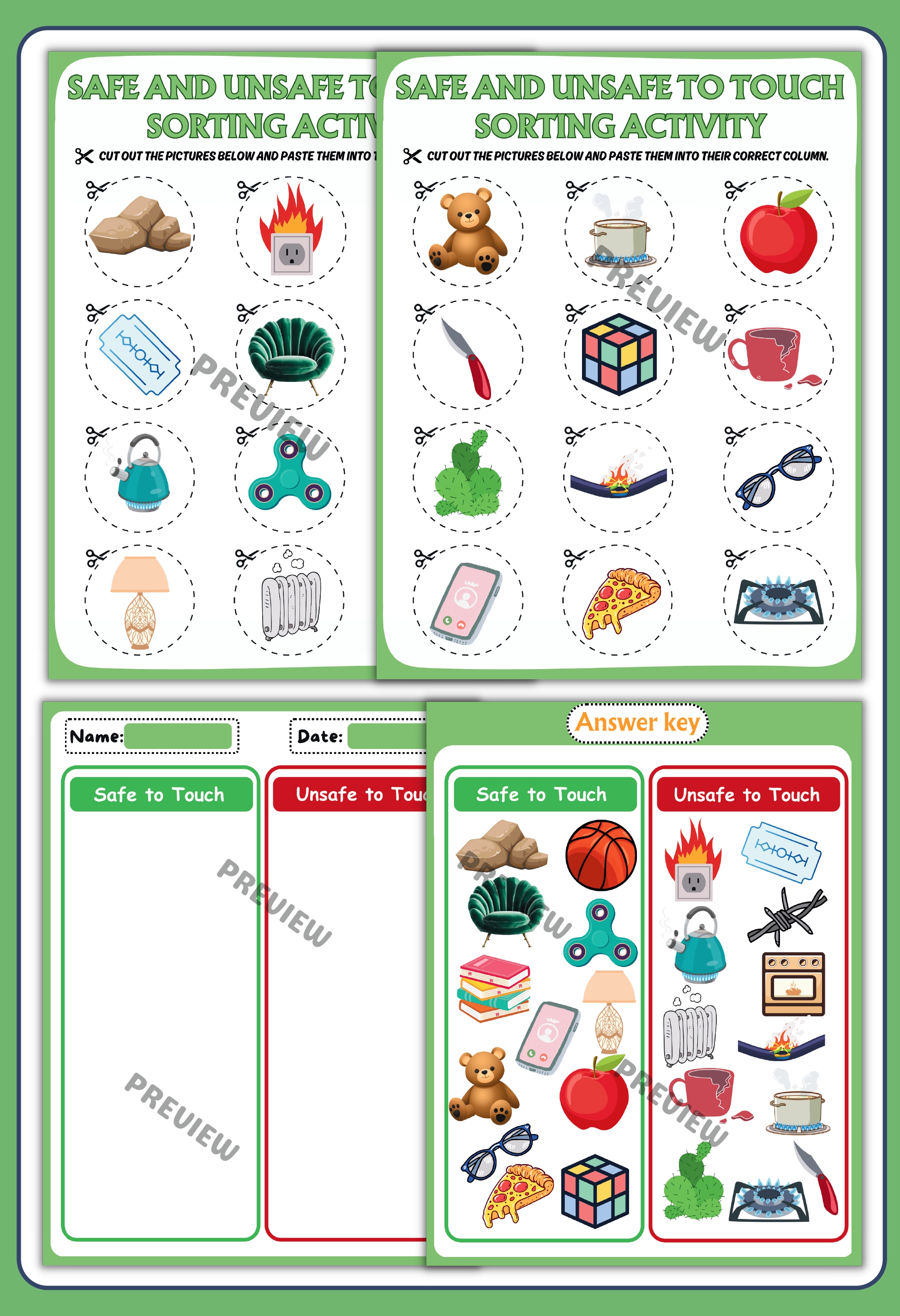
Why Safe And Unsafe Touch Worksheets Matter for School and Home Safety
Building a resilient foundation for children in a hyper-connected world requires more than just restricting screen time; it demands proactive education that bridges physical boundaries and digital spaces. When educators and parents introduce concepts of personal space, bodily autonomy, and private boundaries, physical lessons naturally intersect with online interactions. Organizations like ConnectSafely and the Family Online Safety Institute continually emphasize that children need clear, foundational frameworks to understand boundaries long before they encounter peer pressure, inappropriate messaging, or boundary-pushing behaviors in multiplayer games and chat apps. Integrating Safe And Unsafe Touch Worksheets into daily routines gives students the vocabulary to recognize uncomfortable situations, trust their instincts, and seek help from trusted adults without fear or hesitation.
💡 Educational Key Takeaways:
- Core Skill: Structured Safe And Unsafe Touch Worksheets focused on developing pencil grip, stroke control, and early literacy/math confidence.
- Target Scope: Suited for homeschoolers, preschool, kindergarten, and elementary learners.
- Best Recommendation: Practice 10–15 minutes daily with ergonomic writing tools to reinforce muscle memory without hand fatigue.
Risk Signals and Preventive Guardrails Across Student Devices
Children frequently navigate digital environments where boundaries can become blurred through online peer pressure, unmonitored multiplayer chats, or grooming tactics disguised as friendly gaming interactions. Protecting students requires a balanced approach combining technical age-appropriate device controls with continuous behavioral observation. Adults should look for sudden secrecy around devices, emotional withdrawal after gaming sessions, or reluctance to share online experiences. Reviewing the table below helps parents and school staff identify critical vulnerabilities across different device environments and apply immediate, practical safeguards.
| Setting / Context | Common Vulnerability | Practical Safeguard |
|---|---|---|
| Home Devices | Unmonitored late-night tablet usage and unrestricted web browser access without parental filters. | Establish a centralized overnight charging station outside bedrooms and enable router-level family safe search filters. |
| School Chromebooks and Tablets | Peer-to-peer chat features embedded inside educational apps or collaborative document comment sections. | Collaborate with IT departments to audit classroom software permissions, restricting chat channels to curriculum-approved tools only. |
| Social and Chat Habits | Direct messaging features on gaming platforms where strangers can initiate conversations about personal topics. | Disable private chat functions on multiplayer games and review safety concepts using interactive Worksheets designed for young learners. |
Core Rules and Healthy Habits Families and Schools Can Apply
Consistency between school policies and home expectations is essential for reinforcing digital citizenship and personal safety. Educators can introduce Safe And Unsafe Touch Worksheets alongside broader units found in Online and Digital Safety curriculums, helping children map physical boundary rules to digital communication norms. Adults should establish a transparent reporting workflow where students know exactly who to talk to if someone asks them to keep an uncomfortable secret online or offline. Simple routines, such as reviewing device privacy settings together once a month and practicing calm, non-judgmental listening during parent-child conversations, ensure that children feel supported rather than scrutinized when navigating online hurdles.
Handling Student Pushback and Common Digital Workarounds
Overly restrictive bans and aggressive spyware often backfire by driving student boundary violations and tech usage underground. When children fear immediate device confiscation or harsh punishment, they are far less likely to report online boundary violations, cyberbullying, or inappropriate contact from peers. Instead of relying solely on heavy-handed blocks, educators and parents should pair technical filters with open-ended dialogues that explore why certain rules exist. Reinforcing positive digital habits through creative activities, such as incorporating modules from Internet and Digital Safety lesson plans, empowers students to make smart, independent choices when faced with uncomfortable online situations.
Educator and Parent Questions Answered
At what age should we start teaching physical and digital boundary concepts?
Foundational concepts of personal space and bodily autonomy should begin in early childhood through age-appropriate activities and discussions. As children gain access to tablets and school Chromebooks, these concepts must be explicitly extended to online messaging, gaming chats, and sharing digital media.
How can teachers incorporate these safety lessons without overwhelming young students?
Educators can weave safety concepts into routine discussions, art projects, and structured group activities in a supportive, non-fearful manner. Focusing on empowerment, trusted helper networks, and clear communication helps students internalize protective habits naturally.
What should a parent do if their child reports an uncomfortable online interaction?
Remain calm, validate the child’s courage in speaking up, and avoid taking away their device immediately, as doing so may discourage future reporting. Document the interaction with screenshots, block the user, and report the incident to the platform provider or school administration if it involves classmates.
Explore More Digital Citizenship Resources
Empowering children to navigate the digital world safely is an ongoing partnership between dedicated parents and school communities. Continue exploring expert guidance, printable exercises, and classroom activity guides by visiting SafeWiredSchools.org to keep your students protected both online and offline.
Worksheet Previews & Reference Materials