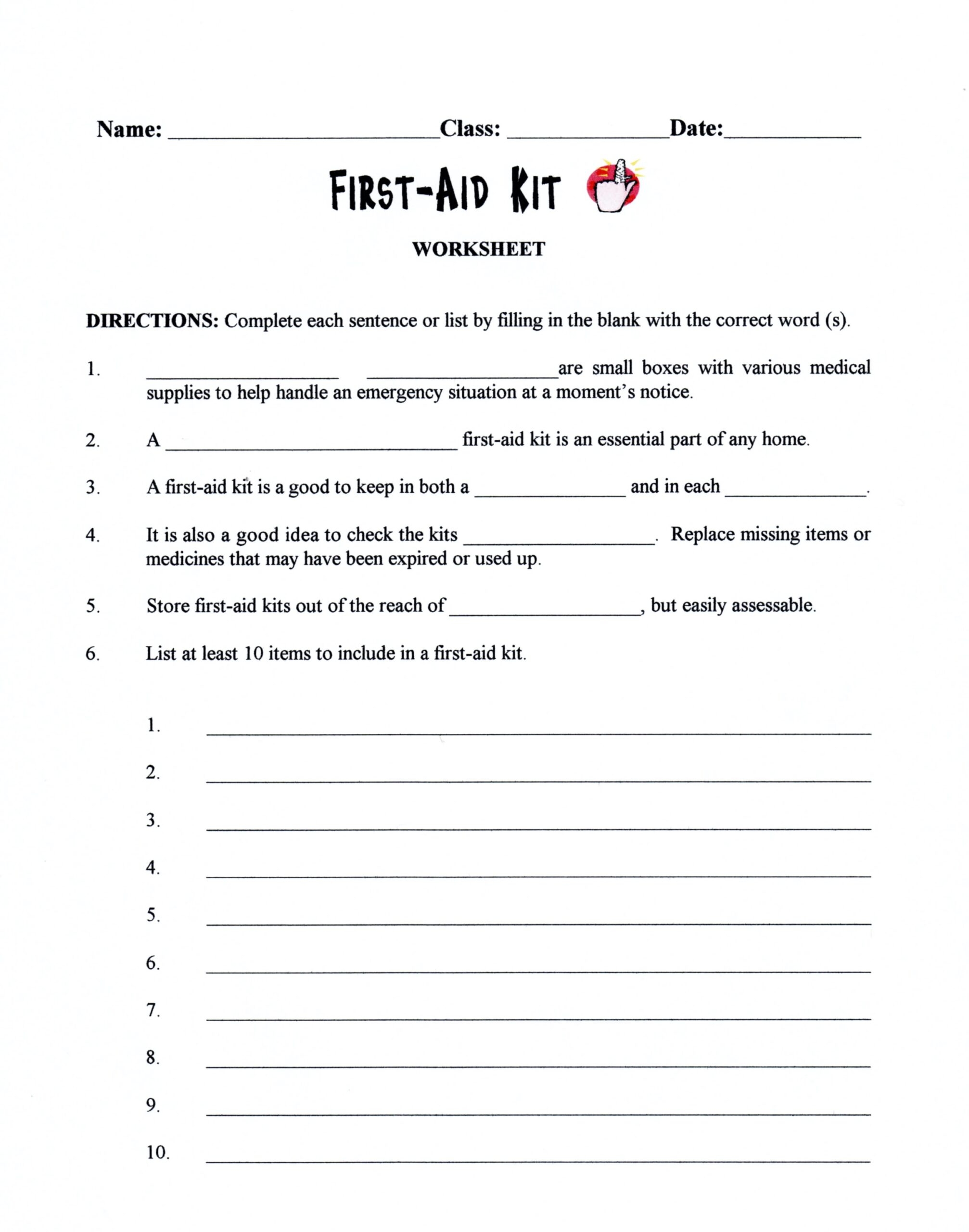
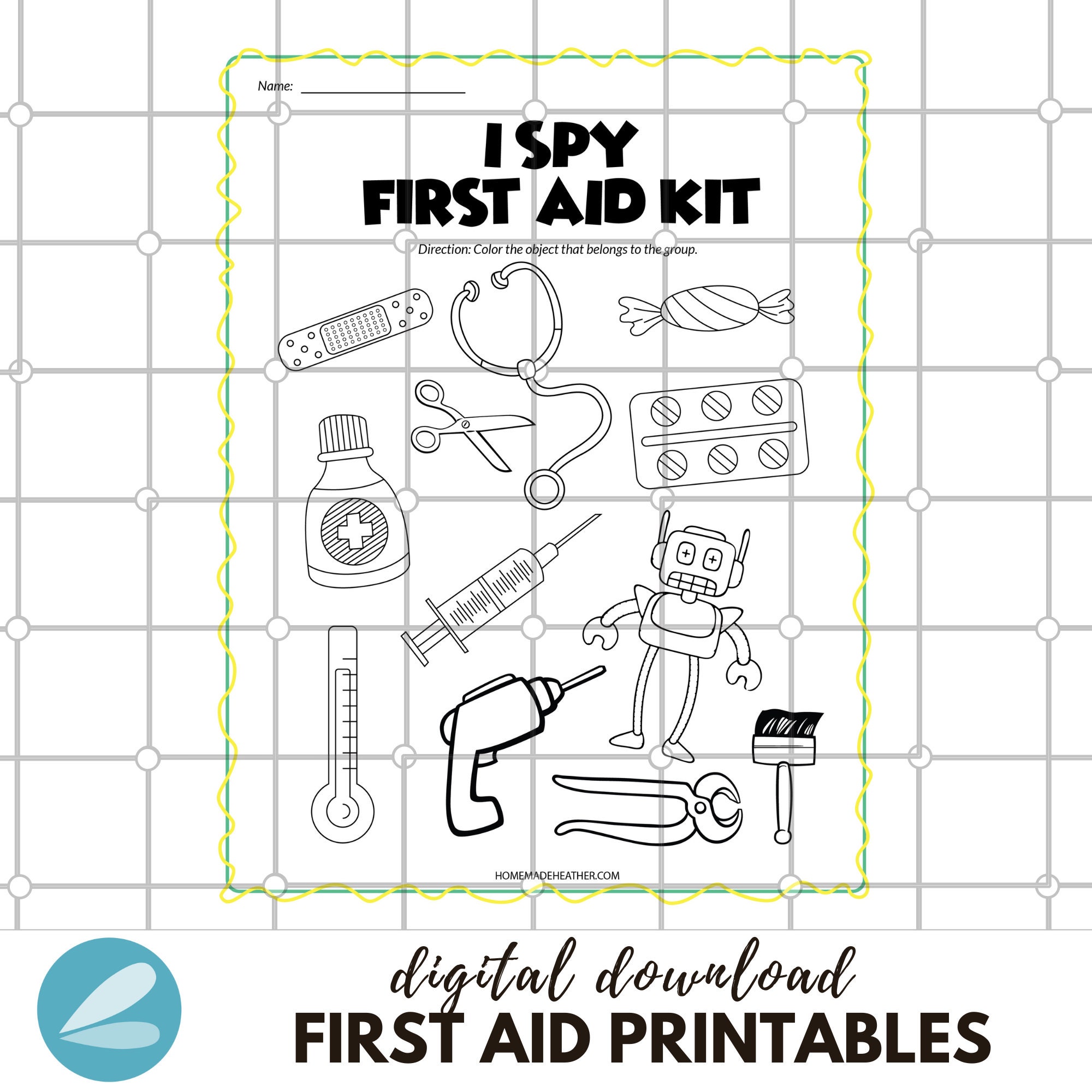
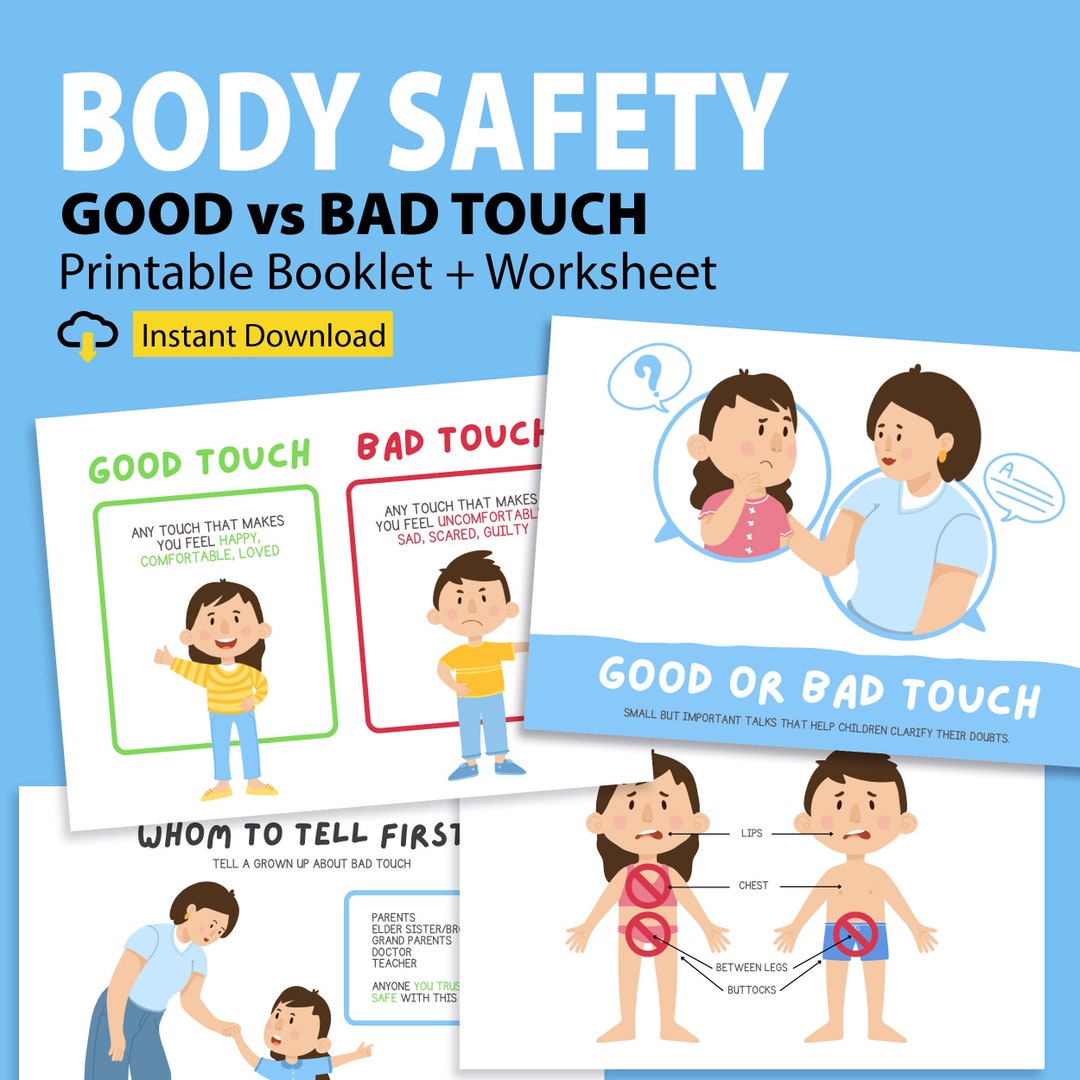
Bridging the Gap: Why Printable Safety And First Aid Worksheets Are Essential Tools
In an era where students transition seamlessly between physical playgrounds and virtual landscapes, the need for tangible, offline reinforcement of digital safety has never been greater. While technical filters are a necessary layer of protection, CISA and ConnectSafely emphasize that ongoing dialogue is the most effective safeguard for youth privacy. Printable safety and first aid worksheets serve as a bridge, allowing educators and parents to facilitate calm, non-confrontational discussions about online risks. By moving these conversations from the screen to paper, we remove the distraction of notifications and allow children to process complex concepts—like cyberbullying, data privacy, and digital footprint management—at their own pace. These resources provide a structured way to practice critical thinking, helping students develop the digital resilience needed to navigate their online environments safely.
💡 Educational Key Takeaways:
- Core Skill: Structured Printable Safety And First Aid Worksheets focused on developing pencil grip, stroke control, and early literacy/math confidence.
- Target Scope: Suited for homeschoolers, preschool, kindergarten, and elementary learners.
- Best Recommendation: Practice 10–15 minutes daily with ergonomic writing tools to reinforce muscle memory without hand fatigue.
Risk Signals and Preventive Guardrails for Digital Citizenship
Protecting students requires a balance of technical configuration and behavioral awareness. Adults should monitor for specific red flags, such as sudden secrecy regarding device usage or unexpected changes in a child’s mood after interacting with apps. The following table outlines how to map technical controls to the behavioral cues addressed in our Worksheets.
| Setting / Context | Common Vulnerability | Practical Safeguard |
|---|---|---|
| Home Devices | Unmonitored app downloads | Enable parental controls and screen time limits |
| School Chromebooks | Bypassing safety filters | Review browser history and reinforce acceptable use policies |
| Chat & Social Apps | Sharing personal information | Use printable checklists to identify private vs. public data |
Building Sustainable Digital Habits at Home and School
Consistency is the cornerstone of effective digital citizenship. Rather than relying solely on reactive measures, schools and families should integrate proactive routines. Start by establishing shared charging zones outside of bedrooms to ensure that sleep quality is protected and device usage remains transparent. Encourage the use of two-factor authentication on all student accounts to prevent unauthorized access. When using printable safety and first aid worksheets, frame the activity as a collaborative exercise rather than a test. Ask students to role-play scenarios: What would you do if a stranger sent a friend request? How do you report an unkind comment? These discussions help build a “reporting culture” where children feel comfortable coming to an adult without fear of losing their device access, a strategy supported by the Family Online Safety Institute (FOSI).
It is common for students to push back against safety measures, often viewing them as a lack of trust. However, overly restrictive bans often backfire by driving digital exploration into “shadow” environments where adults cannot provide guidance. Instead of total restriction, pair your technical filters with open-ended check-ins. If a student attempts to circumvent a filter, use it as a teaching moment to discuss why that specific site or app might be blocked, focusing on data privacy or safety concerns. By using our Internet and Digital Safety resources, you can provide students with the “why” behind the rules. When children understand that safety tools are designed to protect their future opportunities rather than just limit their fun, they are more likely to adopt responsible habits independently.
Addressing Common Educator and Parent Questions
At what age should I introduce these safety worksheets?
Digital safety education should begin as soon as a child gains access to a connected device, typically around age 6 or 7. For younger children, focus on simple concepts like “private information,” while older students can engage with more complex topics like digital footprints and social media etiquette.
How do I handle a child who refuses to engage with safety materials?
If a child is resistant, try incorporating visual aids or gamified elements to lower the tension. Explore our Online and Digital Safety section for interactive options that make the learning process feel less like a lecture and more like a collaborative problem-solving session.
Should I focus more on technical controls or education?
A balanced approach is best. Technical controls provide a baseline of security, but education provides the internal compass necessary for long-term safety. Use technical settings to create a safe sandbox, but use worksheets and conversations to teach the student how to navigate the world outside of it.
Explore More Digital Citizenship Resources
Equipping students with the tools to navigate the internet safely is a continuous process. By combining technical guardrails with the reflective practice provided by printable worksheets, you create a safer environment for digital exploration. For more guides, lesson plans, and supportive materials, visit SafeWiredSchools.org to continue your journey in fostering a healthy digital culture.
Worksheet Previews & Reference Materials