Why Blending Physical Awareness With Digital Citizenship Matters
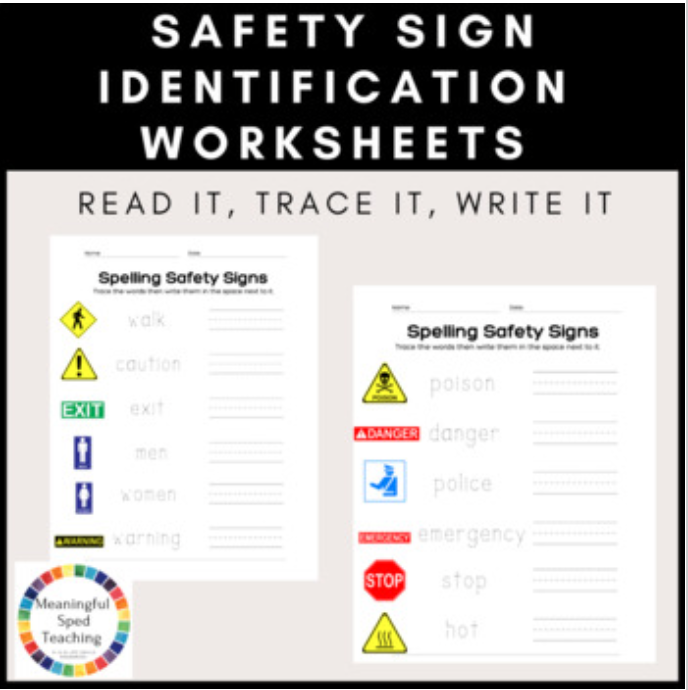
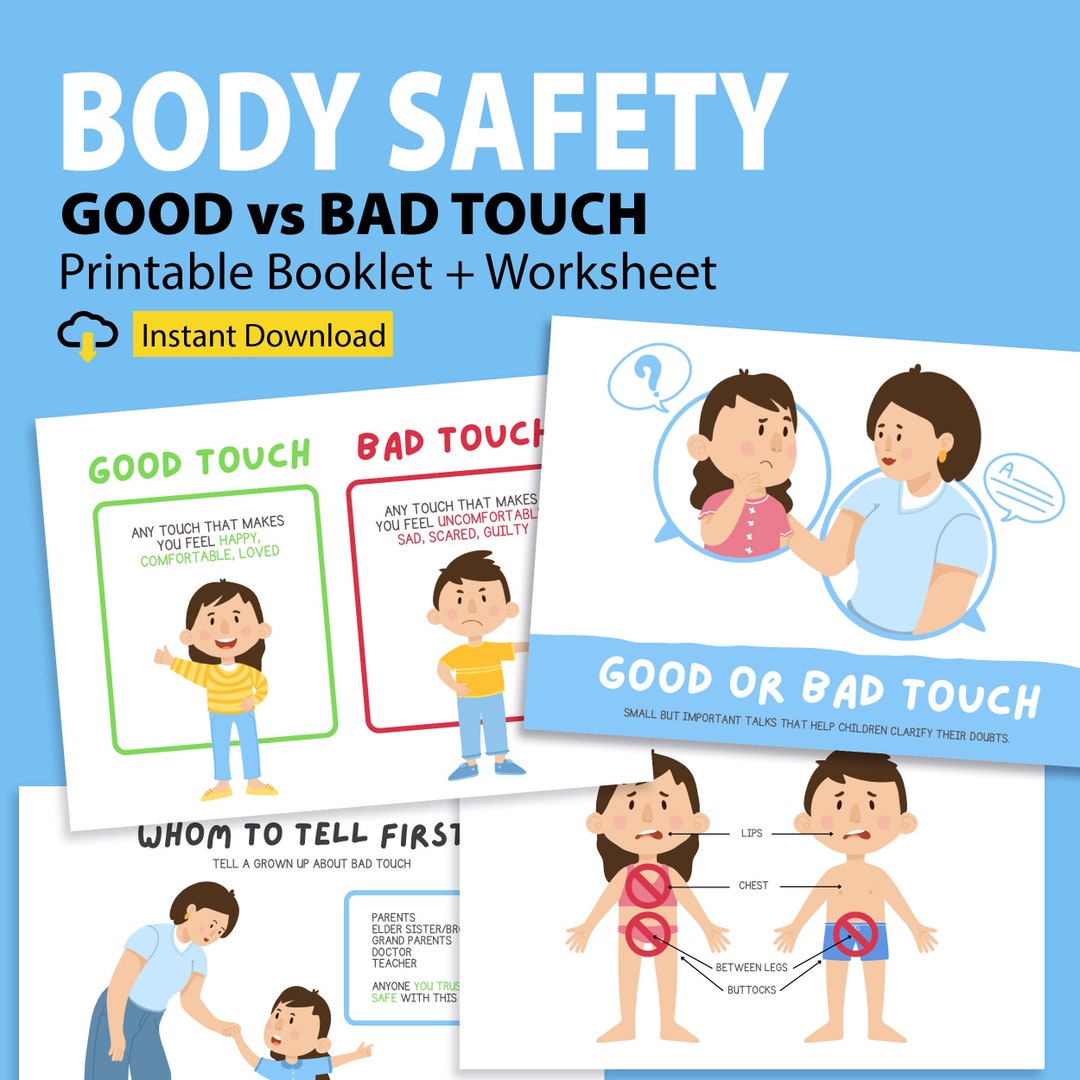
As children navigate neighborhoods, local parks, and school campuses alongside digital platforms, the line between offline and online spaces frequently blurs. Utilizing Staying Safe In The Community Worksheets bridges this gap, giving educators and families structured tools to discuss real-world boundaries, stranger awareness, and location privacy. Organizations like ConnectSafely emphasize that digital safety is community safety; what children type into local chat groups, neighborhood apps, and school forums directly impacts their physical security. By introducing these concepts early, adults can build critical thinking habits that protect kids wherever they go.
💡 Educational Key Takeaways:
- Core Skill: Structured Staying Safe In The Community Worksheets focused on developing pencil grip, stroke control, and early literacy/math confidence.
- Target Scope: Suited for homeschoolers, preschool, kindergarten, and elementary learners.
- Best Recommendation: Practice 10–15 minutes daily with ergonomic writing tools to reinforce muscle memory without hand fatigue.
Spotting Vulnerabilities Across Devices and Public Spaces
Managing student safety requires looking at both physical movements and digital configurations. Devices with unmanaged location settings can inadvertently broadcast a child’s exact whereabouts to strangers in the local area. Reviewing our Worksheets archive helps adults structure these security audits step-by-step.
| Setting / Context | Common Vulnerability | Practical Safeguard |
|---|---|---|
| Home Devices & Tablets | Location services enabled by default on photo apps and community games. | Disable geo-tagging in camera settings and restrict location sharing to trusted family apps. |
| School Chromebooks | Students logging into personal social media accounts on shared classroom hardware. | Enforce strict logout routines and utilize school-managed web filters aligned with CISA guidance. |
| Social & Chat Habits | Sharing real-time schedules, sports game locations, or neighborhood hangouts publicly. | Teach kids to post about outings only *after* returning home to prevent tracking. |
Establishing Clear Neighborhood and Online Safety Routines
Effective digital citizenship relies on predictable, calm routines rather than reactive panic. Schools and families should implement shared charging zones outside of bedrooms at night to curb late-night device usage and unauthorized messaging. When utilizing educational activities, pair them with practical reporting workflows that encourage children to tell a trusted adult immediately if someone asks for personal information, home addresses, or secret meetings. FOSI (Family Online Safety Institute) research shows that kids who feel supported rather than threatened are far more likely to report uncomfortable encounters online or in the neighborhood.
Overcoming Student Workarounds and Privacy Pushback
Children and teens are quick to find workarounds for overly restrictive web filters and device lockouts, such as using proxy sites or turning off Wi-Fi to bypass location tracking. Heavy-handed bans often backfire by driving unsafe behaviors underground where adults cannot see them. Instead of relying solely on technical roadblocks, pair your filters with transparent conversations about why location privacy matters. Explore additional strategies through our Internet and Digital Safety hub to keep lines of communication open and constructive.
Common Questions About Community and Digital Safety
At what age should we introduce location-sharing discussions?
Conversations about who knows your location should start as soon as children begin walking to school or playing unsupervised in the neighborhood, typically around ages seven to nine, long before they receive a smartphone.
Stay calm and avoid yelling, as fear of punishment stops kids from coming forward next time. Help them delete the post, block the user, and review our Online and Digital Safety category for steps on securing their profile.
Are printable learning exercises effective for older middle school students?
Yes, when framed as scenario-based problem solving rather than elementary busywork. Older students benefit greatly from analyzing hypothetical real-world dilemmas and discussing peer pressure dynamics in a guided group setting.
Explore More Digital Citizenship Resources
Building a secure environment for kids requires continuous learning, collaboration between home and school, and access to up-to-date educational materials. Visit SafeWiredSchools.org to discover more guides, printable activities, and expert advice tailored to keeping children safe in every community they touch.
Worksheet Previews & Reference Materials