Introduction
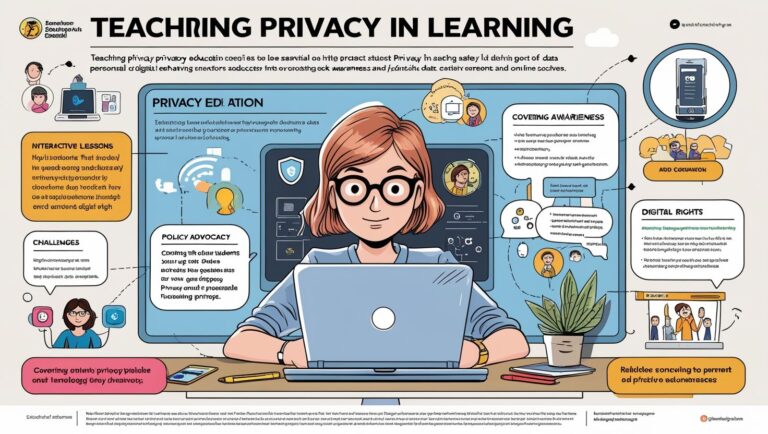
Children encounter the digital world long before they learn to tie their shoes or cross a street independently. Tablets at the kitchen table, shared family computers, and game consoles with open chat windows serve as portals to vast digital environments. Navigating these spaces requires more than technical locks or monitoring software; developing foundational habits of digital citizenship remains essential for every growing mind. Introducing these concepts early transforms abstract rules into concrete protective behaviors. A thoughtfully designed free printable digital privacy introduction for students offers an accessible entry point for adults seeking to guide young learners safely. It sounds simple, and that’s the point. Grounding digital safety in tangible, creative activities helps children internalize privacy concepts without unnecessary anxiety. Related guide: Info Grapgh Internet Safety For Student.
💡 Educational Key Takeaways:
- Core Skill: Structured Digital Privacy Introduction For Students focused on developing pencil grip, stroke control, and early literacy/math confidence.
- Target Scope: Suited for homeschoolers, preschool, kindergarten, and elementary learners.
- Best Recommendation: Practice 10–15 minutes daily with ergonomic writing tools to reinforce muscle memory without hand fatigue.
What This Printable Covers
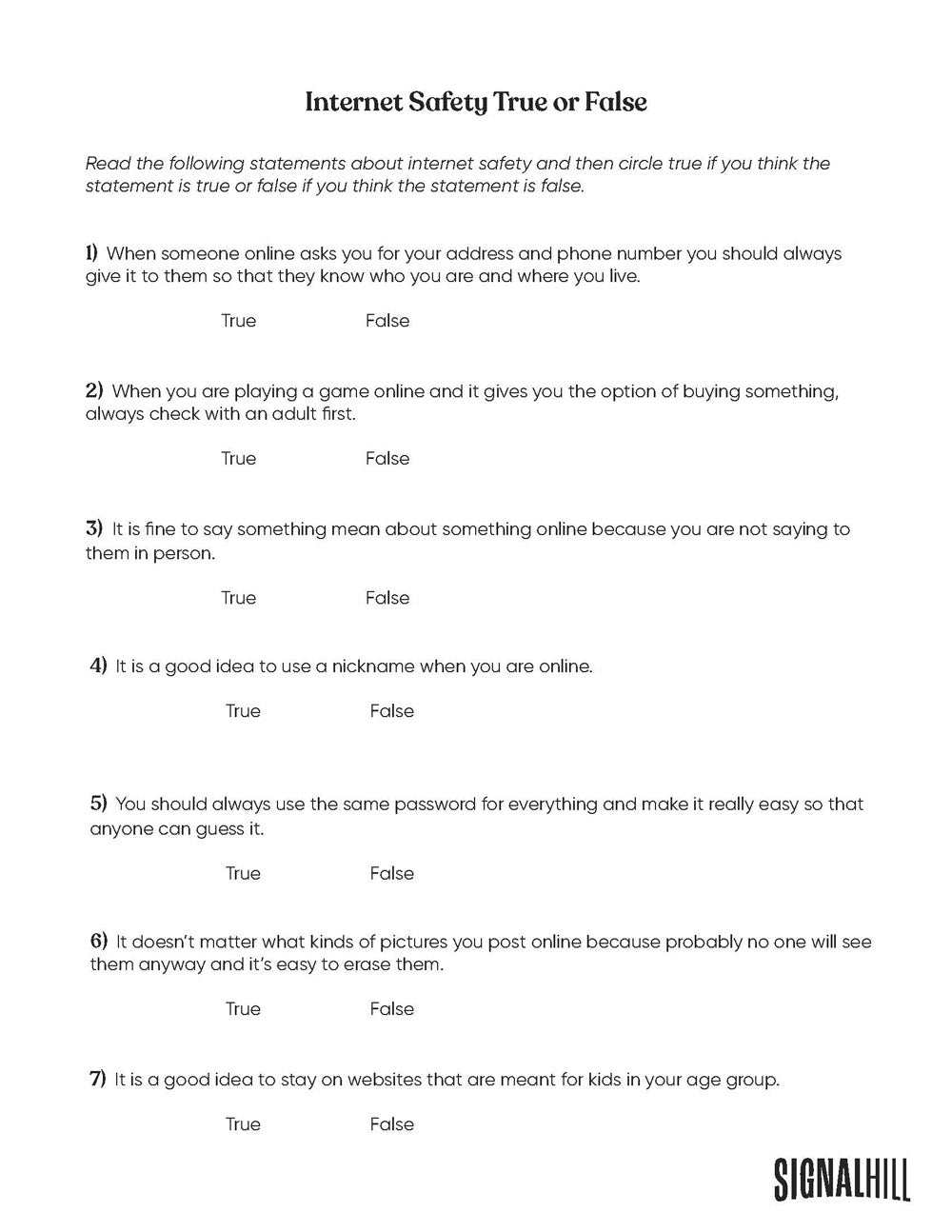
The free printable digital privacy introduction for students focuses on core protective habits designed specifically for elementary-aged minds. Instead of relying on fear or complex jargon, the material centers around personal information hygiene. Young learners explore what constitutes private data—such as full names, home addresses, school names, and favorite vacation spots—and why keeping this information locked away matters. Beyond data basics, the resource addresses in-game communication etiquette and the importance of pausing before sharing a photo or comment. Children frequently stumble into digital risks not through malicious intent, but through innocent oversharing on shared devices or video platforms during casual play. By defining the boundaries of a digital footprint early, adults provide children with a mental compass for everyday online interactions.
Key Learning Outcomes
Working through these exercises builds specific, observable skills that children can immediately apply during screen time. Learners practice identifying safe versus unsafe details to share online, distinguishing between public knowledge and private identity markers. Another critical outcome is reinforcing the golden rule of reporting: children learn that coming to a trusted adult with an uncomfortable feeling online never leads to getting into trouble. This reassurance breaks down the silence that often surrounds negative digital experiences, encouraging transparent communication between children, parents, and educators. Strong password basics and the habit of thinking twice before clicking also feature prominently in the learning progression. Exploring the broader collection of Internet and Digital Safety materials reveals how these individual lessons weave into a comprehensive digital literacy framework.
How to Use This Printable
Implementation requires no specialized technical training, making it ideal for busy classrooms, homeschool environments, and kitchen-table afternoon chats. Adults can introduce the page as a quiet transition activity or incorporate it into a dedicated morning meeting discussion about digital citizenship. Coloring reinforces these safety messages through tactile engagement, allowing young minds to process abstract security concepts while their hands remain busy. Here’s what makes this resource different: it acts as a conversation starter rather than a static test. As children shade in the illustrations or complete the activity prompts, natural openings emerge to discuss real-world scenarios they might encounter on popular video platforms or multiplayer games.
Practical Tips for Parents and Teachers
Maximizing the impact of the printable involves creating an open, non-judgmental atmosphere where questions are welcomed. Adults should avoid hovering or lecturing, opting instead to ask open-ended questions like what a particular drawing means or how a character in the activity should handle a tricky message. Pairing the activity with relevant Worksheets allows for deeper exploration of specific topics, such as password strength or identifying trustworthy websites. Consistency across home and school environments reinforces these lessons, ensuring children hear the same encouraging messages wherever they access technology.
Age-Appropriate Recommendations
Tailoring digital safety education to developmental milestones ensures that concepts resonate without overwhelming young learners. For kindergarten and first-grade students, the focus remains strictly on basic boundary setting, such as asking a grown-up before downloading a new app or playing a game. Second through fourth graders benefit from discussing digital footprints, understanding that information posted online persists over time. Upper elementary students can tackle more nuanced topics, including respectful communication in chat rooms and recognizing manipulative online tactics. Aligning these discussions with the International Society for Technology in Education Standards for Students helps educators anchor digital citizenship instruction in proven pedagogical frameworks. Browsing additional Online and Digital Safety guides offers further inspiration for scaffolding these lessons across different grade levels.
According to Common Sense Media research, a significant percentage of children under age twelve use mobile devices daily, often unsupervised, making early privacy education a critical developmental priority. — Common Sense Media
Frequently Asked Questions
Navigating digital citizenship questions often brings up practical concerns for educators and families alike. Clear answers help streamline implementation and build confidence in teaching online safety.
According to the Federal Trade Commission, equipping children with foundational privacy knowledge early helps mitigate risks associated with accidental data exposure on shared household devices. — Federal Trade Commission
Explore More Free Kids Online Safety Printables
Building robust digital citizenship habits requires a continuous supply of fresh, engaging materials that grow alongside the children using them. Educators and families can expand their toolkit by exploring related Coloring Pages designed to make complex online safety concepts approachable for early learners. Combining these creative assets with interactive discussions ensures that technology remains a positive, empowering tool for exploration and learning.
Developmental Milestone & Activity Table
| Development Stage | Recommended Daily Duration | Primary Learning Objective |
|---|---|---|
| Preschool & Pre-K | 10 – 15 Minutes | Pencil grip development & basic pre-stroke lines |
| Kindergarten | 15 – 20 Minutes | Letter/number formation & spatial line awareness |
| Early Elementary (Grade 1–2) | 20 – 30 Minutes | Fluency, sentence construction & neatness |
Images References