Introduction
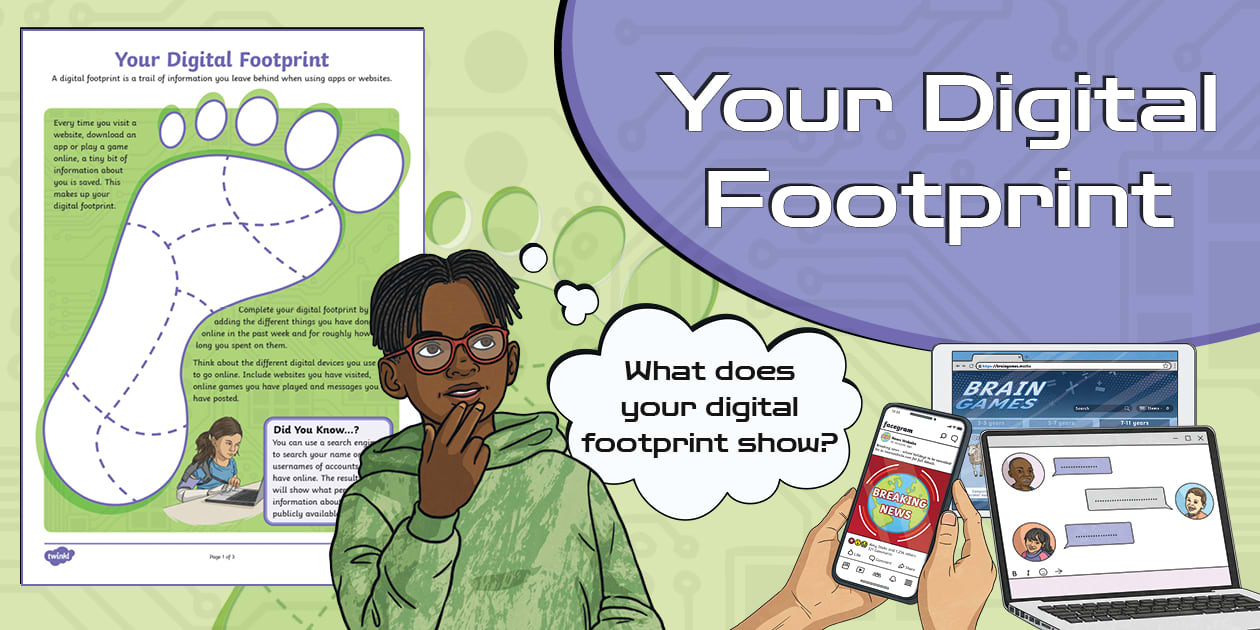
Eight-year-olds rarely think about permanent archives when they tap an emoji reaction or type a quick message in a shared multiplayer lobby. Third graders live in an increasingly connected environment where digital interaction happens naturally across tablets, family computers, and game consoles. Childhood curiosity drives exploration, yet public traces accumulate quietly with every click. Adults need practical tools to translate abstract concepts like permanence and privacy into tangible lessons. A structured approach transforms these invisible concepts into concrete understandings. Enter the free printable digital footprint questions for grade 3, designed specifically to help young learners visualize how online choices stay attached to their names. Related guide: 5 Cyber Safety Tips Symbols That Can Be Read By The Grede 7 Students.
💡 Educational Key Takeaways:
- Core Skill: Structured Digital Footprint Questions For Grade 3 focused on developing pencil grip, stroke control, and early literacy/math confidence.
- Target Scope: Suited for homeschoolers, preschool, kindergarten, and elementary learners.
- Best Recommendation: Practice 10–15 minutes daily with ergonomic writing tools to reinforce muscle memory without hand fatigue.
What This Printable Covers
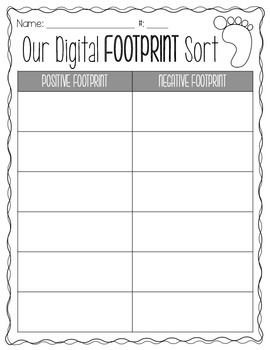
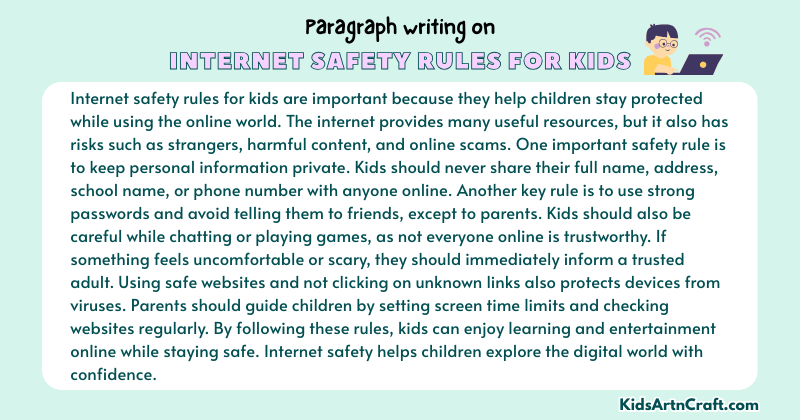
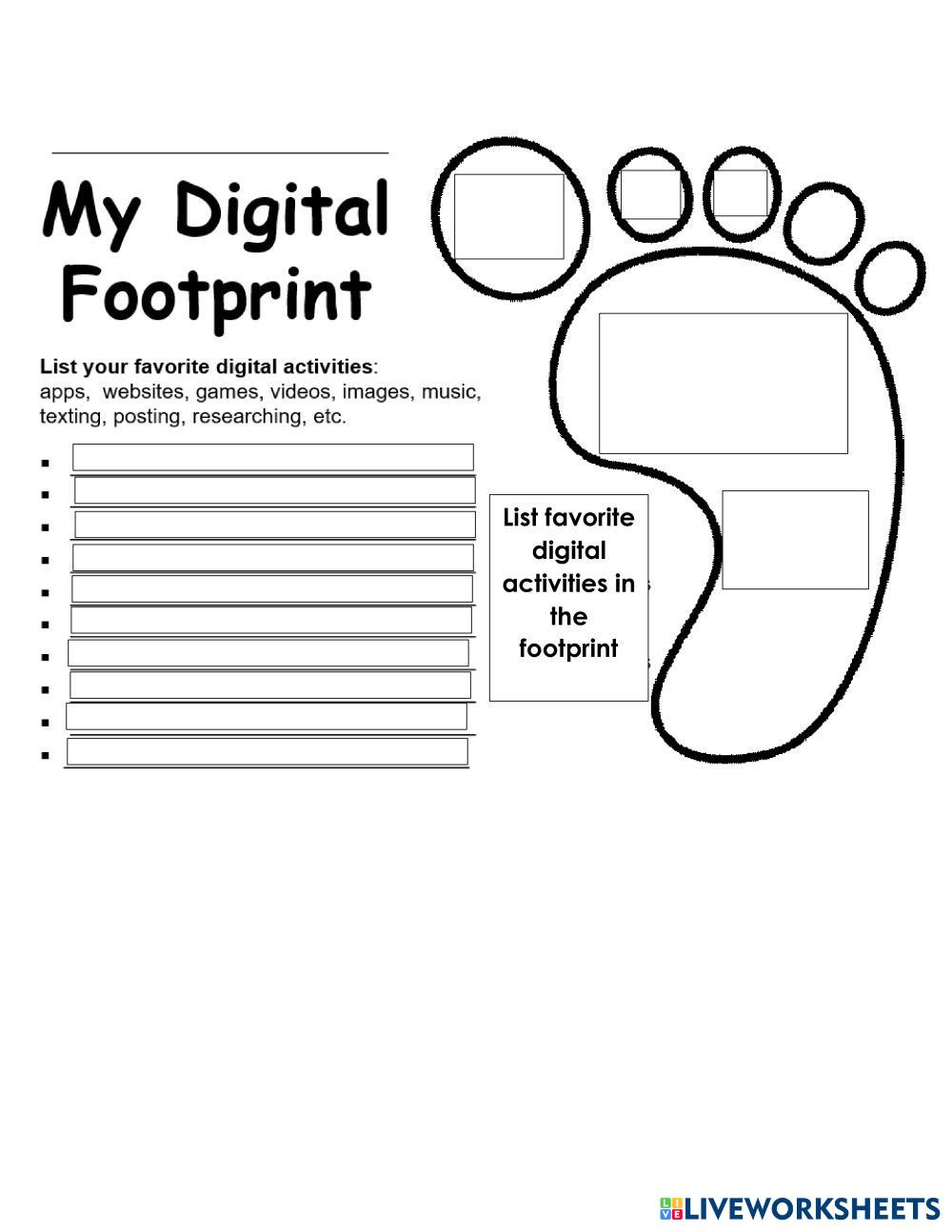
Targeting eight- and nine-year-olds requires bridging the gap between physical reality and digital spaces. This activity sheet guides children through scenarios that feel familiar, such as posting a drawing, leaving a comment on a video platform, or trading items in a virtual world. Questions prompt students to pause and evaluate whether a specific action is safe to leave behind permanently. Children often encounter risks not through malicious strangers, but through innocent oversharing on family tablets or chat features tied to favorite games. By examining these everyday situations, the printable emphasizes core protective habits, including keeping personal details private, recognizing strong passwords, and thinking critically before sharing information.
Key Learning Outcomes
Working through these guided questions builds essential digital citizenship foundations step by step. Students learn to recognize that deleting a post does not always make it disappear entirely. According to the Common Sense Education Digital Citizenship Curriculum, early elementary students benefit immensely from practicing fundamental safety rules before navigating independent online spaces. The activity reinforces the absolute rule that children are never in trouble for reporting something uncomfortable or confusing. Encouraging open communication ensures that young users feel supported rather than frightened when minor mishaps occur online.
How to Use This Printable
Classrooms and living rooms become lively laboratories for digital literacy when adults use structured interactive learning tools to spark conversation. Educators can distribute copies during computer lab rotations, while families might review a scenario together at the kitchen table. Instead of treating the questions as a strict test, adults should read each prompt aloud and invite children to share their reasoning. Discussion matters far more than finding a single “correct” answer. When children explain why a particular online behavior feels safe or risky, critical thinking skills take root organically.
Practical Tips for Parents and Teachers
Guiding eight-year-olds through digital concepts works best when tone remains calm, empowering, and free of fear-based messaging. Adults can explore broader topics related to responsible device usage to reinforce these lessons throughout the school year. Role-playing different scenarios helps third graders internalize safety habits without feeling micromanaged. Emphasizing that technology is a wonderful tool for learning and connecting keeps the atmosphere positive. Safety remains an empowering skill set to build over time, much like looking both ways before crossing the street.
Age-Appropriate Recommendations
Third graders sit at a developmental crossroads where abstract thinking begins to emerge alongside a strong desire for peer approval. According to Common Sense Media research, a significant percentage of children under the age of nine use mobile media devices daily, often on shared household screens. Aligning educational strategies with the ISTE Standards for Students ensures that children build responsible digital identities suited to their specific cognitive level. Keeping instructions short, visual, and story-driven allows eight-year-olds to grasp complex privacy ideas without feeling overwhelmed by rules.
A substantial majority of young children engage with digital media daily on shared or personal screens — Common Sense Media
Frequently Asked Questions
Answers to common inquiries regarding implementation help adults make the most of this educational material. Clear guidance ensures smooth integration into daily routines, whether at home or inside a busy classroom environment. Parents and educators frequently wonder how best to introduce these foundational concepts to young learners without causing anxiety. Reviewing these targeted responses provides immediate clarity on downloading, teaching strategies, and organizational standards.
Explore More Free Kids Online Safety Printables
Expanding a digital citizenship library helps reinforce positive habits across multiple subjects and formats. Educators and families can pair the footprint activity with creative visual safety resources that appeal to younger learners. Comprehensive guidance on navigating virtual spaces safely provides additional support for growing minds. Continuous reinforcement ensures that children approach technology with confidence, curiosity, and smart protective instincts.
Developmental Milestone & Activity Table
| Development Stage | Recommended Daily Duration | Primary Learning Objective |
|---|---|---|
| Preschool & Pre-K | 10 – 15 Minutes | Pencil grip development & basic pre-stroke lines |
| Kindergarten | 15 – 20 Minutes | Letter/number formation & spatial line awareness |
| Early Elementary (Grade 1–2) | 20 – 30 Minutes | Fluency, sentence construction & neatness |
Images References