Introduction
Fourth-grade students navigate digital spaces with increasing independence, moving fluidly between school research portals, multiplayer video game chats, and shared household tablets. Children this age rarely encounter online risks through dramatic scenarios; instead, bumps in the digital road usually happen during casual gaming sessions or while browsing video streaming platforms on family devices. Teaching digital safety to nine-year-olds requires shifting away from fear-based warnings toward practical skill-building. The internet safety rule for class 4 students free printable serves as a bridge between abstract digital concepts and concrete daily habits, empowering children to make smart choices online. Related guide: Teachers Of Grades 9–12 Should Expand Internet Safety Instruction To Include Which Of The Following Topics?.
💡 Educational Key Takeaways:
- Core Skill: Structured Internet Safety Rule For Class 4 Students focused on developing pencil grip, stroke control, and early literacy/math confidence.
- Target Scope: Suited for homeschoolers, preschool, kindergarten, and elementary learners.
- Best Recommendation: Practice 10–15 minutes daily with ergonomic writing tools to reinforce muscle memory without hand fatigue.
WhatThis Printable Covers
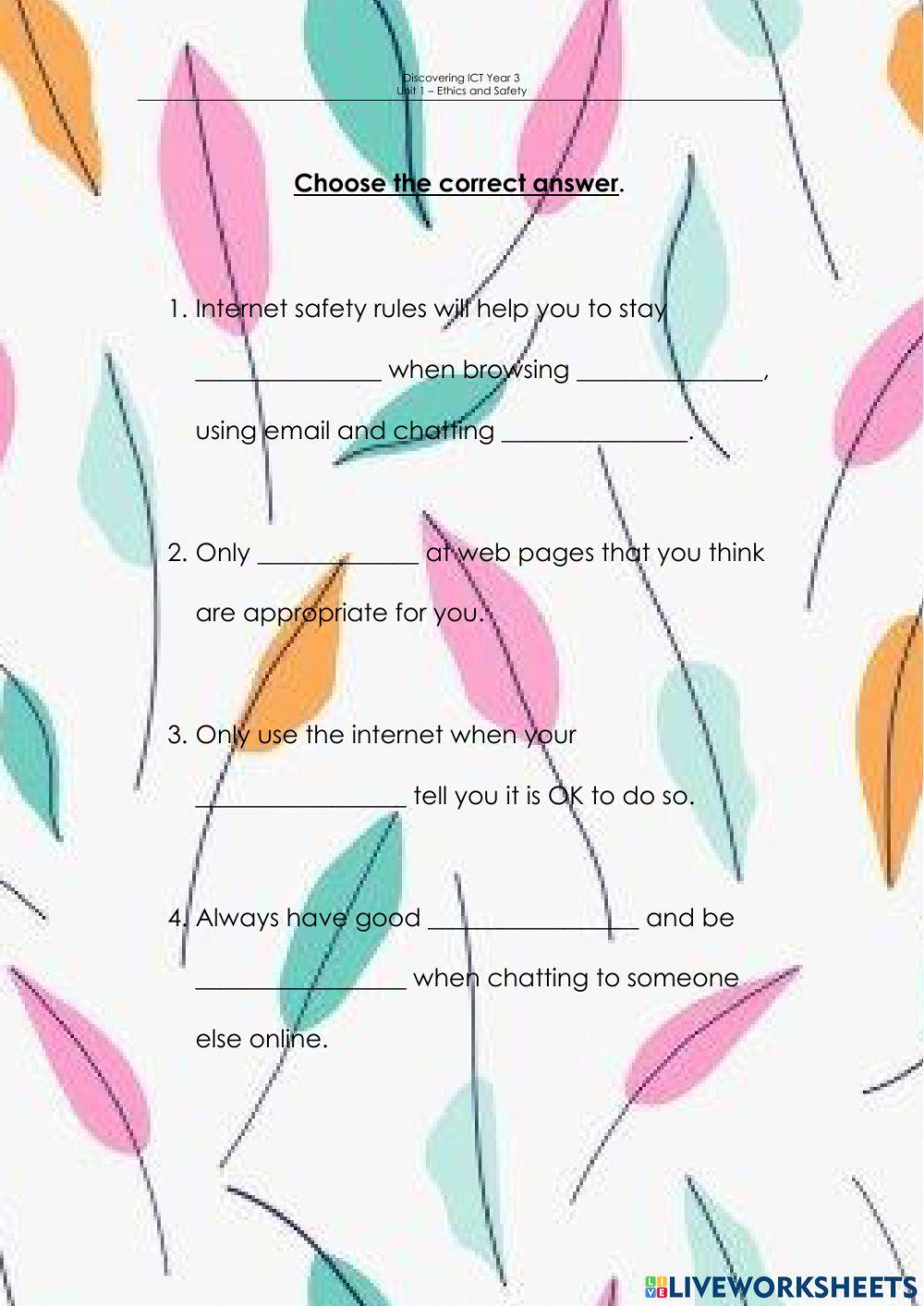
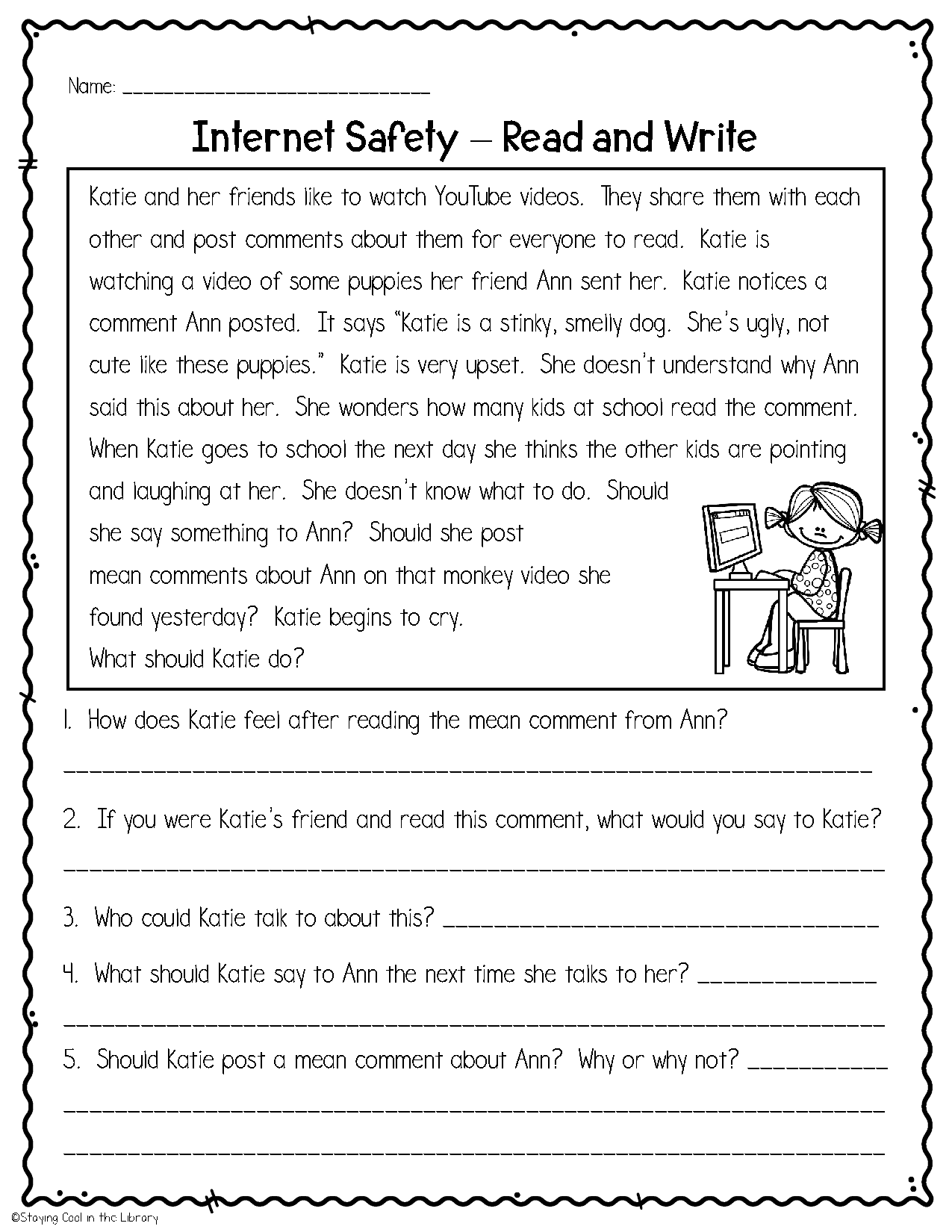
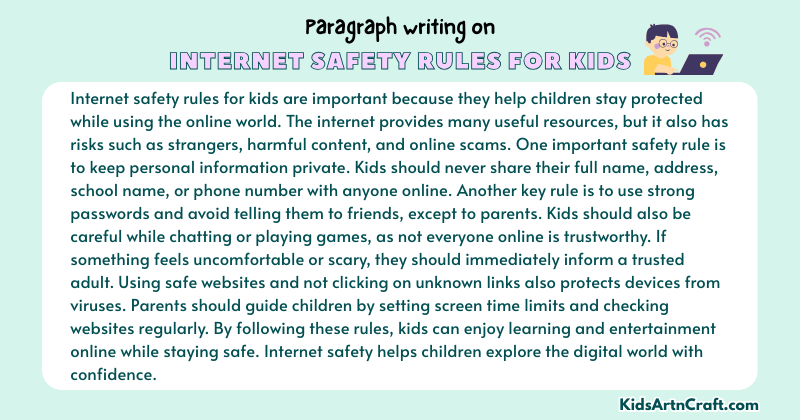
Designed specifically for nine-year-olds, this resource focuses on actionable protective behaviors rather than technical jargon. The material emphasizes core digital citizenship tenets: guarding personal information, recognizing secure passwords, and understanding when to pause before sharing. It sounds simple, and that is the exact point. Children retain information best when rules are clear, positive, and easy to recall during a moment of hesitation. Furthermore, the printable reinforces the crucial message that young users are never in trouble for reporting something uncomfortable or confusing to a trusted adult.
Key Learning Outcomes
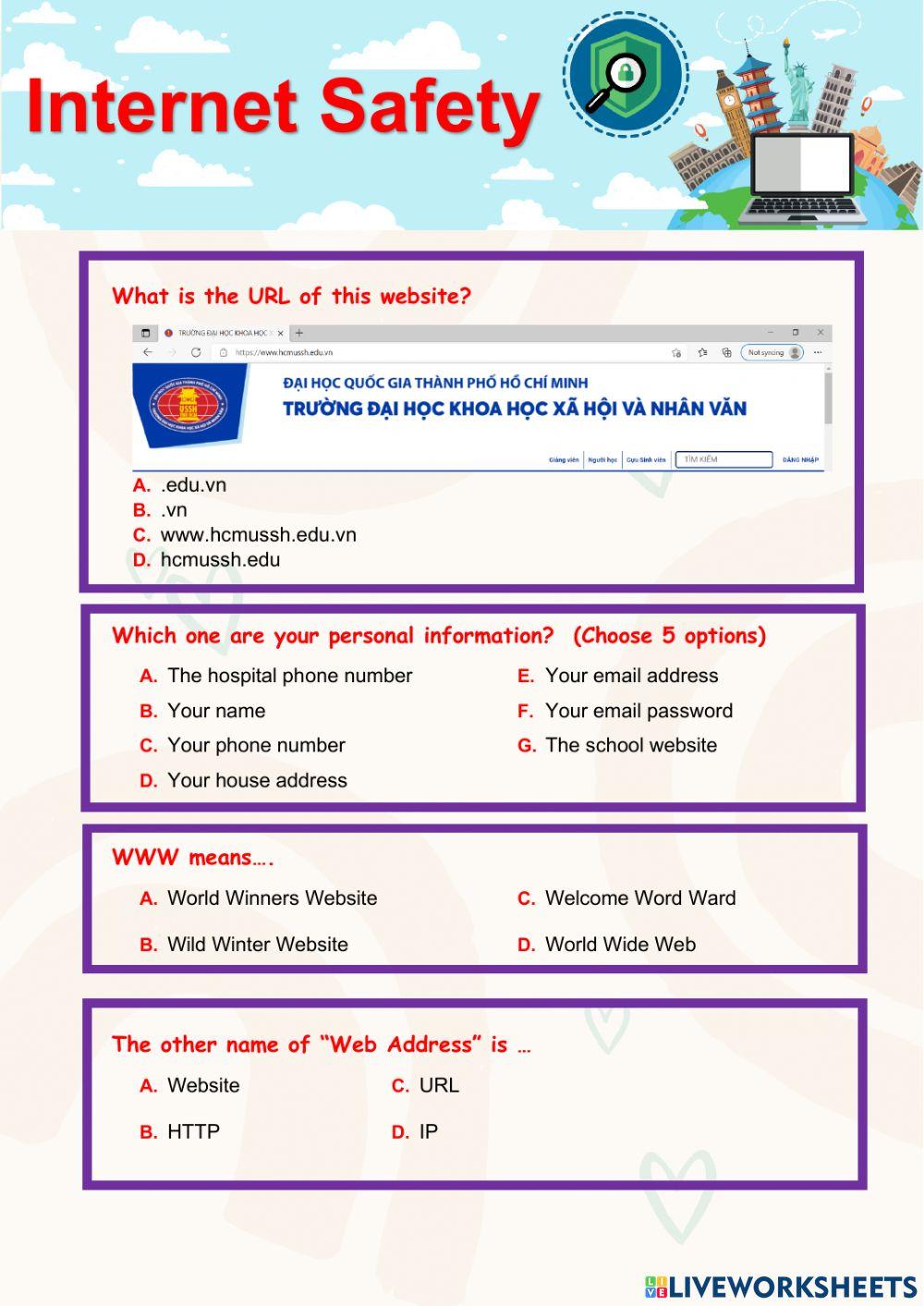
Working through these guided exercises helps students internalize specific digital boundaries. Learners discover how to identify private information like home addresses and full names, separating them from harmless public details. Another major focus involves developing critical thinking skills when interacting with unfamiliar links, pop-ups, or chat messages from other players in online environments. Educators and parents utilizing vital safety modules notice that children grasp these boundaries faster when paired with interactive discussions about real-world scenarios.
How to Use This Printable
Flexibility defines the best educational tools, making this resource equally valuable for morning meetings in elementary classrooms or kitchen table reviews at home. Teachers can integrate the activity into weekly computer lab sessions, prompting students to reflect on responsible browser etiquette before logging onto school-issued laptops. Meanwhile, families can pin the finished sheet near the family computer station as a friendly visual reminder of established digital boundaries. Exploring supplemental printable activities provides additional reinforcement for children who benefit from hands-on learning approaches.
Practical Tips for Parents and Teachers
Adults often wonder how to spark meaningful conversations about technology without sounding overly restrictive or suspicious. Approaching the material with curiosity rather than interrogation opens doors to honest dialogue about digital habits. Ask open-ended questions about favorite online games or video platforms to understand what children experience day-to-day. According to Common Sense Research, a substantial portion of children utilize mobile devices daily, making routine check-ins essential for healthy tech habits. When adults normalize talking about digital bumps and surprises, children feel much safer seeking guidance when something feels amiss.
Age-Appropriate Recommendations
Fourth-grade learners sit at a crucial developmental crossroads where peer connection begins to influence digital choices heavily. Grounding lessons in the Common Sense Education Digital Citizenship Curriculum ensures that expectations align with what nine-year-olds can realistically comprehend and execute. At this stage, instructions must avoid vague warnings and instead offer exact scripts for handling uncomfortable moments online, such as closing a browser window or immediately walking away to find a parent or teacher. Building these reflex-like habits transforms screen time into a safe, positive learning experience.
According to Common Sense Media research, a significant majority of children access mobile media devices daily, underscoring the need for early and consistent digital safety education. — Common Sense Media
Frequently Asked Questions
How can this printable be downloaded and printed? Accessing the file requires simply clicking the download link, saving the document as a standard PDF, and printing it using any home or school printer on standard letter paper. Does this material guarantee complete online protection? No single printable guarantees safety; instead, these resources serve as conversation starters to help children build healthy digital habits and critical thinking skills. What do cybersecurity experts recommend for teaching kids online safety? According to the National Center for Missing & Exploited Children, parents and educators should maintain open, non-judgmental communication so children feel confident reporting online discomfort.
Explore More Free Kids Online Safety Printables
Expanding a digital citizenship library requires access to diverse, engaging resources tailored for developing minds. Educators can browse specialized creative coloring materials to engage younger learners with gentle safety messaging. Additionally, reviewing comprehensive online safety guides helps adults stay informed on evolving digital trends while keeping classroom and household rules consistent and empowering.
Developmental Milestone & Activity Table
| Development Stage | Recommended Daily Duration | Primary Learning Objective |
|---|---|---|
| Preschool & Pre-K | 10 – 15 Minutes | Pencil grip development & basic pre-stroke lines |
| Kindergarten | 15 – 20 Minutes | Letter/number formation & spatial line awareness |
| Early Elementary (Grade 1–2) | 20 – 30 Minutes | Fluency, sentence construction & neatness |
Images References