Introduction
Young children routinely encounter digital spaces long before they grasp the concept of personal boundaries. Shared family tablets, in-game chat features on gaming consoles, and popular video streaming platforms create everyday environments where kids interact with digital content constantly. Teaching digital citizenship requires breaking down abstract concepts like privacy into tangible ideas that resonate with early learners. Educators and caregivers frequently look for accessible tools to introduce these habits early. A free printable privacy definition for kids bridges the gap between complex digital concepts and everyday understanding. Building these protective habits early empowers children to navigate digital environments with confidence rather than fear. Related guide: 5 Cyber Safety Tips Symbols That Can Be Read By The Grede 7 Students.
💡 Educational Key Takeaways:
- Core Skill: Structured Privacy Definition For Kids focused on developing pencil grip, stroke control, and early literacy/math confidence.
- Target Scope: Suited for homeschoolers, preschool, kindergarten, and elementary learners.
- Best Recommendation: Practice 10–15 minutes daily with ergonomic writing tools to reinforce muscle memory without hand fatigue.
What This Printable Covers
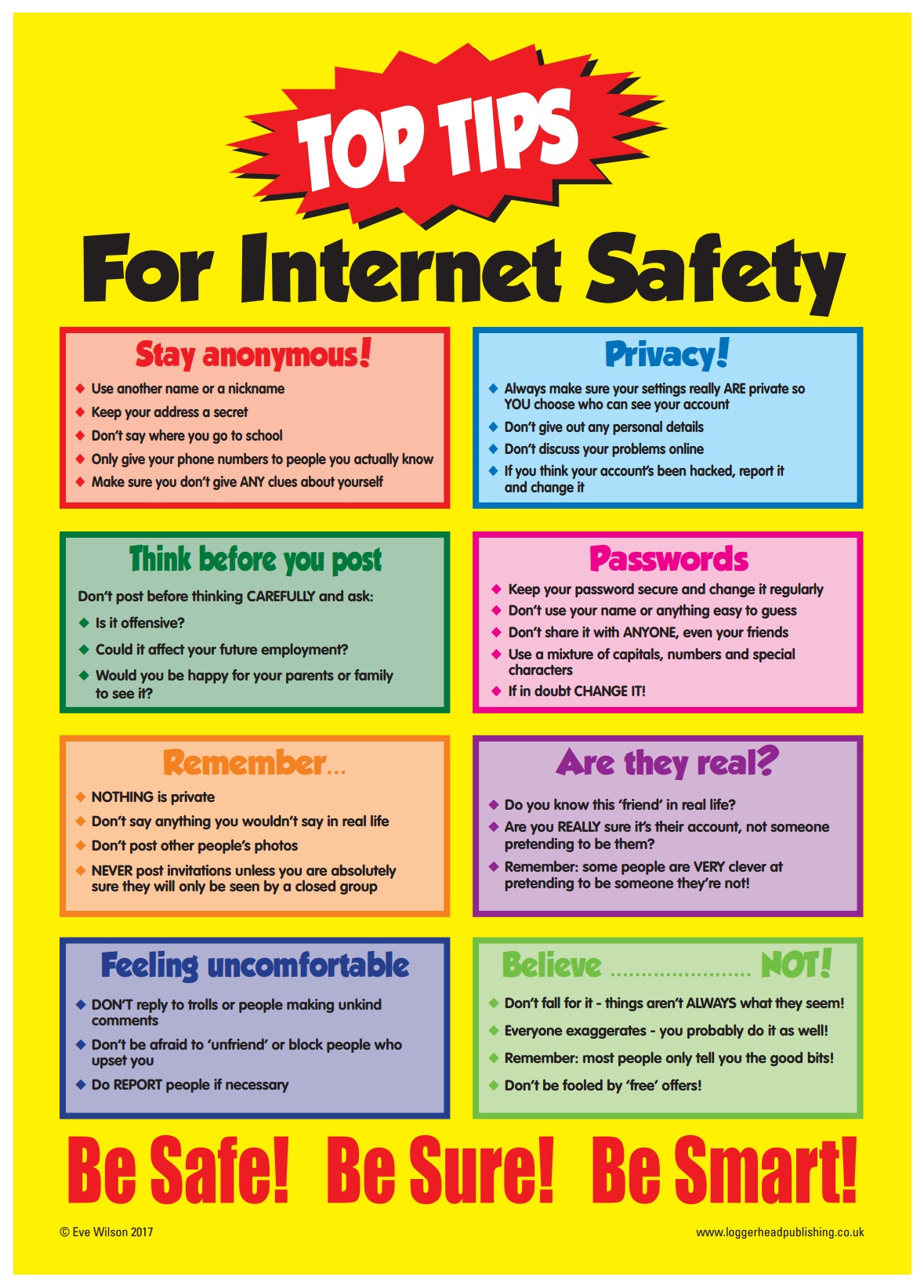
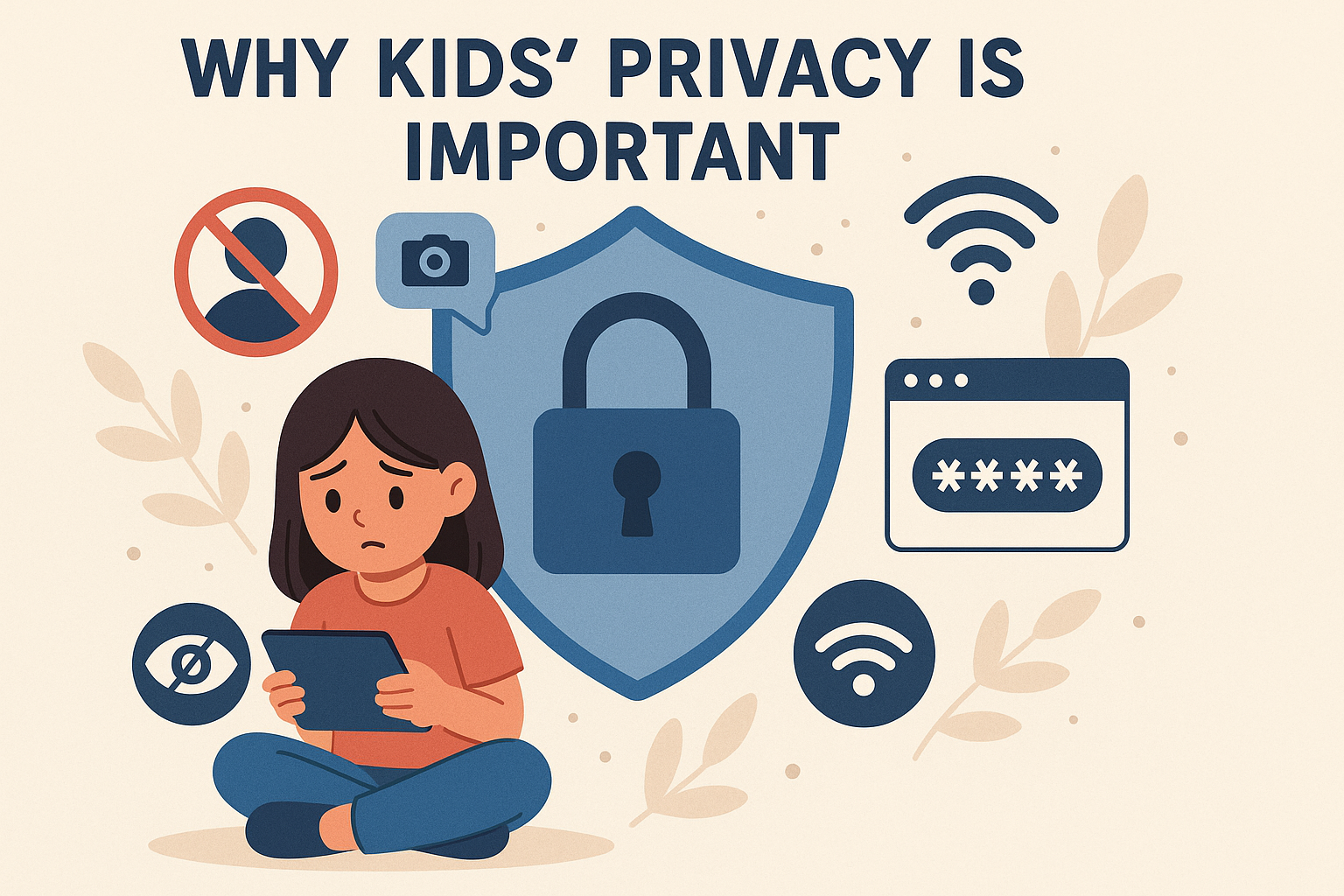
This resource defines digital privacy through child-friendly terminology, focusing on what constitutes personal information and why keeping it safe matters. Children learn to distinguish between safe-to-share details, such as a favorite color or animal, and private details like full names, home addresses, and school names. The worksheet or activity format provides specific skill practice through guided scenarios and discussions. Kids practice identifying safe boundaries while navigating common digital scenarios. It sounds simple, and that’s the point. Clear, repeatable rules help young minds internalize protective habits without feeling overwhelmed by technical jargon.
Key Learning Outcomes
Children who engage with this material learn to recognize personal data footprints and understand the importance of thinking before sharing online. Another major focus involves teaching youth that trusted adults provide a safe harbor for reporting uncomfortable digital moments. Children are never in trouble for reporting something confusing or upsetting they encounter online. According to the Federal Trade Commission, children increasingly share personal details across interactive gaming platforms and social apps without fully realizing the long-term reach of that information. Practicing these discussions offline prepares kids to make safer choices when they are active online.
How to Use This Printable
Implementation works best when adults treat the printable as an interactive conversation starter rather than a simple quiz. Educators can introduce the definitions during morning meeting sessions, while parents can review the concepts at the kitchen table. Working through the activity together allows adults to observe how children interpret digital boundaries. Here’s what makes this resource different: it shifts the focus away from restrictions and toward active skill-building. Exploring additional Internet and Digital Safety materials helps reinforce these lessons across multiple settings.
Practical Tips for Parents and Teachers
Establishing a relaxed atmosphere encourages children to share their actual experiences rather than just repeating expected answers. Adults should ask open-ended questions about favorite apps and games to understand where children might encounter sharing prompts. Setting up routine check-ins normalizes conversations about digital life just like discussions about playground safety or crossing the street. Pairing these lessons with broader educational worksheets creates a consistent routine around digital citizenship. Patience remains key as children learn to apply these abstract rules to fast-paced digital interactions.
Age-Appropriate Recommendations
Tailoring digital safety conversations to specific developmental stages ensures the message lands effectively. For younger children aged five to eight, the focus stays strictly on basic personal information like names and locations. Older children aged nine to twelve can explore nuanced topics like app permissions, digital footprints, and respectful communication. Aligning these lessons with the Common Sense Education Digital Citizenship Curriculum provides a structured framework that supports both classroom instruction and home reinforcement. According to Pew Research Center, a vast majority of parents worry about their children’s online privacy, making structured early education essential for building family alignment.
Studies show that early and open communication about digital boundaries significantly increases the likelihood that children will report uncomfortable online encounters to a trusted adult. — National Center for Missing & Exploited Children
Frequently Asked Questions
Adults often have questions about how to best implement these digital citizenship tools at home or in the classroom. Reviewing common inquiries helps streamline the process of downloading, printing, and discussing the material with children. Discovering related resources within Online and Digital Safety archives provides further support for ongoing learning.
Explore More Free Kids Online Safety Printables
Expanding a child’s digital literacy toolkit involves introducing various complementary topics over time. Caregivers can explore additional Coloring Pages that reinforce kindness, password security, and device boundaries through creative play. Combining different formats keeps children engaged while continuously reinforcing foundational digital citizenship concepts.
Developmental Milestone & Activity Table
| Development Stage | Recommended Daily Duration | Primary Learning Objective |
|---|---|---|
| Preschool & Pre-K | 10 – 15 Minutes | Pencil grip development & basic pre-stroke lines |
| Kindergarten | 15 – 20 Minutes | Letter/number formation & spatial line awareness |
| Early Elementary (Grade 1–2) | 20 – 30 Minutes | Fluency, sentence construction & neatness |
Images References