Introduction
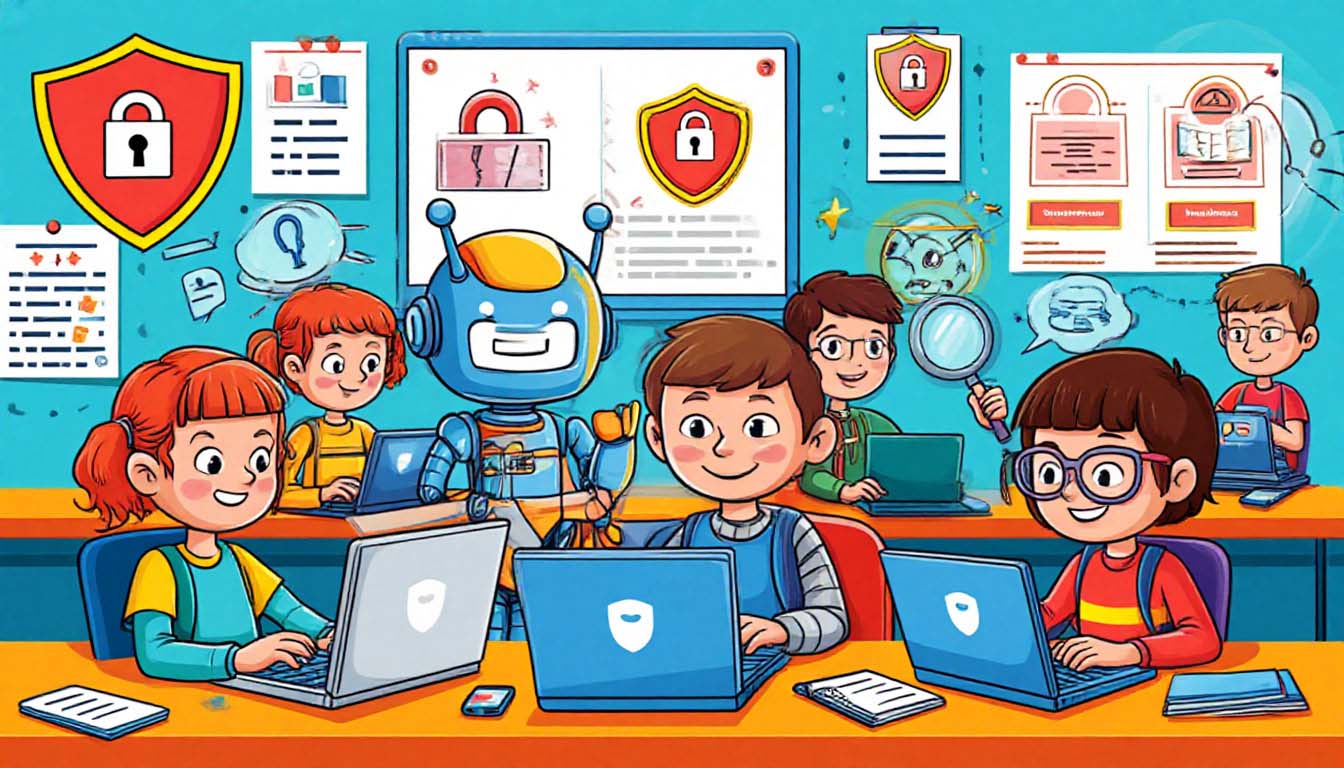
Children encounter digital environments long before mastering advanced technological concepts. Modern elementary students navigate shared household tablets, interactive multiplayer in-game chats, and video platforms routinely. These spaces demand foundational security habits that grow alongside developing minds. Introducing dual-layer account protection early transforms abstract security protocols into tangible everyday routines. The free printable “two factor authentication for kids accounts” resource for {site_name} provides structured guidance designed to bridge the gap between technical account security and age-appropriate comprehension. It sounds simple, and that’s the point: teaching digital safety works best when concepts remain approachable, encouraging collaborative dialogue between adults and young learners rather than instilling fear. Related guide: Teachers Of Grades 9–12 Should Expand Internet Safety Instruction To Include Which Of The Following Topics?.
💡 Educational Key Takeaways:
- Core Skill: Structured Two Factor Authentication For Kids Accounts focused on developing pencil grip, stroke control, and early literacy/math confidence.
- Target Scope: Suited for homeschoolers, preschool, kindergarten, and elementary learners.
- Best Recommendation: Practice 10–15 minutes daily with ergonomic writing tools to reinforce muscle memory without hand fatigue.
What This Printable Covers
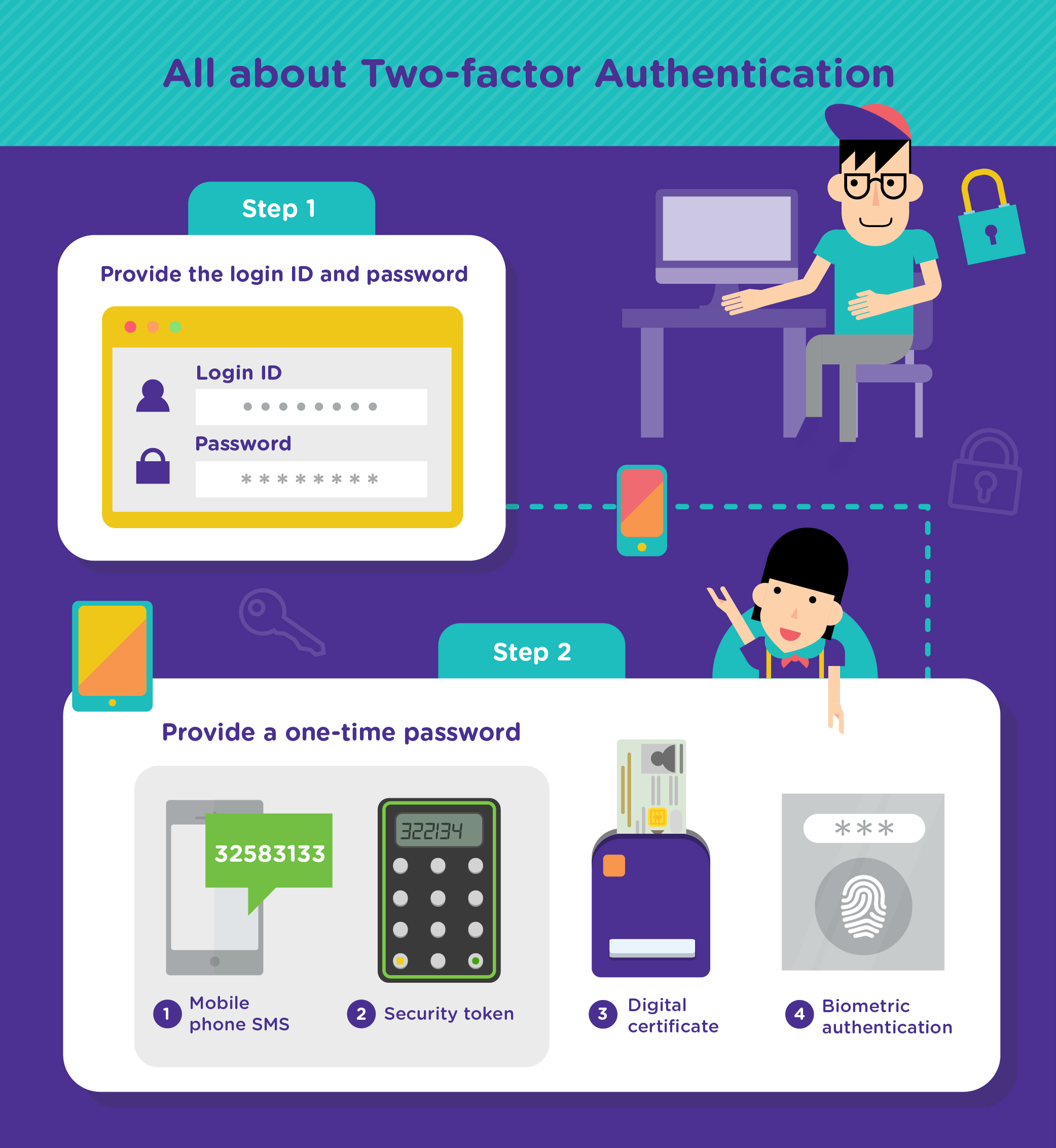
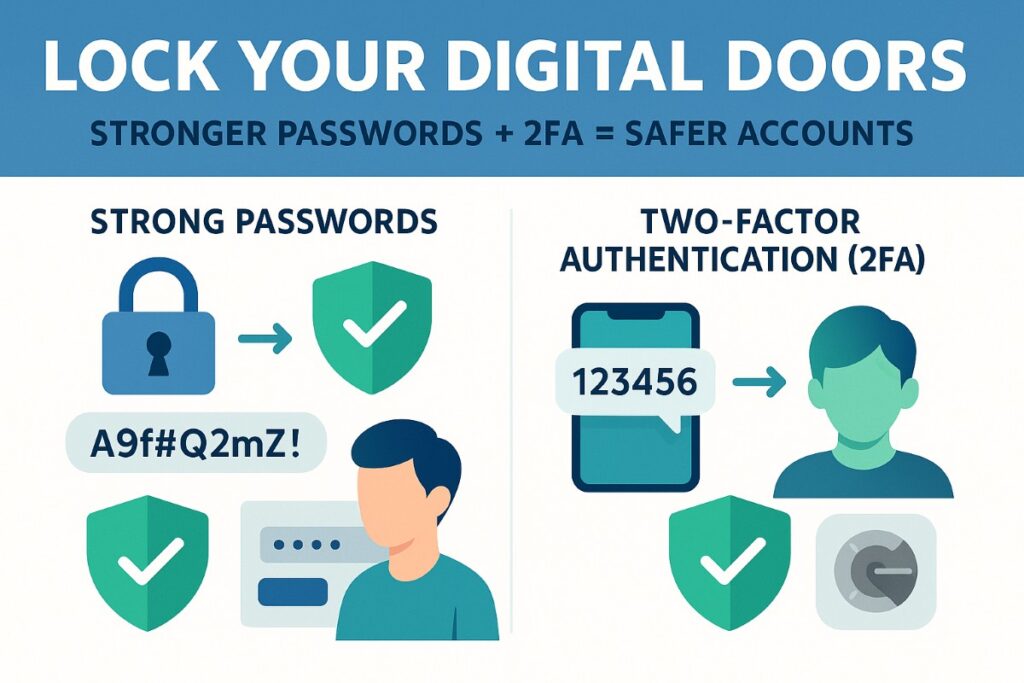
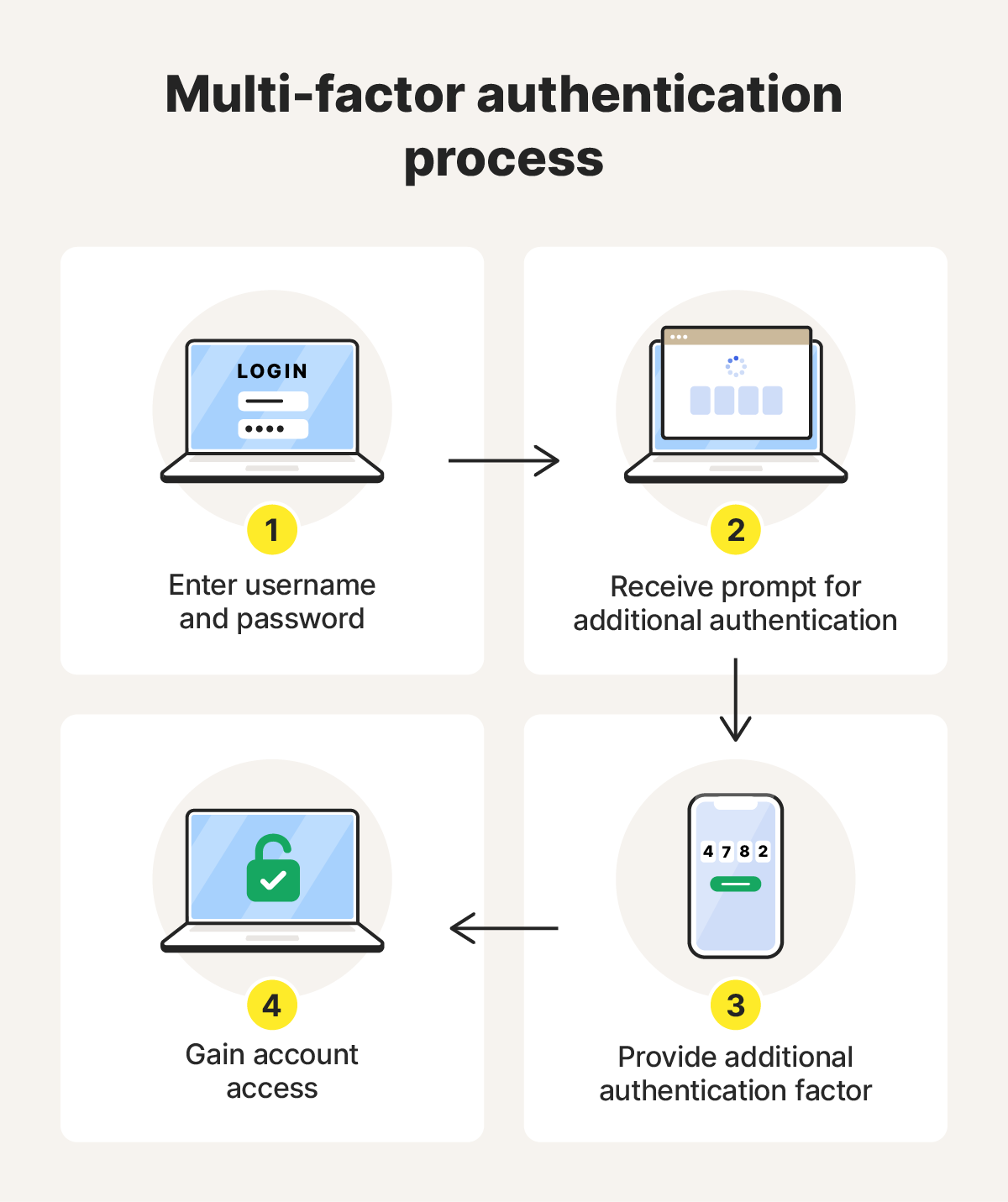
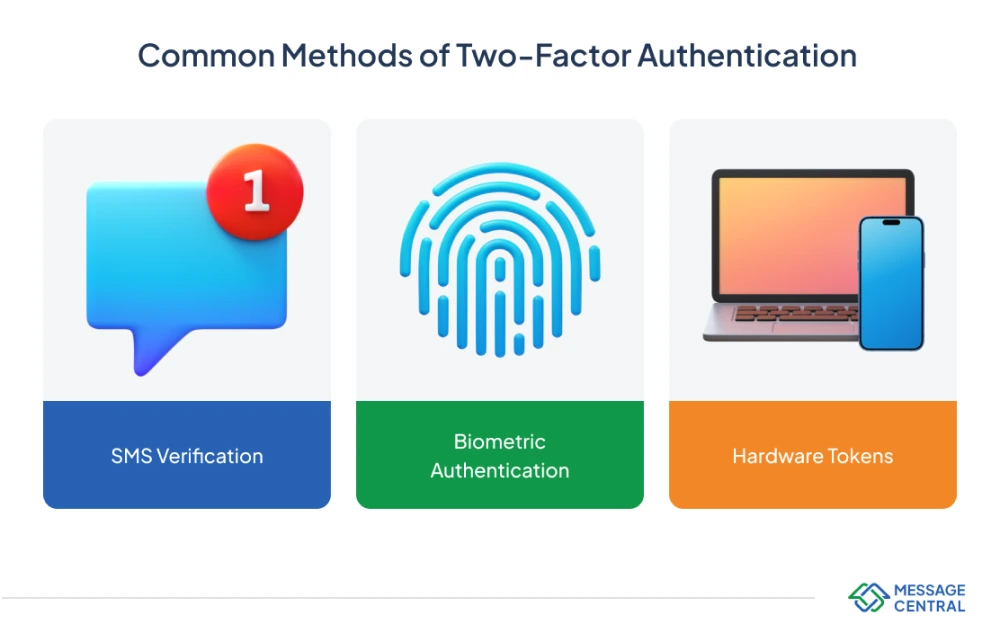
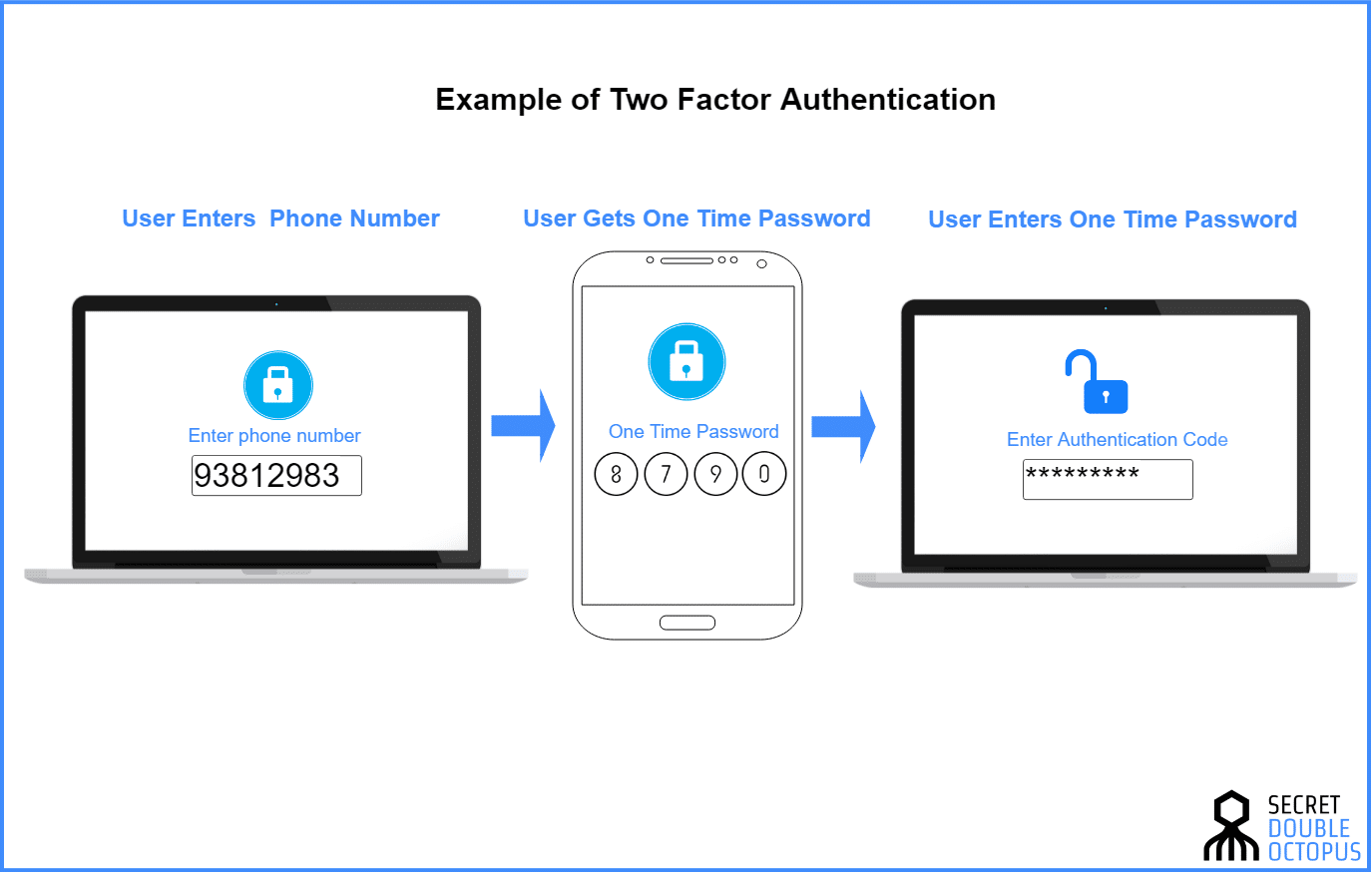
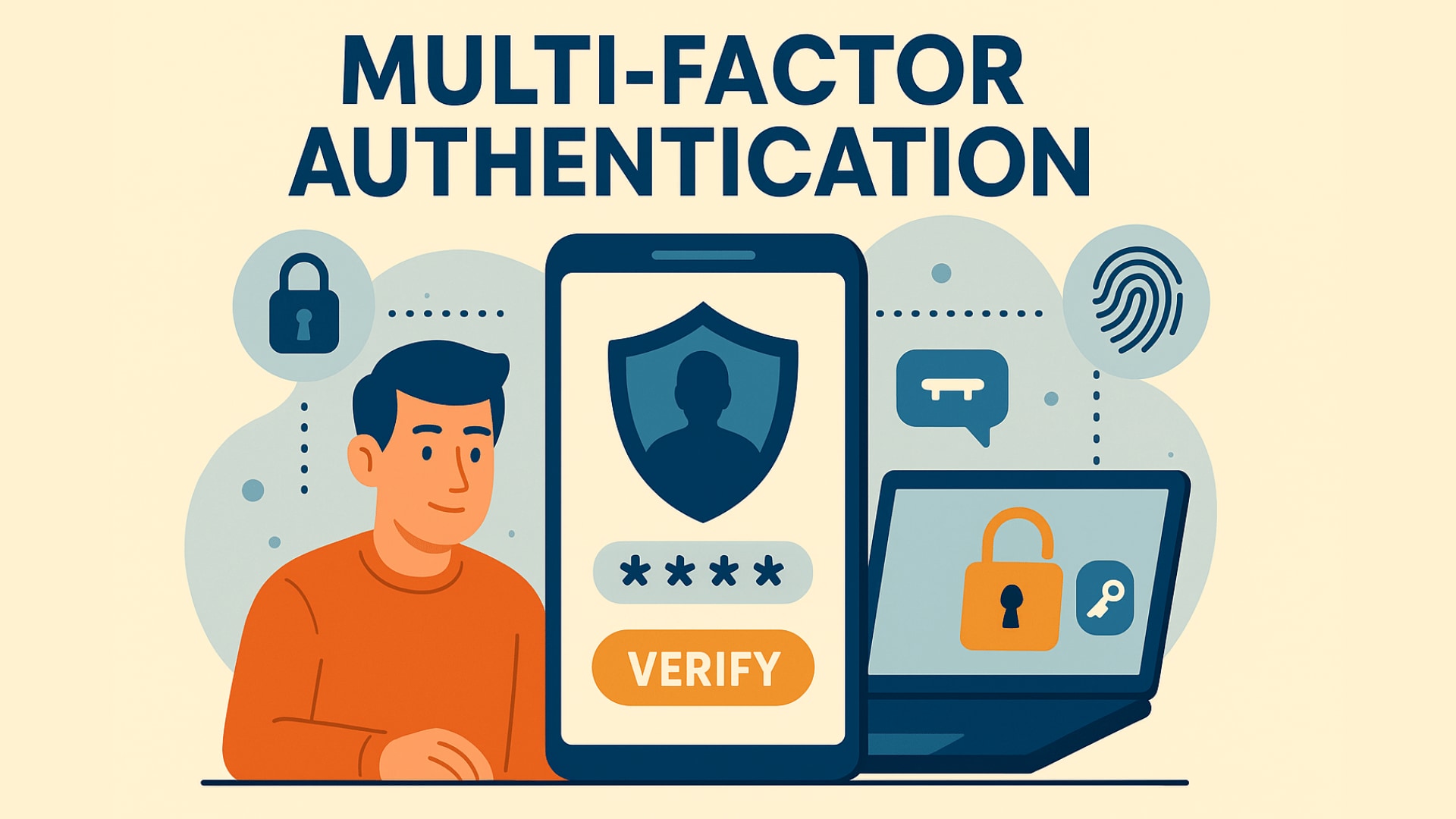
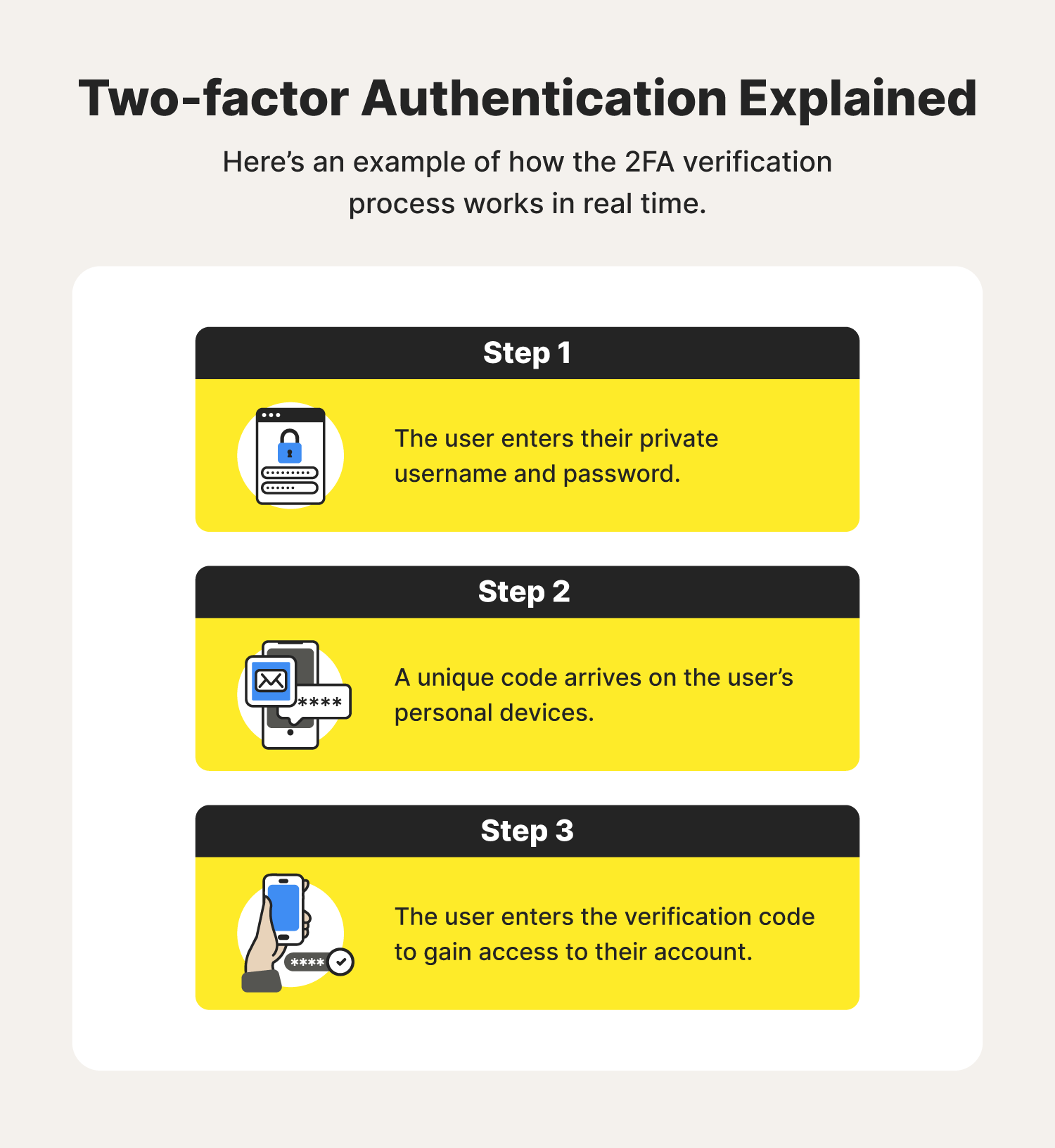
Account security often feels invisible to elementary students who simply tap an app icon to play a favorite game. This educational checklist demystifies the login process by breaking down how security keys, text codes, and trusted device confirmations safeguard personal profiles. According to the Federal Trade Commission, helping children understand the basics of account protection establishes vital digital hygiene habits early in life. The guide outlines clear rules for home or classroom implementation, detailing how secondary verification codes act like a special clubhouse knock that only authorized users possess. It focuses on protective habits such as keeping personal info private, recognizing trusted adults, and thinking before sharing verification prompts.
Key Learning Outcomes
Working through these structured steps helps learners grasp why passwords alone sometimes fall short against unauthorized access. Here’s what makes this resource different: it shifts the focus away from restrictive blocking toward active digital empowerment. Students practice identifying when an unexpected login alert appears and learn the exact steps required to notify a supervising adult immediately. Children discover that encountering strange security prompts or uncomfortable online situations never puts them in trouble. Emphasizing open communication ensures youngsters view adults as safe resources for troubleshooting unexpected digital dilemmas.
How to Use This Printable
Successful integration of digital citizenship materials relies on interactive discussion rather than passive reading. Educators and families can print copies of the guide to review during family tech nights or morning advisory periods. Adults guide learners through hypothetical scenarios involving shared household devices, discussing why asking permission before clicking unfamiliar authentication links matters. This resource supports conversation and habit-building by framing safety as an exciting superpower skill to practice. Exploring broader topics becomes effortless when pairing this material with related Internet and Digital Safety modules.
Practical Tips for Parents and Teachers
Consistency remains the cornerstone of effective digital citizenship education across homes and classrooms. Adults should model secure login behaviors, such as securely managing master account credentials out of sight. When an authentication code arrives on a shared screen, narrate the process calmly so observers understand the mechanics behind the curtain. Establishing predictable routines turns technical setup moments into valuable teachable windows. Finding additional foundational strategies is simple when browsing comprehensive educational printables designed for diverse learning styles.
Age-Appropriate Recommendations
Children aged five through twelve process technological concepts at vastly different developmental stages. Younger elementary students benefit from concrete analogies, visualizing secondary verification as an extra lock on a virtual bedroom door. Upper elementary learners tackle more nuanced discussions regarding data privacy and the mechanics of encrypted communication channels. Grounded in the Common Sense Education Digital Citizenship Curriculum, these recommendations align security lessons with established developmental milestones. Educators can further expand these discussions by integrating broader concepts found within Online and Digital Safety guidelines.
According to Common Sense Media, the majority of children begin using digital media and connected devices regularly before entering elementary school, making early habit-building essential. — Common Sense Media
Frequently Asked Questions
Navigating digital literacy tools raises common logistical and pedagogical questions for educators and families alike. Clear answers empower adults to maximize the educational impact of every printed page. Reviewing these targeted responses ensures smooth implementation in diverse learning environments.
Explore More Free Kids Online Safety Printables
Expanding a digital citizenship curriculum requires access to varied, high-quality supplemental materials. Educators can incorporate creative Coloring Pages to reinforce positive online behaviors for younger learners. Continuous learning ensures children grow into confident, secure, and responsible digital citizens.
Developmental Milestone & Activity Table
| Development Stage | Recommended Daily Duration | Primary Learning Objective |
|---|---|---|
| Preschool & Pre-K | 10 – 15 Minutes | Pencil grip development & basic pre-stroke lines |
| Kindergarten | 15 – 20 Minutes | Letter/number formation & spatial line awareness |
| Early Elementary (Grade 1–2) | 20 – 30 Minutes | Fluency, sentence construction & neatness |
Images References