

Why Interactive Digital Safety Frameworks Matter for School and Home
In today’s interconnected learning environment, students navigate apps, school portals, and gaming platforms almost daily. Transitioning traditional internet rules into active learning experiences helps students retain crucial habits. According to guidance from organizations like ConnectSafely and the Cybersecurity and Infrastructure Security Agency, teaching kids digital safety requires moving past passive rule-reading. When children interact directly with simulated scenarios, quizzes, and guided prompts, they build critical thinking muscles that protect them long after they log off. Explore more in our Internet and Digital Safety category.
💡 Educational Key Takeaways:
- Core Skill: Structured Digital Safety For Kids Interactive focused on developing pencil grip, stroke control, and early literacy/math confidence.
- Target Scope: Suited for homeschoolers, preschool, kindergarten, and elementary learners.
- Best Recommendation: Practice 10–15 minutes daily with ergonomic writing tools to reinforce muscle memory without hand fatigue.
Recognizing Risk Signals and Strengthening Preventive Guardrails
Adults often struggle to keep pace with how students utilize communication apps and school devices. Understanding technical vulnerabilities and behavioral shifts allows parents and teachers to intervene early. The breakdown below maps out common digital friction points across different environments and offers immediate remedies to reinforce digital safety for kids interactive lessons.
| Setting / Context | Common Vulnerability | Practical Safeguard |
|---|---|---|
| Home Tablets & Consoles | Unregulated in-app purchases and unmonitored chatrooms in multiplayer games. | Lock down app stores with strict parental PINs and disable direct messaging on games. |
| School Chromebooks | Bypassing web filters through proxy extensions or unauthorized browser modes. | Ensure IT department policies block unauthorized extensions and sync bookmark bars with teachers. |
| Social & Chat Platforms | Oversharing personal data or interacting with unverified peer profiles. | Review privacy settings together, setting all accounts to private by default. |
Establishing Daily Habits and Classroom Safety Routines
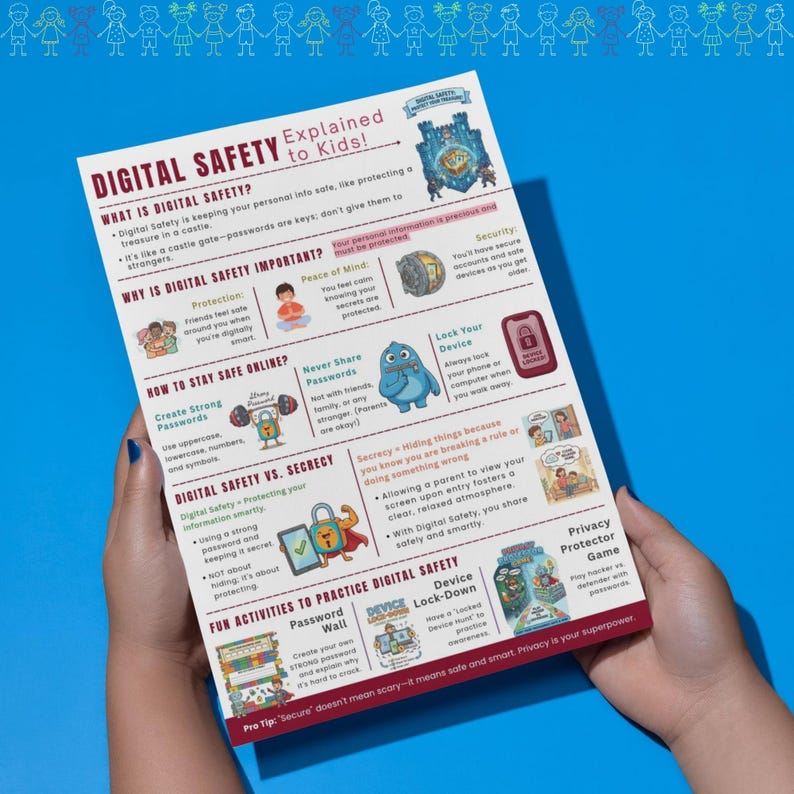
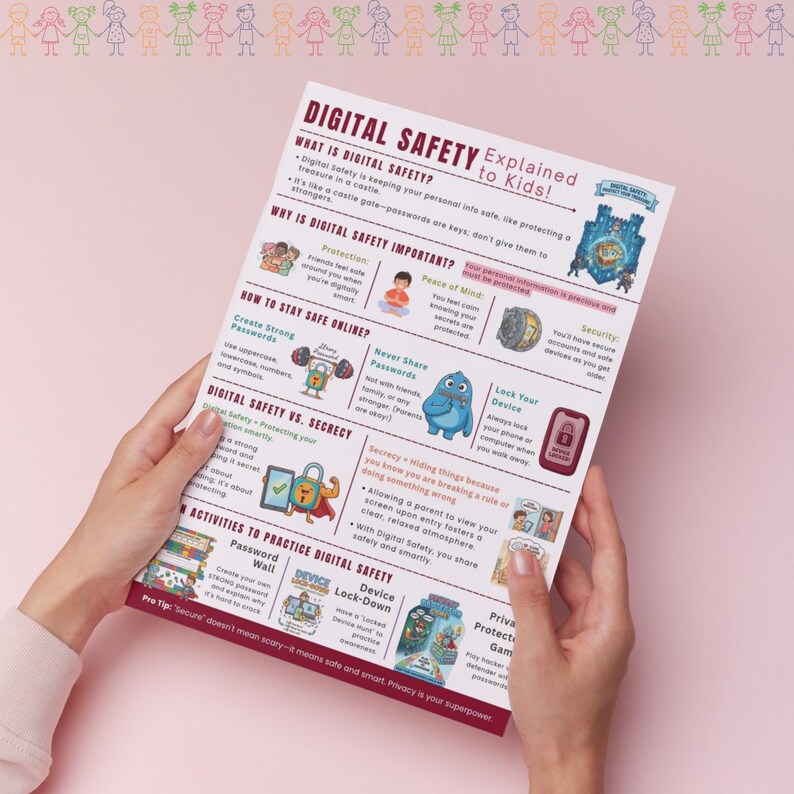
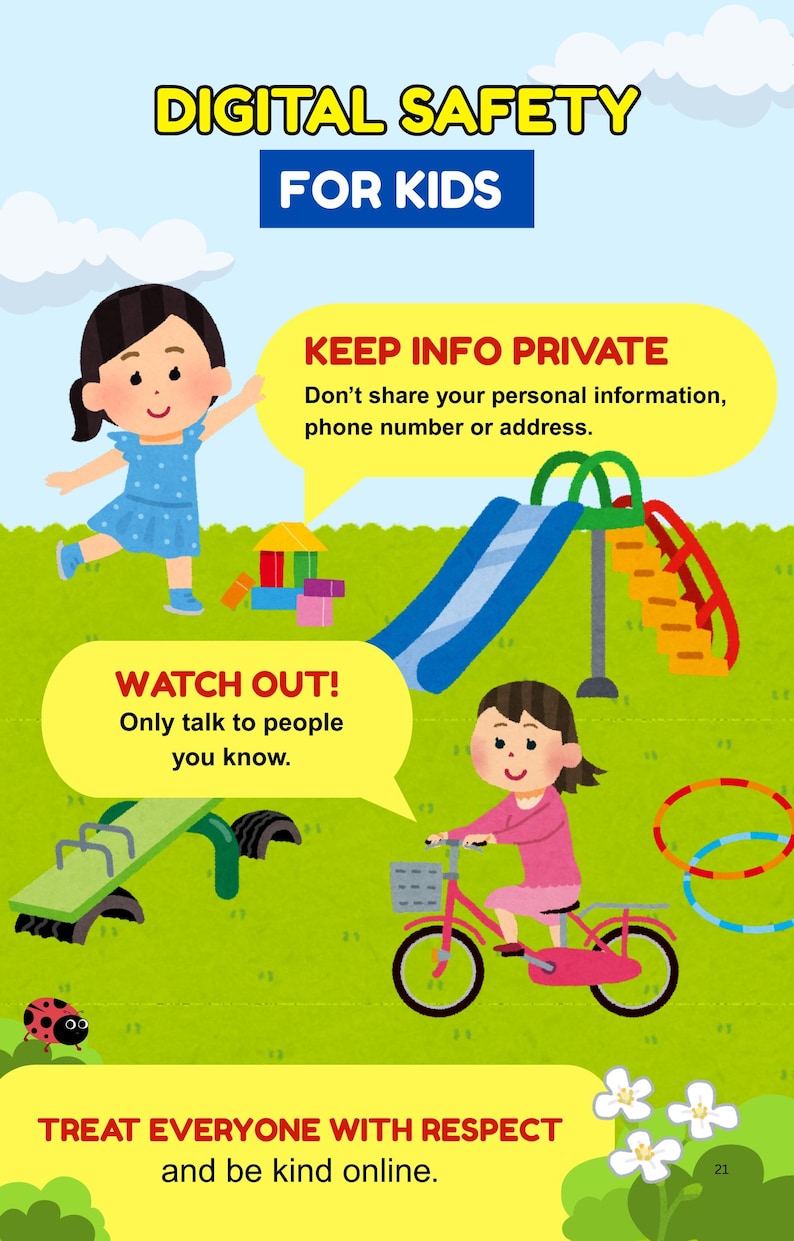
Effective digital citizenship relies on consistency between the classroom and the living room. Educators and parents can streamline these expectations by integrating structured routines into daily schedules. Start by establishing a central, public charging station for all mobile devices overnight to remove late-night screen temptation. Educators can introduce engaging worksheets that challenge students to spot phishing emails or identify safe online boundaries. Furthermore, schools can pair these activities with creative coloring pages for younger grades to anchor basic offline-to-online safety concepts visually.
Children are naturally resourceful, and overly restrictive internet filters often prompt students to seek out workarounds. When adults rely entirely on draconian software blocks without explanation, kids learn how to bypass restrictions instead of learning why the guardrails exist in the first place. Pairing technical filtering with open, non-judgmental conversations changes the dynamic. If a student encounters inappropriate content or stumbles across a sketchy link, they should feel comfortable reporting it immediately without fear of losing their device privileges entirely. Reinforce that digital safety for kids interactive sessions are designed to protect their learning space, not punish curiosity.
Frequently Asked Questions From Educators and Parents
What is the best age to introduce interactive internet safety tools?
Interactive safety concepts can begin as early as kindergarten using gamified modules and visual storytelling. As children transition into upper elementary and middle school, activities should expand to cover cyberbullying, privacy settings, and critical evaluation of online sources.
How can teachers reinforce digital safety without slowing down academic instruction?
Integrate digital citizenship lessons directly into existing subjects, such as evaluating online sources during history research or practicing safe communication during collaborative writing projects. For broader guidance, educators often consult resources provided by organizations like the Family Online Safety Institute.
What should a parent do if their child encounters cyberbullying online?
Stay calm, reassure your child that they did the right thing by telling you, and document the behavior by taking screenshots rather than deleting the evidence. Report the incident directly to the platform administrators and notify school staff if the involved parties are classmates.
Explore More Digital Citizenship Resources
Building a resilient online culture requires ongoing education, open dialogue, and dependable tools for both home and school environments. Dive deeper into our growing library of guides, lesson plans, and safety strategies by visiting SafeWiredSchools.org today to support your students’ digital journey.
Visual Reference Gallery





.png "When Can I Make Cyber Safety Week In My School")


