Introduction
Digital literacy begins long before children navigate complex web browsers independently. Modern elementary students encounter interactive environments through shared family tablets, multiplayer game chats, and educational video platforms during daily routines. According to Pew Research Center, a vast majority of parents with young children report that their kids interact with digital devices regularly, encountering digital spaces filled with hidden messages and pop-ups long before reaching middle school. Introducing fundamental cybersecurity concepts early helps transform abstract internet hazards into recognizable situations. Building these protective reflexes requires structured guidance rather than fear-based warnings. Free educational printables provide a tangible bridge for classrooms and living rooms, turning abstract online risks into approachable conversation topics. It sounds simple, and that’s the point: children learn best when complex ideas are broken down into relatable scenarios that mirror their actual digital experiences. Related guide: 5 Cyber Safety Tips Symbols That Can Be Read By The Grede 7 Students.
💡 Educational Key Takeaways:
- Core Skill: Structured Real Life Examples Of Phishing For Kids focused on developing pencil grip, stroke control, and early literacy/math confidence.
- Target Scope: Suited for homeschoolers, preschool, kindergarten, and elementary learners.
- Best Recommendation: Practice 10–15 minutes daily with ergonomic writing tools to reinforce muscle memory without hand fatigue.
What This Printable Covers
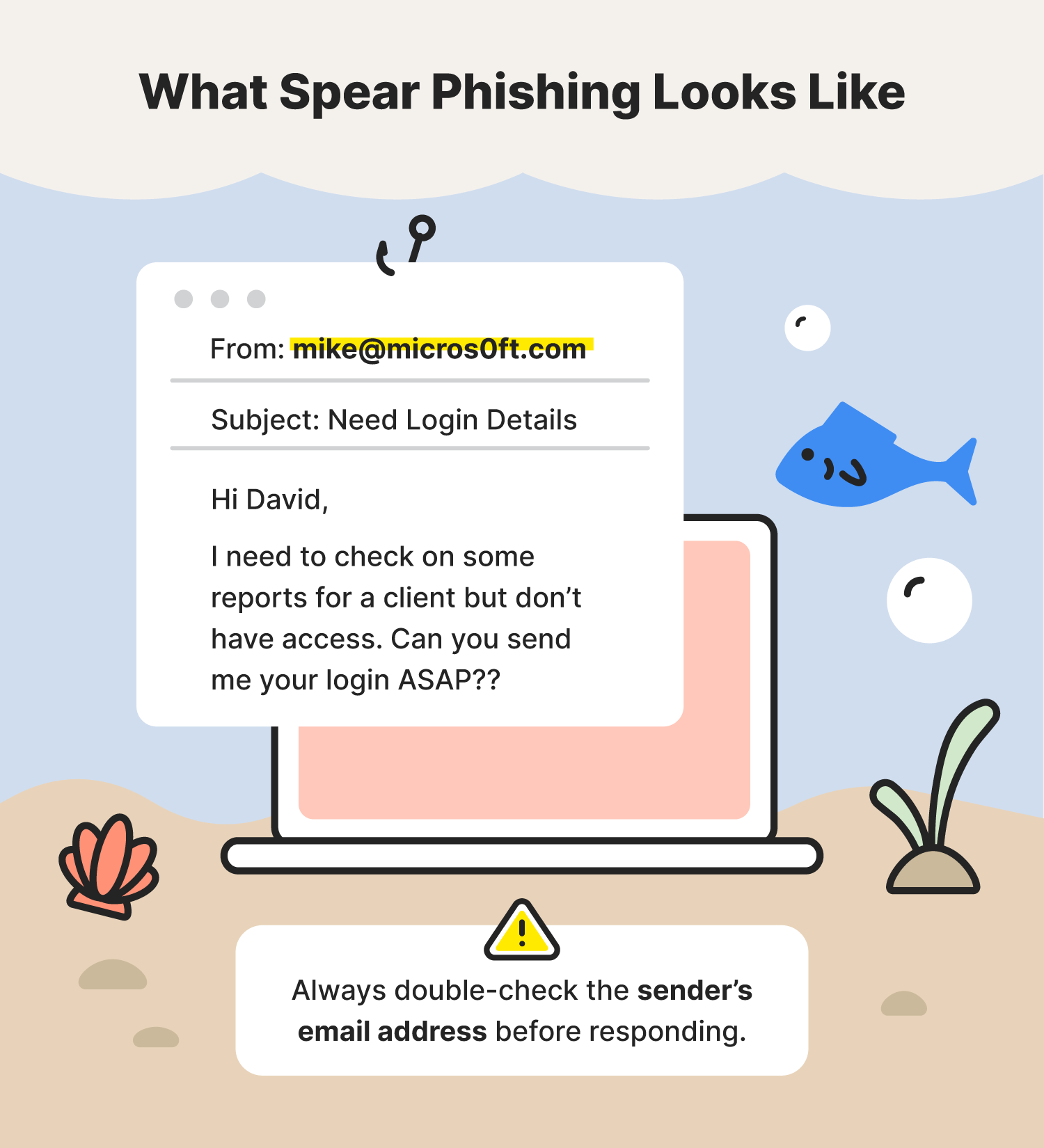
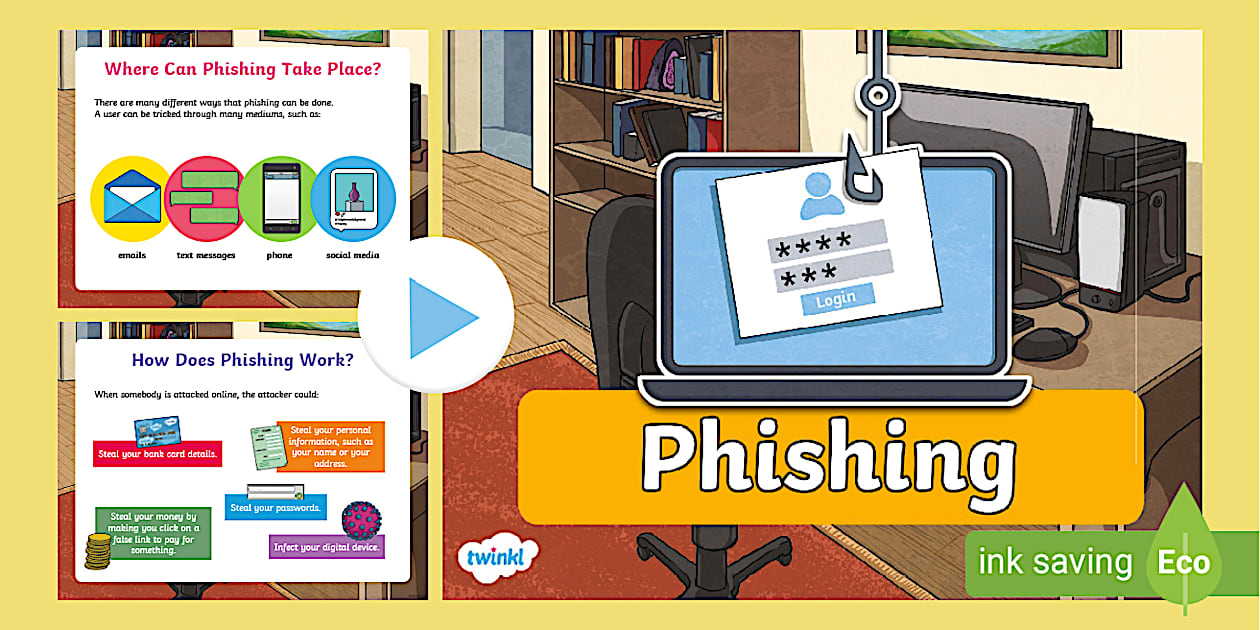
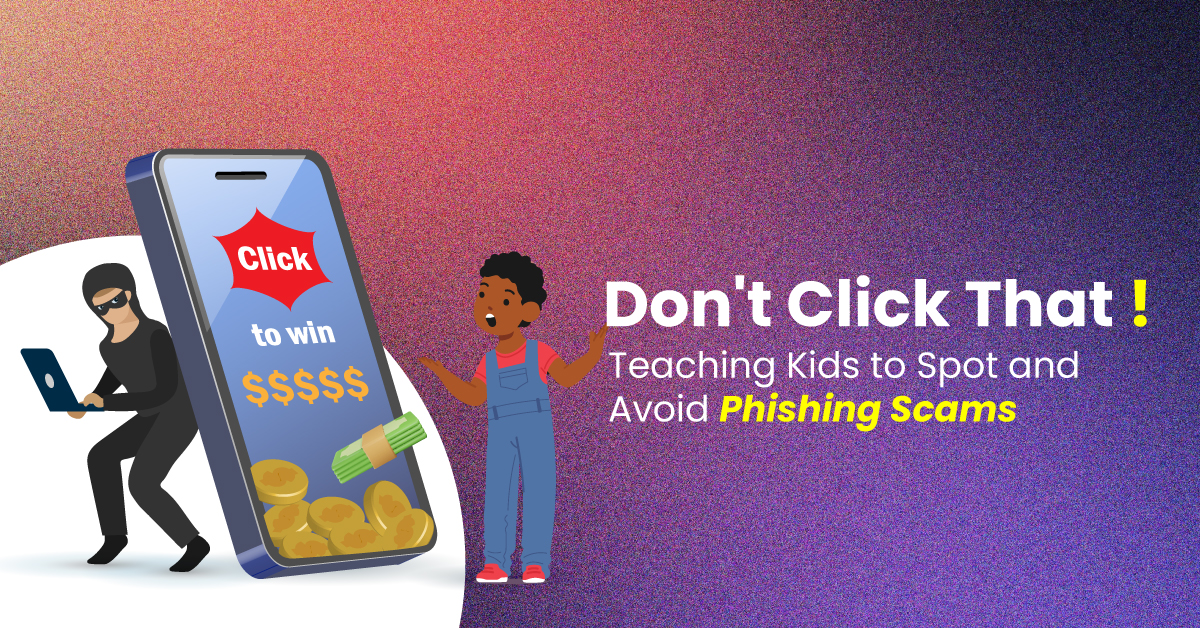
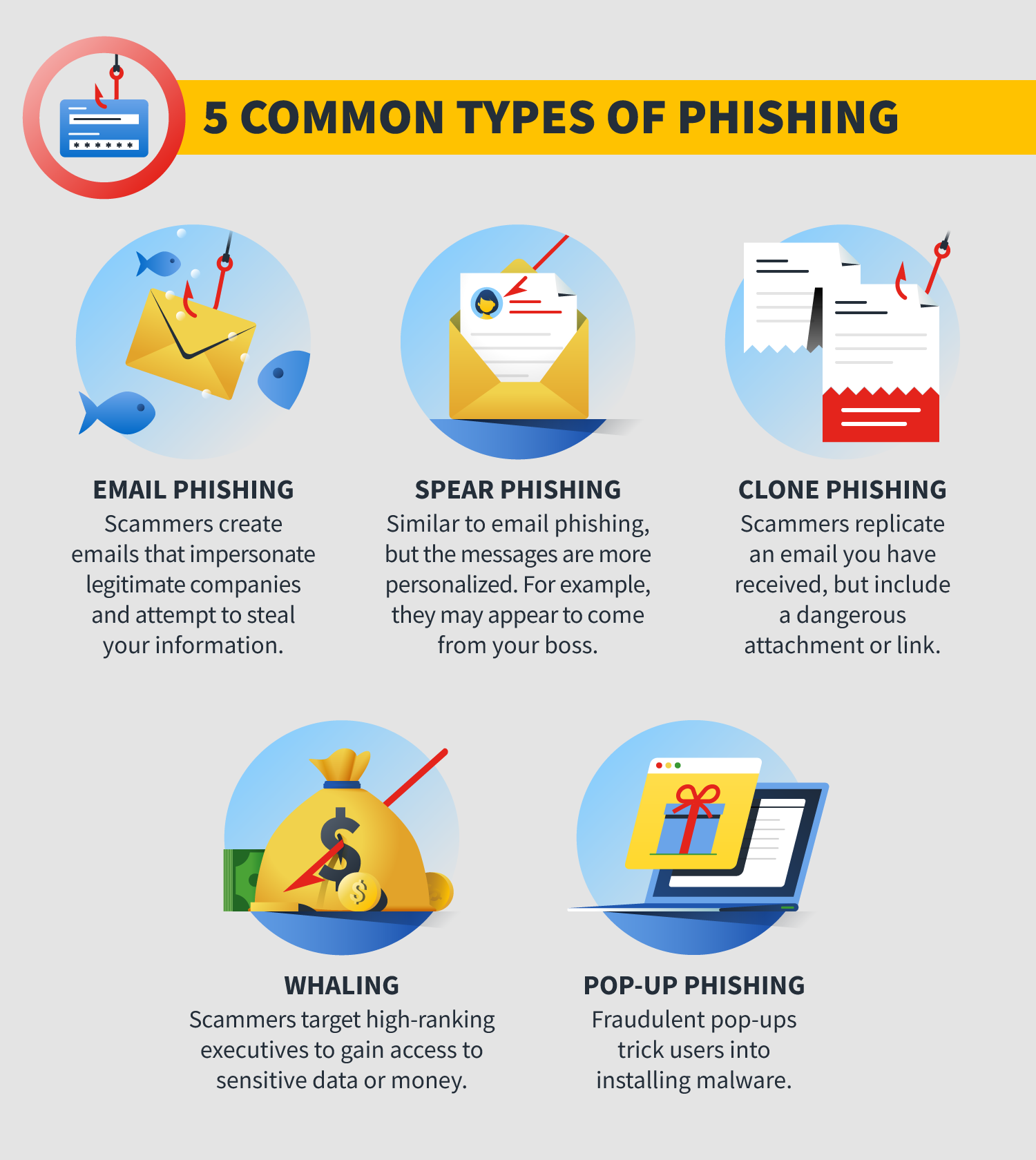
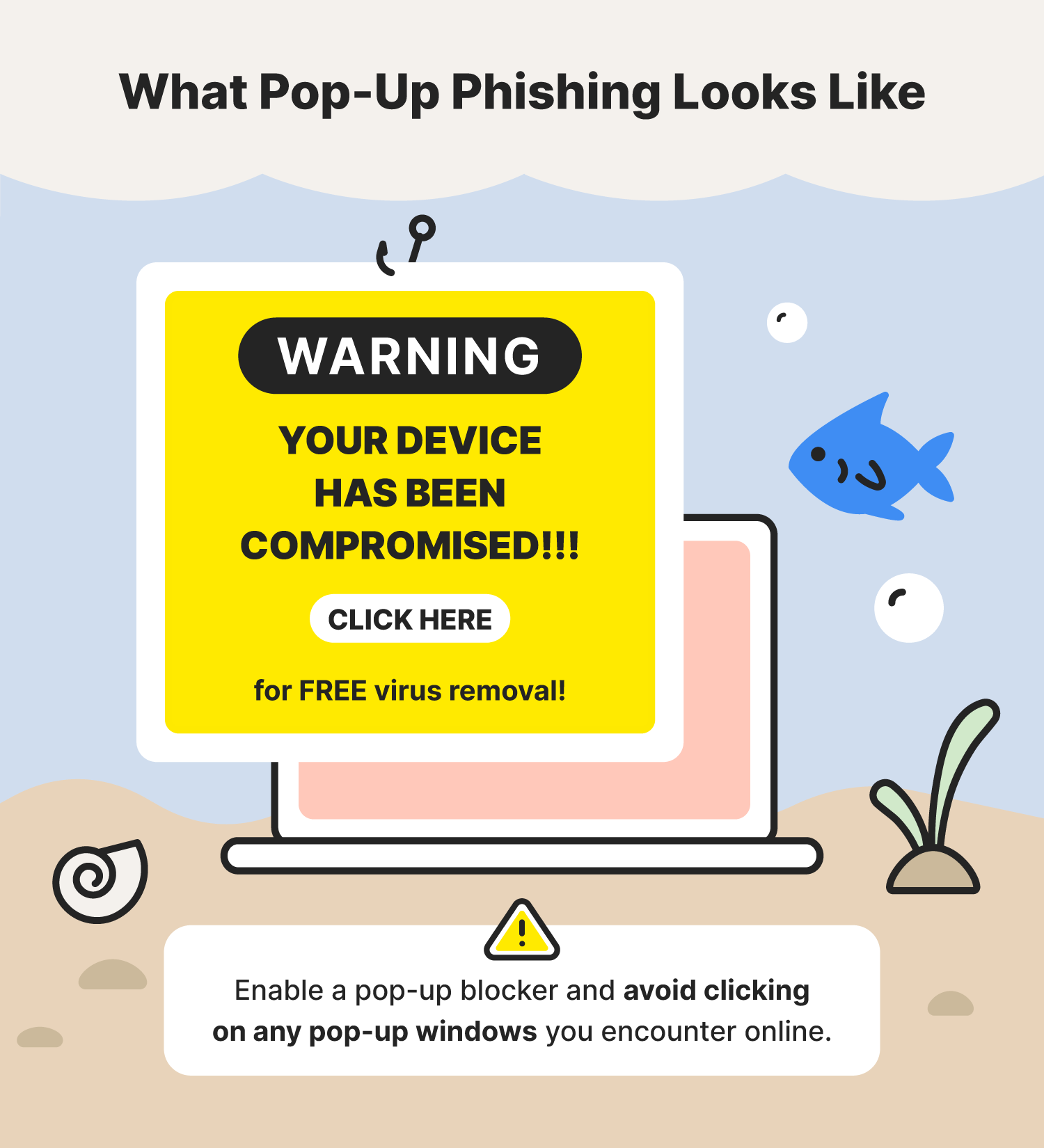
The free printable resource focusing on real life examples of phishing for kids tackles deceptive online communication through age-appropriate scenarios. Children often struggle to recognize when an online message is pretending to be someone trustworthy, such as a favorite game creator or a school system administrator. This learning material highlights common digital traps, including fake prize notifications inside game lobbies and urgent requests for personal passwords. Rather than relying on technical jargon, the activities feature familiar characters navigating everyday choices on shared household screens. Here’s what makes this resource different: it focuses heavily on emotional regulation, teaching young learners to pause when a message creates a sense of immediate panic or overwhelming excitement. This pedagogical approach empowers students to view digital skepticism as a normal, everyday superpower rather than a burden.
Key Learning Outcomes
Working through these scenarios builds specific cognitive habits essential for modern digital citizenship. Learners practice identifying digital red flags, such as spelling errors in official-looking notices or demands for secrecy regarding online interactions. Another critical outcome involves reinforcing the absolute rule that asking for help from a trusted adult is always the correct response to uncomfortable situations. Educators emphasize that children must know they are never in trouble for reporting a mistake online, whether they clicked a suspicious link by accident or shared information unintentionally. Ultimately, the activity encourages children to protect private data, maintain strong passwords, and think critically before tapping buttons on any interactive device.
How to Use This Printable
Facilitating this activity effectively requires a supportive environment where children feel comfortable sharing their digital missteps without fear of judgment. Teachers can integrate these scenarios into morning meetings, while parents can review the sheets during relaxed afternoon sessions at the kitchen table. The specific skill practiced here is situational analysis, allowing learners to break down a fictional message step-by-step and determine whether it is safe or suspicious. Guided discussions work wonders during this process, giving adults an opportunity to listen actively to how children perceive online communication. Exploring related interactive learning worksheets further reinforces these foundational safety habits across different formats.
Practical Tips for Parents and Teachers
Maximizing the educational value of these printables involves keeping the tone calm, collaborative, and entirely free of shame. Adults should invite children to spot the hidden tricks within the examples themselves, fostering independent critical thinking rather than simply delivering lectures. Connecting the printable scenarios directly to real household or classroom device rules helps cement the lesson in everyday reality. Keeping the dialogue open ensures that children view adults as safe harbor points whenever digital confusion arises. Browsing through additional internet and digital safety resources provides even more strategies for keeping young minds secure in connected spaces.
Age-Appropriate Recommendations
Tailoring these conversations to a child’s developmental stage ensures the concepts land effectively without causing unnecessary anxiety. Younger elementary students in the five-to-eight age range benefit from concrete rules about keeping personal information private and always checking with an adult before interacting with strangers online. Older elementary students aged nine to twelve can explore more nuanced digital dilemmas, such as recognizing deceptive social engineering tactics embedded in multiplayer chat rooms. Aligning these lessons with the Common Sense Education Digital Citizenship Curriculum provides a structured framework that supports healthy habit-building over time. While no printable guarantees complete safety, consistent dialogue builds the critical thinking skills children need as they grow into more autonomous digital explorers.
Young children frequently encounter digital ads, pop-ups, and interactive game prompts on shared household screens long before entering middle school. — Pew Research Center
Frequently Asked Questions
Addressing common inquiries helps adults implement these digital citizenship lessons with confidence and clarity.
Explore More Free Kids Online Safety Printables
Continuing the digital safety conversation requires a steady stream of fresh, engaging materials for growing learners. Discovering additional online and digital safety tools helps families and educators maintain consistent routines around technology use. Combining various formats, such as creative coloring pages and analytical exercises, ensures that every child finds an approachable entry point to lifelong digital wellness.
Developmental Milestone & Activity Table
| Development Stage | Recommended Daily Duration | Primary Learning Objective |
|---|---|---|
| Preschool & Pre-K | 10 – 15 Minutes | Pencil grip development & basic pre-stroke lines |
| Kindergarten | 15 – 20 Minutes | Letter/number formation & spatial line awareness |
| Early Elementary (Grade 1–2) | 20 – 30 Minutes | Fluency, sentence construction & neatness |
Images References