Introduction
Second graders navigate digital environments with a natural curiosity that often outpaces their understanding of online boundaries. Children in this age bracket frequently encounter digital spaces through shared household tablets, sibling gaming consoles, or school-issued laptops used for homework and interactive reading programs. They tap through video platforms and in-game chat features long before they possess the emotional maturity to handle unexpected content or peer pressure. Building healthy digital habits requires proactive education rather than reactive restriction. Free 2nd grade digital safety activity ideas available on {site_name} provide educators and caregivers with practical tools to introduce essential concepts without inducing fear. These structured materials transform abstract internet rules into tangible lessons that resonate with seven- and eight-year-old learners. Related guide: 5 Cyber Safety Tips Symbols That Can Be Read By The Grede 7 Students.
💡 Educational Key Takeaways:
- Core Skill: Structured 2Nd Grade Digital Safety Activity Ideas focused on developing pencil grip, stroke control, and early literacy/math confidence.
- Target Scope: Suited for homeschoolers, preschool, kindergarten, and elementary learners.
- Best Recommendation: Practice 10–15 minutes daily with ergonomic writing tools to reinforce muscle memory without hand fatigue.
What This Printable Covers
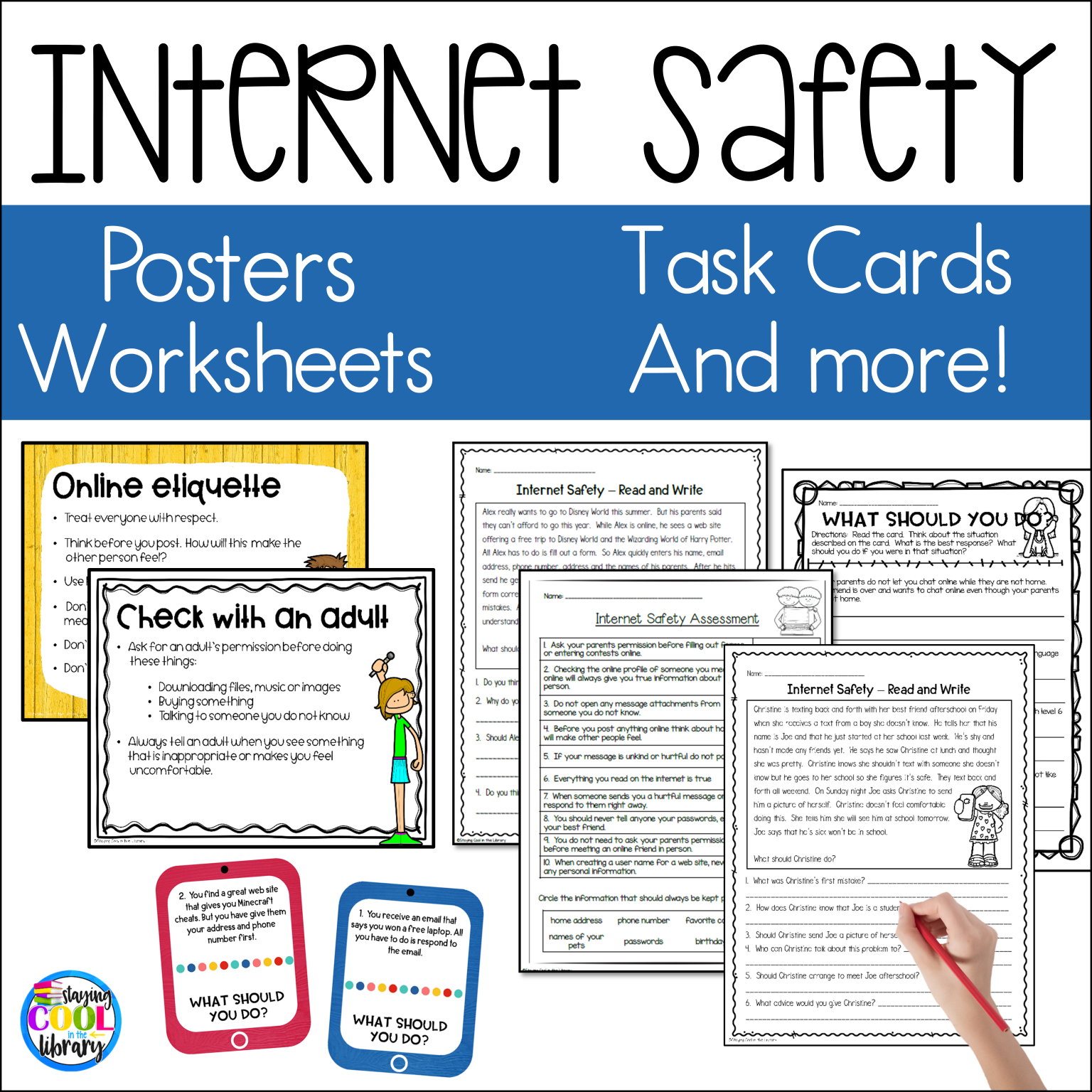
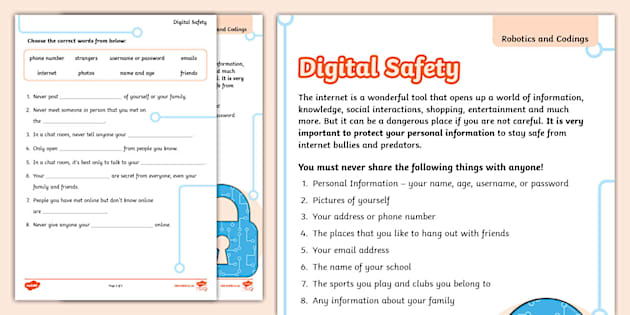
Each worksheet focuses on foundational protective habits, emphasizing that digital citizenship is a lifelong skill set rather than a list of prohibitions. Children learn the difference between public and private information, discovering why full names, home addresses, and school titles must never be typed into unknown fields. The exercises address password strength through engaging puzzles, teaching learners why guessing keys should remain difficult for strangers. Scenarios prompt students to identify trusted adults in their lives, reinforcing the vital message that children are never in trouble for reporting something uncomfortable or confusing online. Recognizing strange pop-ups or unexpected messages becomes a game of spotting digital clues, empowering students to pause and seek guidance instead of clicking blindly.
Key Learning Outcomes
Working through these printable exercises helps young students articulate their boundaries clearly and confidently. According to Common Sense Media, children who engage in regular conversations about digital dilemmas demonstrate greater resilience when encountering uncomfortable moments online. The activities stress the pause-and-think method, encouraging kids to evaluate a situation before sharing a photo or replying to a message. Students learn to recognize kindness as a requirement in digital communication, mirroring the same respectful behavior expected on the physical playground. Most importantly, the framework destigmatizes mistakes, ensuring that children know an accidental click on a strange link leads to an immediate conversation rather than punishment.
How to Use This Printable
Successful implementation relies on keeping the atmosphere light, collaborative, and entirely free of judgment. Adults can introduce the printable activities during a morning meeting, a calm classroom center rotation, or a quiet afternoon at the kitchen table. It sounds simple, and that is the point: these pages serve as conversation starters rather than independent test materials. Sitting side-by-side allows adults to ask open-ended questions like “What would you do if a character in a game asked for your favorite color?” This approach shifts the dynamic from lecturing to problem-solving together, which builds trust between the child and the supervising adult.
Practical Tips for Parents and Teachers
Maximizing the educational value of these exercises involves connecting the paper prompts directly to daily screen routines. Educators can tape completed safety pledges near classroom computer stations as visual reminders, while parents might keep them near the family charging dock. Here’s what makes this resource different: it anchors abstract digital safety rules into physical classroom or household objects that children interact with daily. Praise effort over perfection when students work through the scenarios. Celebrating when a child successfully identifies a tricky online situation reinforces positive reporting behaviors and keeps communication channels wide open.
Age-Appropriate Recommendations
Designing instruction for seven- and eight-year-olds requires aligning lessons with their developmental stages and cognitive abilities. According to the Common Sense Education Digital Citizenship Curriculum, children at this developmental level benefit most from concrete examples, visual storytelling, and immediate reinforcement of positive behaviors. Educators should avoid technical jargon, opting instead for relatable metaphors like digital fences and online neighborhood safety. Keeping sessions brief—around fifteen to twenty minutes—ensures sustained engagement and prevents cognitive overload.
Children who discuss digital dilemmas regularly with trusted adults show greater resilience online. — Common Sense Media
Frequently Asked Questions
Finding the right resources to support digital citizenship should be straightforward for busy adults. Accessing these tools requires no special software, making them easy to bring into any home or classroom environment. Additional materials addressing broader Internet and Digital Safety concepts can complement these foundational lessons as children grow.
Explore More Free Kids Online Safety Printables
Continuing the digital safety journey involves introducing new concepts at a comfortable, developmentally appropriate pace. Exploring additional resources helps reinforce these habits across different subjects and settings. Caregivers and educators can browse a wide collection of Online and Digital Safety tools to find fresh ways to keep conversations engaging. Building a safe digital environment is an ongoing partnership between children and the adults who guide them.
Developmental Milestone & Activity Table
| Development Stage | Recommended Daily Duration | Primary Learning Objective |
|---|---|---|
| Preschool & Pre-K | 10 – 15 Minutes | Pencil grip development & basic pre-stroke lines |
| Kindergarten | 15 – 20 Minutes | Letter/number formation & spatial line awareness |
| Early Elementary (Grade 1–2) | 20 – 30 Minutes | Fluency, sentence construction & neatness |
Images References