Introduction
Digital learning tools have transformed modern classrooms, bringing textbooks and assignments onto shared family tablets, school-issued laptops, and collaborative classroom platforms. Alongside these incredible educational benefits comes a new set of digital responsibilities for young learners. Children frequently encounter online platforms during collaborative school projects, through in-game chat features on educational websites, or when navigating shared family devices. Teaching students how to secure their accounts is no longer an optional tech lesson; it is a fundamental life skill. One of the most effective ways to introduce account security is through the free printable “why two factor authentication needed for student for school” available on {site_name}. This structured guide helps demystify digital security, framing protective habits as superpowers rather than chores to dread. Related guide: Teachers Of Grades 9–12 Should Expand Internet Safety Instruction To Include Which Of The Following Topics?.
💡 Educational Key Takeaways:
- Core Skill: Structured Why Two Factor Authentication Needed For Student For School focused on developing pencil grip, stroke control, and early literacy/math confidence.
- Target Scope: Suited for homeschoolers, preschool, kindergarten, and elementary learners.
- Best Recommendation: Practice 10–15 minutes daily with ergonomic writing tools to reinforce muscle memory without hand fatigue.
What This Printable Covers
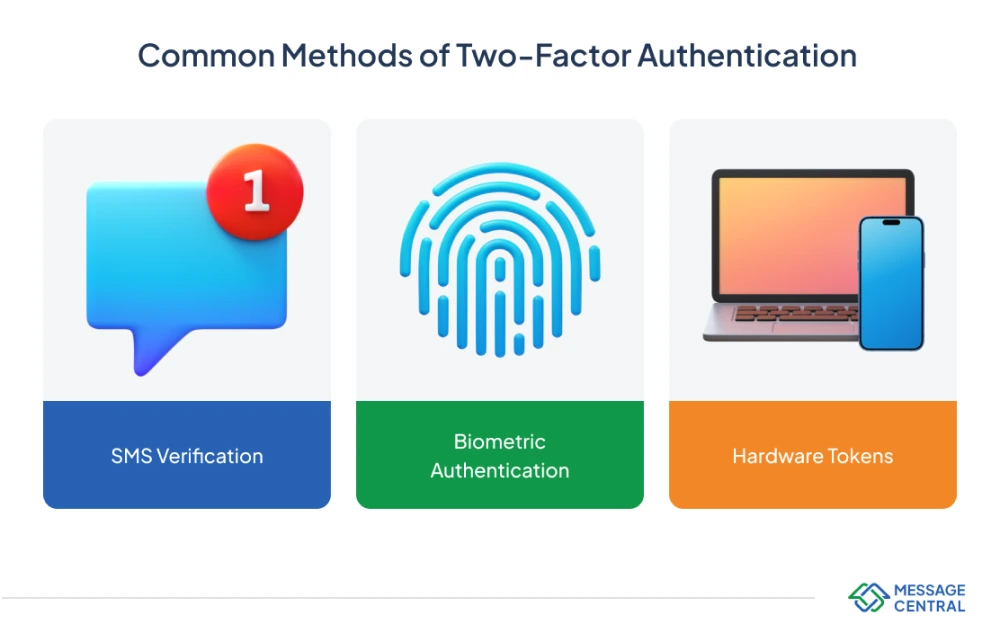
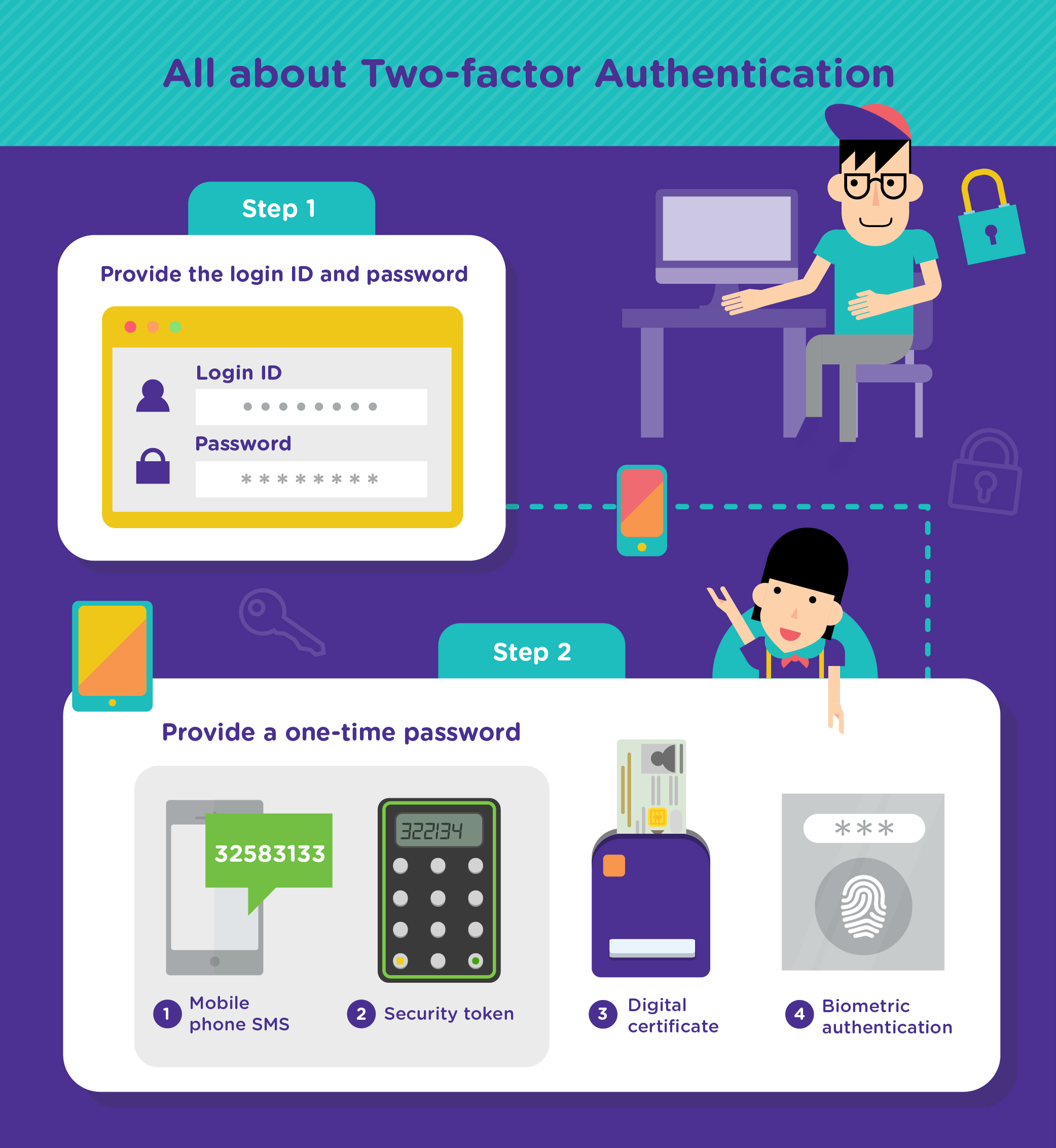
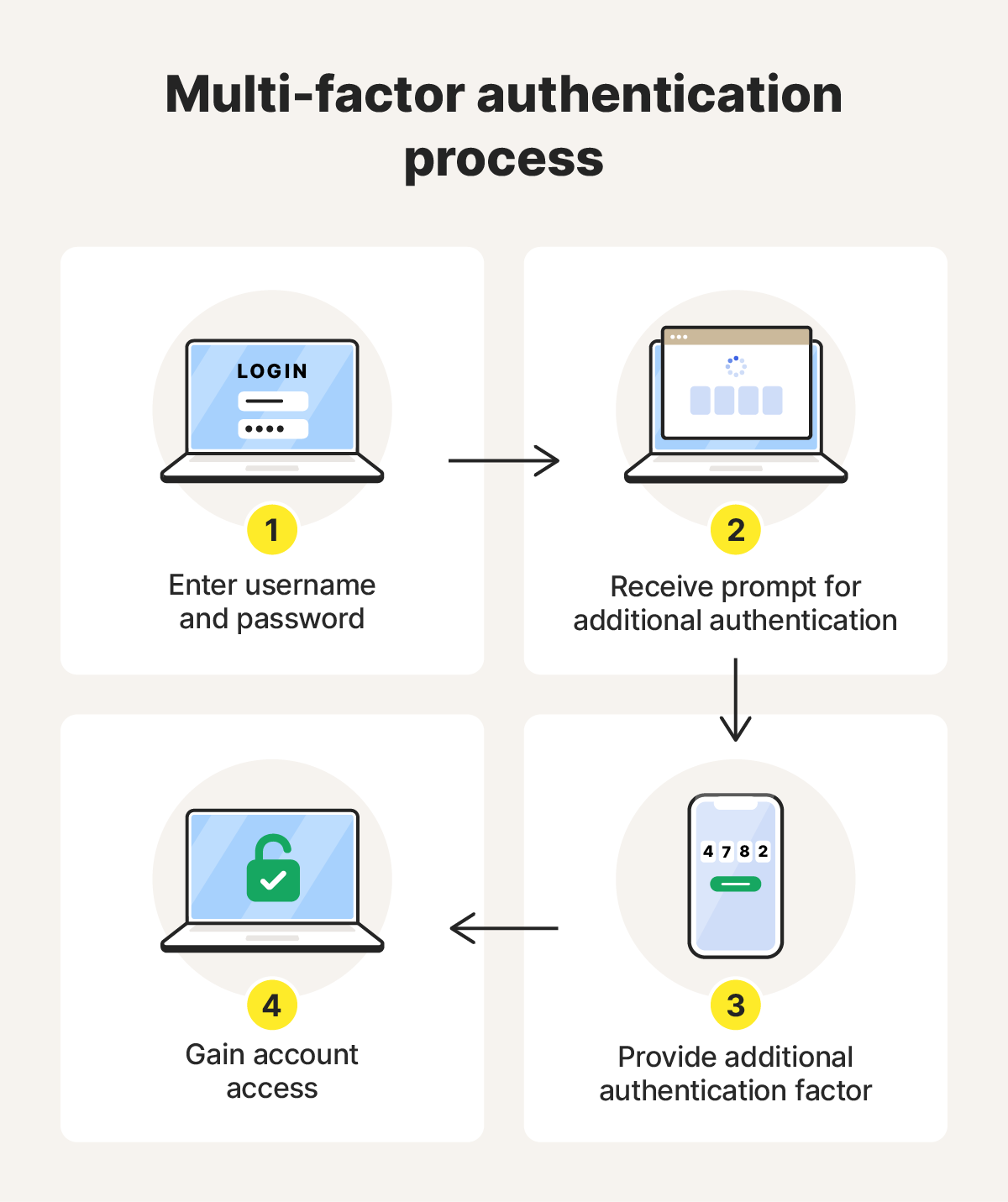
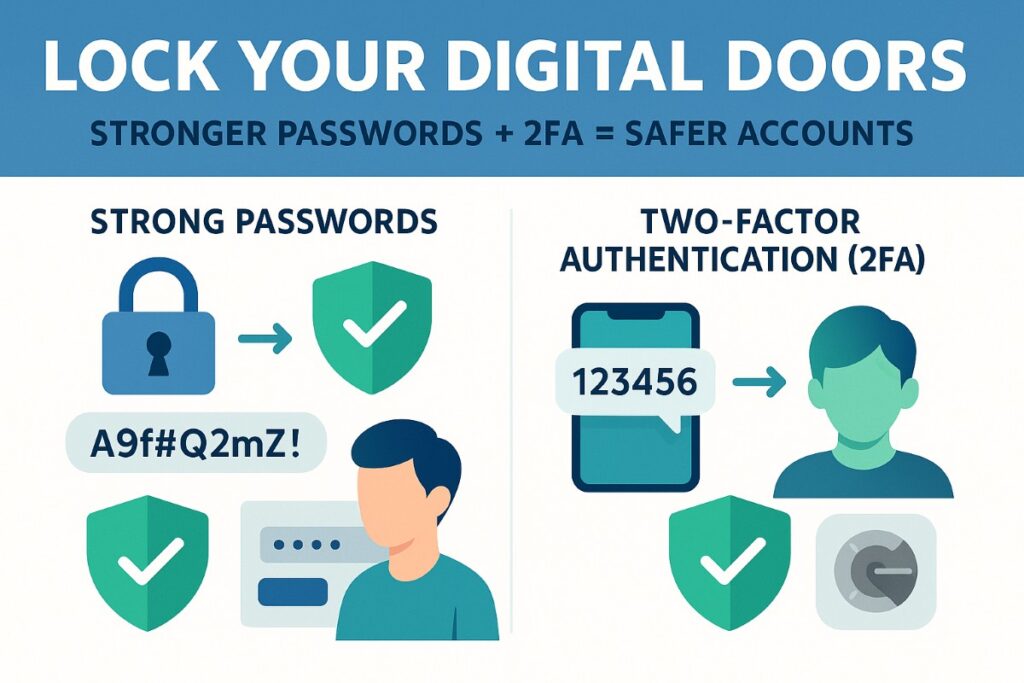
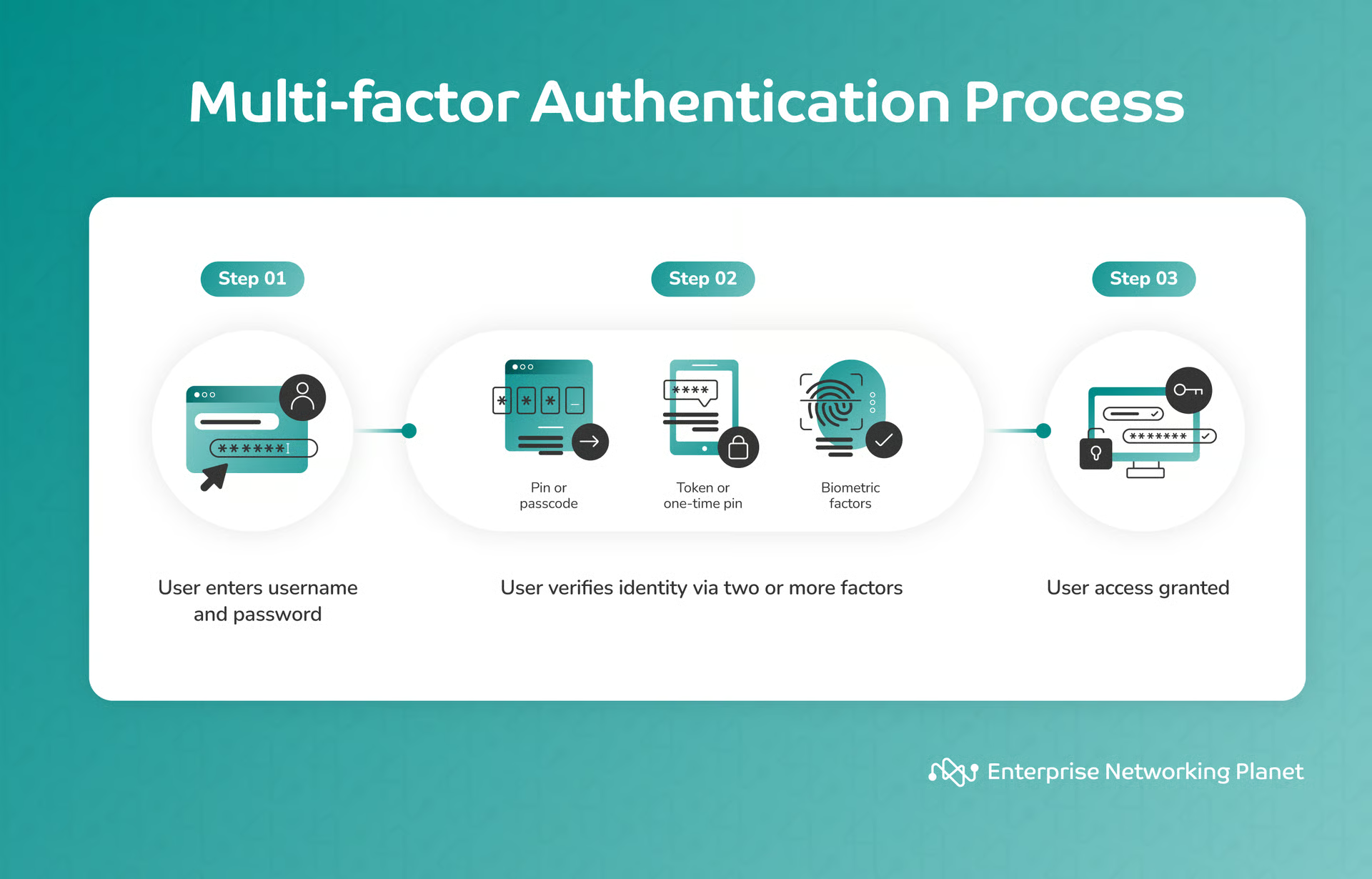
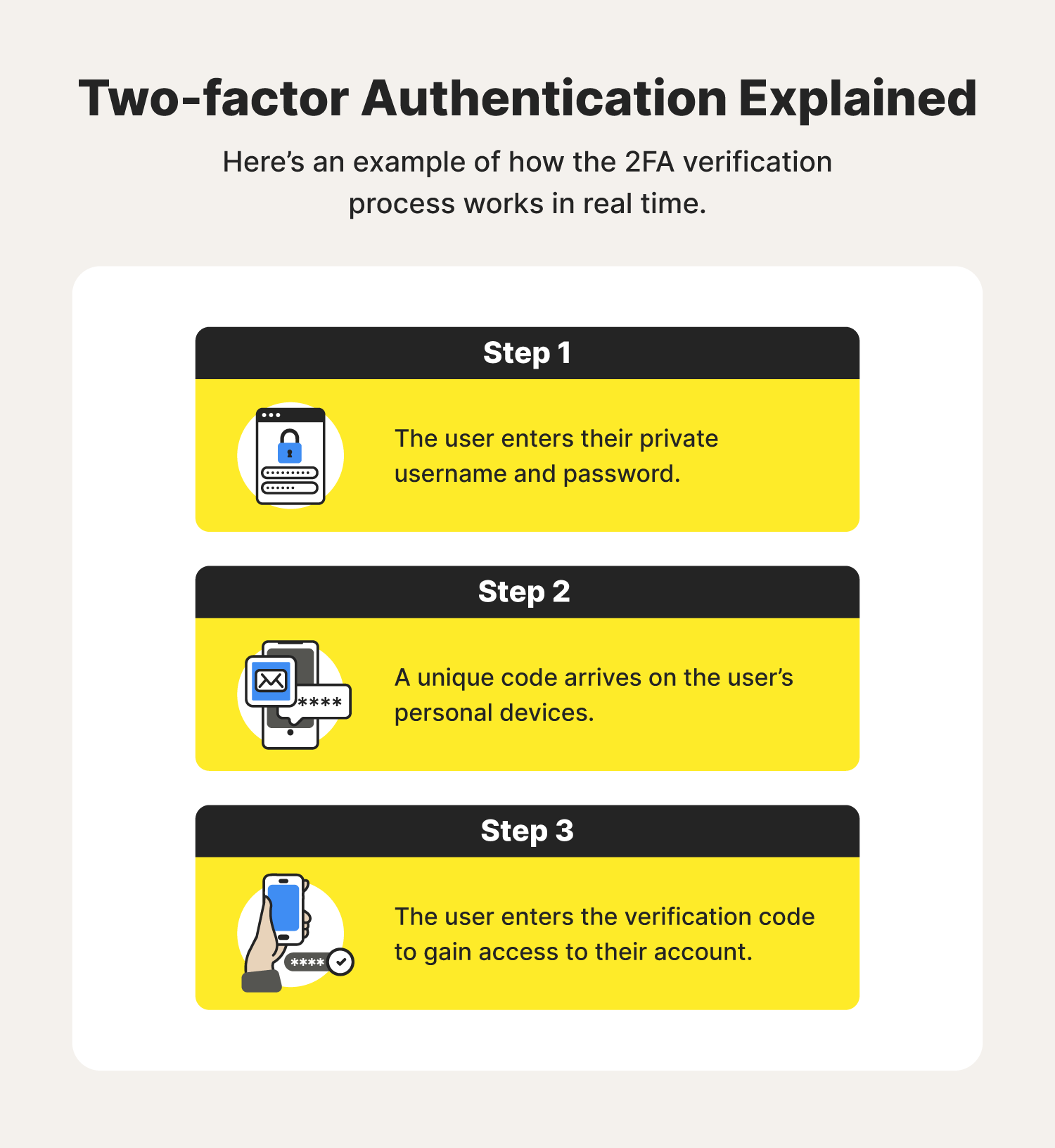
The resource breaks down the concept of two-factor authentication into digestible pieces that elementary and middle school students can readily grasp. Instead of dense technical jargon, the material uses relatable analogies, comparing a digital account to a locker that requires both a key and a secret code. Students explore the mechanics of verification codes sent to trusted devices, understanding that passwords alone can sometimes be guessed or forgotten. The content reinforces foundational concepts like keeping personal information private, creating strong passwords, and recognizing when a digital door needs extra reinforcement. It sounds simple, and that’s the point: making security approachable removes intimidation and encourages active participation from young learners.
Key Learning Outcomes
Working through this instructional guide helps students connect everyday digital actions with real-world account protection. Learners discover why relying solely on a basic password leaves school portals vulnerable to unauthorized access. The activity cultivates critical thinking by prompting students to evaluate digital scenarios and identify the safest path forward. Furthermore, the resource normalizes asking trusted adults for help when verification codes fail or prompts appear unexpectedly. Children learn that reporting digital confusion or uncomfortable login prompts is always met with support, ensuring they never fear getting in trouble for speaking up.
How to Use This Printable
Integrating this educational material into a home or classroom setting requires minimal preparation. Educators can print copies for independent morning work, small group discussions, or technology lab readiness sessions. Homeschooling families often find success reviewing the pages side-by-side during a weekly digital citizenship block. The layout invites collaborative conversation, making it easy for adults to pause and ask guiding questions about how children navigate shared devices. Here’s what makes this resource different: it transforms an invisible, abstract backend security process into a tangible topic that children can visualize, discuss, and master together with their educators.
Practical Tips for Parents and Teachers
Maximizing the impact of any digital safety tool involves anchoring the lesson in everyday routines. Adults should connect the concepts on the page to real-world scenarios, such as logging into a school reading portal or a math application. Establishing clear rules around device usage ensures children know exactly who to approach when facing a technical hurdle. For deeper exploration into protecting student devices, educators and families can visit Internet and Digital Safety to find supplementary strategies. Consistency between home and school environments reinforces that digital citizenship extends far beyond the computer lab.
Age-Appropriate Recommendations
Tailoring digital safety conversations to a child’s developmental stage ensures the message resonates without causing unnecessary anxiety. Younger elementary students benefit from basic discussions on keeping private details safe, while older children can handle the mechanics of multi-step verification. Grounding these lessons in established frameworks, such as the Common Sense Education Digital Citizenship Curriculum, provides educators with reliable progression milestones. To keep building on these digital wellness concepts, adults often browse through Worksheets designed for various grade levels. Framing account protection as a skill to build, rather than a threat to dread, empowers children to take pride in their growing digital independence.
According to the Federal Trade Commission, children are increasingly navigating online school portals and shared educational platforms, making foundational account security education essential for young digital learners. — FTC
Frequently Asked Questions
Navigating digital safety tools sparks common inquiries among parents and educators seeking to protect young learners. Clear answers help adults implement these resources effectively.
Research from Common Sense Media highlights that the vast majority of kids and teens use shared or personal digital devices for schoolwork daily, underscoring the need for accessible account protection education. — Common Sense Media
Explore More Free Kids Online Safety Printables
Expanding a digital citizenship curriculum takes a variety of engaging, hands-on materials. Educators can find creative ways to spark dialogue by browsing Coloring Pages that reinforce positive online habits. For additional guidance on safeguarding student data and fostering responsible device habits, explore the resources available at Online and Digital Safety. Combining these diverse tools ensures children develop a well-rounded understanding of how to navigate the digital world safely, confidently, and responsibly.
Developmental Milestone & Activity Table
| Development Stage | Recommended Daily Duration | Primary Learning Objective |
|---|---|---|
| Preschool & Pre-K | 10 – 15 Minutes | Pencil grip development & basic pre-stroke lines |
| Kindergarten | 15 – 20 Minutes | Letter/number formation & spatial line awareness |
| Early Elementary (Grade 1–2) | 20 – 30 Minutes | Fluency, sentence construction & neatness |
Images References