Why Tangible Offline Tools Strengthen Student Cyber Resilience
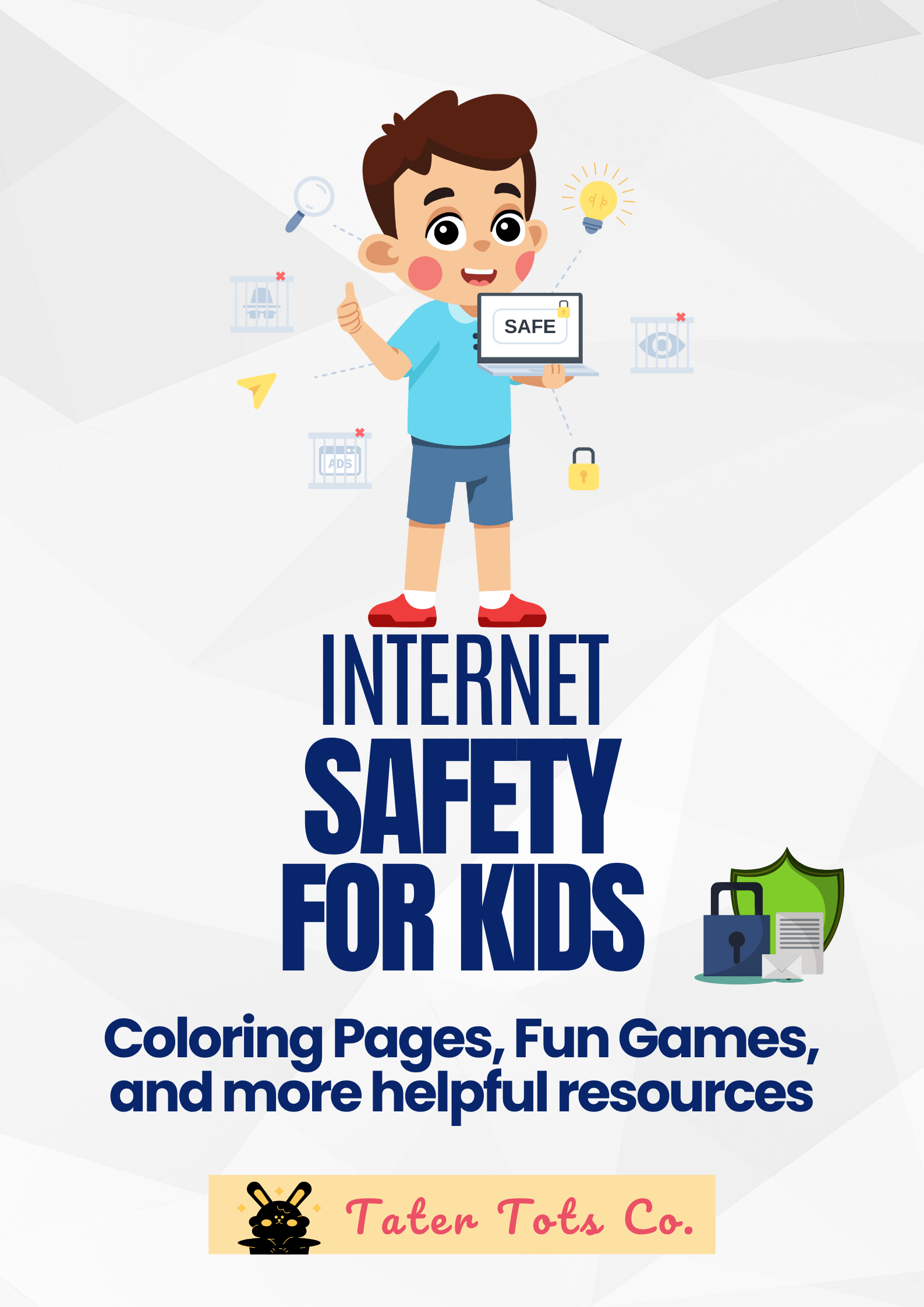
In our increasingly connected classrooms and households, children navigate everything from school-issued tablets to multiplayer chat rooms on a daily basis. While digital filters and software alerts play a vital role, bridging the gap between abstract internet rules and daily habits often requires a hands-on approach. Organizations like ConnectSafely and the Cybersecurity and Infrastructure Security Agency emphasize that kids absorb complex safety concepts best when they can interact with them physically. Utilizing a structured set of printable online internet safety for kids resources allows educators and parents to slow down screen time, open up face-to-face dialogue, and reinforce critical thinking through interactive offline exercises found in our Worksheets section.
💡 Educational Key Takeaways:
- Core Skill: Structured Printable Online Internet Safety For Kids focused on developing pencil grip, stroke control, and early literacy/math confidence.
- Target Scope: Suited for homeschoolers, preschool, kindergarten, and elementary learners.
- Best Recommendation: Practice 10–15 minutes daily with ergonomic writing tools to reinforce muscle memory without hand fatigue.
Mapping Digital Risks to Effective Preventive Guardrails
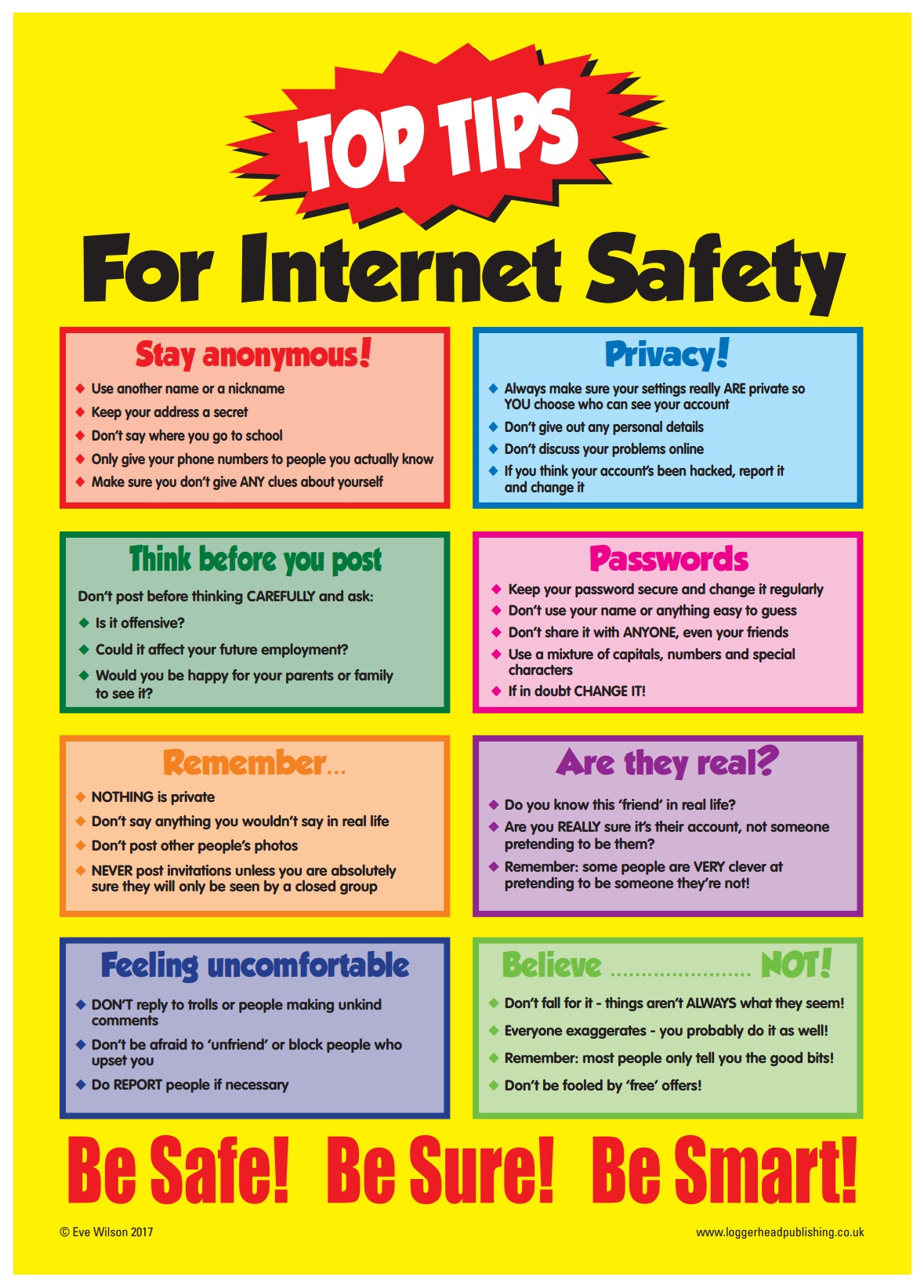
Protecting youth online requires looking beyond basic content blocks to understand how kids actually experience the web. Whether they are using school Chromebooks, personal tablets, or home gaming consoles, children face distinct vectors for distraction, oversharing, and accidental contact with inappropriate material. The breakdown below highlights common vulnerabilities across different environments alongside actionable guardrails adults can implement immediately. Related guide: 5 Cyber Safety Tips Symbols That Can Be Read By The Grede 7 Students.
| Setting / Context | Common Vulnerability | Practical Safeguard |
|---|---|---|
| Home Devices & Tablets | Late-night browsing and unsupervised app downloads bypassing default parental controls. | Establish a central family charging station outside bedrooms and require parent approval for new downloads. |
| School Chromebooks | Bypassing network filters using unauthorized browser extensions or proxy sites during downtime. | Review browser extension permissions weekly and integrate lessons on digital citizenship from our Internet and Digital Safety hub. |
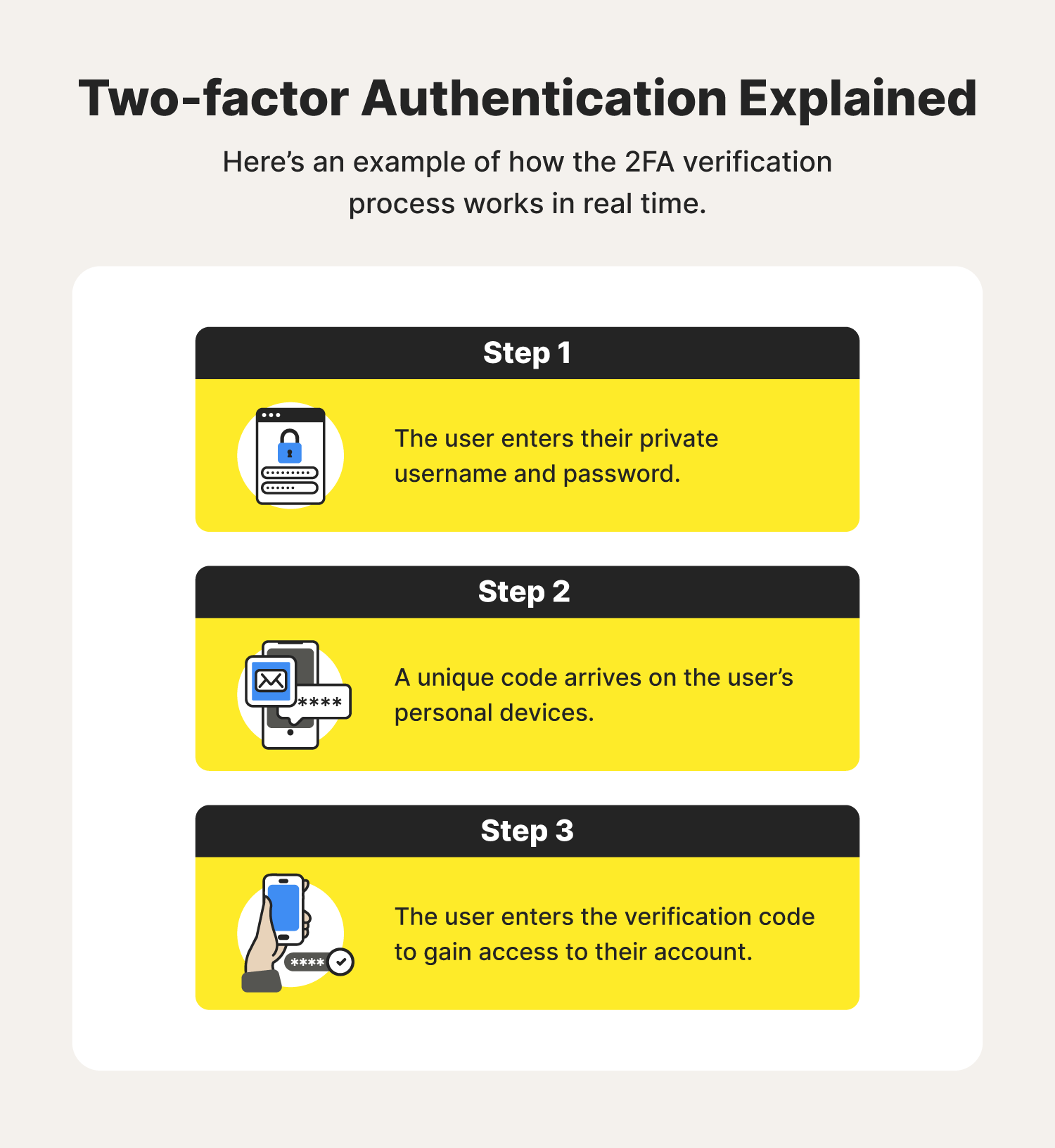
| Multiplayer Chat & Social Apps | Oversharing personal details or location data with strangers in game lobbies. | Review privacy settings together, disable public voice and text chat on open platforms, and practice secure password habits. |
Establishing Clear Routines and Calm Household Boundaries
Consistency between school policies and home expectations is the cornerstone of effective digital citizenship. When kids receive mixed messages about screen time and web safety, confusion and secretive behavior follow. Adults can foster transparency by utilizing printable offline activities, such as those available in our Coloring Pages collection, which make foundational security rules approachable for younger elementary students. Pair these visual tools with regular routines like family tech check-ins where kids can report weird pop-ups, cyberbullying, or uncomfortable messages without fear of having their devices permanently confiscated.
Children and teens are remarkably resourceful when they encounter restrictions, often finding clever workarounds to access blocked games or bypass downtime limits. When adults react with immediate anger or overly draconian bans, kids simply learn to hide their digital activities more effectively. A more sustainable strategy pairs age-appropriate device controls with open, non-judgmental conversations. By validating their desire to connect while clearly explaining the privacy and security logic behind specific rules, educators and parents build long-term trust and encourage kids to speak up when something online goes wrong.
Frequently Asked Questions About Offline Safety Tools
At what age should I introduce offline internet safety worksheets to children?
Children in kindergarten through second grade benefit immensely from visual offline activities that introduce basic concepts like private versus public information. As kids mature into upper elementary and middle school, worksheets can transition toward more complex topics like digital footprints, evaluating credible sources, and recognizing online scams.
How can teachers integrate printable safety activities into a busy curriculum?
Educators can seamlessly weave 10-minute digital citizenship warm-ups into morning meetings, computer lab rotations, or advisory periods. These printable exercises provide a welcome screen break while reinforcing the exact safety protocols students need when operating school-issued technology.
Are printable activities enough to keep kids safe from online predators and scams?
Printables are not a standalone shield, but rather a catalyst for meaningful conversations and habit-building. They work best when combined with active adult mentorship, router-level home filtering, and school-managed content filters that adapt to evolving online threats.
Explore More Digital Citizenship Resources
Empowering children to become safe, responsible digital citizens requires ongoing collaboration between home and school. Discover our complete library of expert guides, student activities, and policy frameworks designed to protect kids across every connected environment by visiting SafeWiredSchools.org.
Visual Reference Gallery