Why Deceptive Online Messages Threaten Modern Student Digital Communities
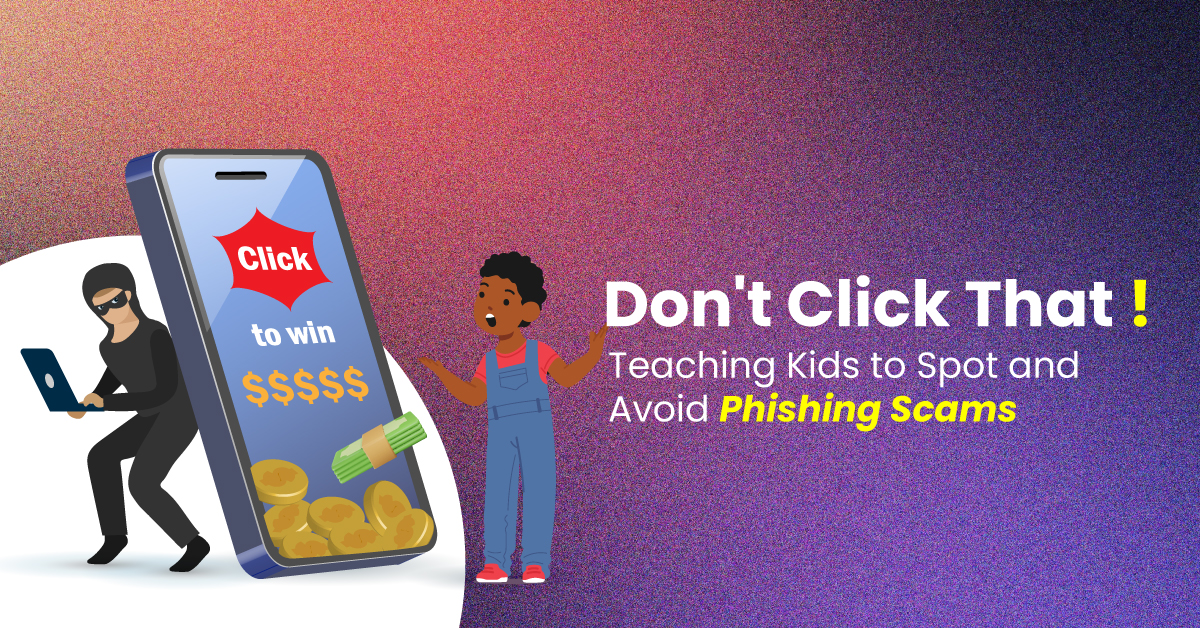
As students navigate connected classrooms, multiplayer games, and shared school tablets, cyber threats have evolved far beyond basic computer viruses. Today’s digital trickery frequently targets youth through emotional manipulation, enticing free rewards, and urgent alerts that mimic trusted brands or school platforms. Learning phishing for kids requires shifting away from fear-based warnings and toward practical, confidence-building habits. According to youth privacy guidance from organizations like ConnectSafely and the Federal Trade Commission, young internet users often fall victim to fraudulent links because they trust friendly avatars, familiar logos, and gamified prompts without questioning the underlying source. Building resilience means teaching students to spot the subtle warning signs before they tap, click, or type.
💡 Educational Key Takeaways:
- Core Skill: Structured Learning Phishing For Kids focused on developing pencil grip, stroke control, and early literacy/math confidence.
- Target Scope: Suited for homeschoolers, preschool, kindergarten, and elementary learners.
- Best Recommendation: Practice 10–15 minutes daily with ergonomic writing tools to reinforce muscle memory without hand fatigue.
Evaluating Risk Signals and Preventive Guardrails
Protecting children across home networks and managed school devices demands a blend of technical settings and behavioral supervision. Adults must understand where student vulnerabilities intersect with common digital platforms, from chat applications in virtual classrooms to mobile app stores on personal smartphones. The breakdown below details specific high-risk contexts, common student vulnerabilities, and actionable safeguards educators and parents can implement today. Related guide: Teachers Of Grades 9–12 Should Expand Internet Safety Instruction To Include Which Of The Following Topics?.
| Setting / Context | Common Vulnerability | Practical Safeguard |
|---|---|---|
| Home Wi-Fi & Personal Tablets | Children clicking pop-up ads promising free in-game currency or downloadable mods. | Enable strict browser safe-search filters, block third-party cookies, and review app download permissions together. |
| School Chromebooks & LMS Portals | Students mistaking lookalike login pages or urgent assignment alerts for official teacher notices. | Rely on district single sign-on portals and review our Internet and Digital Safety modules for classroom verification tips. |
| Multiplayer Chat & Social Apps | Direct messages from malicious accounts claiming a user’s account is suspended unless they click a link. | Turn off direct messaging on non-educational apps and establish a firm rule never to share passwords or verification codes. |
Establishing Daily Safety Habits for Classrooms and Living Rooms
Effective digital citizenship thrives on consistency between school policies and home routines. Educators and parents should collaborate to establish calm, transparent workflows so students feel safe reporting a mistake without fear of losing device privileges. Start by auditing your digital environment: place device charging stations in shared family spaces overnight to discourage late-night browsing on unsecured apps. Implement multi-factor authentication on all shared household and educational accounts, using physical security keys or trusted adult phone numbers rather than student email inboxes. When introducing concepts around learning phishing for kids, integrate hands-on classroom activities and interactive worksheets, or explore creative exercises found in our Worksheets archive to reinforce critical thinking without inducing anxiety.
Overcoming Student Workarounds and Digital Resistance
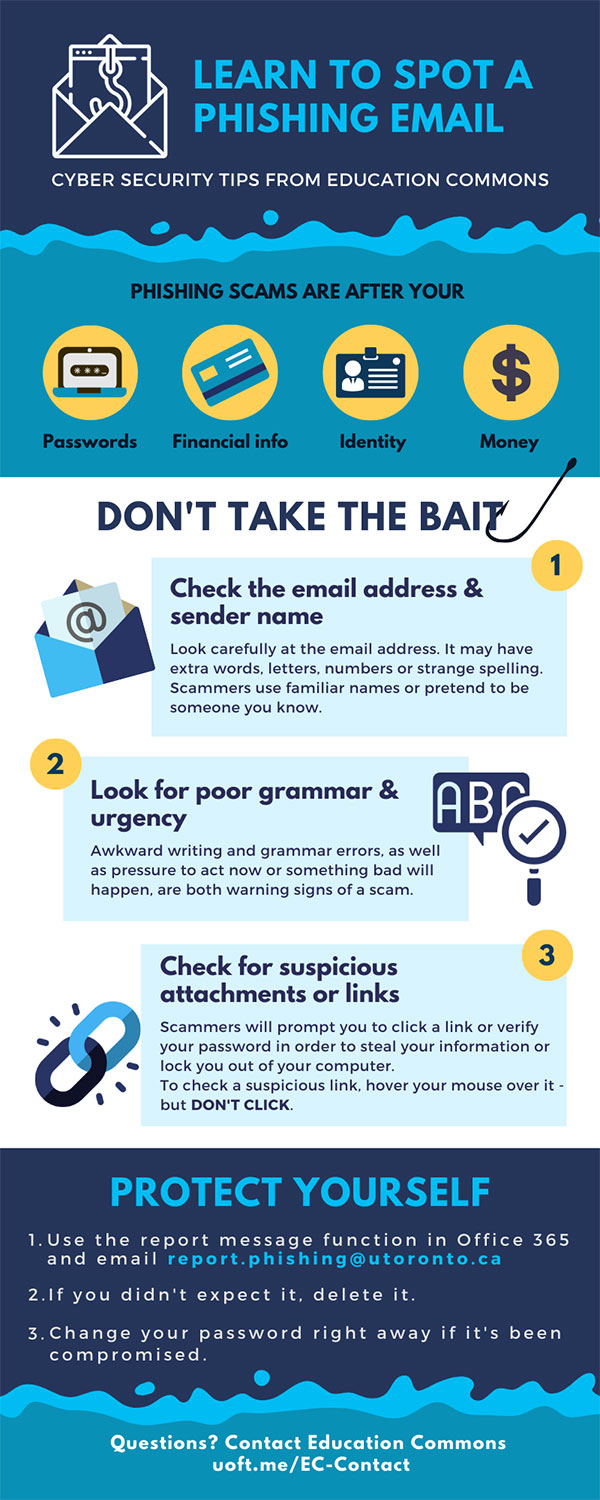
Children and teenagers are naturally resourceful, and overly restrictive technical filters frequently backfire by driving them toward workarounds like proxy sites or unmonitored devices. When adults rely entirely on blanket bans, students lose the opportunity to practice safe decision-making under guidance. Instead of shutting down conversations with punitive measures, frame digital missteps as teachable moments. If a student accidentally inputs credentials into a suspicious form, keep the reaction calm: immediately change the compromised password, review account activity logs together, and discuss exactly which visual cue—such as a misspelled domain name or an unusual sense of urgency—was missed. Fostering a supportive reporting culture ensures kids come forward immediately rather than hiding digital security incidents out of fear.
Parent and Educator Questions on Fraudulent Digital Scams
At what age should we start teaching kids about online deception?
Basic awareness can begin as early as kindergarten or first grade by teaching children never to click pop-ups or download games without asking an adult. As students enter upper elementary and middle school, lessons should expand into analyzing sender addresses, recognizing social engineering tactics, and evaluating the trustworthiness of links.
What should a student do immediately if they suspect they clicked a bad link?
The golden rule is pause, do not panic, and tell an adult immediately. Students should close the browser window, avoid entering any further personal information, and alert a parent, teacher, or school technology specialist so they can run security checks and update credentials.
How do we distinguish between harmless website glitches and actual phishing attacks?
Phishing attacks typically involve an emotional trigger—such as fear of account closure or excitement over winning a prize—paired with a demand for immediate action or personal credentials. Regular technical glitches rarely ask users to log in again or verify their identities through random links.
Explore Additional Online Safety Resources
Safeguarding the next generation online requires ongoing collaboration between educators, caregivers, and community leaders. To discover more practical guides, classroom toolkits, and interactive learning materials tailored to digital literacy, visit us at SafeWiredSchools.org.
Visual Reference Gallery