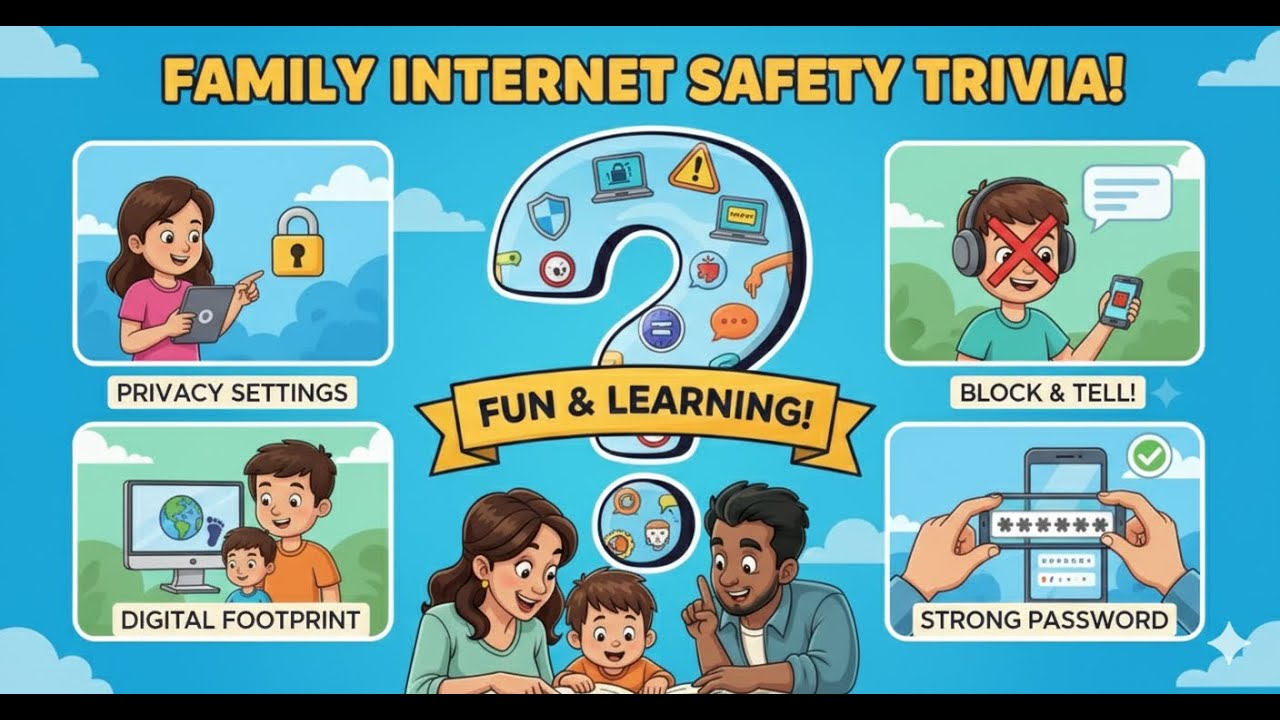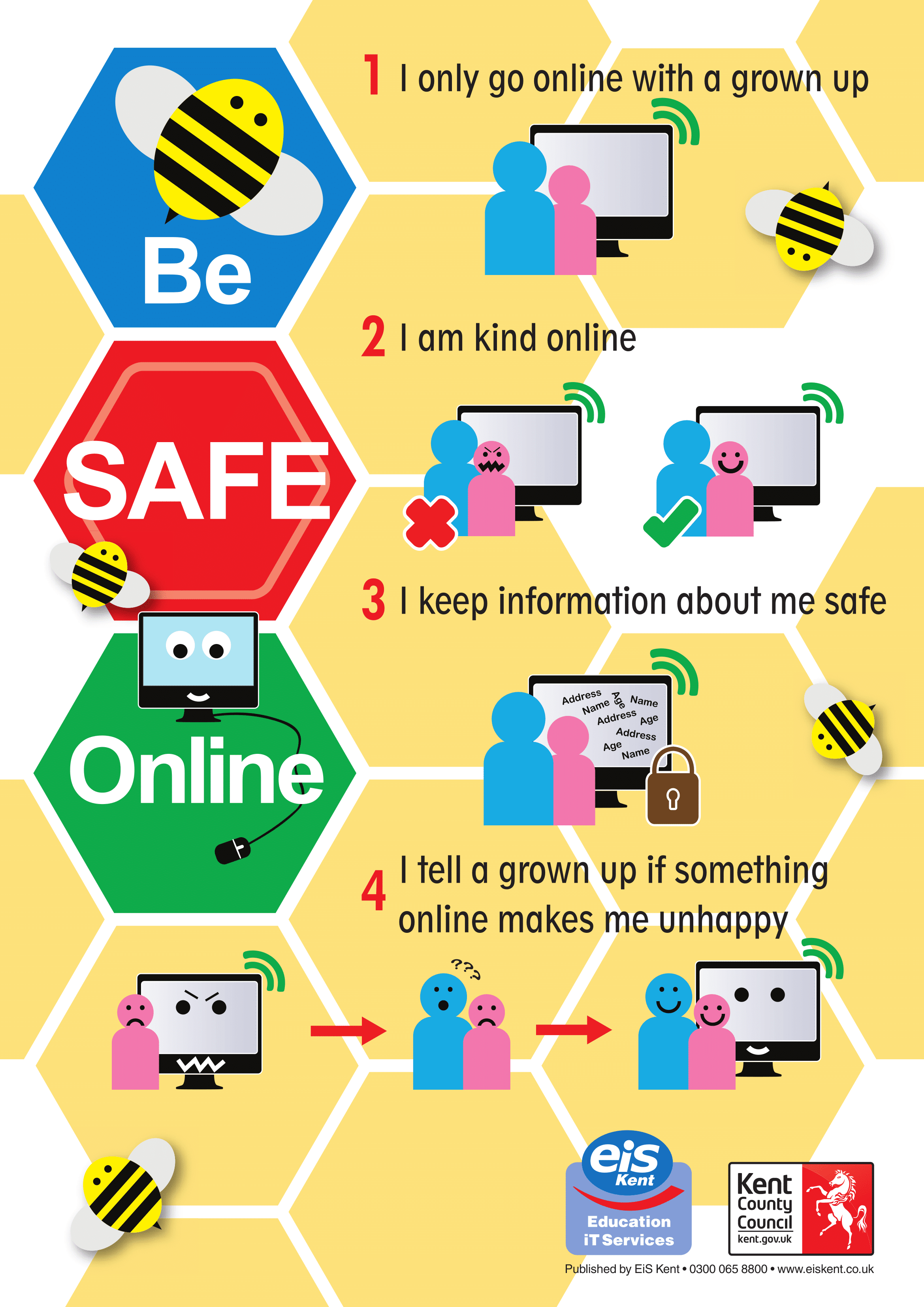
Why Visualizing Stranger Danger Matters for Modern K-12 Students
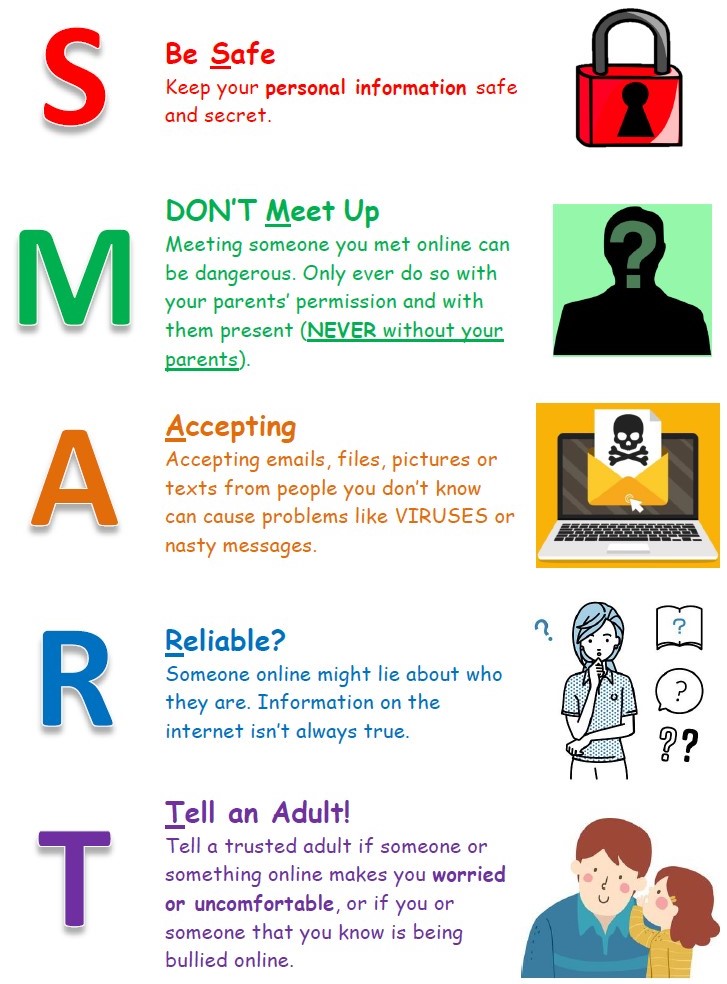
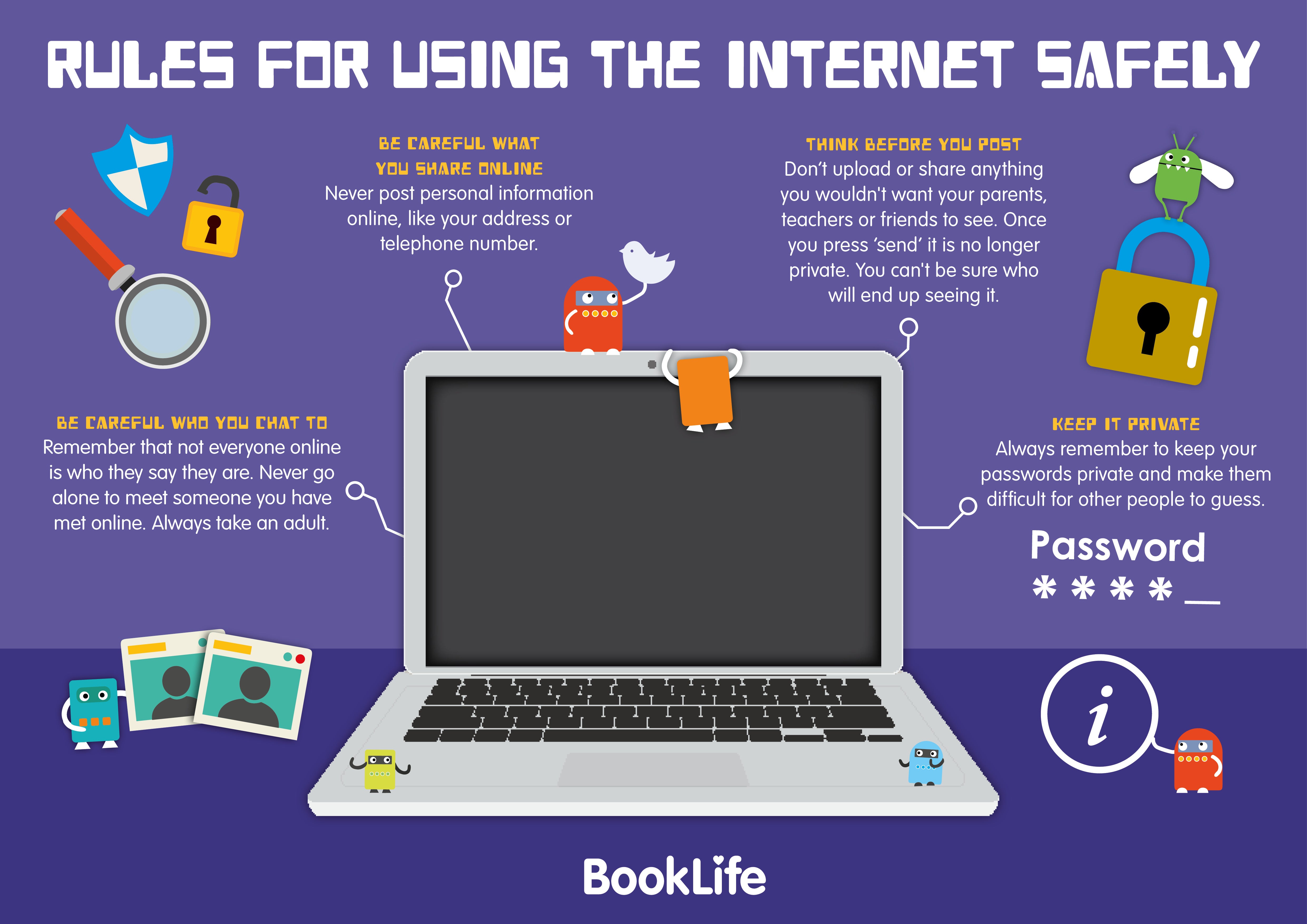
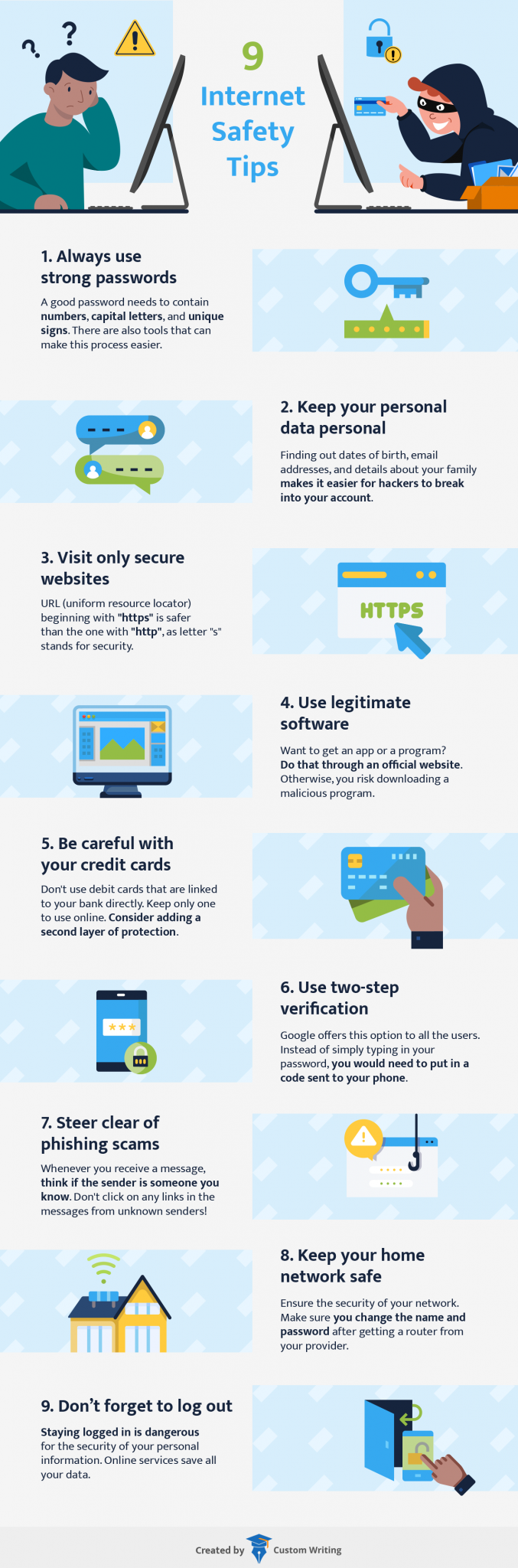
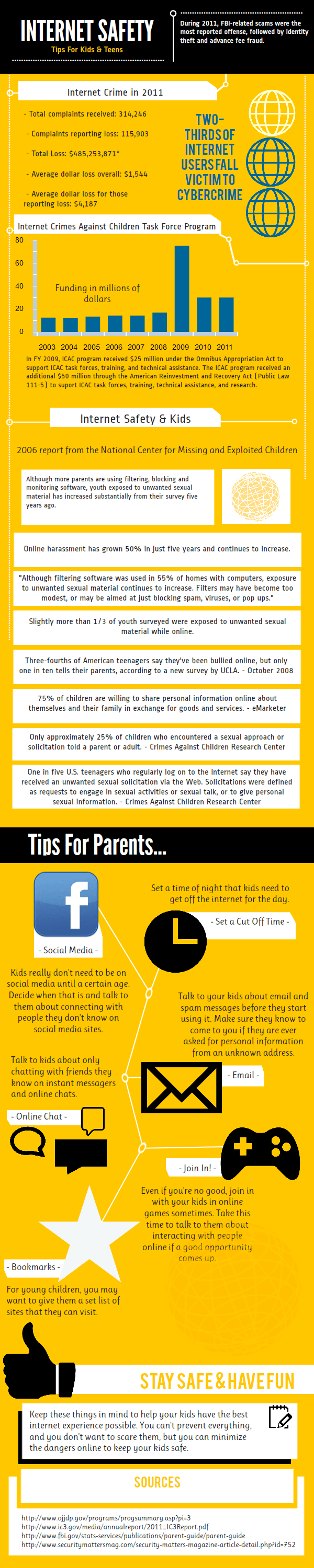
As children navigate multiplayer video games, shared study apps, and social platforms, the boundary between friendly peers and dangerous strangers often blurs. Young users frequently underestimate how easily bad actors manipulate online identities. According to youth privacy guidance from organizations like ConnectSafely and the Federal Trade Commission, visual learning tools help bridge the gap between abstract internet warnings and real-world caution. Relying on an infographic for internet safety on not meeting guys you just met from online gives educators and parents a clear, non-judgmental anchor for discussing grooming tactics, fake profiles, and the absolute rule against offline meetups with internet acquaintances.
💡 Educational Key Takeaways:
- Core Skill: Structured Infographic For Internet Safety On Not Meeting Guys You Just Met From Online focused on developing pencil grip, stroke control, and early literacy/math confidence.
- Target Scope: Suited for homeschoolers, preschool, kindergarten, and elementary learners.
- Best Recommendation: Practice 10–15 minutes daily with ergonomic writing tools to reinforce muscle memory without hand fatigue.
Red Flags, Hidden Risks, and Protective Tech Guardrails
Protecting students requires looking at both human behavior and device security settings. Whether students are browsing on home tablets or school-issued Chromebooks, technical boundaries must be paired with clear visual cues that highlight potential manipulation. Related guide: Teachers Of Grades 9–12 Should Expand Internet Safety Instruction To Include Which Of The Following Topics?.
| Setting / Context | Common Vulnerability | Practical Safeguard |
|---|---|---|
| Home Devices & Phones | Location sharing enabled in photo metadata and messaging apps. | Disable GPS tagging across all social and gaming apps; review privacy defaults monthly. |
| School Chromebooks & Tablets | Bypassing web filters using unmonitored proxy extensions during free periods. | Enforce strict district-level extensions and pair monitoring with regular check-ins from teachers. |
| Social Media & Chat Apps | Accepting private direct messages from unknown users offering gifts or validation. | Use an Internet and Digital Safety checklist to establish rules against direct messaging strangers. |
Establishing Clear Boundaries and Trust-Based Home Routines
Rules work best when they are transparent and paired with supportive communication. Instead of relying solely on secretive surveillance, families and schools should build predictable routines that encourage students to speak up. Establish a central evening charging station in a common family area to eliminate hidden late-night chats. Integrate practical resources such as Online and Digital Safety activity sheets to guide classroom discussions without causing panic. Remind children that if anyone they met online asks to meet in person, keeps a secret, or asks for photos, they must tell a trusted adult immediately without fear of losing their device privileges.
When adults implement strict blocks on messaging apps, tech-savvy students often find workarounds, such as using shared Google Docs or hidden calculator apps to chat with online acquaintances. Overly punitive bans often backfire by driving children underground, making them reluctant to report dangerous situations out of fear of punishment. When you discover a secret online connection, resist the urge to immediately scream or confiscate devices in anger. Instead, remain calm, investigate the context together, and use the moment to reinforce why an infographic for internet safety on not meeting guys you just met from online emphasizes personal physical boundaries over virtual trust.
Frequently Asked Questions From Educators and Parents
What is the best way to introduce an infographic for internet safety on not meeting guys you just met from online to middle schoolers?
Introduce the visual guide during a neutral advisory period or family meeting by focusing on how online profiles can easily be faked. Frame the conversation around protecting personal privacy rather than accusing them of breaking rules, making it easier for them to absorb the core message.
How should schools handle a situation where a student admits to planning an offline meetup with an online contact?
Treat the disclosure with immediate seriousness, keep calm, and involve school administration and local law enforcement or school resource officers if there is an imminent threat. Reassure the student that telling an adult was the right, courageous choice that kept them safe.
Can younger elementary students grasp the concept of internet strangers?
Yes, by using simple analogies that compare online spaces to public parks where people might not always use their real names. Keep lessons focused on basic rules like never sharing home addresses, full names, or schedules with anyone outside their immediate family circle.
Empowering Students with Ongoing Digital Citizenship Resources
Keeping children safe in a connected world requires consistent reinforcement, open dialogue, and accessible educational materials at both school and home. To discover more lesson plans, printable activities, and expert guidance on protecting young digital citizens, visit SafeWiredSchools.org today.
Visual Reference Gallery