Why Precision Language Matters in Youth Tech Education
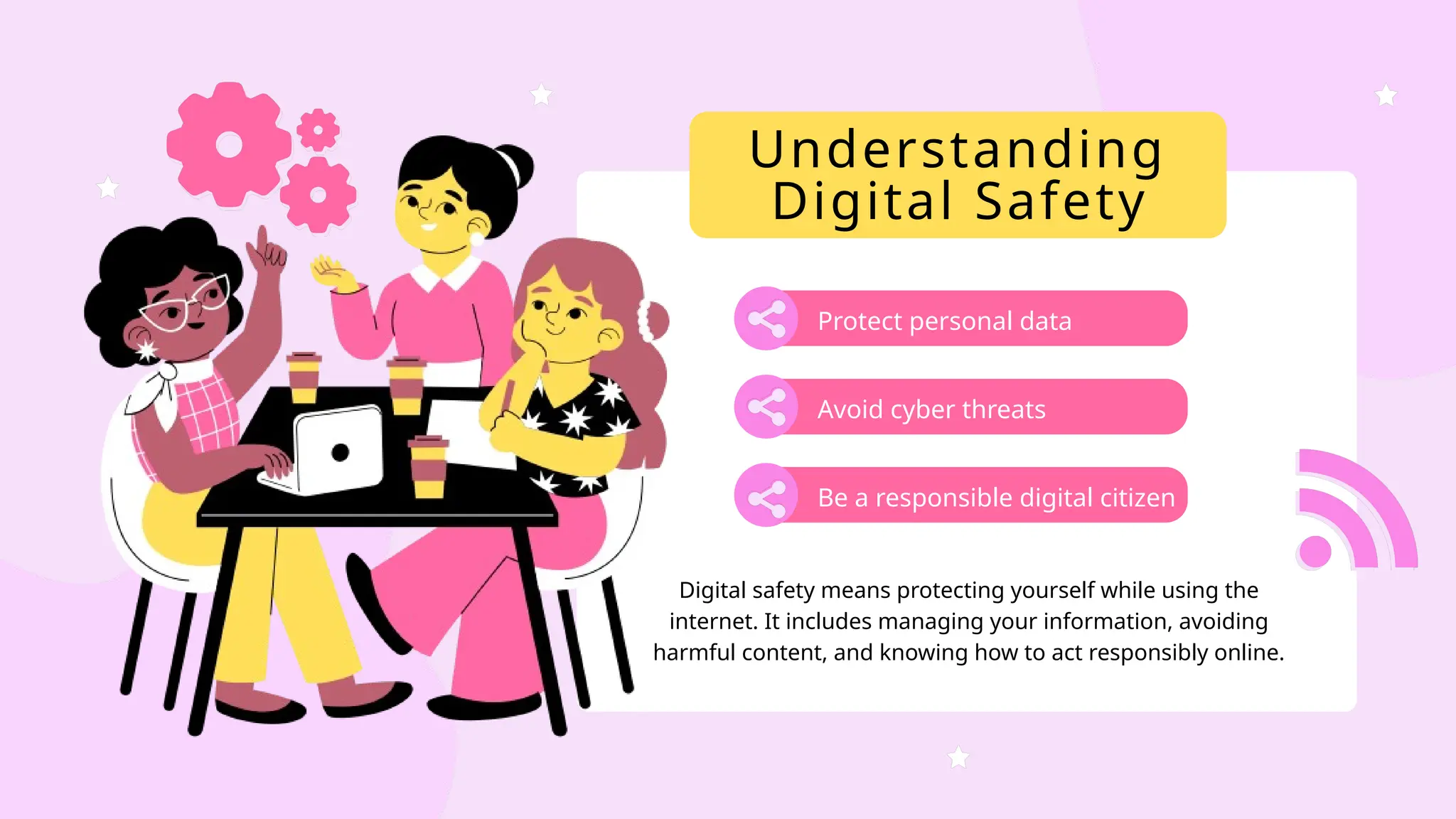
When adults talk past each other about online dangers, young people tune out. Navigating the modern internet safely requires clear, shared definitions that bridge the gap between home and the classroom. According to youth privacy guidance from organizations like ConnectSafely and the Federal Trade Commission, using accurate phrasing helps adults address actual digital behaviors rather than relying on outdated panic. Whether you are managing classroom tablets or home Wi-Fi, understanding digital safety for youth best terminology ensures that parents, teachers, and school administrators are speaking the exact same language when addressing online risks. Related guide: Teachers Of Grades 9–12 Should Expand Internet Safety Instruction To Include Which Of The Following Topics?.
💡 Educational Key Takeaways:
- Core Skill: Structured Digital Safety For Youth Best Terminology focused on developing pencil grip, stroke control, and early literacy/math confidence.
- Target Scope: Suited for homeschoolers, preschool, kindergarten, and elementary learners.
- Best Recommendation: Practice 10–15 minutes daily with ergonomic writing tools to reinforce muscle memory without hand fatigue.
Breaking Down Technical Signals and Behavioral Guardrails
Identifying online risks early requires looking at both device settings and everyday habits. The breakdown below details common vulnerabilities across different environments and outlines the concrete safeguards adults can implement immediately to protect students.
| Setting / Context | Common Vulnerability | Practical Safeguard |
|---|---|---|
| Home Devices | Unmonitored late-night browsing and unfiltered access to public chat platforms. | Establish a centralized overnight charging station outside bedrooms and utilize router-level content filters. |
| School Chromebooks | Bypassing network extensions or sharing login credentials with peers. | Enforce strict single-sign-on policies and review CISA recommendations for proactive endpoint security. |
| Social and Chat Habits | Accidental data oversharing or interacting with unverified peer profiles. | Review privacy settings together and practice evaluating digital footprints using our Worksheets. |
Daily Routines That Reinforce Healthy Digital Habits
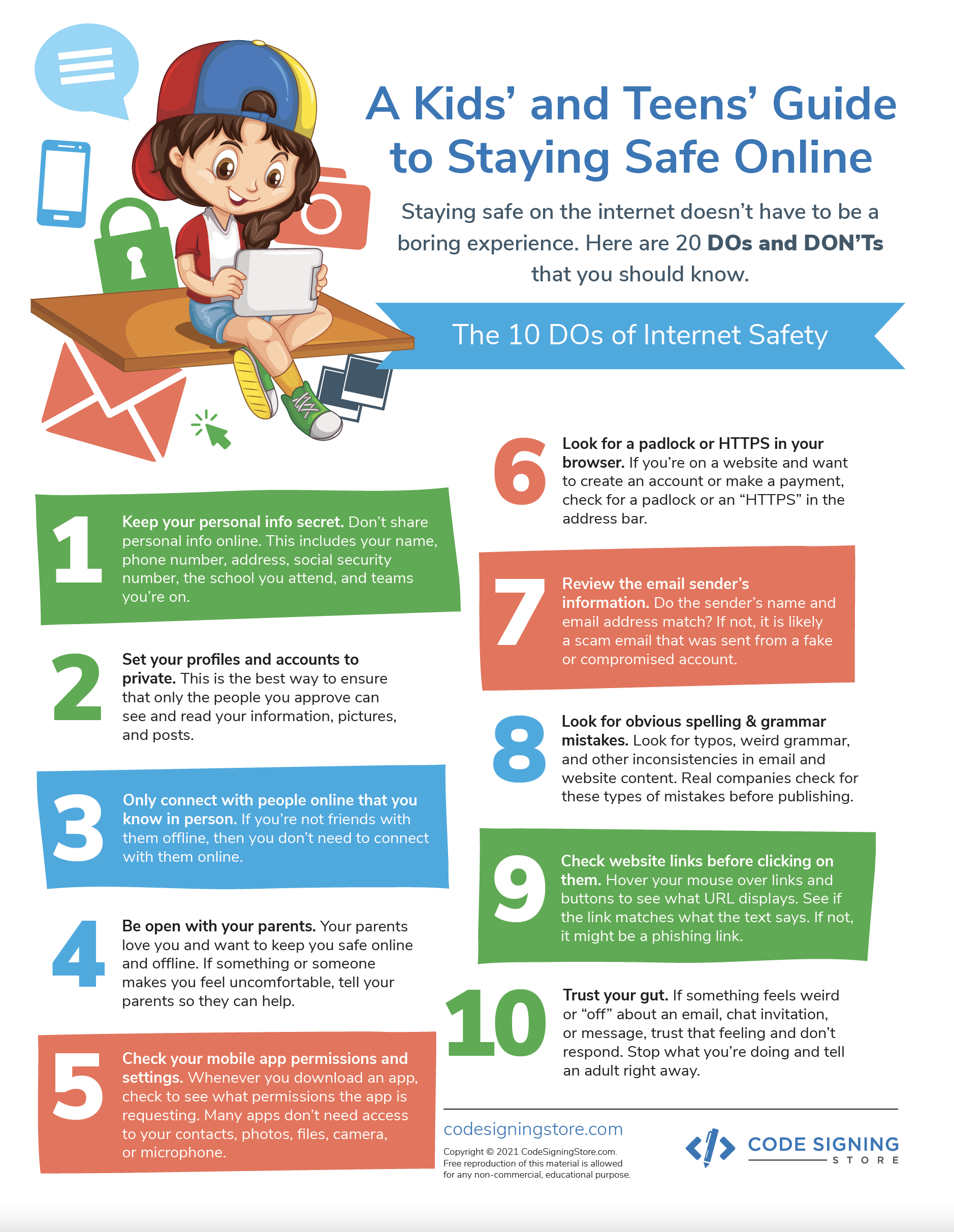
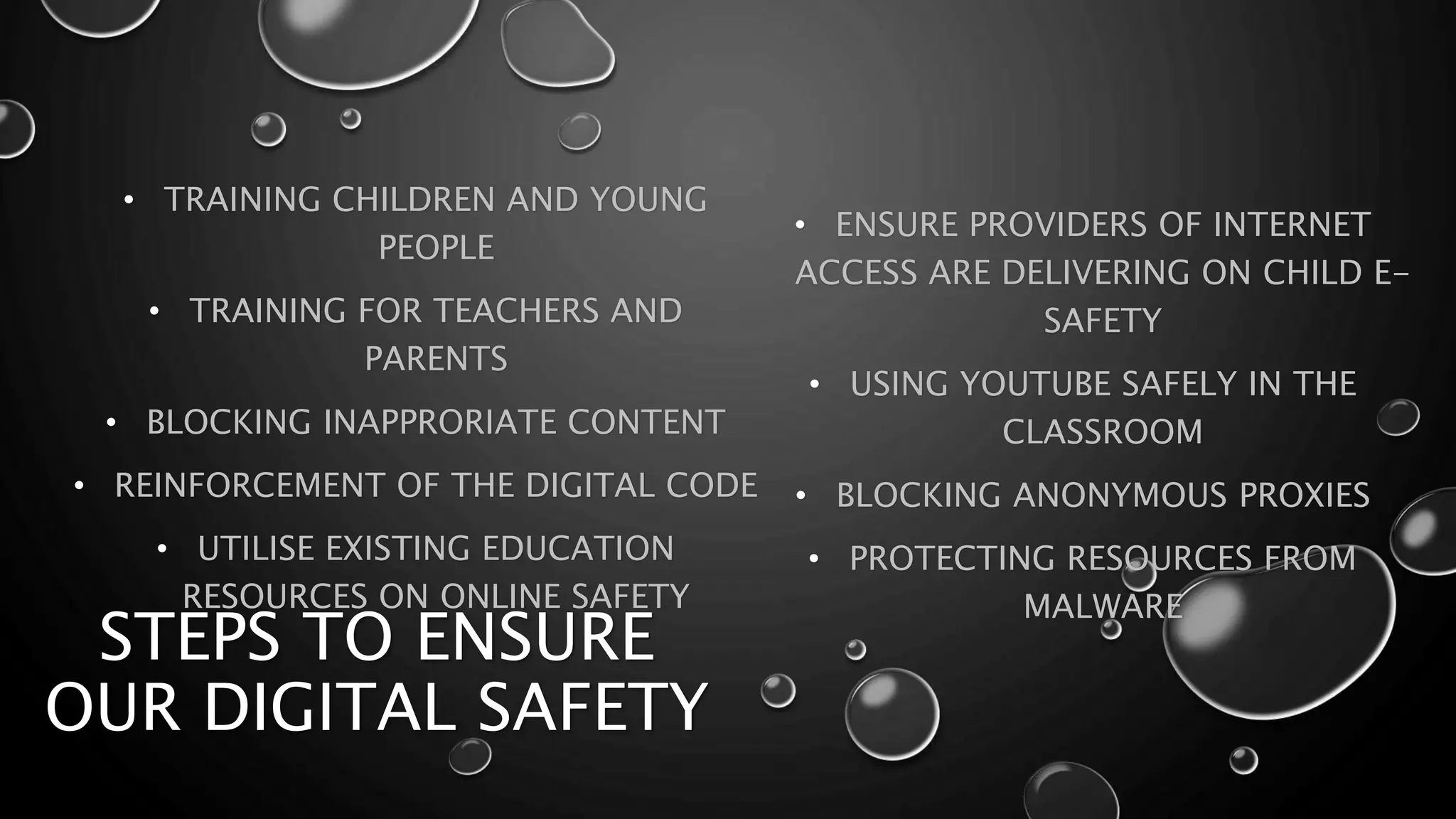
Technical controls alone cannot prevent every online mistake; consistent human habits are equally essential. Schools and families can partner by establishing predictable routines that normalize safe tech use. Start by setting clear expectations around device handling during instructional time and downtime at home. Incorporate two-factor authentication on all personal and school-issued accounts to prevent unauthorized access. Most importantly, create a blame-free reporting workflow so that if a student encounters cyberbullying, inappropriate content, or suspicious direct messages, they feel comfortable telling an adult immediately without fear of losing their device privileges.
When educators or parents clamp down with overly restrictive internet blocks, youth often find clever workarounds like proxy sites or hidden apps. Total bans frequently backfire because they drive student behavior underground, making it harder to spot genuine distress. Instead of reacting with immediate punishment, pair necessary technical filters with open, calm conversations. Ask students what apps their peers are using and why those platforms appeal to them. Fostering digital citizenship through open dialogue encourages kids to self-regulate and report problems voluntarily, reinforcing positive habits highlighted in our Internet and Digital Safety hub.
Common Questions from Parents and Educators
How early should we introduce digital safety concepts to children?
Conversations should begin the moment a child interacts with a connected device, often in preschool or kindergarten. Keep early lessons simple by focusing on physical device care, asking permission before downloading apps, and understanding that online strangers are still strangers, as emphasized by FOSI youth safety frameworks.
What is the best way to handle accidental exposure to harmful content?
Stay calm and reassure the student that they are not in trouble for seeing something unexpected. Use the moment to review how to close the window, report the issue to a platform administrator, and explore guided lessons found in our Online and Digital Safety collection.
How can schools ensure parents stay aligned with classroom tech rules?
Send home a concise, jargon-free digital agreement at the beginning of the school year. Host brief virtual or in-person workshops to demonstrate the exact filtering tools and terminology teachers use during the instructional day.
Explore More Digital Citizenship Resources
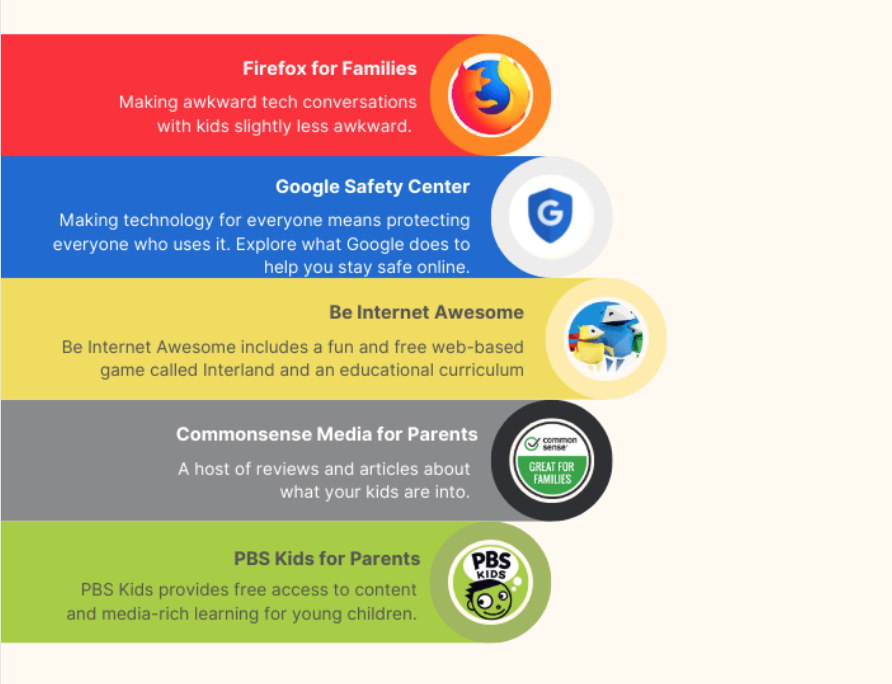
Empowering the next generation of digital citizens is an ongoing collaborative effort between home and school. To access additional printable guides, lesson plans, and expert advice for keeping students secure online, visit SafeWiredSchools.org today.
Visual Reference Gallery