Introduction
Children encounter digital communication long before middle school arrives, often through shared family tablets, multiplayer game chats, or educational platforms. Curiosity frequently leads young users to click unfamiliar links, pop-ups, or simulated messages disguised as game rewards. Building healthy digital habits requires proactive education rather than fear-based restrictions. Introducing the free printable middell school spam email provides a practical entry point for talking about digital literacy. Educators and caregivers need reliable tools to transform confusing online concepts into clear, manageable lessons. Related guide: Digital Bullying Prevention Activities For Young Children.
💡 Educational Key Takeaways:
- Core Skill: Structured Middell School Spam Email focused on developing pencil grip, stroke control, and early literacy/math confidence.
- Target Scope: Suited for homeschoolers, preschool, kindergarten, and elementary learners.
- Best Recommendation: Practice 10–15 minutes daily with ergonomic writing tools to reinforce muscle memory without hand fatigue.
What This Printable Covers
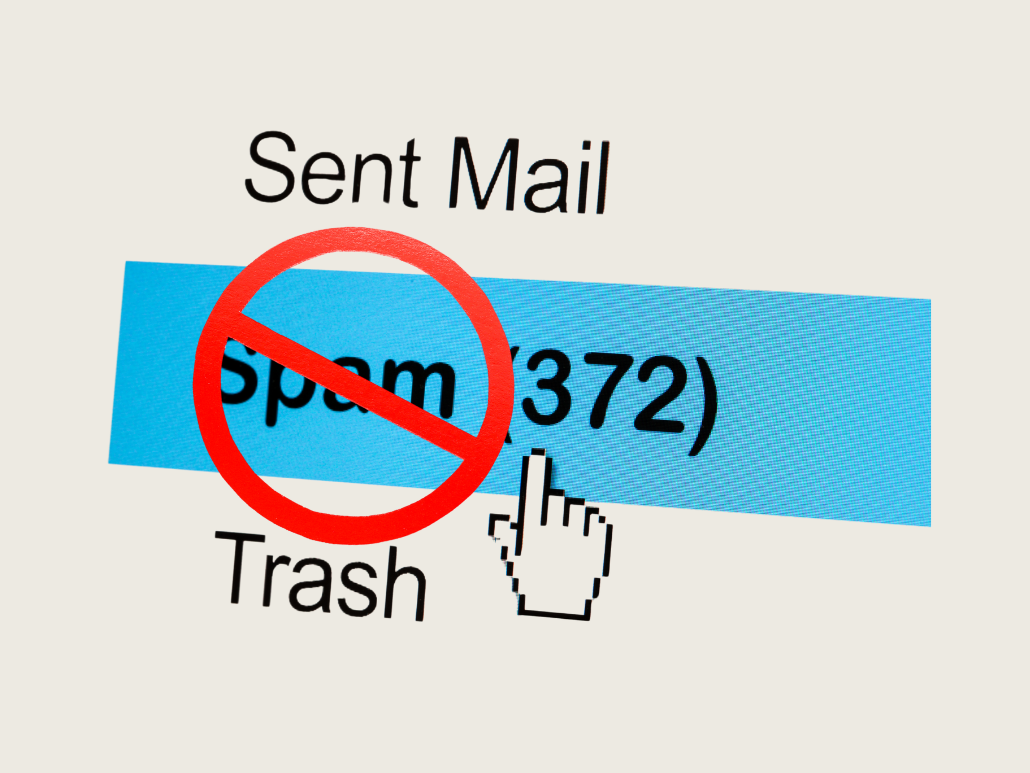
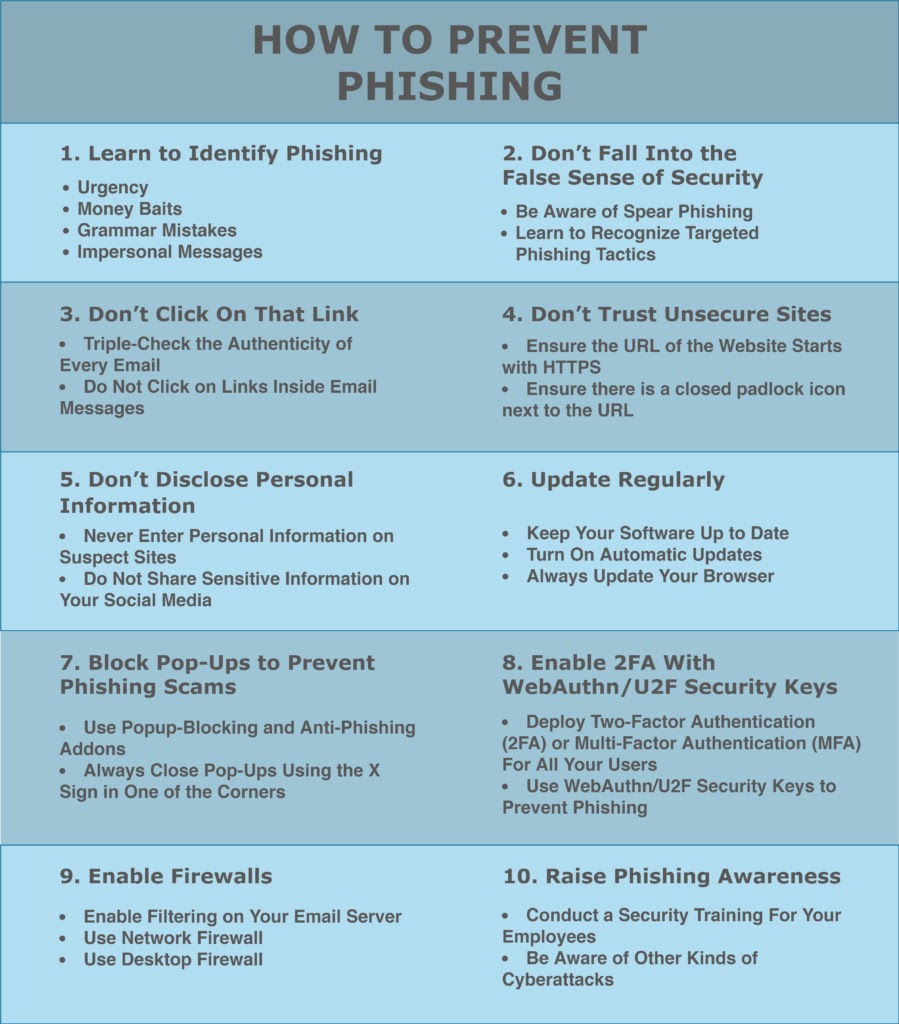
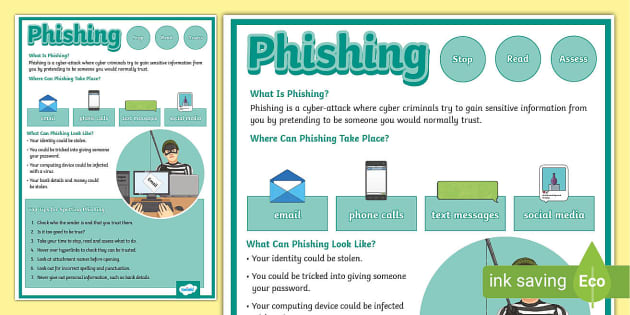
Unsolicited digital messages take many forms, ranging from too-good-to-be-true prize notifications to alarming alerts about accounts. The middell school spam email activity guides children through identifying the common red flags associated with untrusted messages. Instead of learning through a costly mistake on a personal device, students analyze realistic scenarios in a controlled, offline environment. Here’s what makes this resource different: it shifts the focus from avoiding technology to developing critical thinking skills. Recognizing manipulation tactics empowers youngsters to pause, evaluate the source, and consult a trusted adult before clicking anything.
Key Learning Outcomes
Working through these exercises helps learners master specific defensive skills necessary for modern classrooms and homes. According to the Federal Trade Commission, fraudulent online communications frequently target younger demographics with promises of free virtual currency or rare in-game items. Children learn to spot urgent language, suspicious sender addresses, and requests for personal identifying information. Another crucial lesson centers on emotional regulation, specifically teaching students that urgency is often a trick designed to bypass careful thought. Young users discover that keeping private details secure protects both their devices and their personal well-being.
How to Use This Printable
Flexible formats allow this resource to fit seamlessly into morning meeting rotations, library media classes, or kitchen table discussions. Adults can distribute the sheets as independent reading tasks or collaborative small-group challenges where peers debate whether a sample message is safe. It sounds simple, and that’s the point. Grounded conversations bloom naturally when children examine physical printouts without the distraction of glowing screens. Adults should encourage learners to voice their thoughts aloud, transforming a quiet worksheet into an engaging, interactive dialogue about internet navigation.
Practical Tips for Parents and Teachers
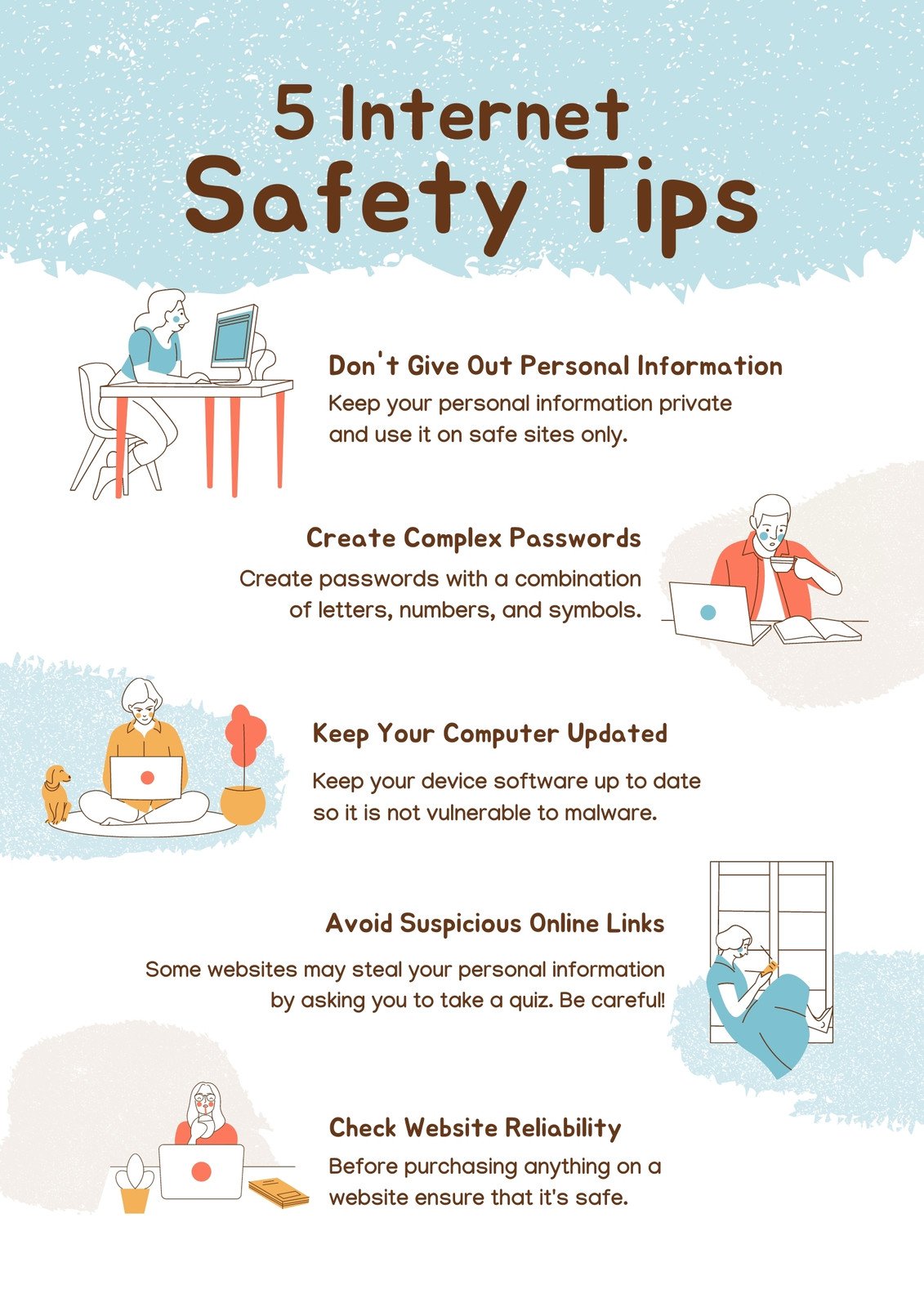
Establishing a judgment-free zone is vital for effective digital citizenship training. Children are never in trouble for reporting an uncomfortable online encounter or admitting they clicked something suspicious. Educators and families can explore related exercises by visiting interactive student activities to reinforce these concepts regularly. Adults should model good behavior by narrating their own decision-making processes when managing unwanted messages in personal inboxes. Consistency between school expectations and home rules solidifies these protective habits over time.
Age-Appropriate Recommendations
Upper elementary and early middle school students possess the cognitive development required to understand basic digital manipulation. Aligning instruction with the Common Sense Education Digital Citizenship Curriculum ensures that lessons match developmental milestones regarding online peer interactions and privacy management. Younger learners benefit from concrete definitions of personal information, while older students can dissect more sophisticated social engineering tactics. For broader instructional support, exploring comprehensive internet guidelines helps adults tailor expectations to specific age groups. Safety is an ongoing practice of skill-building, not a one-time conversation.
Young internet users frequently encounter deceptive pop-ups and unsolicited messages during daily gaming and browsing activities. — Federal Trade Commission
Frequently Asked Questions
Clear answers help educators and families implement digital safety lessons with confidence. How do adults download and print the activity? Access the file directly from the browser, save it to a local device, and send it to any standard home or classroom printer. How does the resource support online safety learning? It builds critical thinking skills by helping students identify manipulation tactics and red flags in a safe, offline setting. What guidance does the National Center for Missing & Exploited Children provide regarding digital communication? According to the National Center for Missing & Exploited Children, open communication between youth and trusted adults remains the most effective defense against online risks.
Explore More Free Kids Online Safety Printables
Expanding a digital citizenship library ensures children receive continuous reinforcement throughout the academic year. Educators often combine text-based exercises with visual tools found within the creative safety illustrations collection to engage younger learners. Additional resources are regularly updated under essential safety lessons to address emerging online trends. Providing diverse learning materials equips the next generation to navigate the digital world safely, wisely, and with complete confidence.
Developmental Milestone & Activity Table
| Development Stage | Recommended Daily Duration | Primary Learning Objective |
|---|---|---|
| Preschool & Pre-K | 10 – 15 Minutes | Pencil grip development & basic pre-stroke lines |
| Kindergarten | 15 – 20 Minutes | Letter/number formation & spatial line awareness |
| Early Elementary (Grade 1–2) | 20 – 30 Minutes | Fluency, sentence construction & neatness |
Images References